
Make your AI zombie trend video
Add a photo of you and one of who you’d never leave behind. You get a 15-second video with sound: they turn, you can’t shoot, then a hard cut to your best day.
Two photos in. This comes out.
Twelve films, four worlds, every kind of pair, each from two photos. Tap one for sound, or make one like it.
Pick a world
Where the two of you meet again, how you reach each other across the cut, and the memory it lands in.
Abandoned street, falling ash , cuts to Your best day
Chosen
Snow-buried town , cuts to Summer meadow
Use this world
Abandoned mall at night , cuts to Summer night fair
Use this world
Empty metro platform , cuts to Kitchen slow dance
Use this world
What happens in 15 seconds
Every video follows the trend’s four beats, with the sound already cut in. You choose who’s in it and the world.
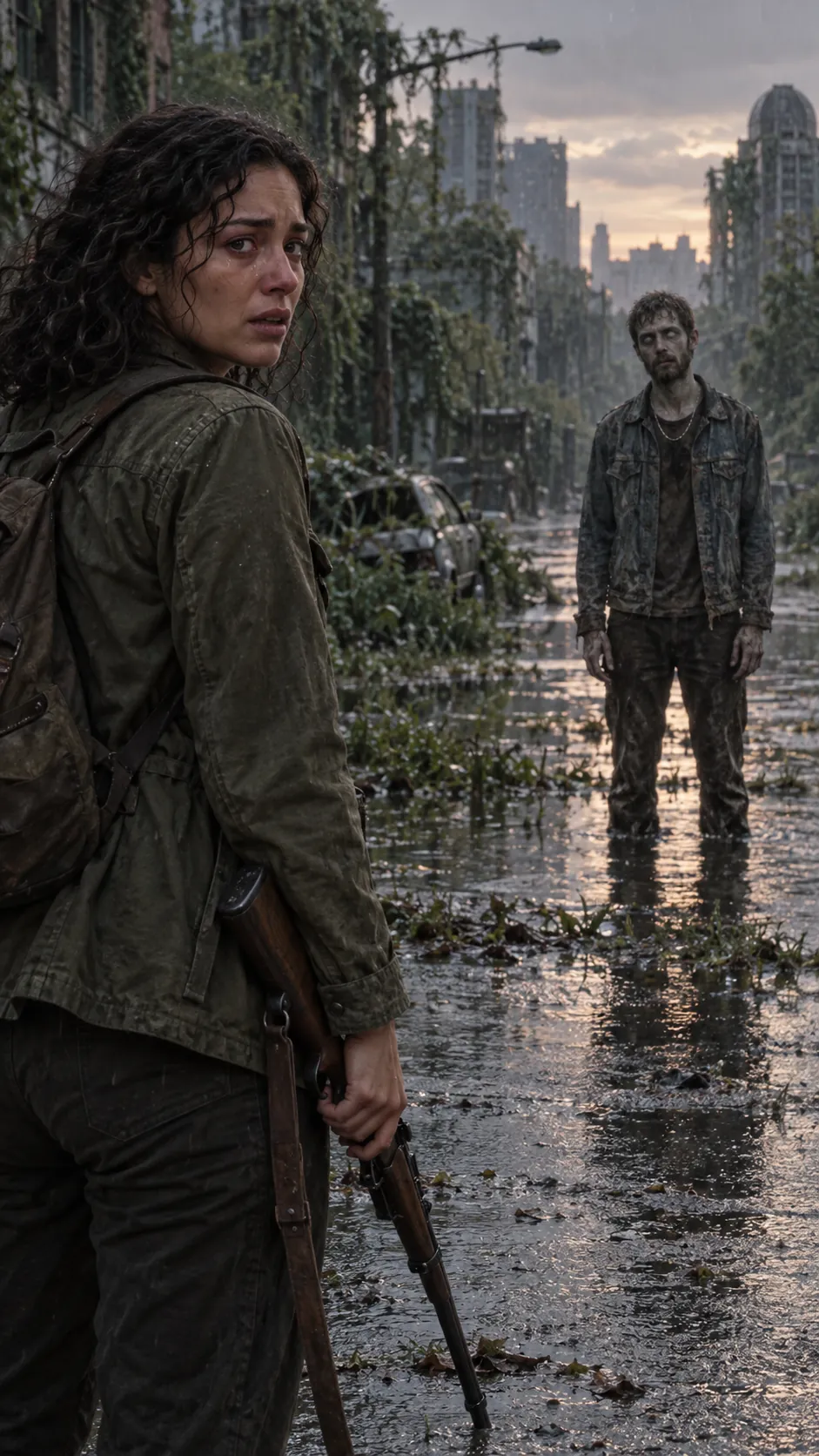 0:00–0:03
The choice
One of you has turned. The other has the gun, the promise and every reason, and can’t do it.
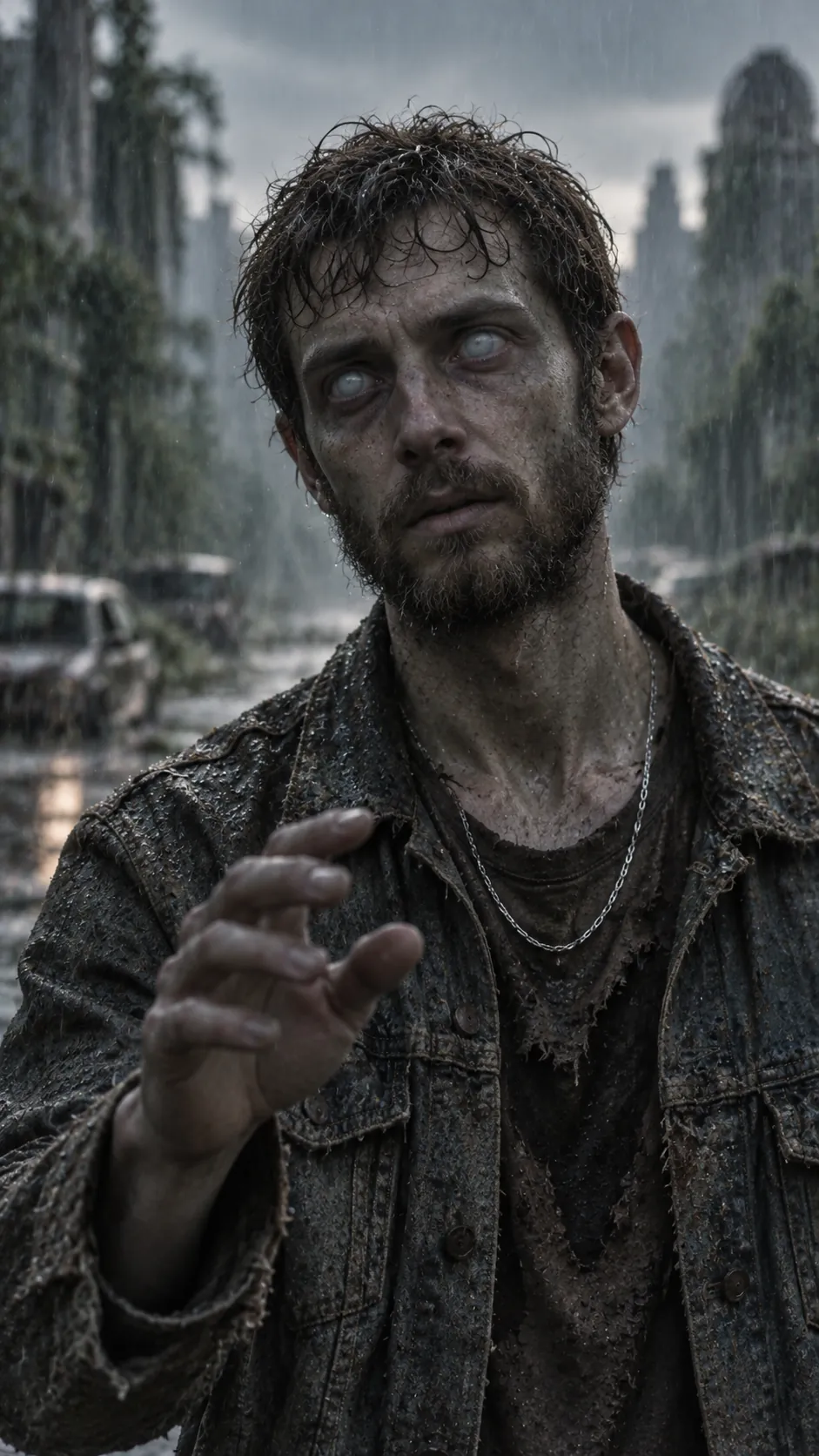 0:03–0:05
Recognition
Something behind those clouded eyes still knows a name, and the ring is still on.
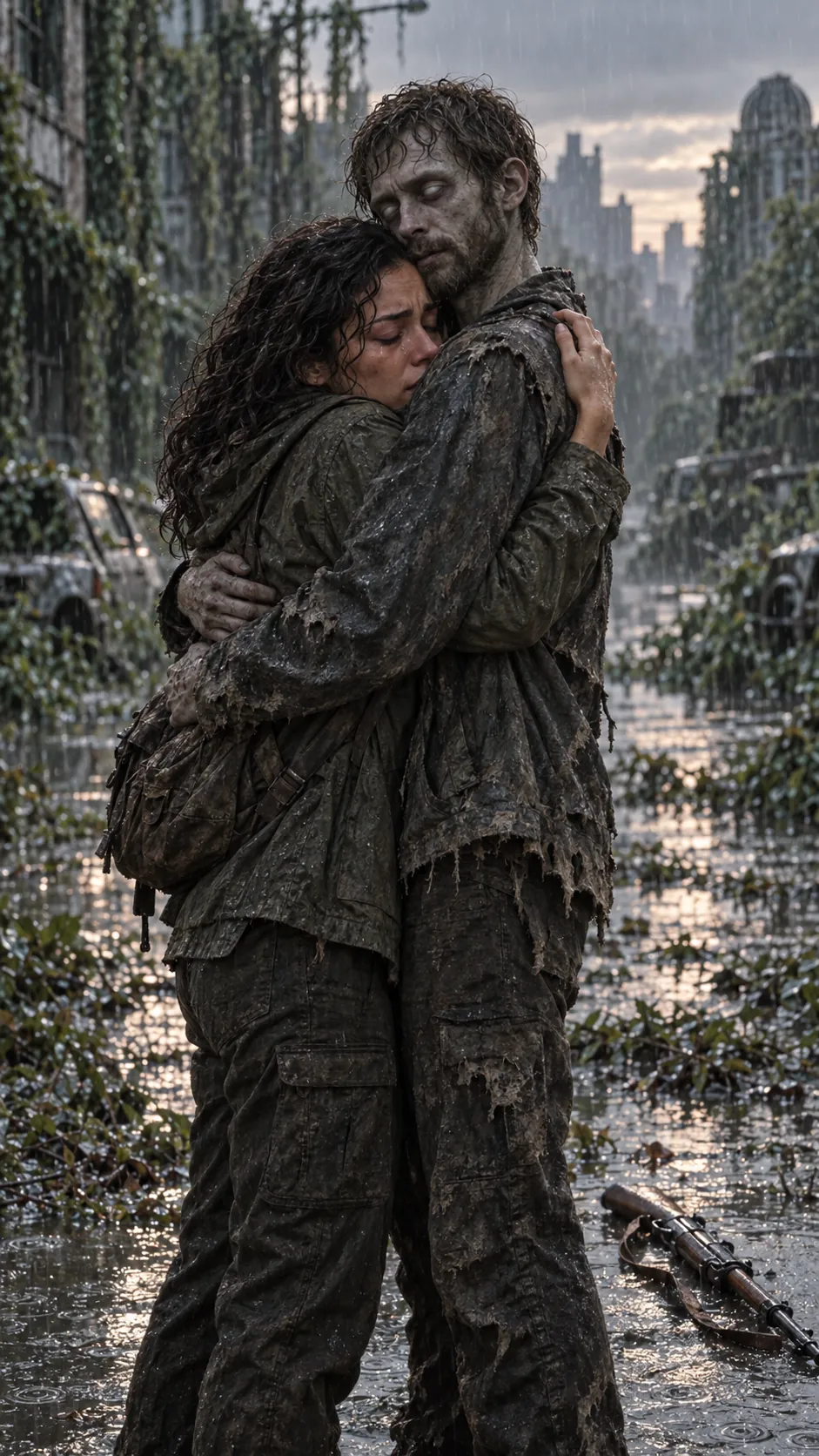 0:05–0:08
The embrace
The gun hits the ground. Arms open. The one who turned runs to meet them.
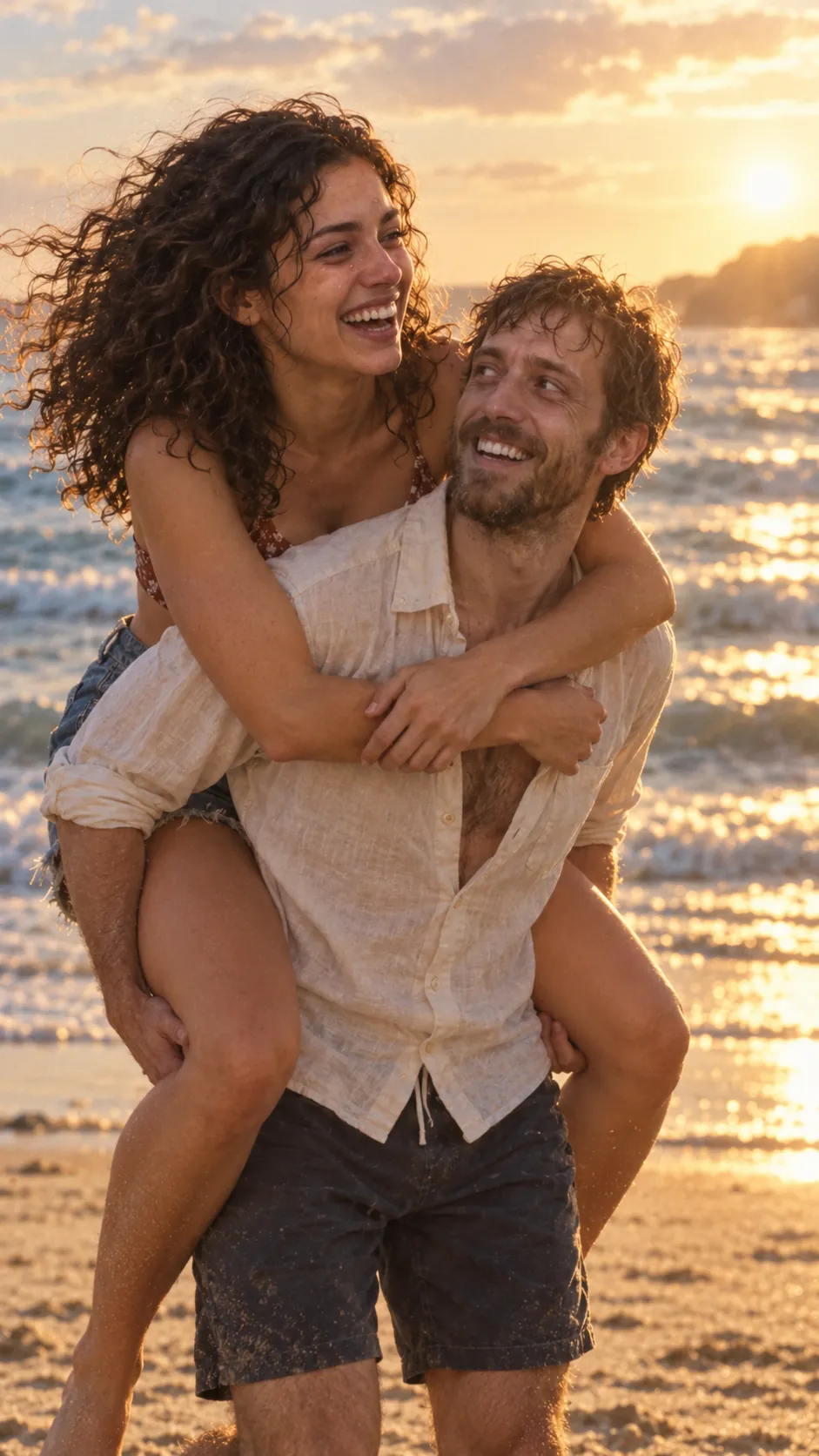 0:08–0:15
The cut
Hard cut to a warm memory of the two of you on your best day.
Templates for everyone you’d hold on to
Couples started it. Pets made it cry. Every template uses the same two photos.
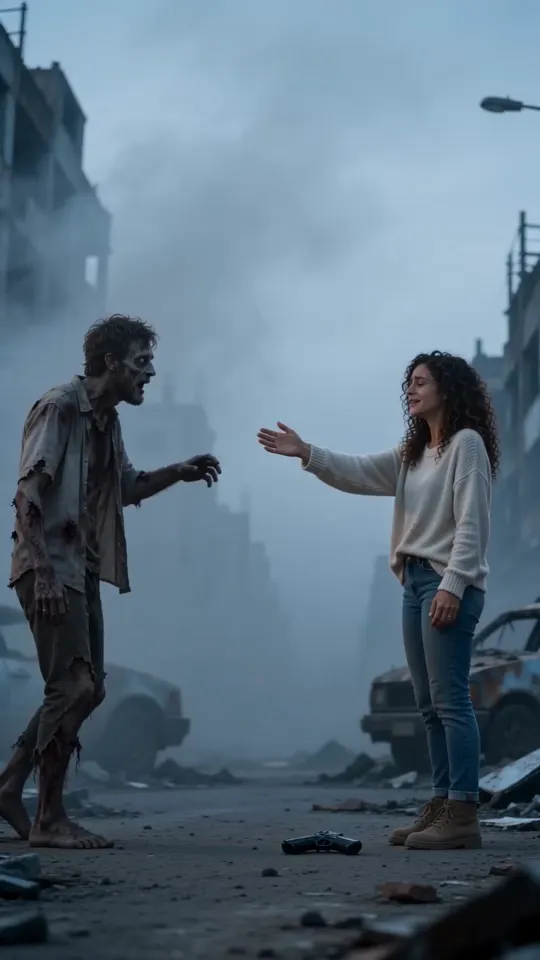
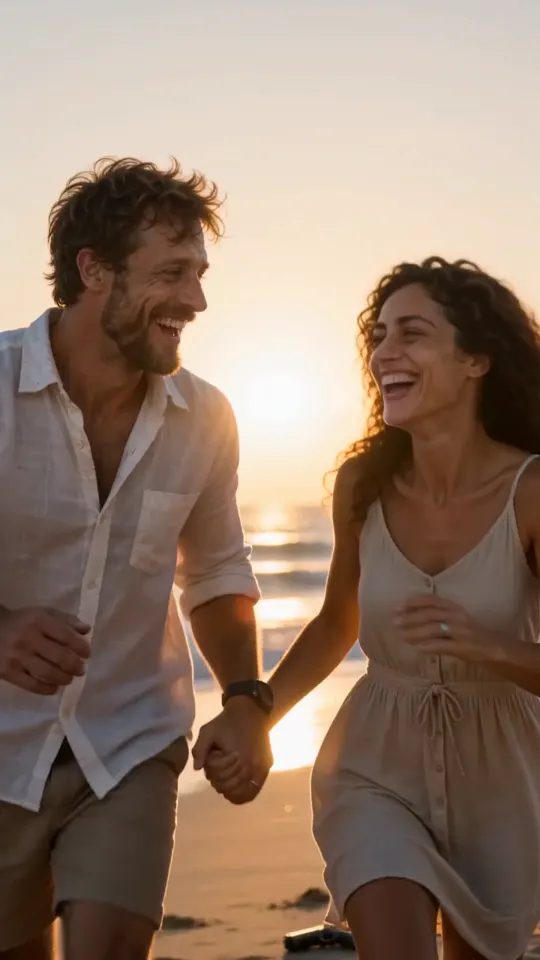
Couples
The original zombie hug. One of you turns, the other can’t let go, and the video cuts to a warm memory of the two of you. Each world ends on its own.
Four worlds, four endings · Sample: Ash street
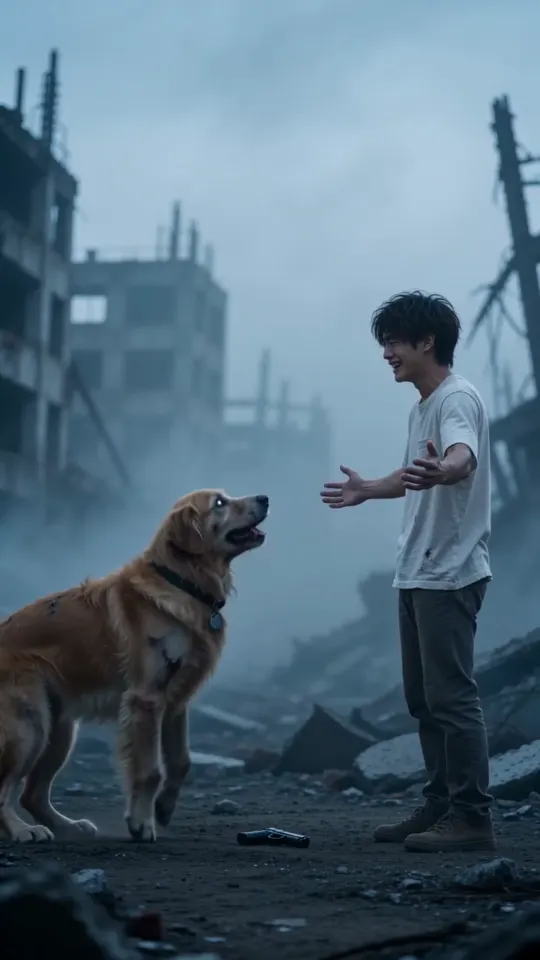
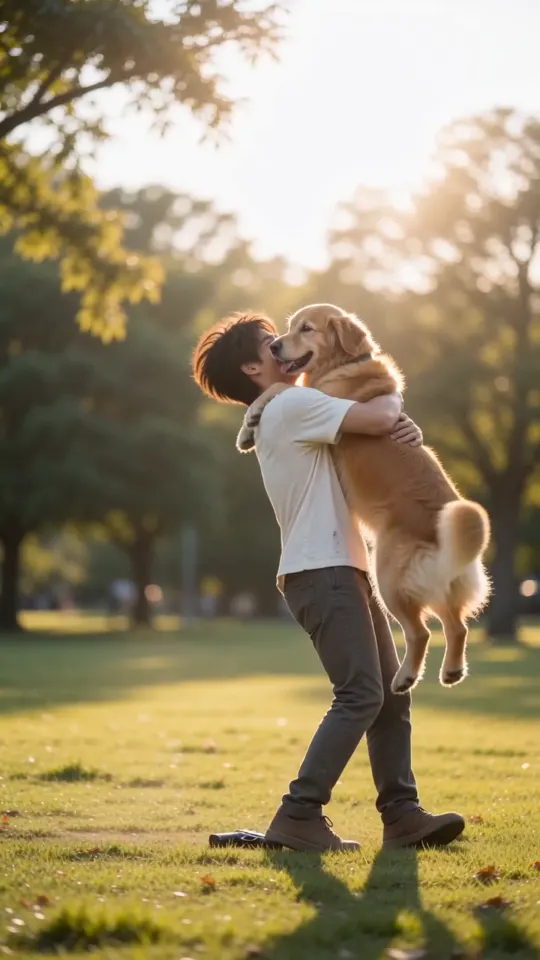
Dog & owner
Your dog turns, and still knows exactly who you are. The cut lands on a sunny day together, a different one in every world.
Four worlds, four endings · Sample: Ash street
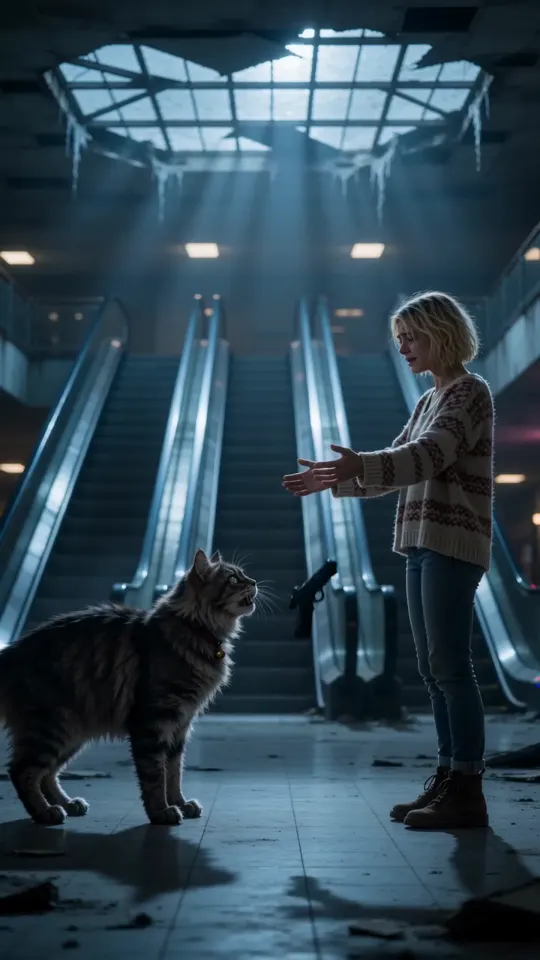
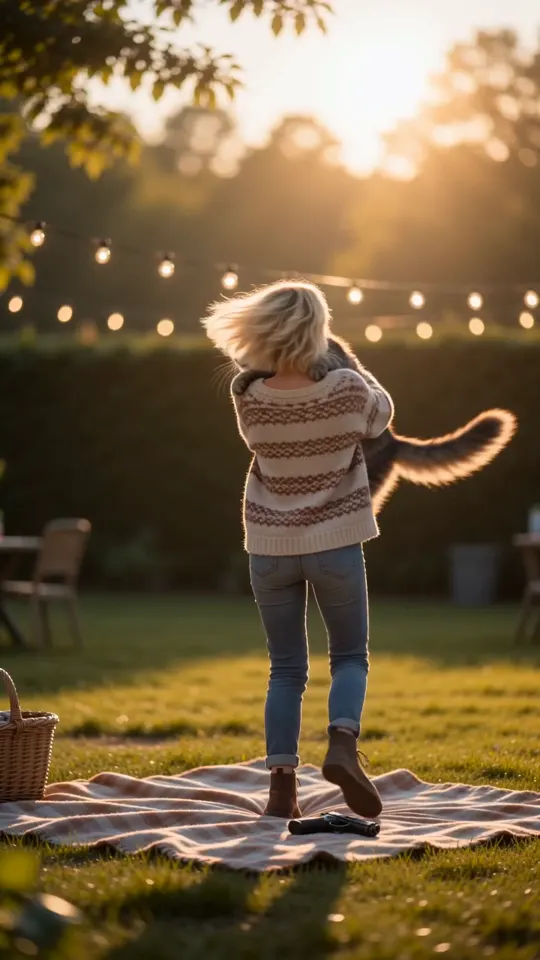
Cat & owner
Your cat turns, ignores you on principle, then climbs into your arms anyway. The cut lands on a warm day together, a different one in every world.
Four worlds, four endings · Sample: Dead mall
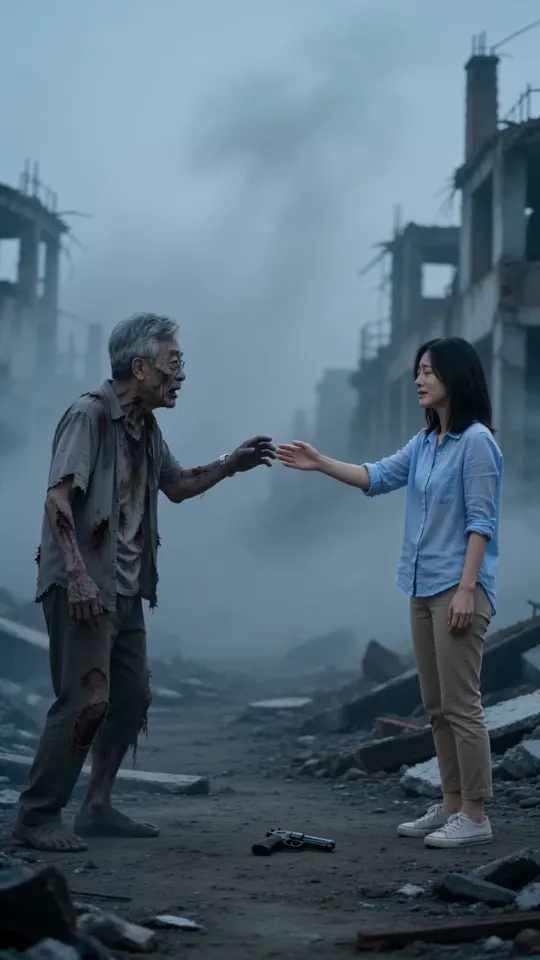
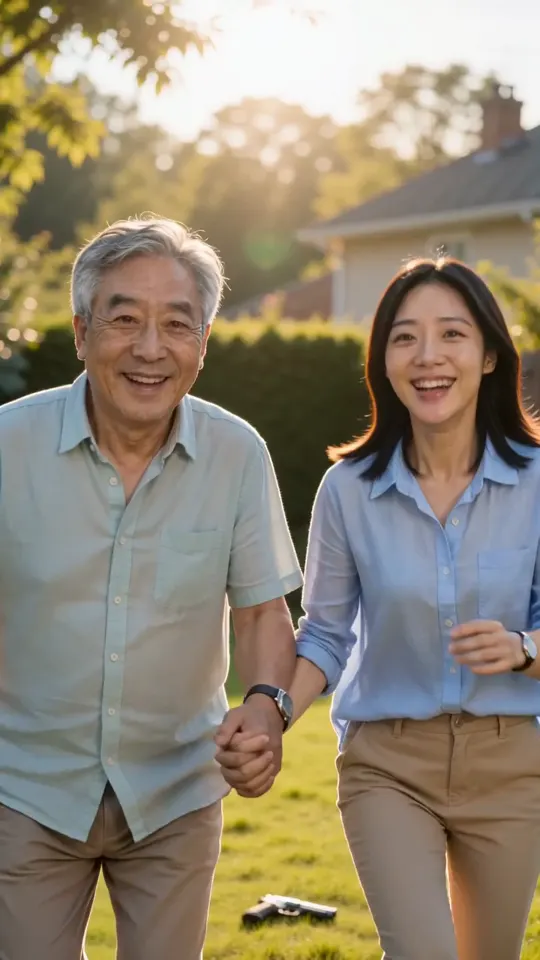
Parent & child
For grown-up kids and the parents who held the bike seat. The parent turns, you don’t let go, and the cut goes back to a day you both remember.
Four worlds, four endings · Sample: Ash street
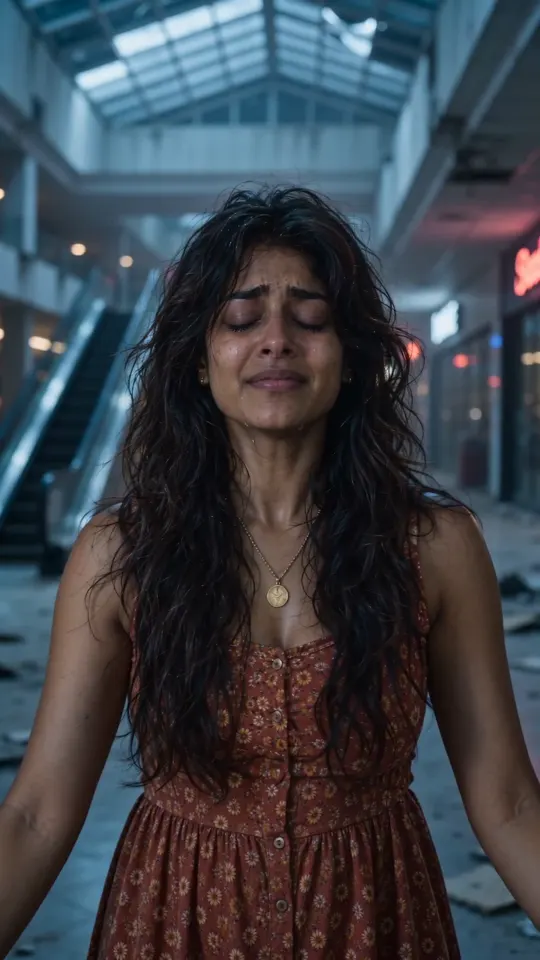
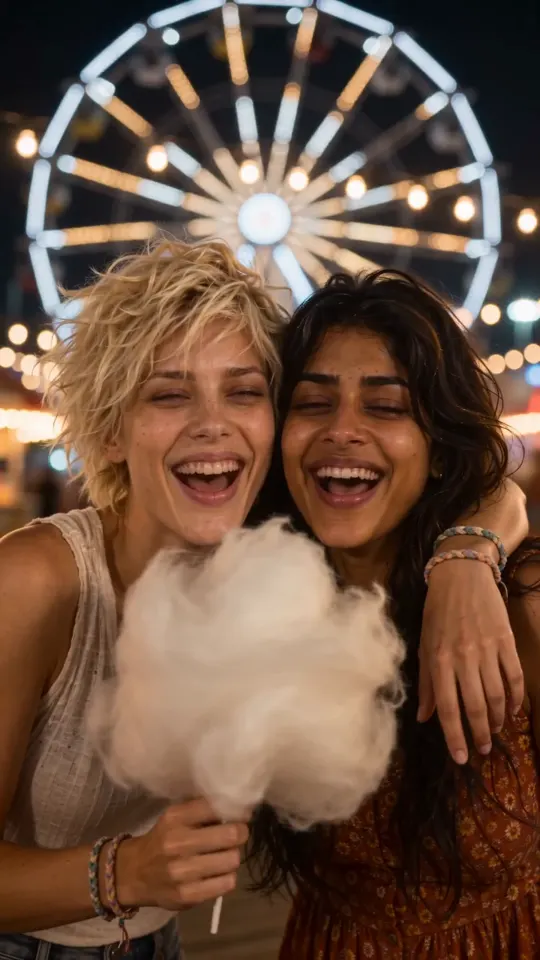
Best friends
Your best friend turns, and you were never going to leave them. The cut lands on a day you still talk about.
Four worlds, four endings · Sample: Dead mall
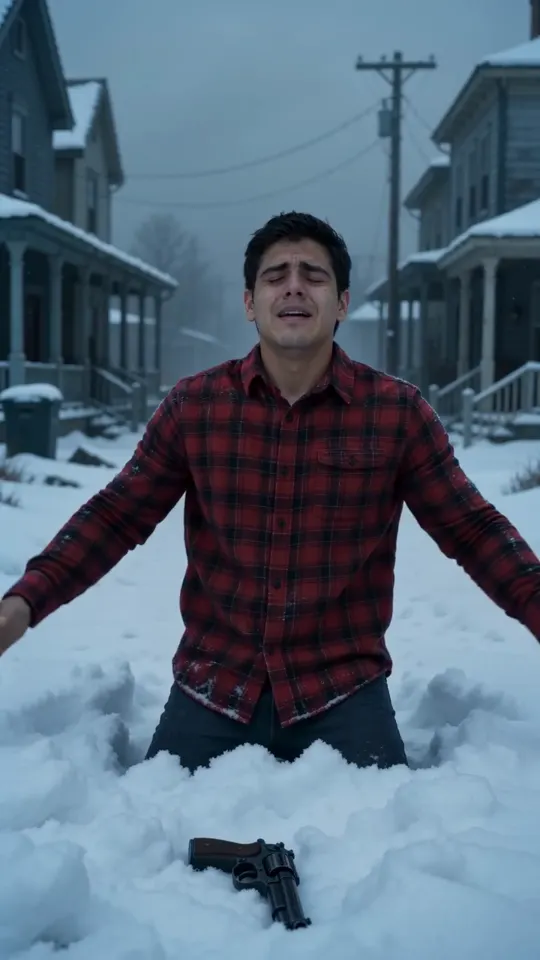
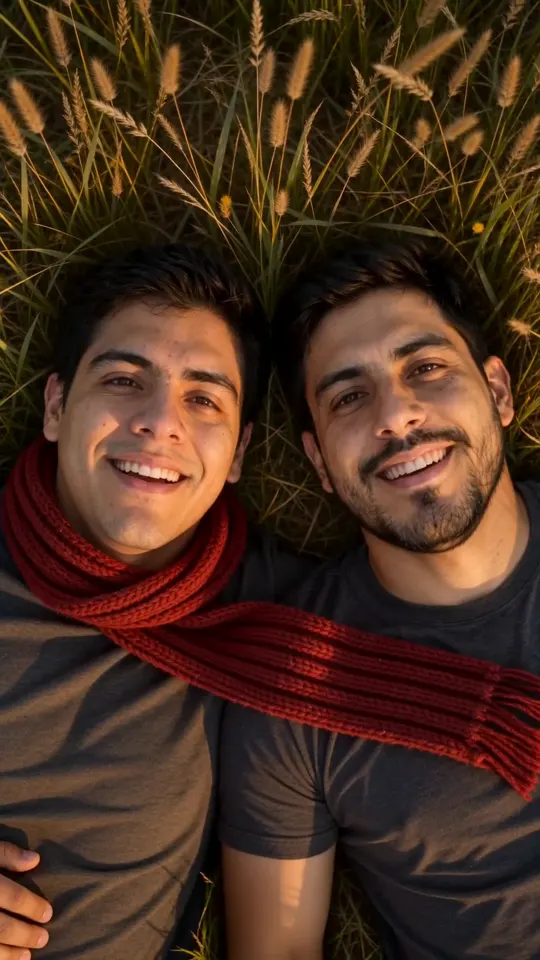
Siblings
Years of fighting over the front seat, and none of it matters now. The cut goes back to a day only the two of you remember.
Four worlds, four endings · Sample: Snowbound
Why make it here
- Two photos, one button
- No prompts and nothing to approve. Pick who turns, press Make our video, and the trend’s beats, scenes and hard cut are built in.
- Sound in every video
- Rain, the line and the score are cut to the picture. There’s no silent version and nothing to add before you post.
- Pay once, keep the credits
- One-time packs from $6.90. No subscription, and credits never expire, so the Halloween version is already paid for.
- Refunds when a render fails
- Credits come back automatically, with a note on which photo caused it and how to fix it.
- Ready to post
- 15-second MP4 in 9:16 or 16:9, HD or Standard, with no watermark.
- Your photos don’t stay
- Deleted automatically 7 days after upload. Never used to train AI models.
Pay once, no subscription
Pick how many videos you want: the more you take, the less each one costs. Credits never expire, and failed videos are refunded automatically.
Single
1 video
One video, to see how yours turns out.
$6.90once
$6.90per video
- Standard quality (480p)
- No watermark, yours to download
- Credits never expire
- Failed videos refunded automatically
Starter
Most picked3 videos
Three videos: try a few worlds, keep the best.
$14.90once
$4.97per videoSave 28%
- Or 2 in HD (720p)
- No watermark, yours to download
- Credits never expire
- Failed videos refunded automatically
Creator
10 videos
Ten videos for every couple, pet and friend.
$39.90once
$3.99per videoSave 42%
- Or 6 in HD (720p)
- No watermark, yours to download
- Credits never expire
- Failed videos refunded automatically
Studio
Best value25 videos
Twenty-five videos for accounts that post every trend.
$79.90once
$3.20per videoSave 54%
- Or 16 in HD (720p)
- No watermark, yours to download
- Credits never expire
- Failed videos refunded automatically
- Pay once. No subscription.
- Every video is 15 seconds with sound.
- Portrait or landscape.
- People and pets, all four worlds.
More AI trends
The zombie hug is first. These use the same photos.
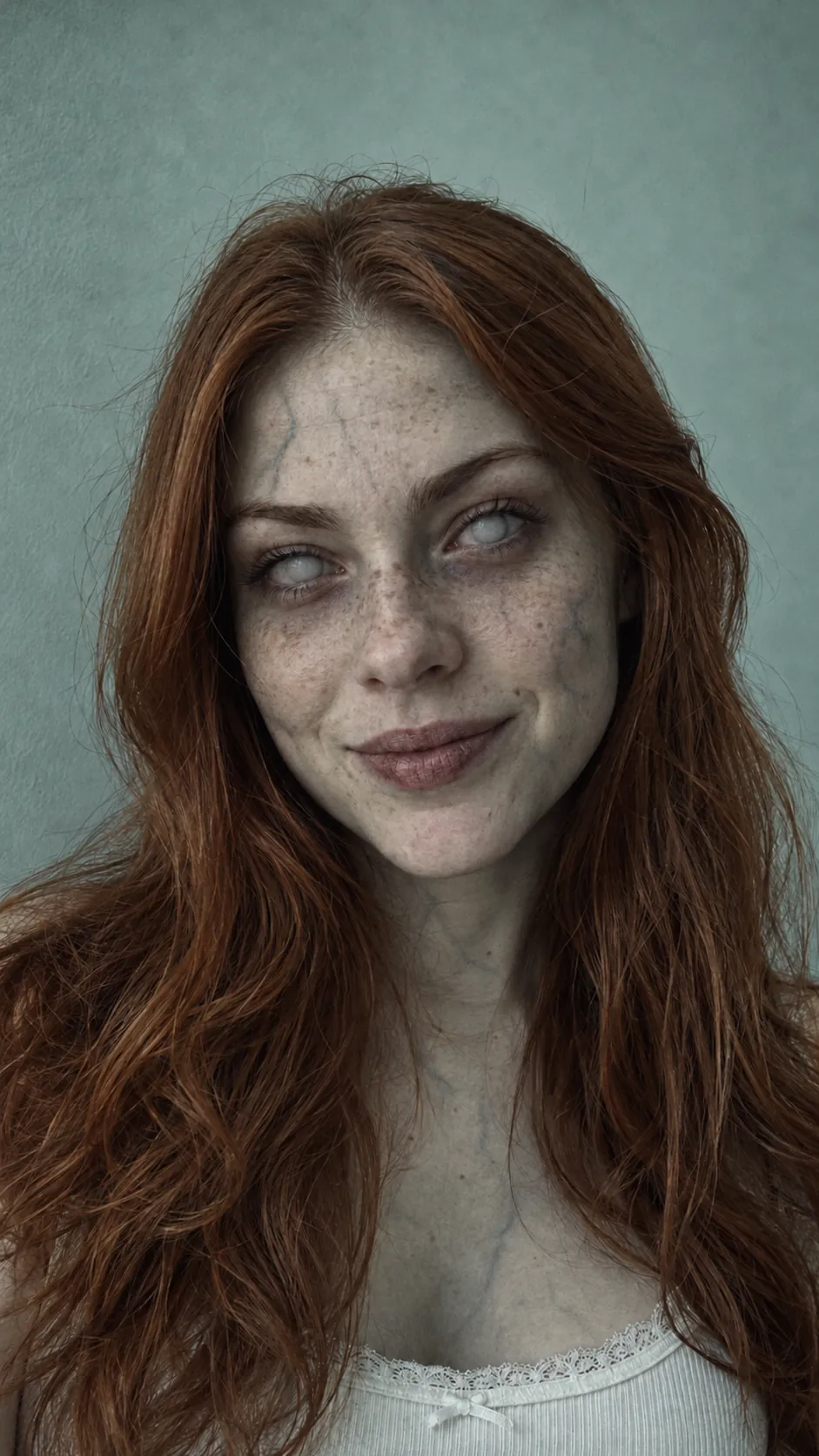 Get notified: Zombie filter
Zombie filter
Coming soonSee yourself, a friend or your pet turned, from one photo. Good for profile pictures and before-and-afters.
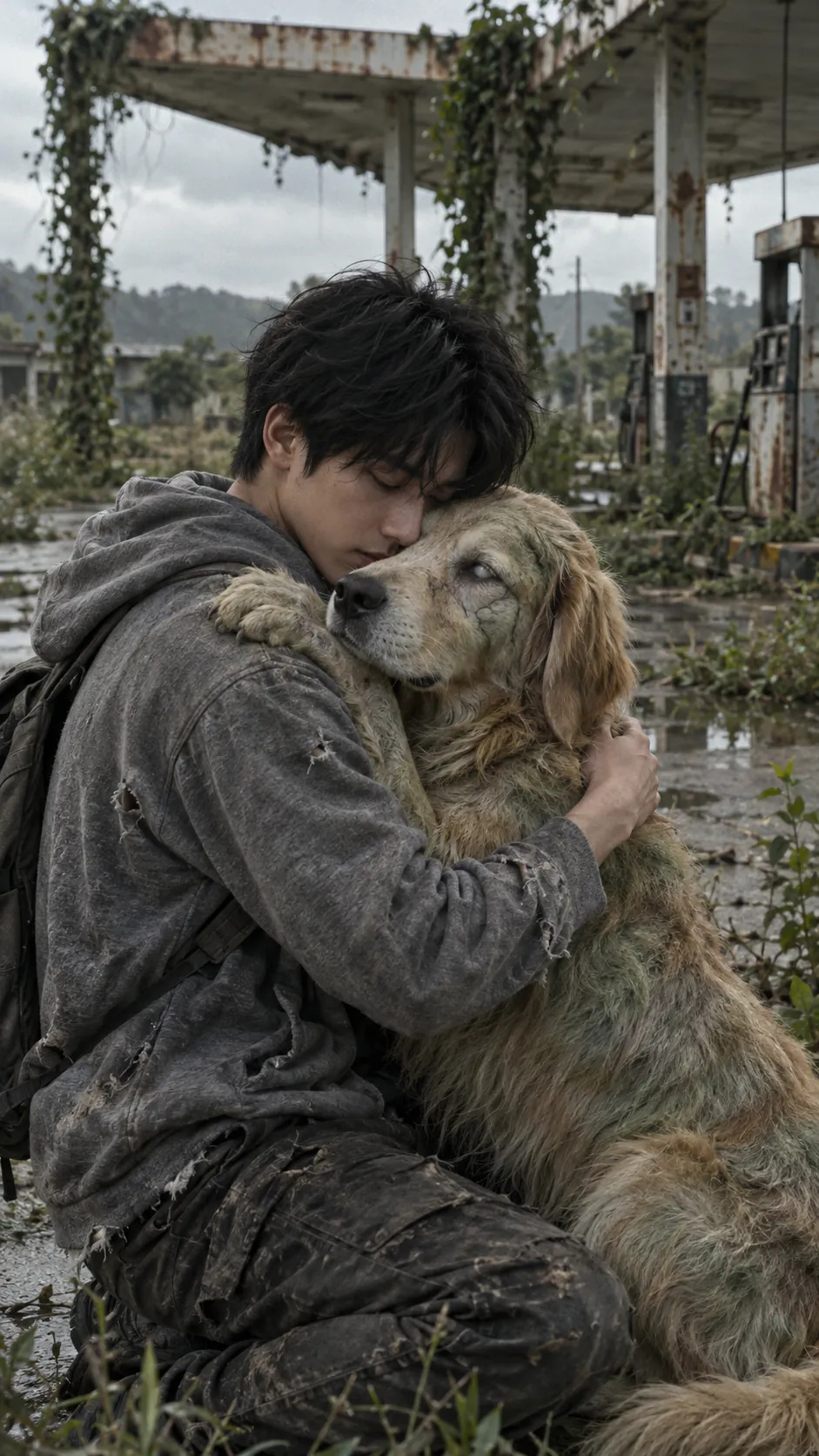 Make one: Pet zombie video
Pet zombie video
LiveThe dog and cat versions of the zombie hug. Pick Dog or Cat and add two photos.
 Join early access: Zombie transformation
Zombie transformation
Early accessA five-second clip of you turning, for duets and before-and-after posts.
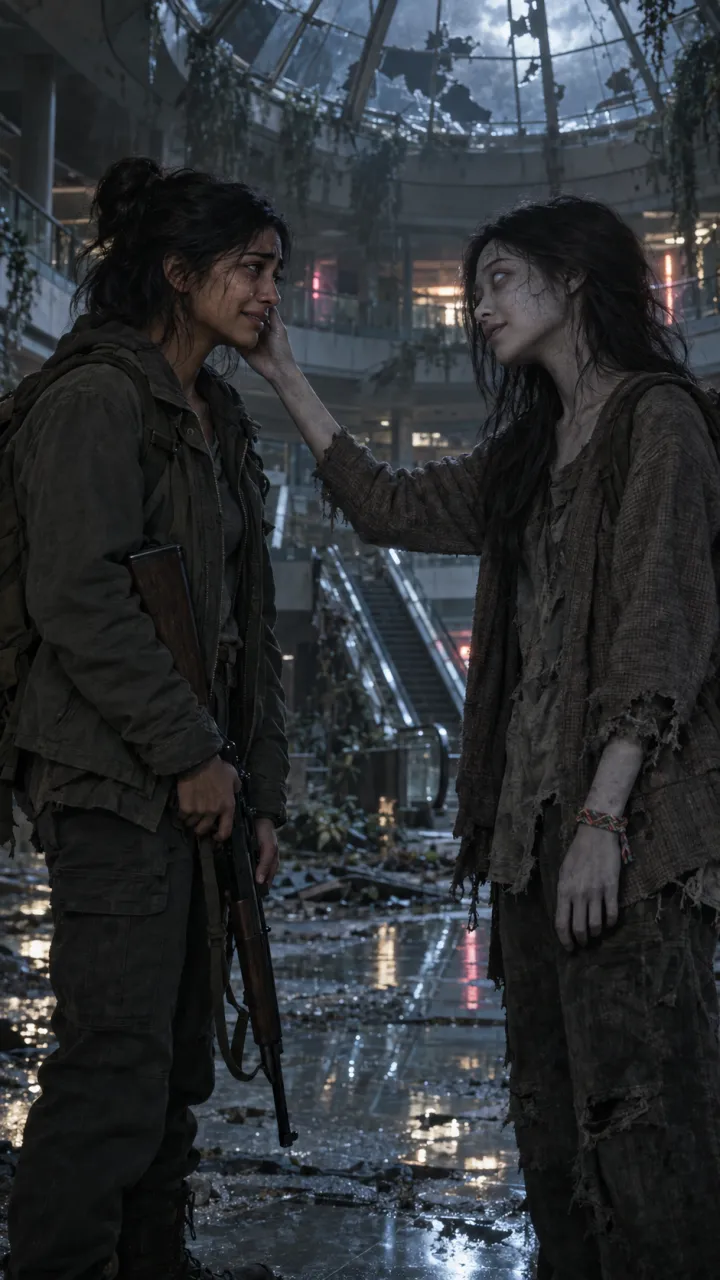 Make one: Halloween zombie video
Halloween zombie video
LiveThe zombie hug for October, opened on the abandoned mall at night. Two photos, 15 seconds, ready before the 31st.
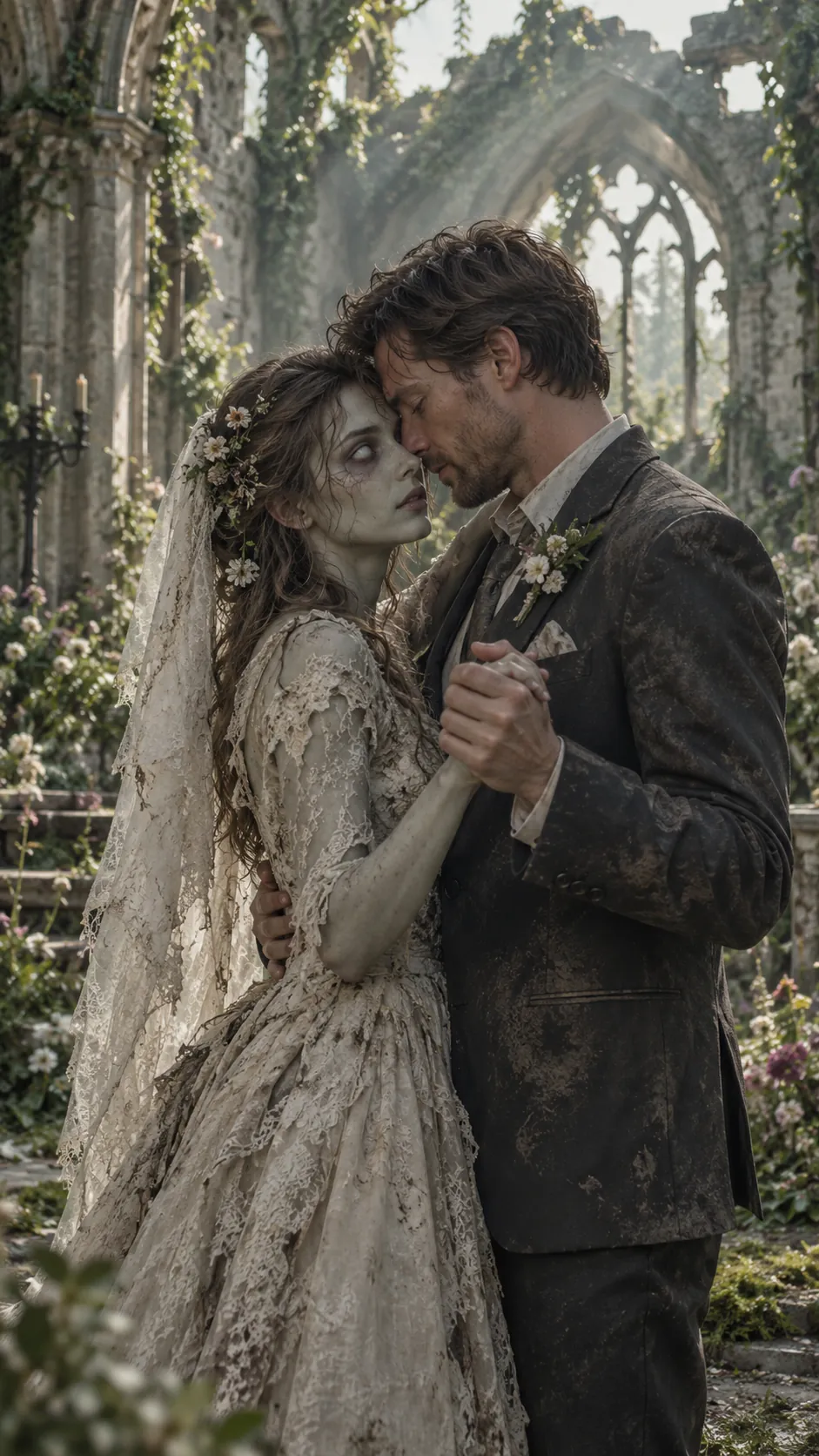
Zombie wedding dance
PlannedOne last dance in a ruined chapel, for anniversaries.
Stills are AI-generated samples.
Zombie trend FAQ
All questionsWhat is the AI zombie trend?
A short-video trend on TikTok, Reels and Shorts, also called the zombie hug or the zombie love story. One person has turned into a zombie, the other can’t bring themselves to end it, they hold each other, and the video hard-cuts to a happy memory of the two of them. AI Zombie makes that 15-second video from your own photos.
How do I make the zombie hug video?
Pick who it’s for: your partner, best friend, parent, sibling, dog or cat. Add a photo of each of you and pick the world where you meet again, then press Make our video. You get a 15-second MP4 with sound, ready to post.
Can I do the zombie trend for free?
Yes, if you make it yourself. Start from a CapCut zombie template, or make the shots with the free credits on Dreamina or Kling using the shot prompts on our prompts page, then join them in CapCut with a hard cut. Expect watermarks, short clips, daily limits and a few tries to keep both faces the same. AI Zombie itself isn’t free: one finished video starts at $6.90, paid once, with sound, no watermark and no subscription. If it fails, your credits come back automatically.
Can I make the zombie trend in CapCut?
Yes. Search “zombie” in CapCut’s Templates tab and swap your photos or clips in, or edit your own four shots: the choice, recognition, the embrace and the memory, about 4, 4, 3 and 4 seconds, with the hard cut on the beat drop. Export in 9:16. Templates change from week to week and every result looks like the template. Or add two photos here and get the finished 15-second video, already cut and with sound.
Can I make the zombie trend video with my dog or cat?
Yes. Pick Dog or Cat, then add a photo of you and one of your pet. Your pet turns and still knows you, and the video ends on a warm memory of the two of you, like fetch in the park or a nap in the sun. Use a photo where your pet is looking at the camera.
Can I choose the scene or the ending?
Yes. Pick one of four worlds: Ash street, Snowbound, Dead mall or Last train. Each has its own cold opening and its own warm memory to cut to, like a summer meadow or a slow dance in the kitchen. The story stays the trend’s: the moment they can’t shoot, recognition, the embrace, then the hard cut.
How do I keep our faces the same in the zombie video?
It comes down to the photos. AI video tools rebuild each face from its photo in every shot, so a blurry, dark or side-on photo is what makes a face drift, zombie or not. Use one sharp photo per person or pet, face to the camera, in even light, with no sunglasses or filters. In other tools, start every clip from the same stills instead of describing yourselves in text. Here your two photos are the reference for the whole video, the zombie scene and the memory alike.
Does the video show a gun?
The opening follows the trend: the one who stays human lowers a rifle they can’t bring themselves to use. If the video model won’t render that shot, we automatically remake it without the weapon. There’s nothing for you to choose.
What if a video fails?
Your credits come back automatically, and the video page tells you what went wrong and how to fix it, usually by using a clearer photo.
What happens to my photos?
They are used only to make your video. They are deleted automatically 7 days after upload. We don’t use them to train AI models.
What if I close the payment page?
Nothing is charged until you press Pay on Stripe. Go back and your photos are still on the form: press Make our video to pick a pack again. If you closed the tab, you may need to add the photos again. A payment that went through is already on your account as credits, and they never expire.
Send it to the one you’d never leave behind.
Two photos, fifteen seconds, sound on. If it fails, you’re refunded.