AI zombie filter
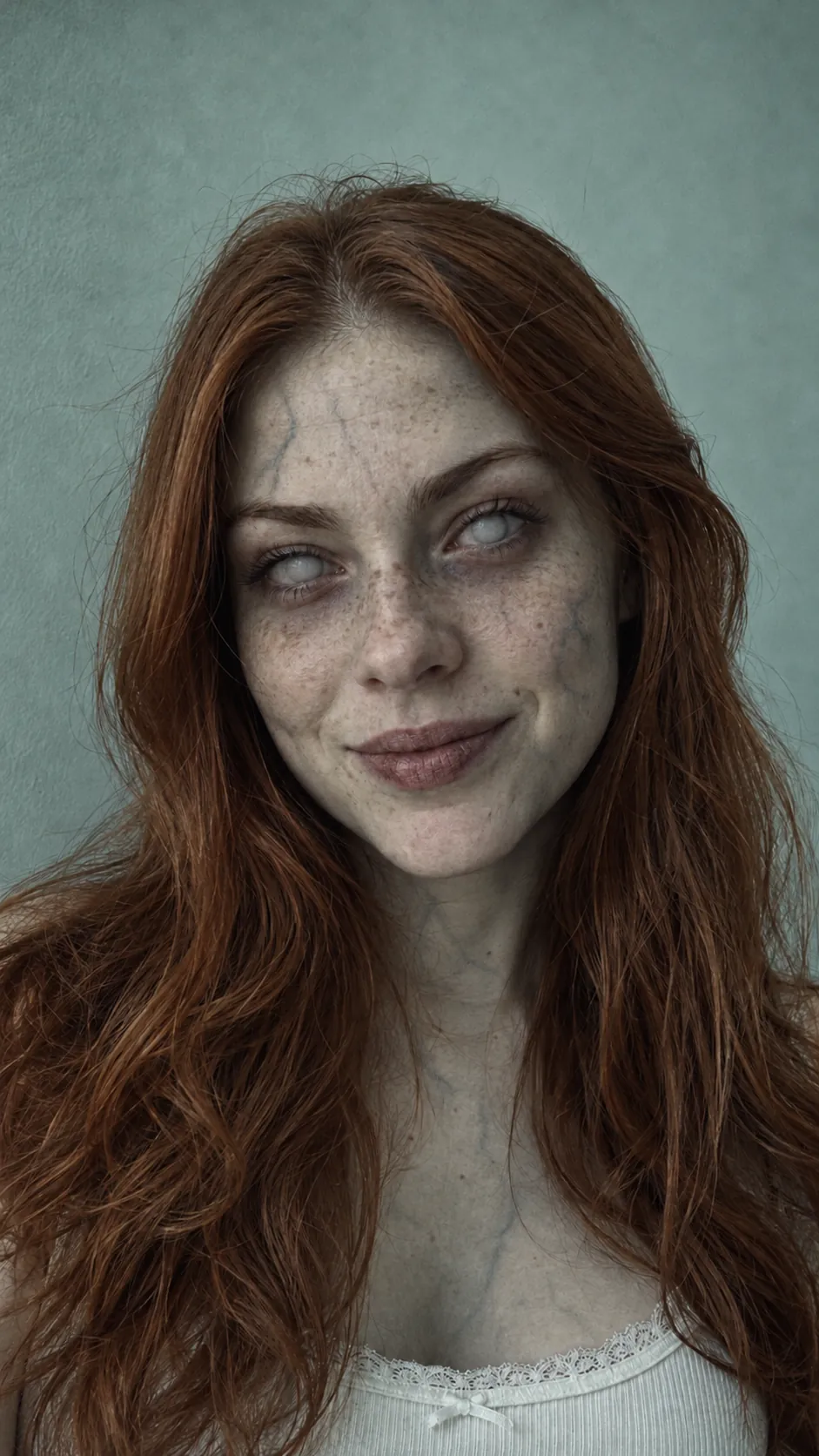
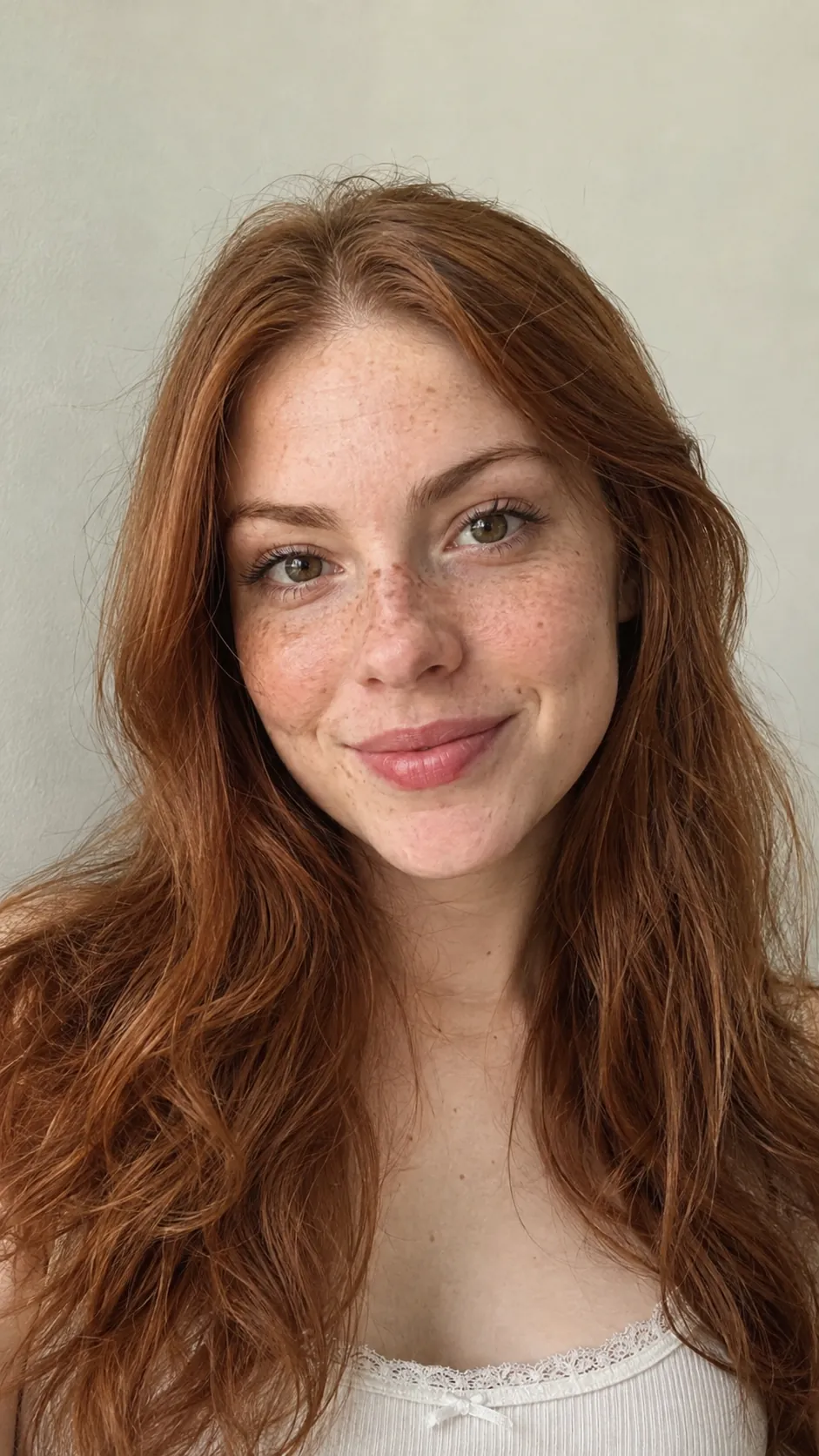
Turn any photo into a movie zombie: yourself, a friend or your pet. Compare the samples free; turning your own photo costs 10 credits.
Turn your own photo
One face, looking at the camera. Works on people and pets.
Add a photo to turn it. Comparing the samples is free.
How the filter works
Add one photo
One face, looking at the camera, in even light. People and pets both work.
It turns
Grey skin, clouded eyes, cracked lips. The face stays recognisable, which is the point.
Save it or keep going
Download the still, or use the same photo in the zombie hug video.
Zombie filter FAQ
All questionsDoes the zombie filter work on pets?
Yes. Dogs and cats work best alone in the photo, face to the camera, in good light.
What photo works best?
One face, looking at the camera, not cut off by the frame. Sunglasses, heavy shadow and group photos give weaker results.
How much does it cost?
Comparing the samples is free. Turning your own photo is 10 credits, and the credits come back if it fails.
Is this the same as the zombie hug video?
No. The filter turns one still photo. The zombie hug video is a 15-second clip made from two photos, with a hard cut to your best day.
What happens to my photo?
It is used only to make your result and deleted automatically after 7 days, or right away from Settings. We don’t use it to train AI models.
Make the full zombie hug video
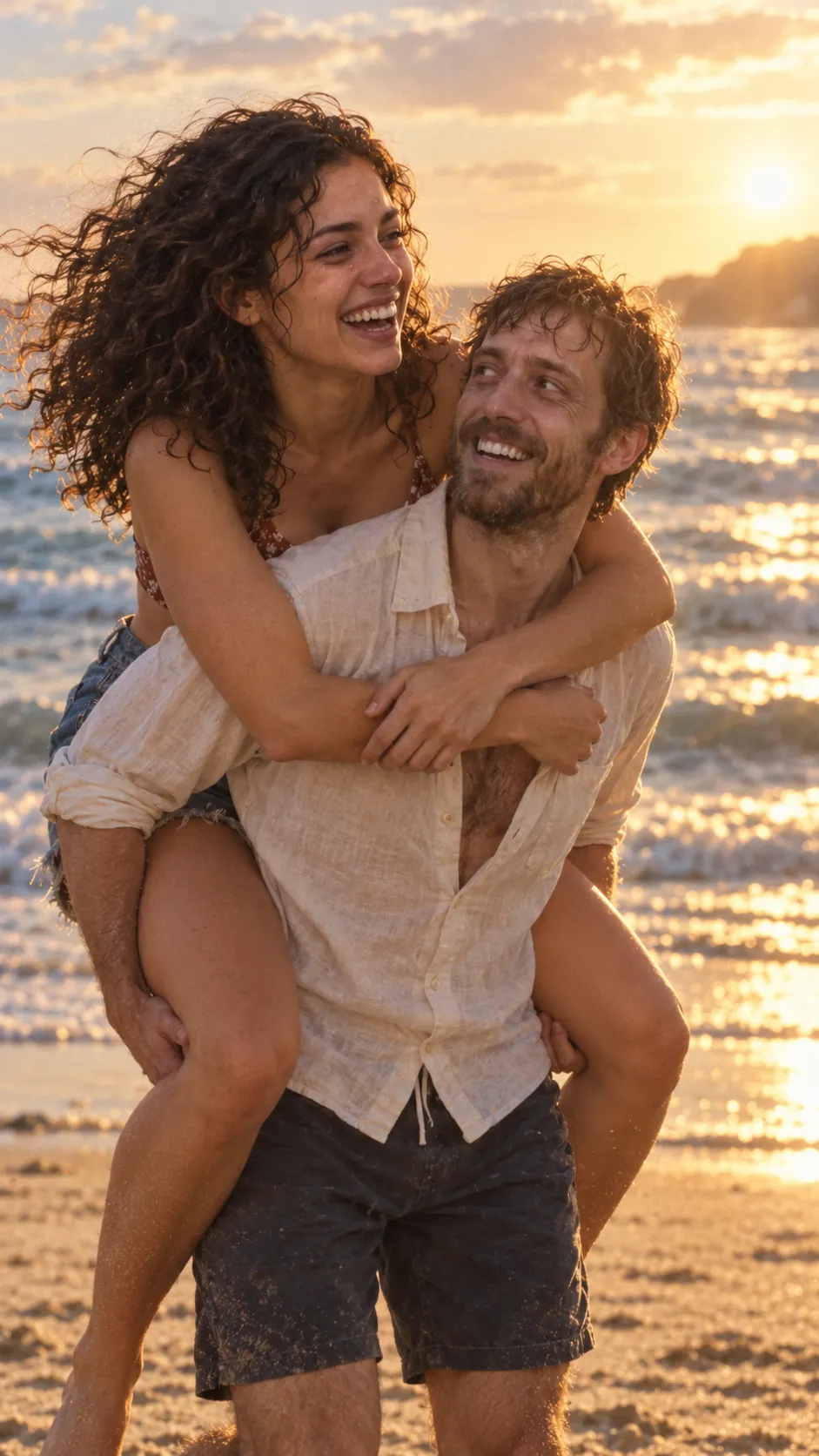
Use your photo with someone you’d hold on to: one of you turns, the other holds on, then a hard cut to your best day. 15 seconds with sound, 150 credits in HD.
 Sample · AI-generated