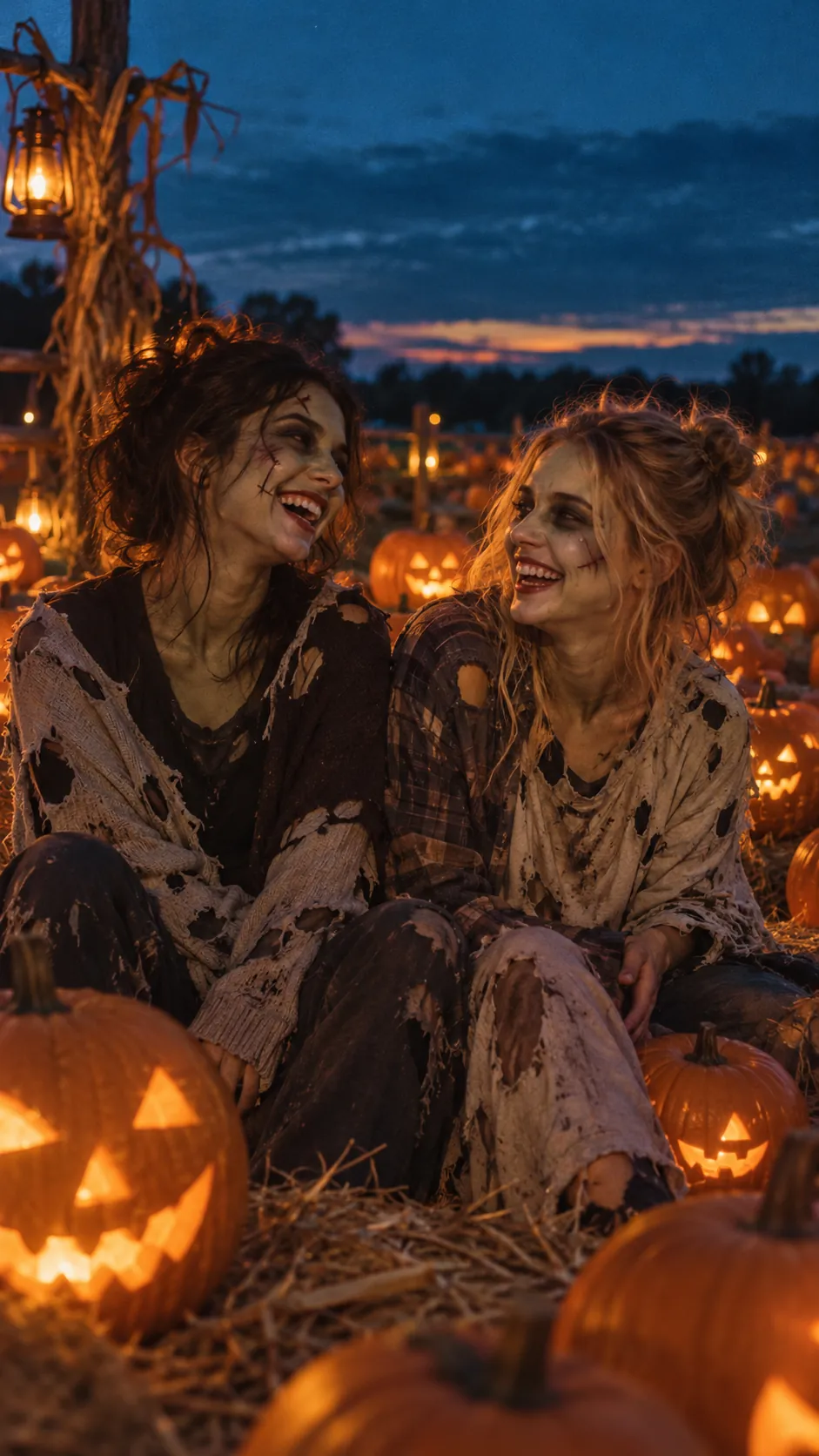
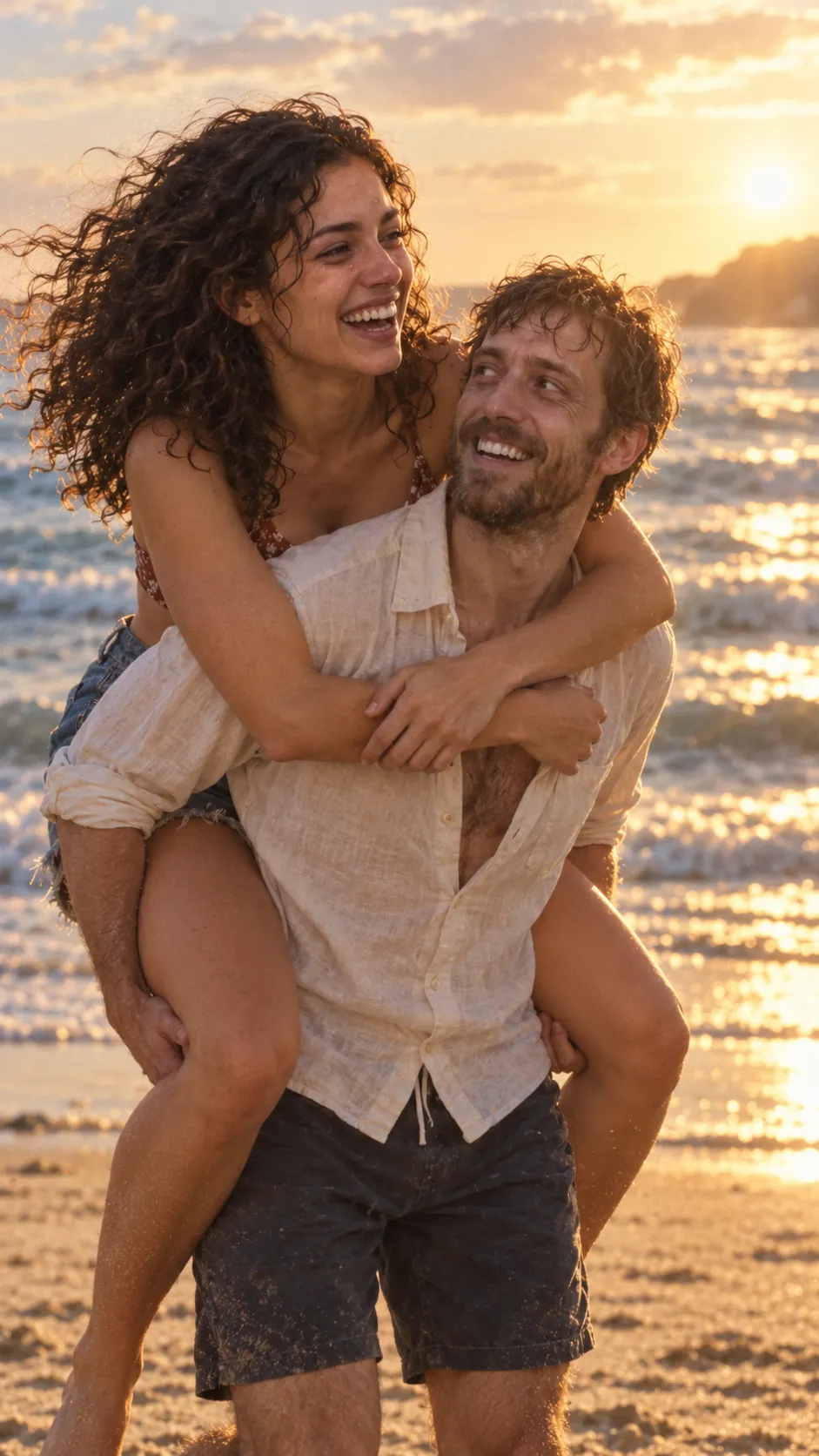
The zombie match cut, explained
What a match cut is, why the zombie trend uses one, and how to prompt and edit the three that work best: the hand, the run and the hold.
4 min read · Updated

What a match cut is
A match cut is an edit between two shots that share a shape, a position or a movement, so your eye carries straight across the cut. The famous one is the bone thrown in the air in 2001: A Space Odyssey that becomes a satellite.
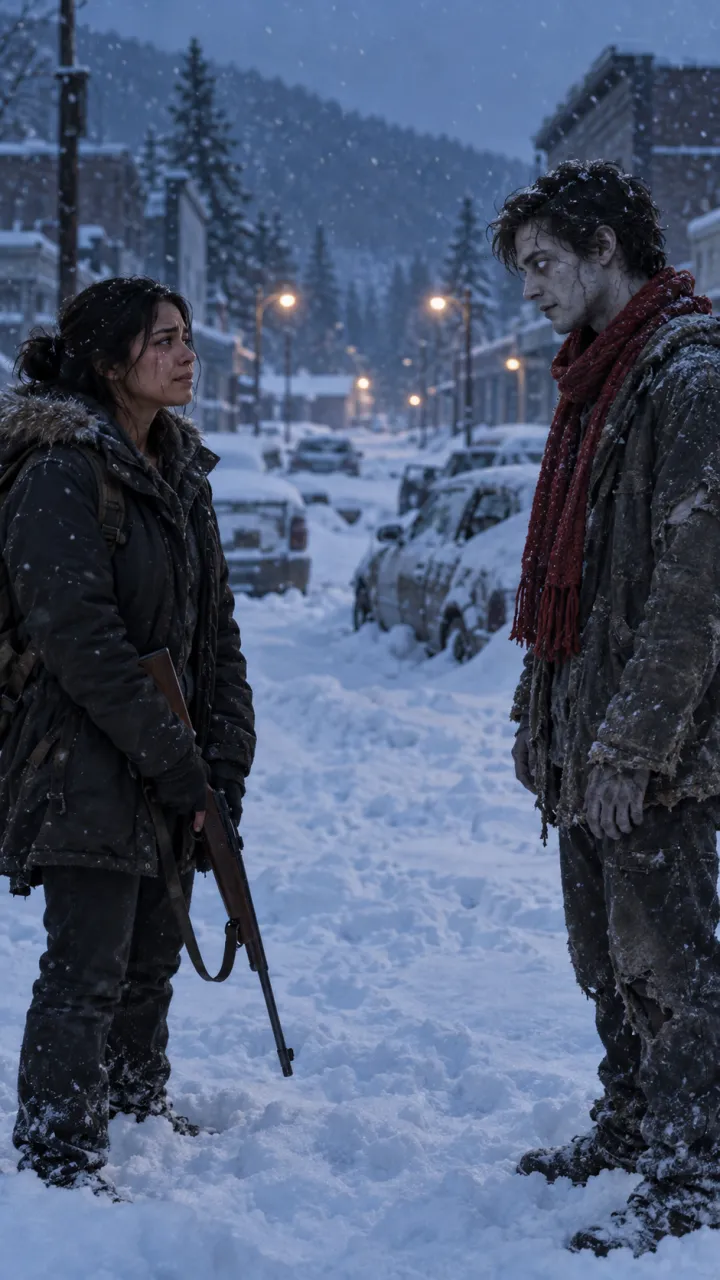
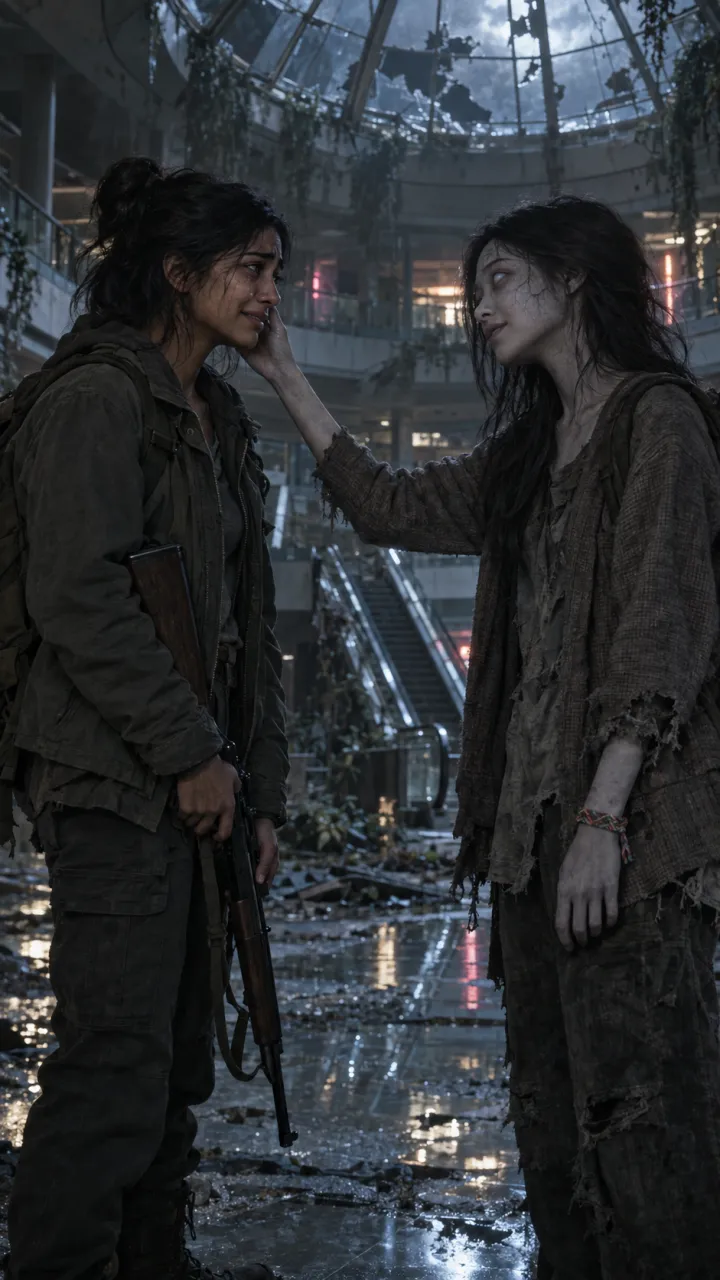
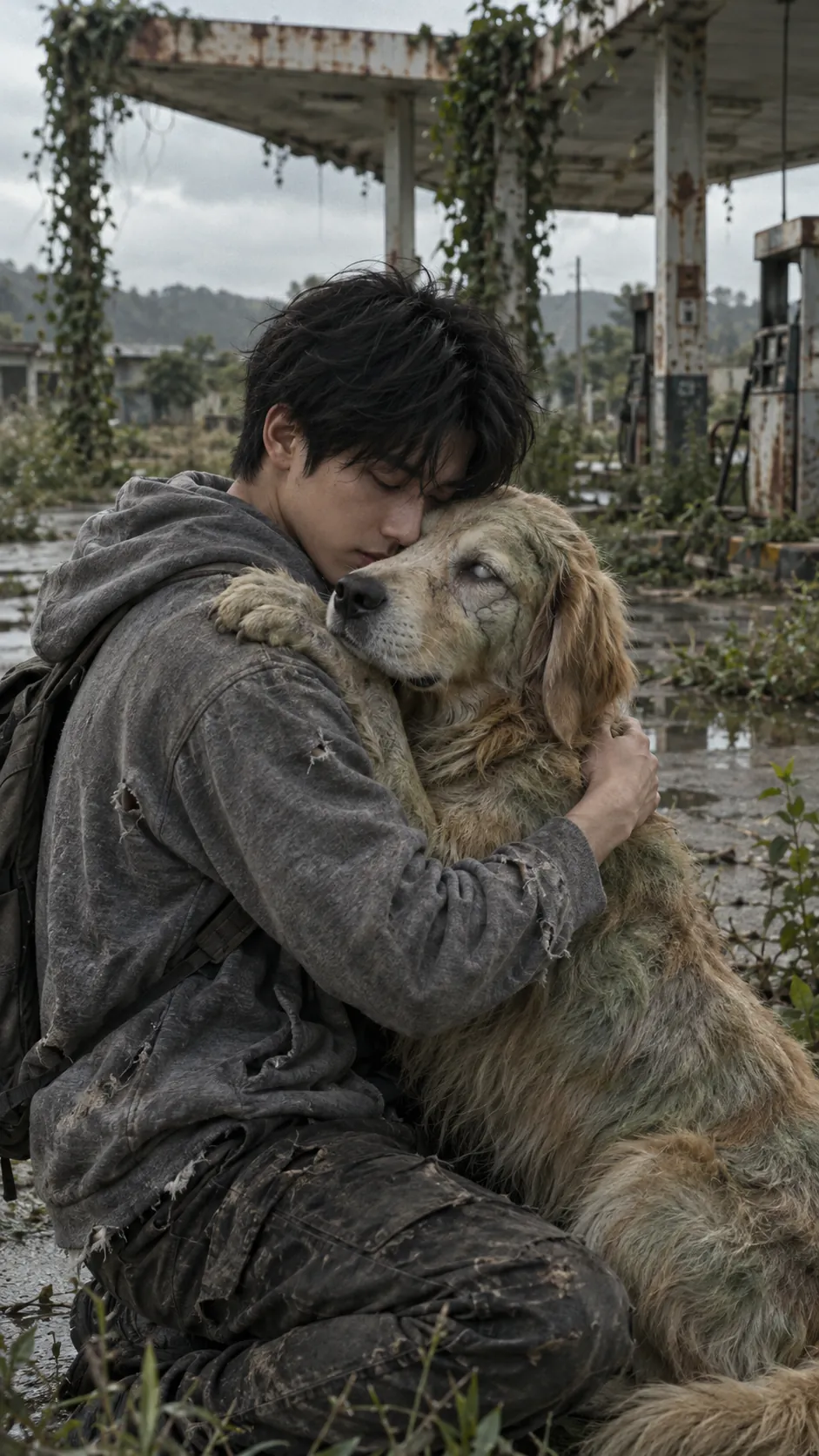
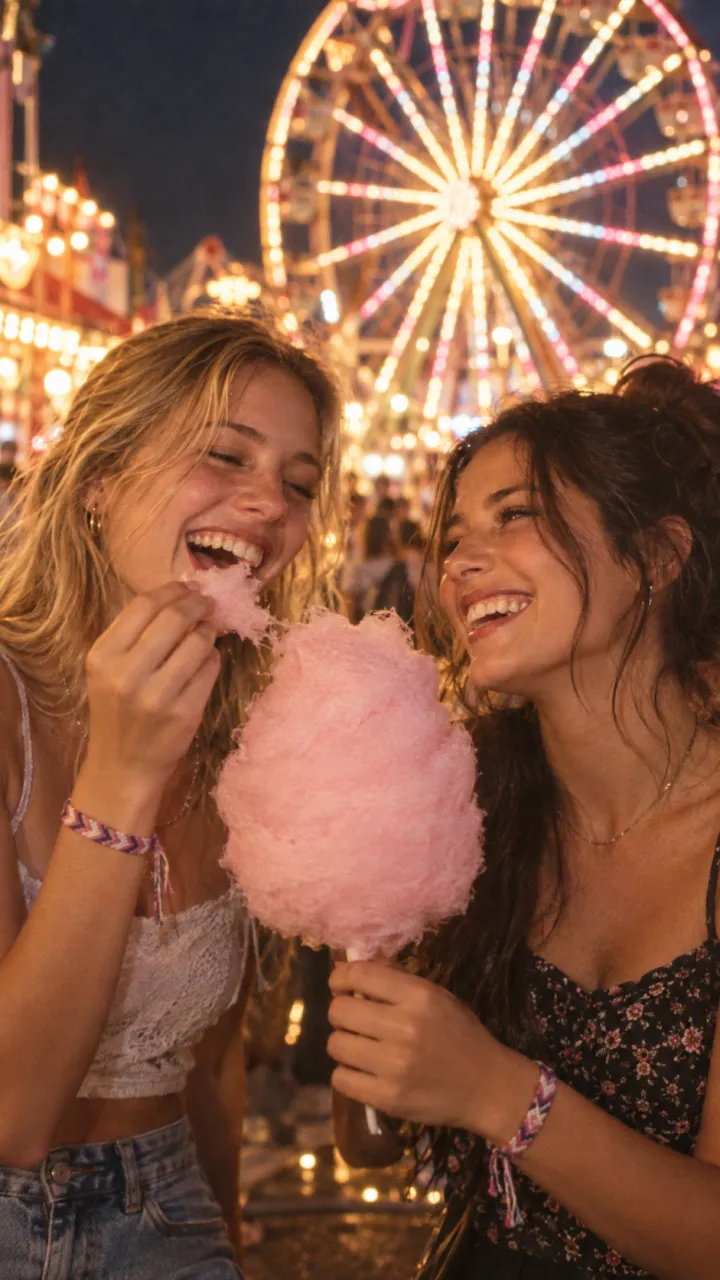
In the zombie trend the match is between the turned one and the living one: the same hand, the same pose, the same place in the frame. Grey and dead on one side of the cut, warm and alive on the other.
Why it hits harder than a plain cut
A plain cut says “and here is a memory”. A match cut says “this is the same person”, without a word. The viewer’s eye is already on the hand or the face when the colour changes, so the change lands as one moment instead of two.
Three match cuts that work
The hand
The turned one reaches out a grey hand, a ring still on the finger. Cut an instant before the fingers touch. On the other side, the same hand, alive, is grabbed and pulled into a run. This is how our Ash street world ends; watch it in Lena and Theo’s video.
The run
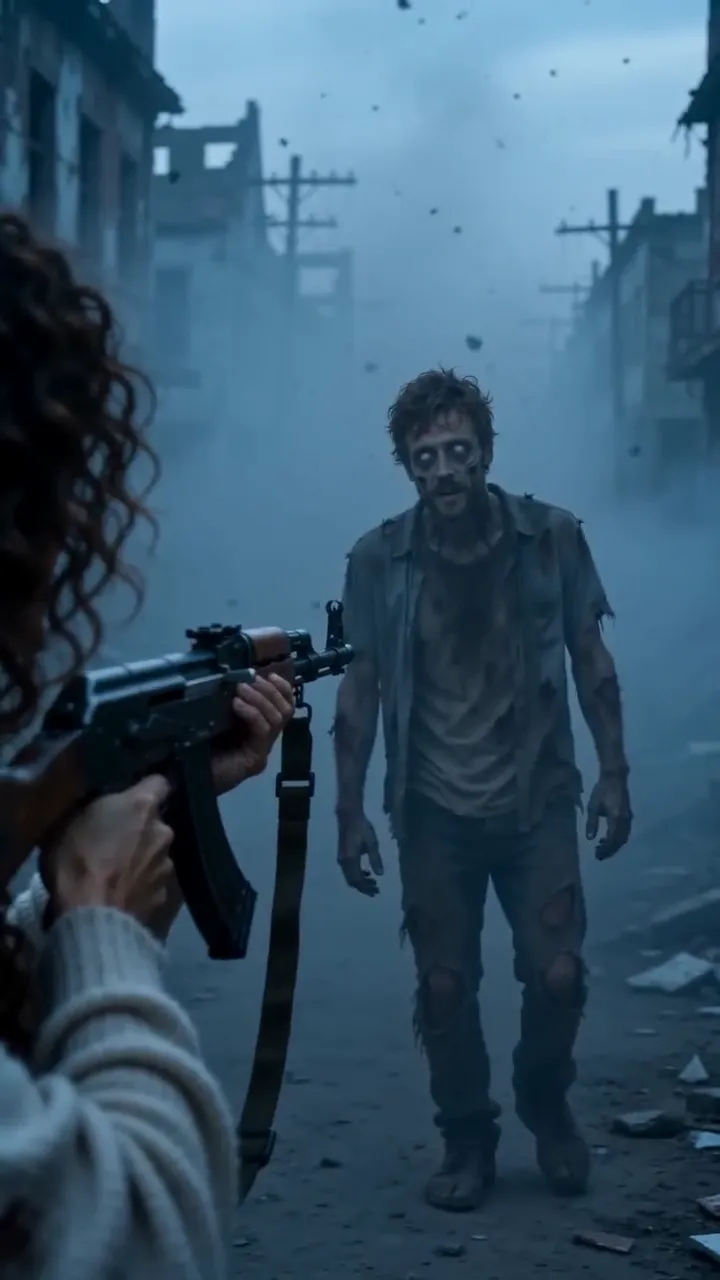
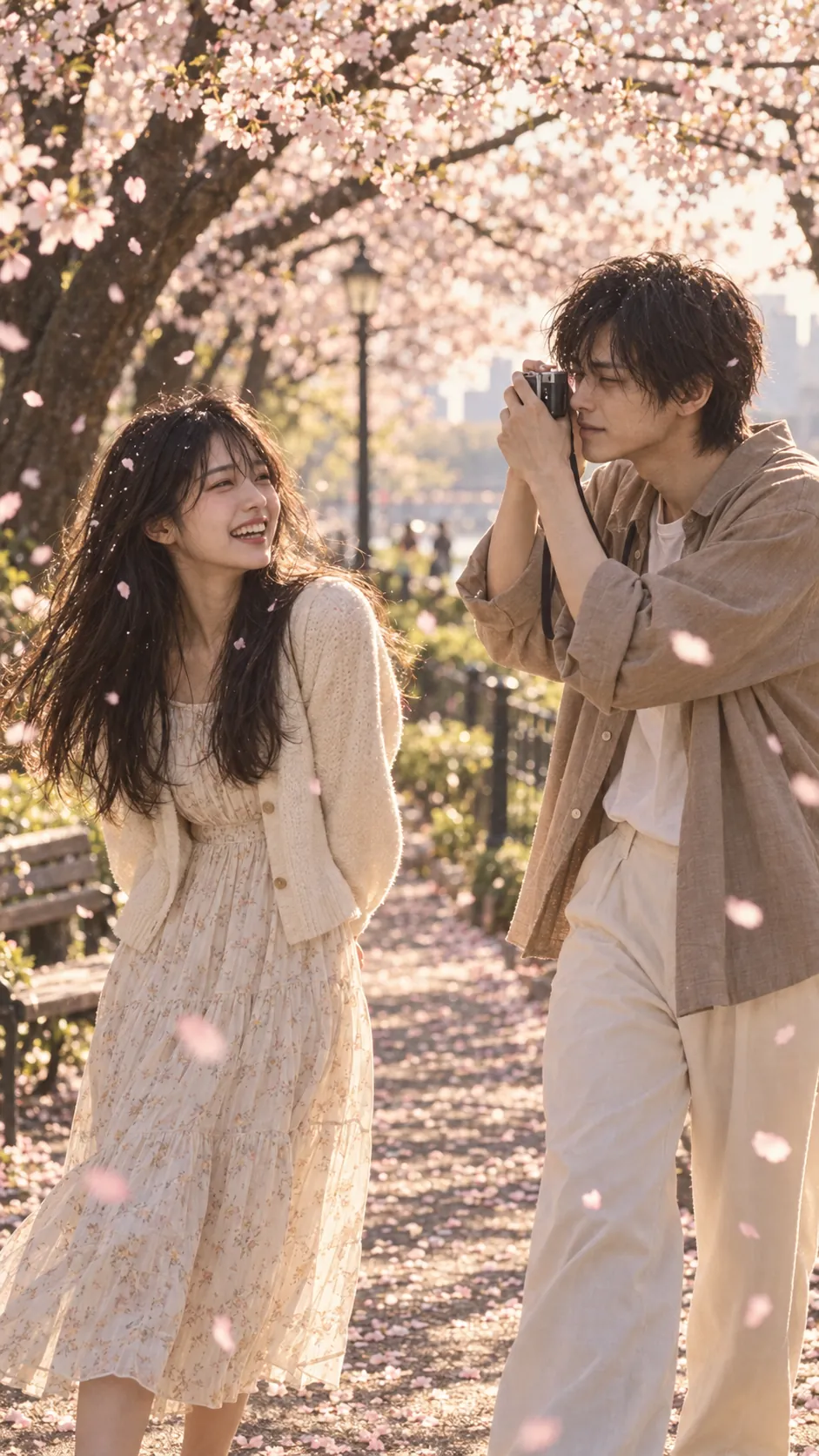
The turned one stumbles toward the camera. Cut mid-stride, and the same person is running toward the camera through summer grass, into a hug.
The hold
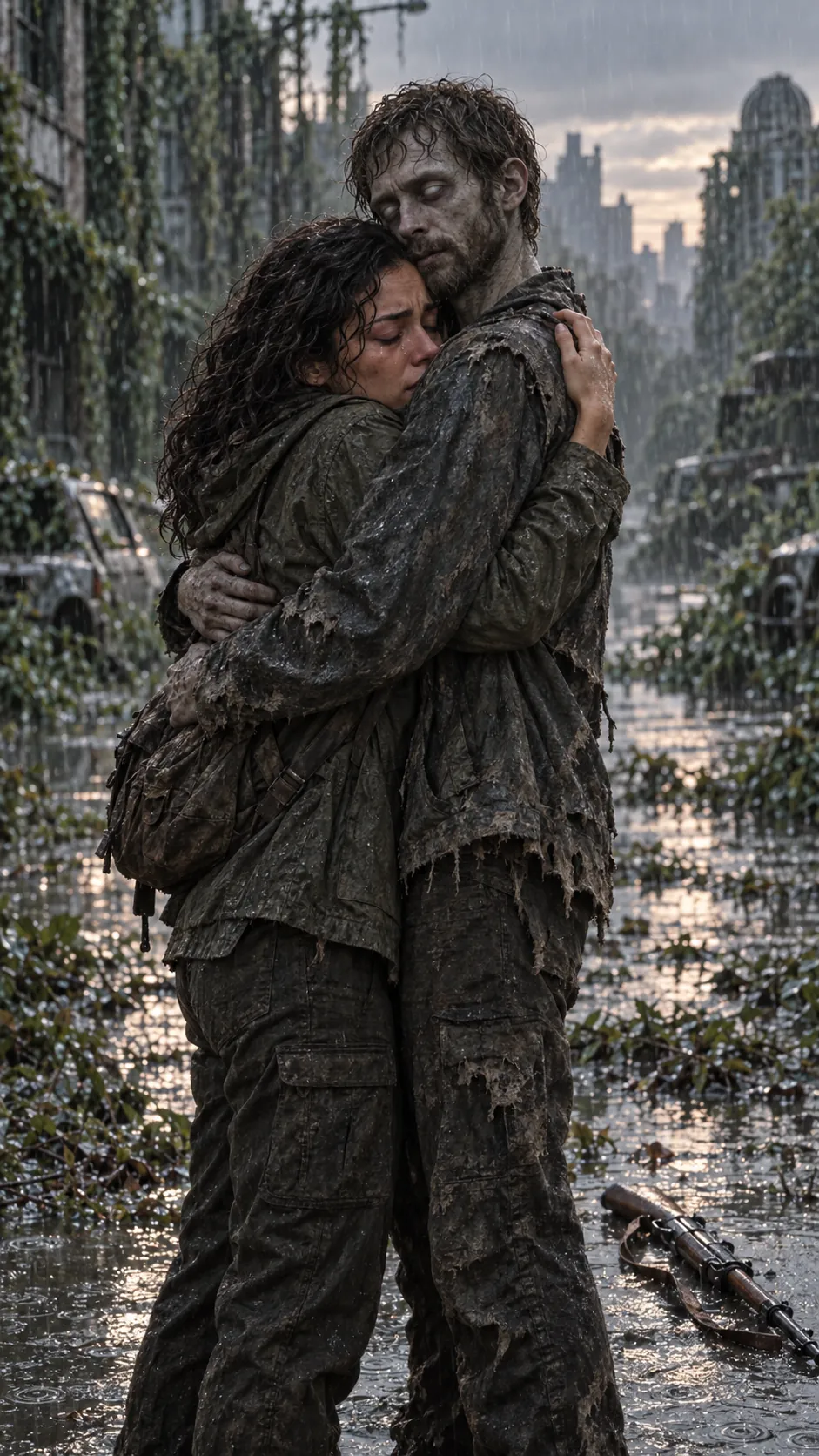
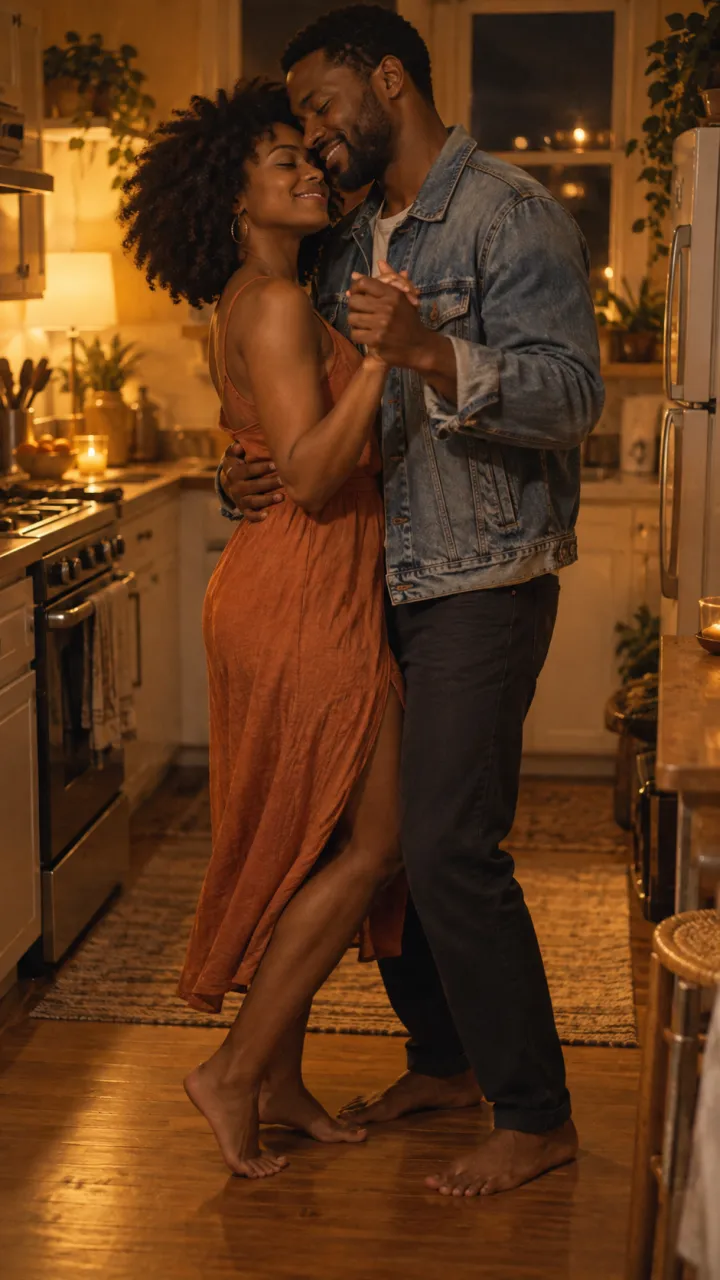
The embrace in the cold, framed tight. Cut to the same embrace, the same framing, in warm light, which becomes a slow dance or a laugh. The quietest of the three, and the easiest to make.
How to prompt one
- End shot A mid-motion. Say so in the prompt: “the shot ends an instant before their fingers touch”.
- Start shot B on the same motion: “continuing the same movement”.
- Repeat the framing in both prompts: camera height, distance, who is on the left.
- Carry one object across the cut, such as the ring, a scarf or a jacket, so the match reads even if the faces shift.
Shot A · cold
Medium shot, camera at chest height. [Person B], turned, grey skin, clouded eyes, on the left of frame, stumbles toward [person A] with one grey hand stretched out, a ring on the finger. Ash falling, cold blue light. The shot ends an instant before their fingers touch. 3 seconds.
Shot B · warm
Medium shot, camera at chest height. [Person B], alive and healthy, on the left of frame in the same position, hand stretched out with the same ring, continuing the same movement. [Person A] grabs the hand, laughs and pulls them into a run. Golden-hour beach, slow motion, 4 seconds.
Lining it up in the edit
Put the cut on the frame where the hand or body is in the same spot in both shots; nudging the in-point of shot B by one or two frames is usually enough. Then slide the sound so the drop sits on that frame. The CapCut guide covers the rest of the edit.
Questions
What is a match cut in the zombie trend?
A match cut joins two shots that share a shape, position or movement. In the zombie trend the same hand, pose or embrace carries across the cut, grey and dead on one side and warm and alive on the other, so the viewer reads it as the same person without a word.
Where exactly should the match cut go?
On the frame where the hand or body sits in the same spot in both shots. End the cold shot mid-motion, start the warm shot on the same motion, then slide the sound so its drop lands on that frame.