Skip to content
ai-zombie.com

Zombie trend captions and sounds

On-screen lines and post captions for the AI zombie trend, plus how to use the platform’s trending sound with your video.

3 min read · Updated
On-screen lines

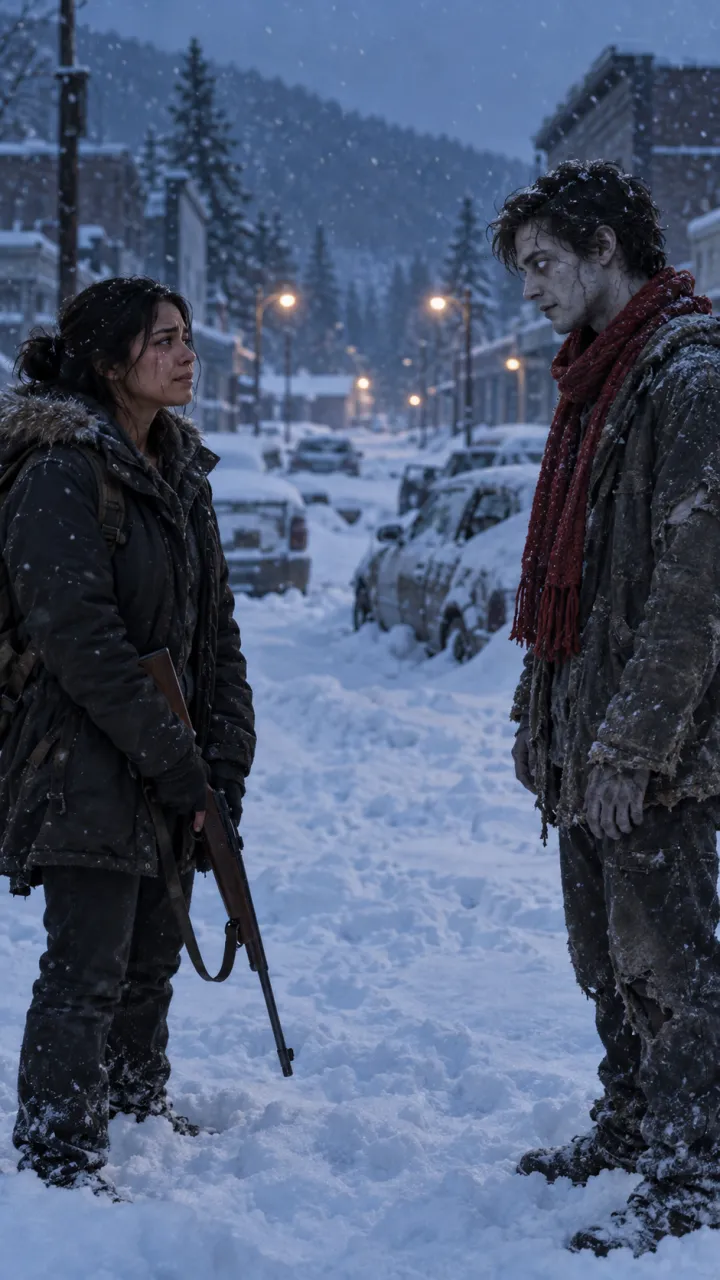
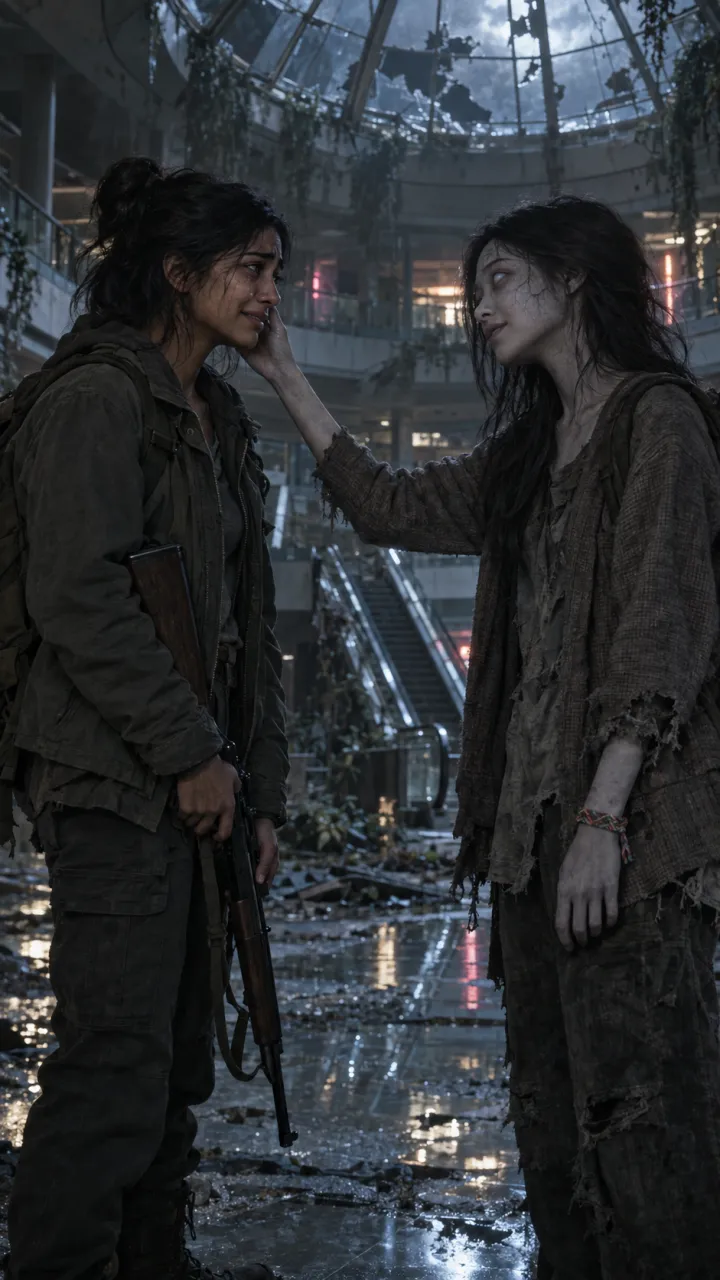
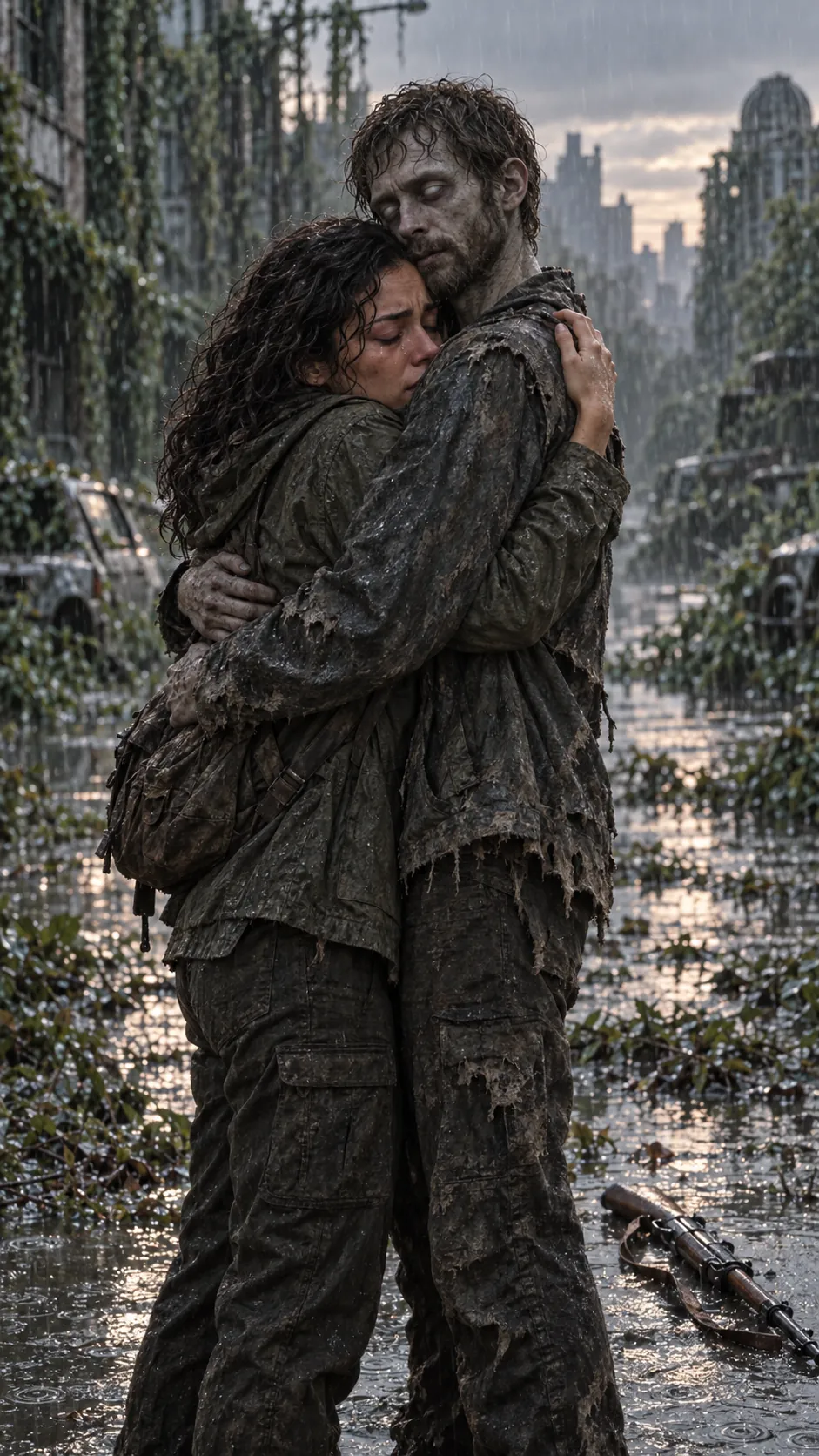
If you want a line over the embrace, add it as on-screen text in TikTok or Instagram before you post. Keep it under six words; it has to be read in two seconds. Some that fit:

  • I’d know you anywhere.
  • You made me promise.
  • Still my favourite person.
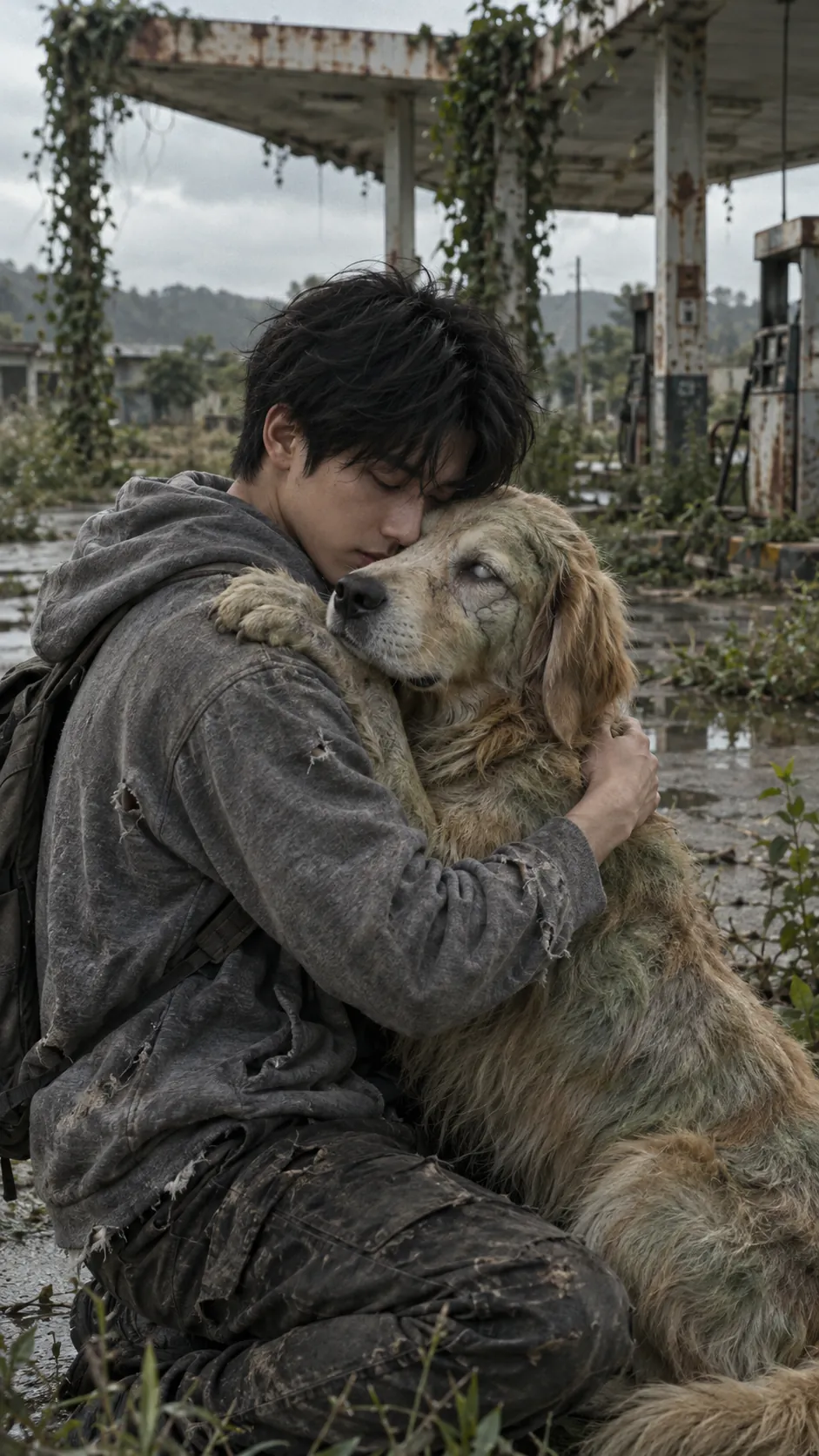
  • Who’s a good boy? Still you.
  • Same team. Always.

Post captions

The caption under the post does a different job: it tells people what they’re about to watch, without spoiling the cut. The prompt library has more you can copy.

  • If the world ended, I still wouldn’t be able to do it.
  • POV: you had one job and the promise was the problem.
  • Wait for the last three seconds.

Using the trending sound

Every video comes with its own sound. To use the sound everyone else is using, upload the video, pick the sound inside the app and turn the original sound down. Time the hard cut to the beat drop by trimming the start of the sound, not the video.

Questions

What text do people put on the zombie trend video?

A short line over the embrace, under six words so it reads in two seconds, such as “I’d know you anywhere.” or “Same team. Always.” The post caption below sets up the video without giving the cut away.

How do I use the trending sound with my zombie video?

Upload the video, pick the sound inside TikTok or Instagram and turn the original sound down. Trim the start of the sound, not the video, until the beat drop lands on the hard cut.
  • What is the AI zombie trend?

    The AI zombie trend explained: the four beats of the zombie love story, why the hard cut to a happy memory works, and the versions people make.

    4 min read · Updated

  • How to do the AI zombie trend

    The zombie hug trend in four beats, what photos you need, and how to make and post your own 15-second version.

    4 min read · Updated

  • Zombie love story prompts for AI video

    Copy-ready zombie love story prompts for any image-to-video model: two key stills, four shots, four settings, a pet version, and how to keep faces consistent.

    6 min read · Updated

  • Best photos for the zombie trend

    Which photos give the best result in the AI zombie trend, and the three mistakes that cause most failed renders.

    3 min read · Updated

  • Zombie trend video doesn’t look like you? How to fix it

    Why an AI zombie trend video can lose your likeness or turn the wrong person, and the photo fixes that solve most of it before you try again.

    3 min read · Updated

  • Zombie trend ideas for couples

    Four zombie love story ideas for couples, from an ash-filled street to a last train home, plus who should turn, when to post and lines to use.

    4 min read · Updated

  • How to do the zombie trend with your best friend

    The zombie trend for best friends, siblings and parents: what changes from the couple version, which photos work for two people, and lines to use.

    3 min read · Updated

  • How to do the zombie trend with your dog or cat

    The pet version of the zombie trend: which photos work for dogs and cats, and how the video ends for them.

    3 min read · Updated

  • The zombie match cut, explained

    What a match cut is, why the zombie trend uses one, and how to prompt and edit the three that work best: the hand, the run and the hold.

    4 min read · Updated

  • How to make the zombie trend in CapCut

    Edit the AI zombie trend in CapCut: put the shots in order, land the hard cut on the beat, add a line and the sound, and export for TikTok.

    4 min read · Updated

  • Halloween zombie video ideas

    Halloween zombie video ideas for couples, friends, families and pets, with lines and captions, plus what the Halloween version of the trend adds.

    3 min read · Updated

  • How to make the zombie trend with Gemini

    Make the AI zombie trend with Google Gemini: the two stills, the two 8-second Veo clips, the prompts to paste, and how to join them with a hard cut.

    5 min read · Updated

  • Zombie AI video generators: Seedance, Higgsfield and more

    Which AI video generators can make the zombie trend: general models like Seedance, Veo and Kling, platforms like Dreamina and Higgsfield, what Dola is, and one-step trend tools.

    5 min read · Updated

  • Zombie apocalypse scene ideas for AI video

    Ten zombie apocalypse scene ideas for AI video, each with its light, sound and the memory it cuts to, plus a scene line to paste into your prompt.

    4 min read · Updated

Stills are AI-generated samples.

Make your zombie trend video

Two photos in, 15 seconds with sound out. You see the cost before you press Generate, and failed videos are refunded.

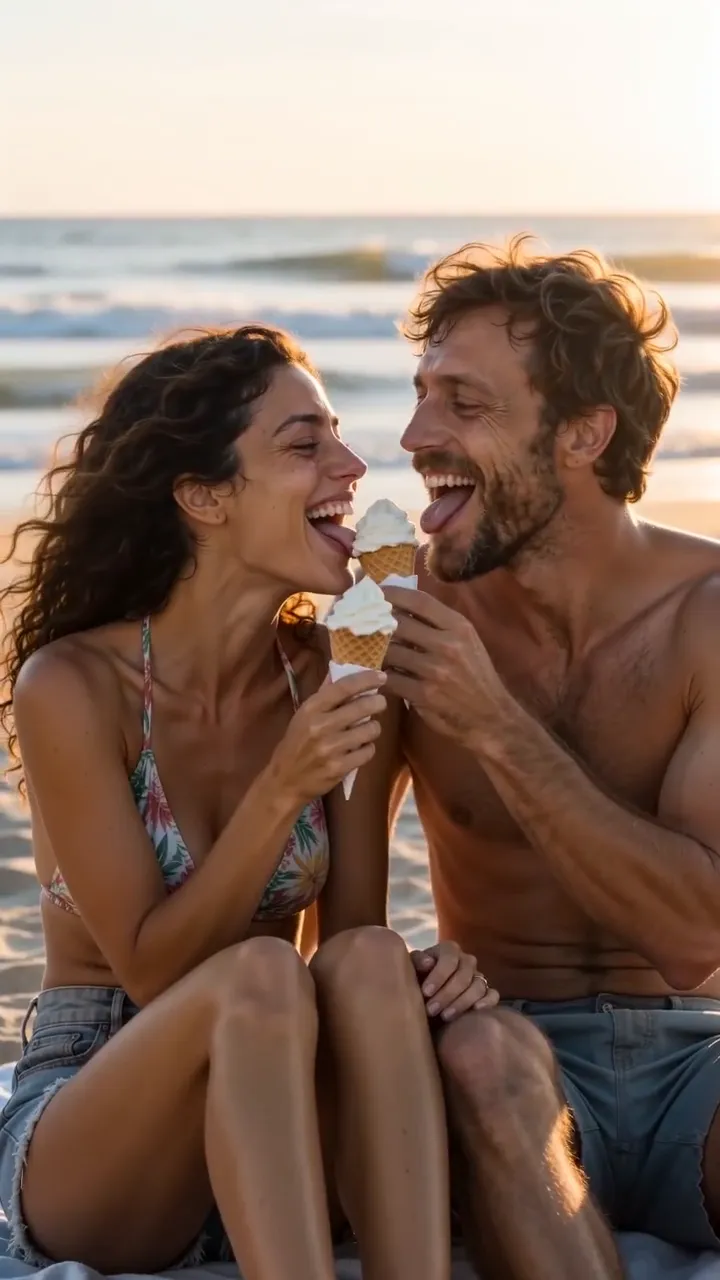
Sample still: Lena and Theo laughing on a beach at golden hour

Welcome back

Your videos and credits are saved to your account.