Best photos for the zombie trend
Which photos give the best result in the AI zombie trend, and the three mistakes that cause most failed renders.
3 min read · Updated
One face, facing the camera, in even light
The model builds both the turned look and the warm ending from the same face, so it needs to see that face clearly. A plain selfie in daylight beats a beautiful photo where you’re in profile.

Checklist
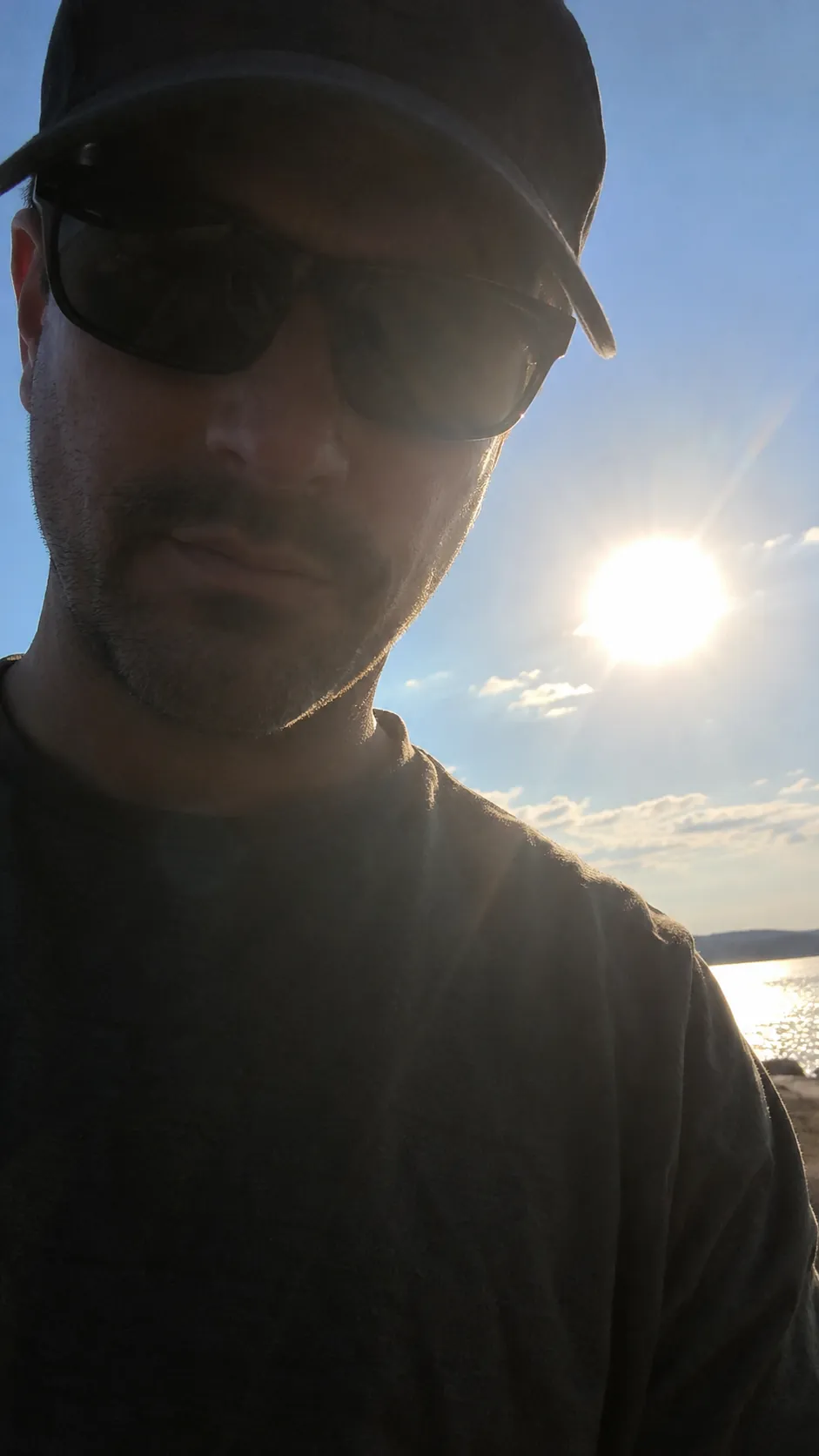
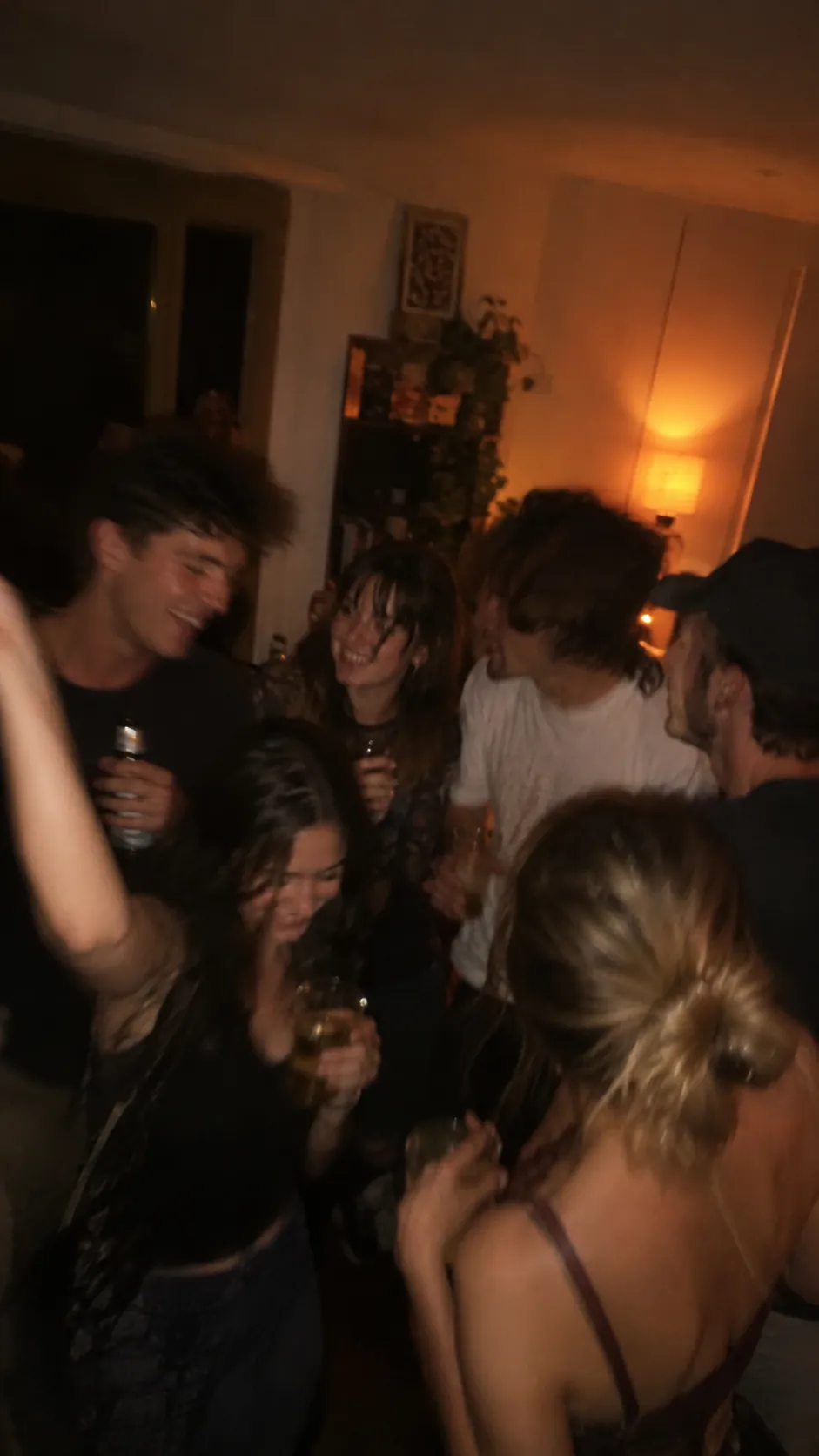
- One person or pet per photo.
- Face points at the camera, eyes open.
- Nothing covering the face: no sunglasses, masks or hands.
- At least 300 pixels on the short side. Phone photos are plenty.
- No heavy beauty filters. They change the face the model sees.
If a render fails
Your credits come back automatically. The video page says which photo caused the problem; swap it for a clearer one and try again.
Questions
What photo works best for the AI zombie trend?
One person or pet per photo, face to the camera, eyes open, in even daylight, with nothing covering the face. A plain phone selfie works; sunglasses, heavy filters and group shots are the most common causes of a poor result.
Can I use a group photo for the zombie trend?
It is better not to. In a group shot the model can’t tell who you are, and a face cropped out of one is often too small. Use two separate photos, one person in each.
What resolution does the photo need to be?
At least 300 pixels on the short side. Any recent phone photo is plenty.