Skip to content
ai-zombie.com

How to do the zombie trend with your best friend

The zombie trend for best friends, siblings and parents: what changes from the couple version, which photos work for two people, and lines to use.

3 min read · Updated
What changes when it isn’t a couple

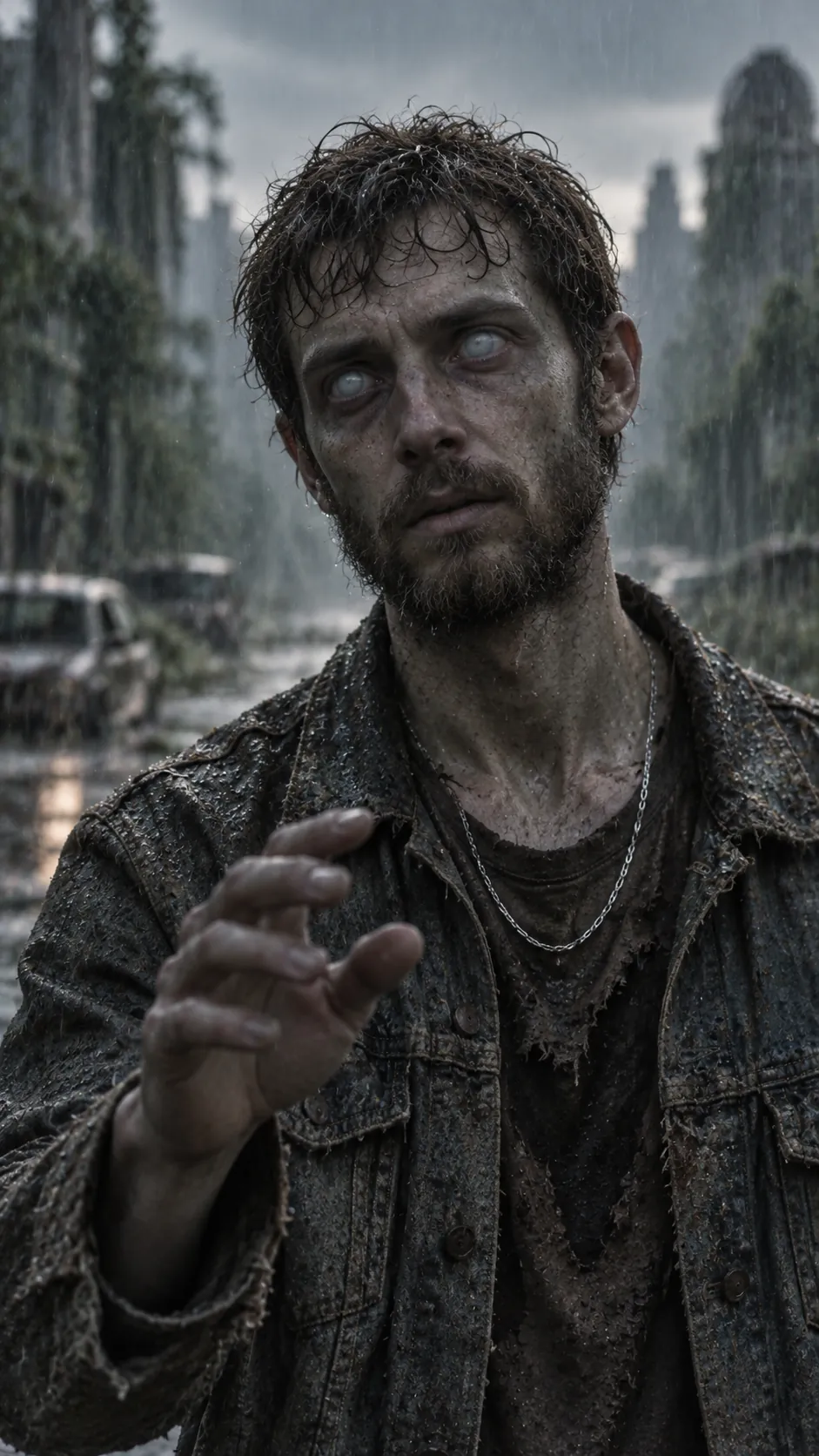
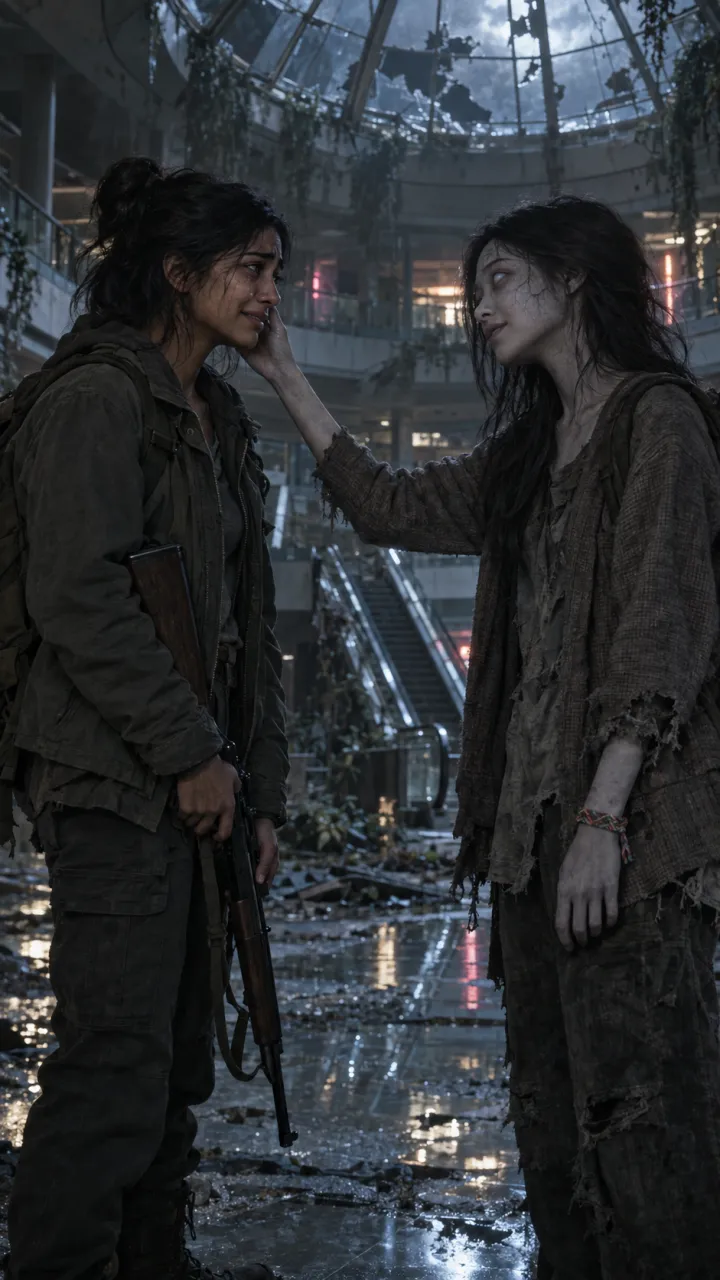
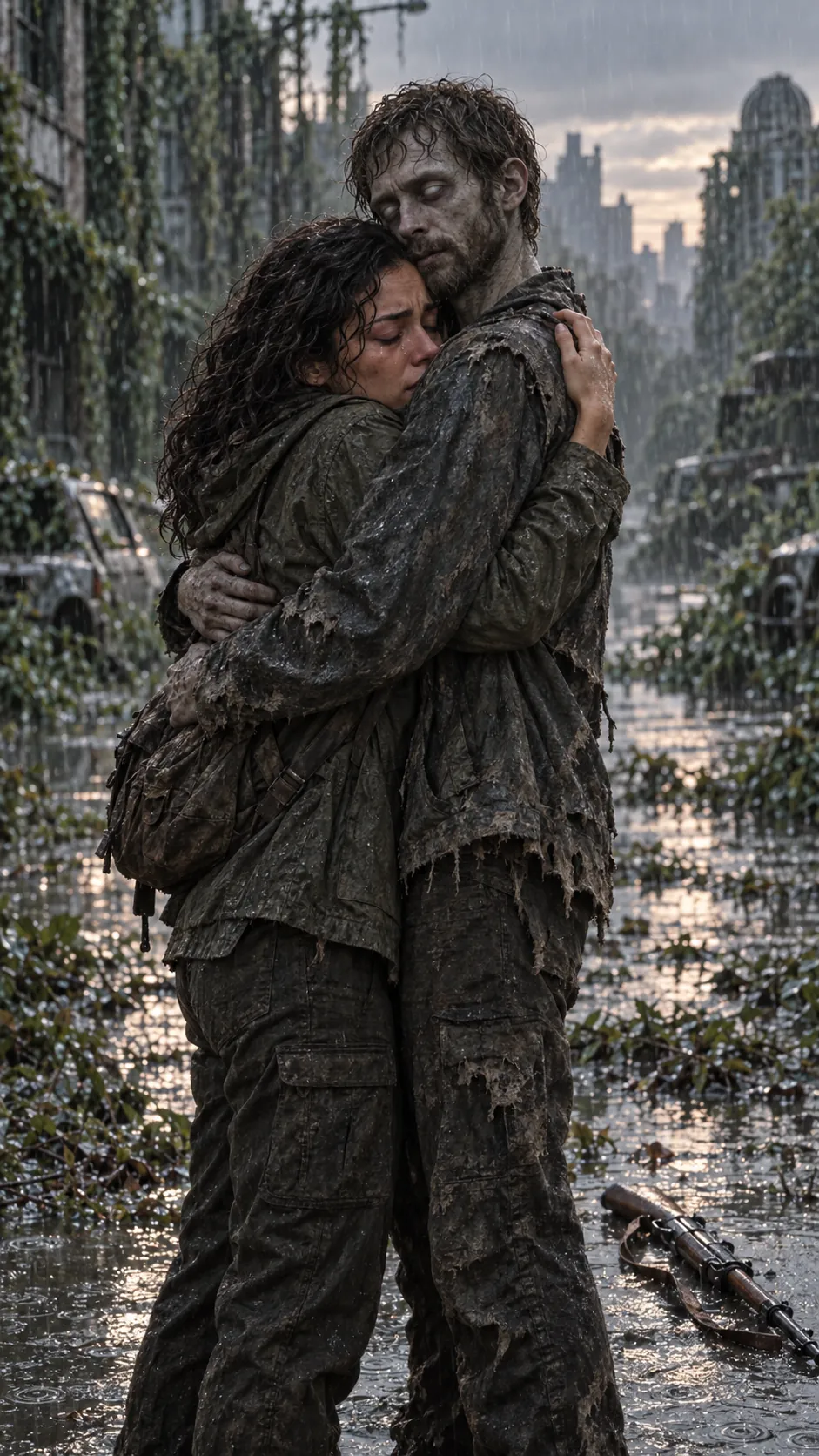
The story stays the same: one of you turns, the other can’t let go, and the video cuts to a good day. What changes are the cues that read as romance. A wedding ring becomes an old wristwatch, a slow dance becomes a run hand in hand, and the memories become a summer fair, a backyard or a field at sunset.

In the generator, choose “Two people” and then best friends, siblings or parent & child. The best friends template starts you there.

Three examples

Best friends

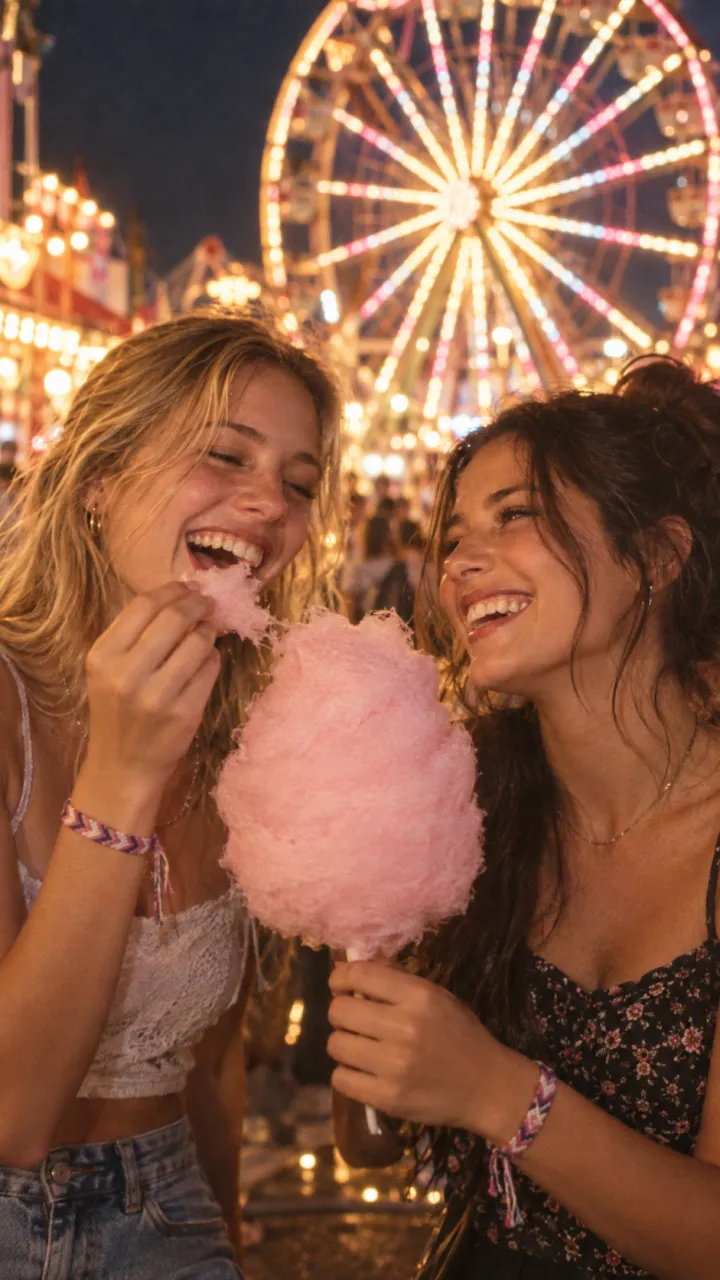
Priya and Sam meet again in an abandoned mall, and the video cuts to cotton candy under a ferris wheel. The line: “Ride or die, literally.” Watch it.

Siblings

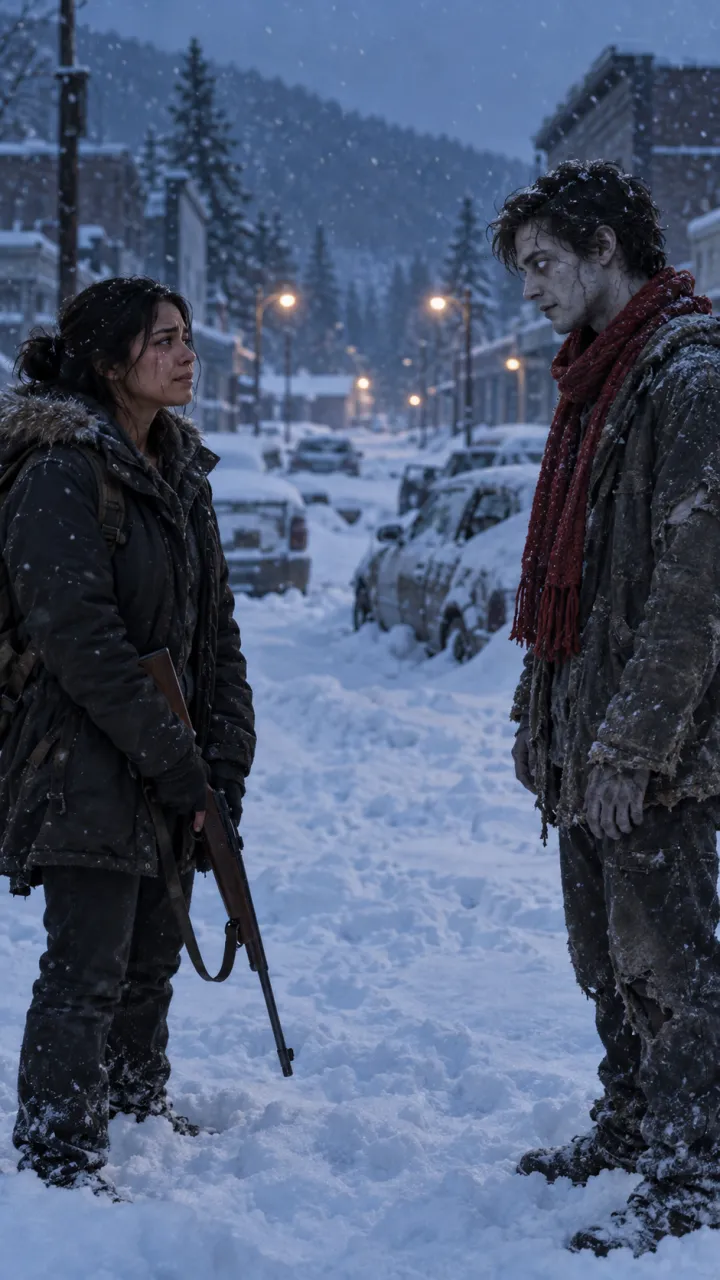
Diego and Luis in a snow-buried town, cutting to a field at sunset. “Same blood. Still my brother.” Watch it, or start from the siblings template.

Parent and grown-up child

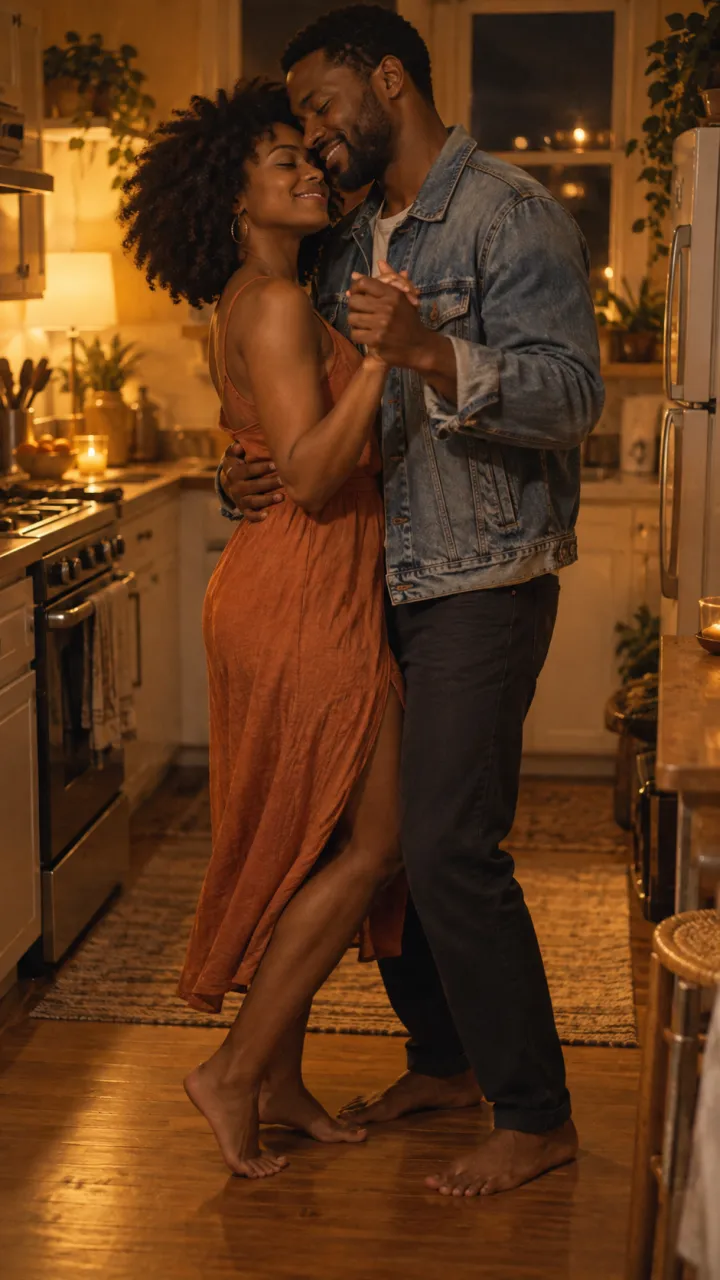
Owen finds his mum Helen on the last train home, and the video cuts to the two of them dancing in her kitchen. “Mum, it’s me.” Watch it, or start from the parent & child template.

Photos for two people

  • Two separate photos, one person each. Don’t crop both of you out of one group shot; the model can lose track of who is who.
  • Similar light and age in both photos, so the warm ending looks like one afternoon.
  • Everyone in the video is 18 or older, and has said yes.

The full checklist is in best photos for the zombie trend.

Lines and captions

  • Ride or die. Still riding.
  • Same team. Always.
  • You’d have done the same for me.
  • Tag the friend who’s getting bitten first.

Send it to them before you post it. It is their face too.

Questions

Can you do the zombie trend with a friend instead of a partner?

Yes. The story stays the same, and only the romantic cues change: a wedding ring becomes an old wristwatch or a bracelet, and the memory becomes a summer fair or a field at sunset. On AI Zombie, choose “Two people” and then best friends, siblings or parent & child.

Can I use one photo with both of us in it?

Use two separate photos, one person in each. If both faces are cropped from the same group shot, the model can lose track of who is who.
  • What is the AI zombie trend?

    The AI zombie trend explained: the four beats of the zombie love story, why the hard cut to a happy memory works, and the versions people make.

    4 min read · Updated

  • How to do the AI zombie trend

    The zombie hug trend in four beats, what photos you need, and how to make and post your own 15-second version.

    4 min read · Updated

  • Zombie love story prompts for AI video

    Copy-ready zombie love story prompts for any image-to-video model: two key stills, four shots, four settings, a pet version, and how to keep faces consistent.

    6 min read · Updated

  • Best photos for the zombie trend

    Which photos give the best result in the AI zombie trend, and the three mistakes that cause most failed renders.

    3 min read · Updated

  • Zombie trend video doesn’t look like you? How to fix it

    Why an AI zombie trend video can lose your likeness or turn the wrong person, and the photo fixes that solve most of it before you try again.

    3 min read · Updated

  • Zombie trend ideas for couples

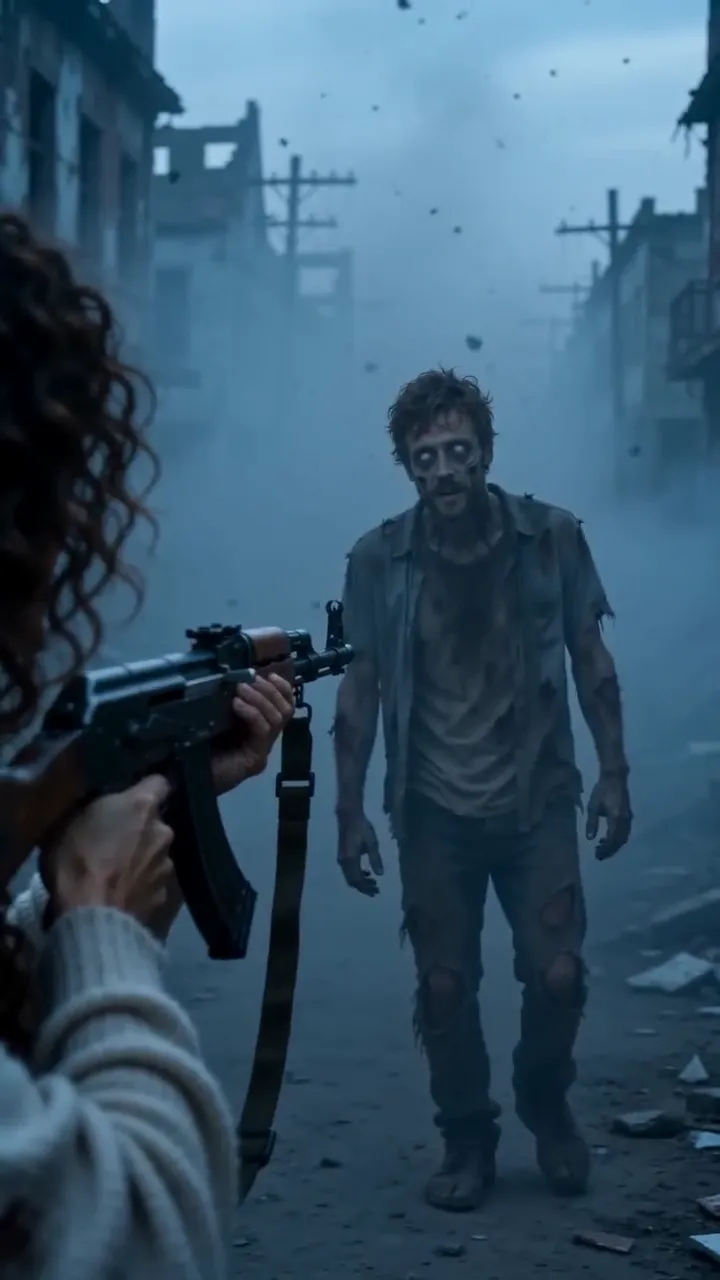
    Four zombie love story ideas for couples, from an ash-filled street to a last train home, plus who should turn, when to post and lines to use.

    4 min read · Updated

  • How to do the zombie trend with your dog or cat

    The pet version of the zombie trend: which photos work for dogs and cats, and how the video ends for them.

    3 min read · Updated

  • The zombie match cut, explained

    What a match cut is, why the zombie trend uses one, and how to prompt and edit the three that work best: the hand, the run and the hold.

    4 min read · Updated

  • How to make the zombie trend in CapCut

    Edit the AI zombie trend in CapCut: put the shots in order, land the hard cut on the beat, add a line and the sound, and export for TikTok.

    4 min read · Updated

  • Zombie trend captions and sounds

    On-screen lines and post captions for the AI zombie trend, plus how to use the platform’s trending sound with your video.

    3 min read · Updated

  • Halloween zombie video ideas

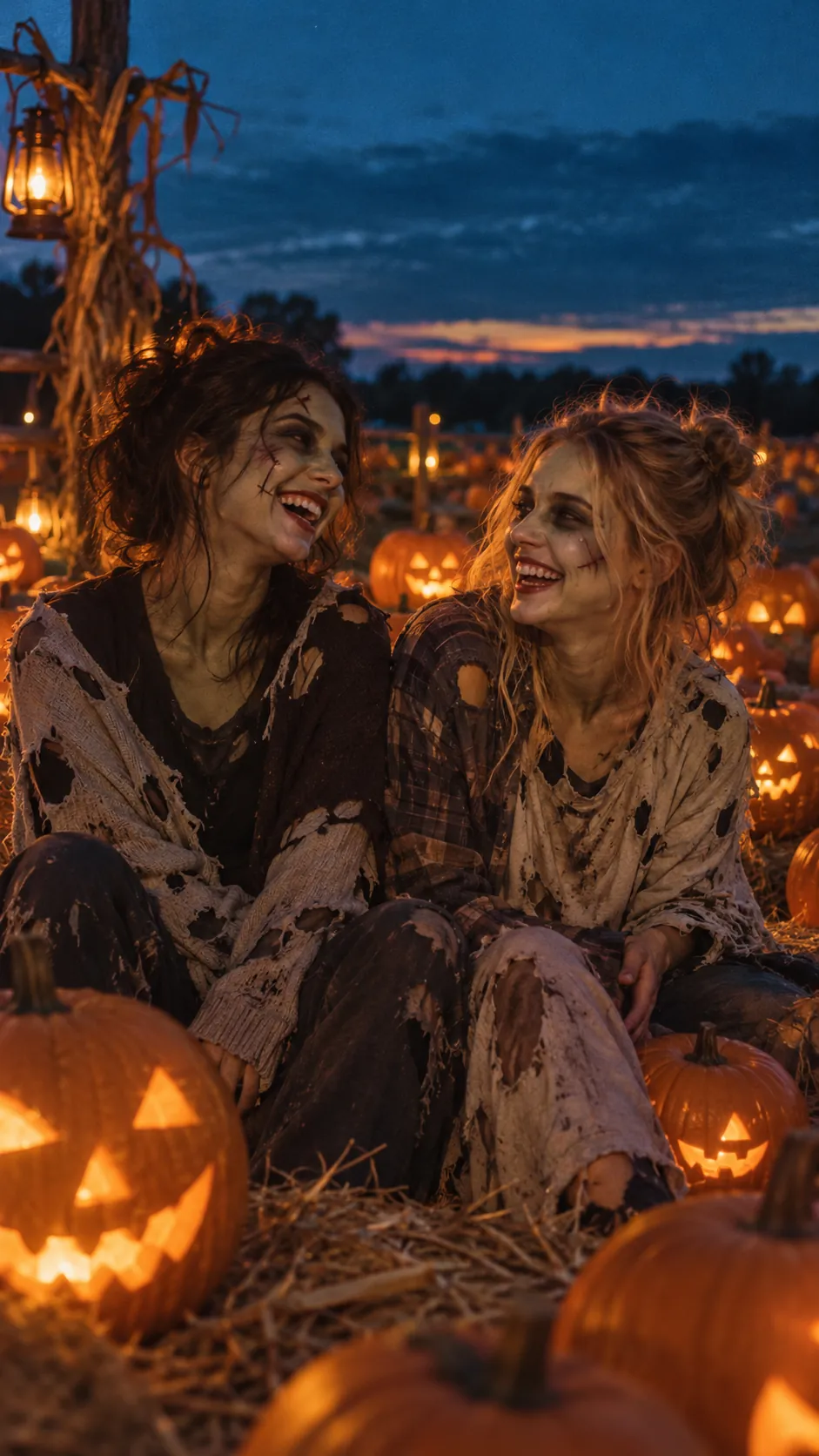
    Halloween zombie video ideas for couples, friends, families and pets, with lines and captions, plus what the Halloween version of the trend adds.

    3 min read · Updated

  • How to make the zombie trend with Gemini

    Make the AI zombie trend with Google Gemini: the two stills, the two 8-second Veo clips, the prompts to paste, and how to join them with a hard cut.

    5 min read · Updated

  • Zombie AI video generators: Seedance, Higgsfield and more

    Which AI video generators can make the zombie trend: general models like Seedance, Veo and Kling, platforms like Dreamina and Higgsfield, what Dola is, and one-step trend tools.

    5 min read · Updated

  • Zombie apocalypse scene ideas for AI video

    Ten zombie apocalypse scene ideas for AI video, each with its light, sound and the memory it cuts to, plus a scene line to paste into your prompt.

    4 min read · Updated

Stills are AI-generated samples.

Make your zombie trend video

Two photos in, 15 seconds with sound out. You see the cost before you press Generate, and failed videos are refunded.

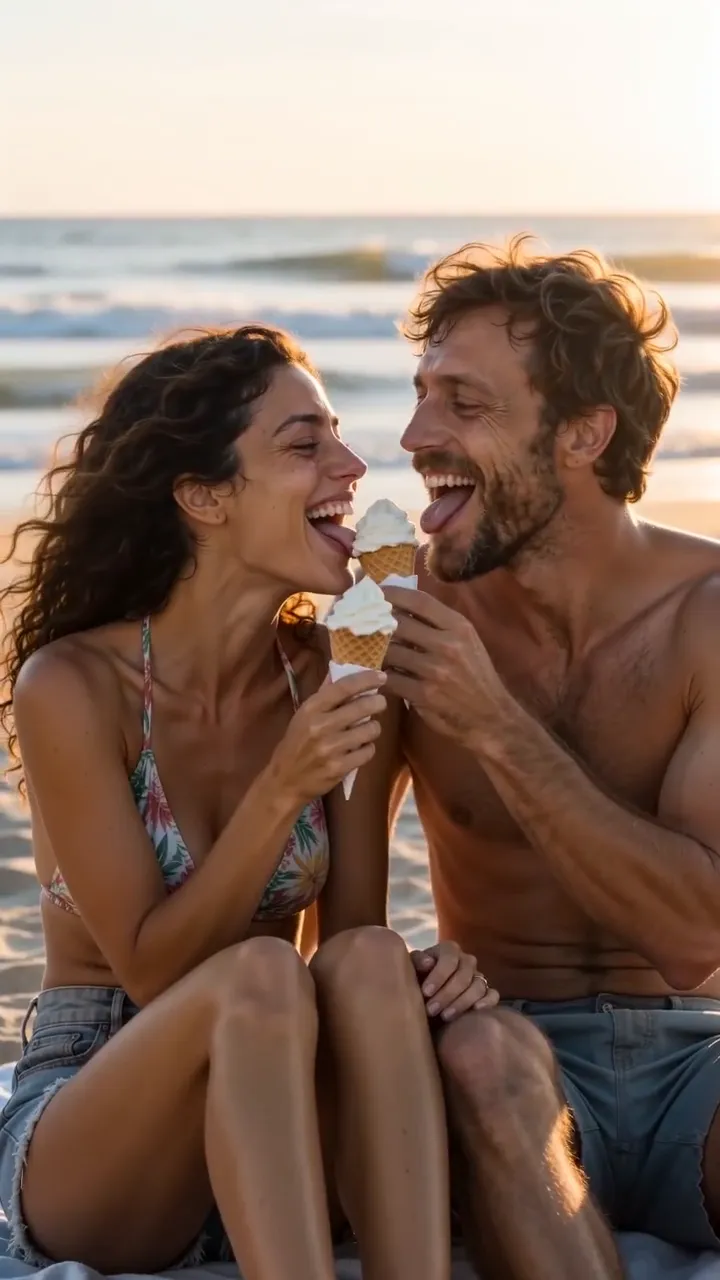
Sample still: Lena and Theo laughing on a beach at golden hour

Welcome back

Your videos and credits are saved to your account.