Skip to content
ai-zombie.com

Zombie apocalypse scene ideas for AI video

Ten zombie apocalypse scene ideas for AI video, each with its light, sound and the memory it cuts to, plus a scene line to paste into your prompt.

4 min read · Updated
What makes a zombie scene work

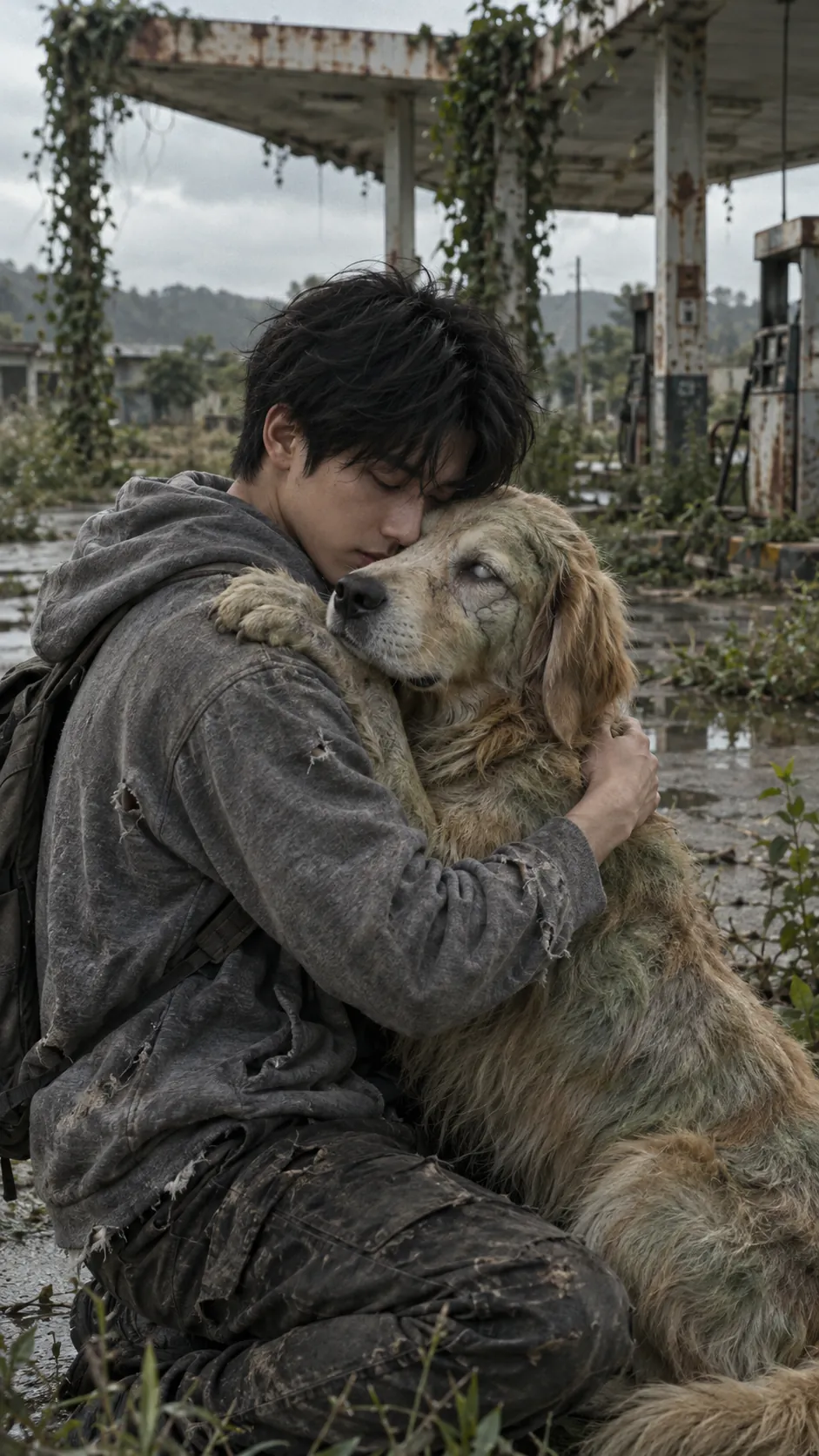
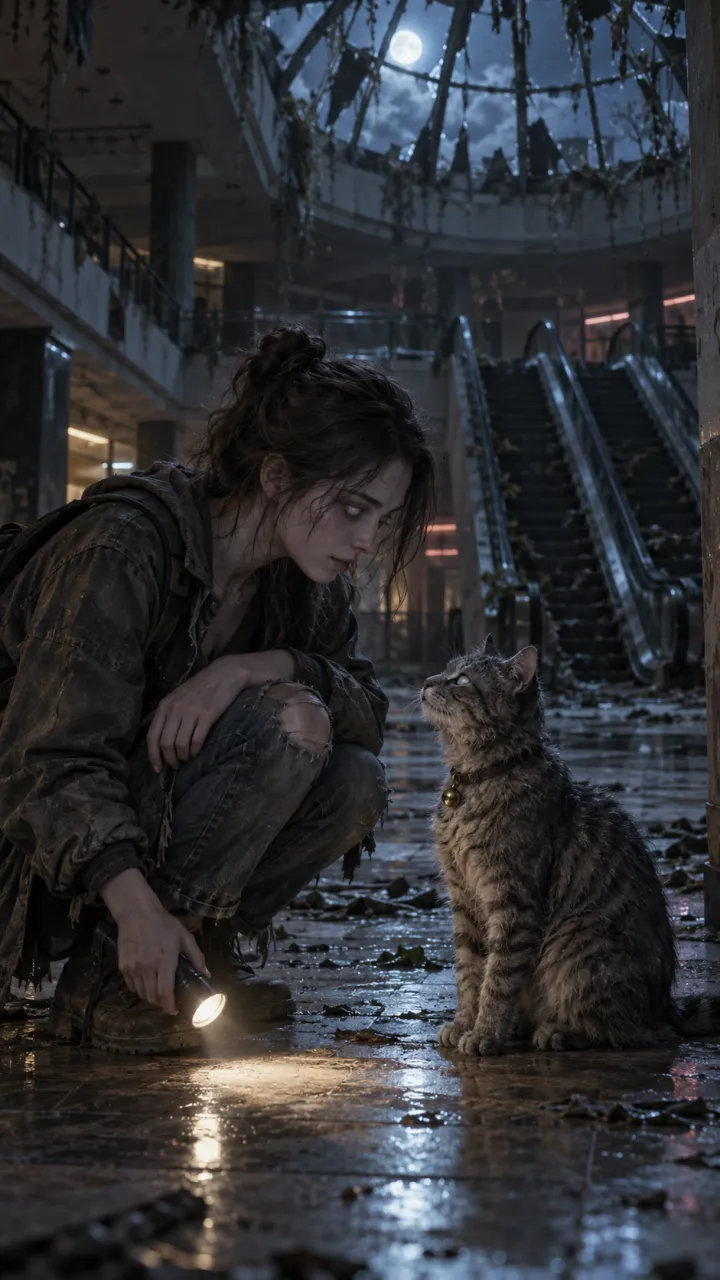
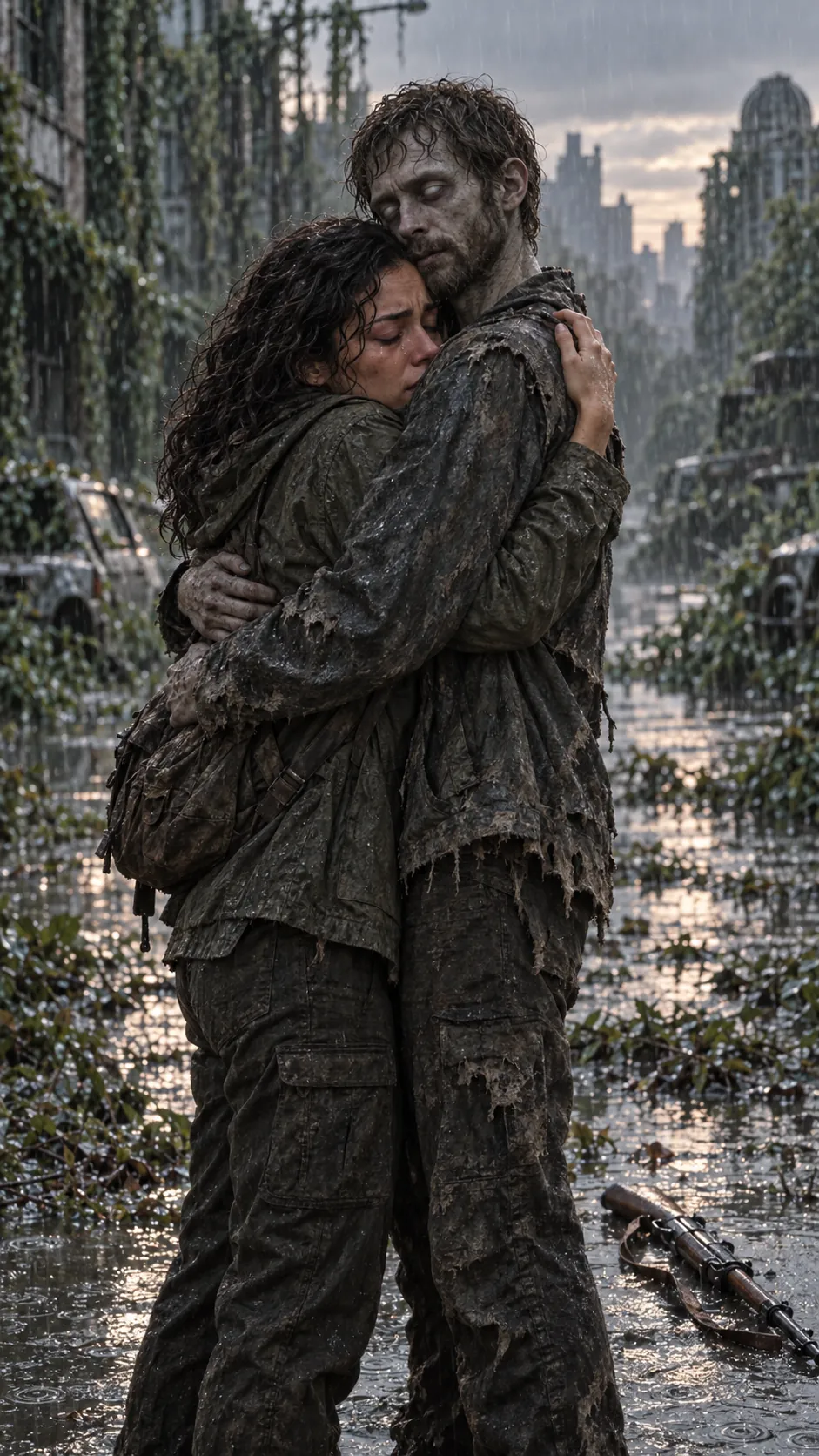
In the zombie trend the scene is a backdrop for two people, not an action set piece. The best ones share three things: a place that used to be busy and now isn’t, cold light with one warm source, and enough space for one person to stand a few steps from the other. Each idea below pairs a scene with the memory it cuts to.

Ten scenes and their memories

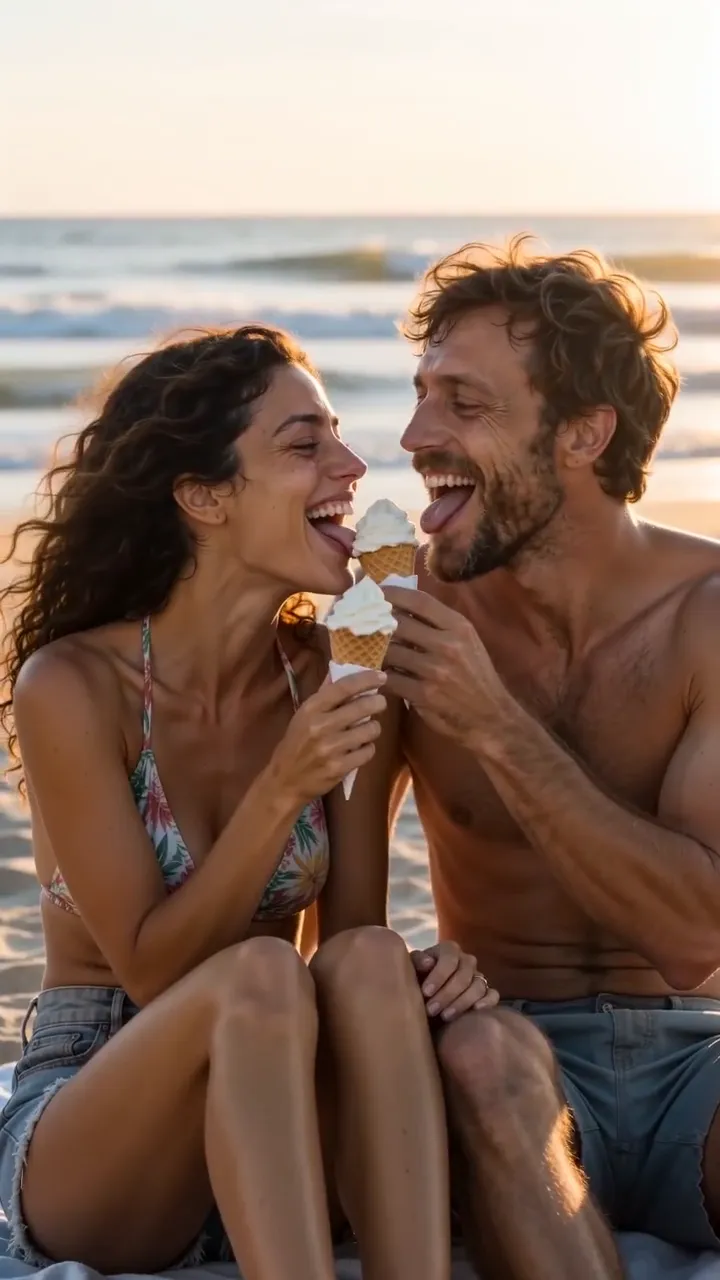
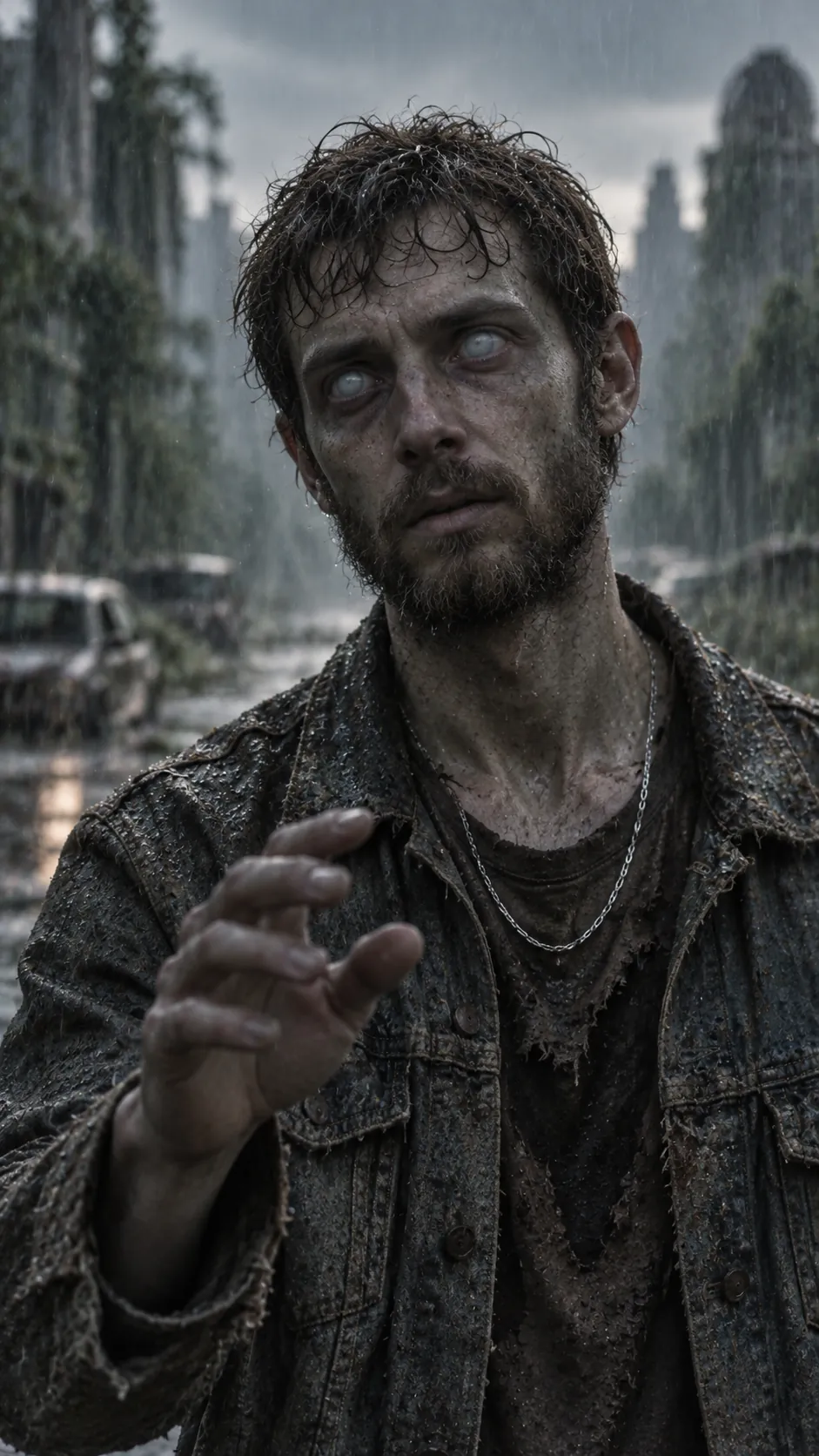
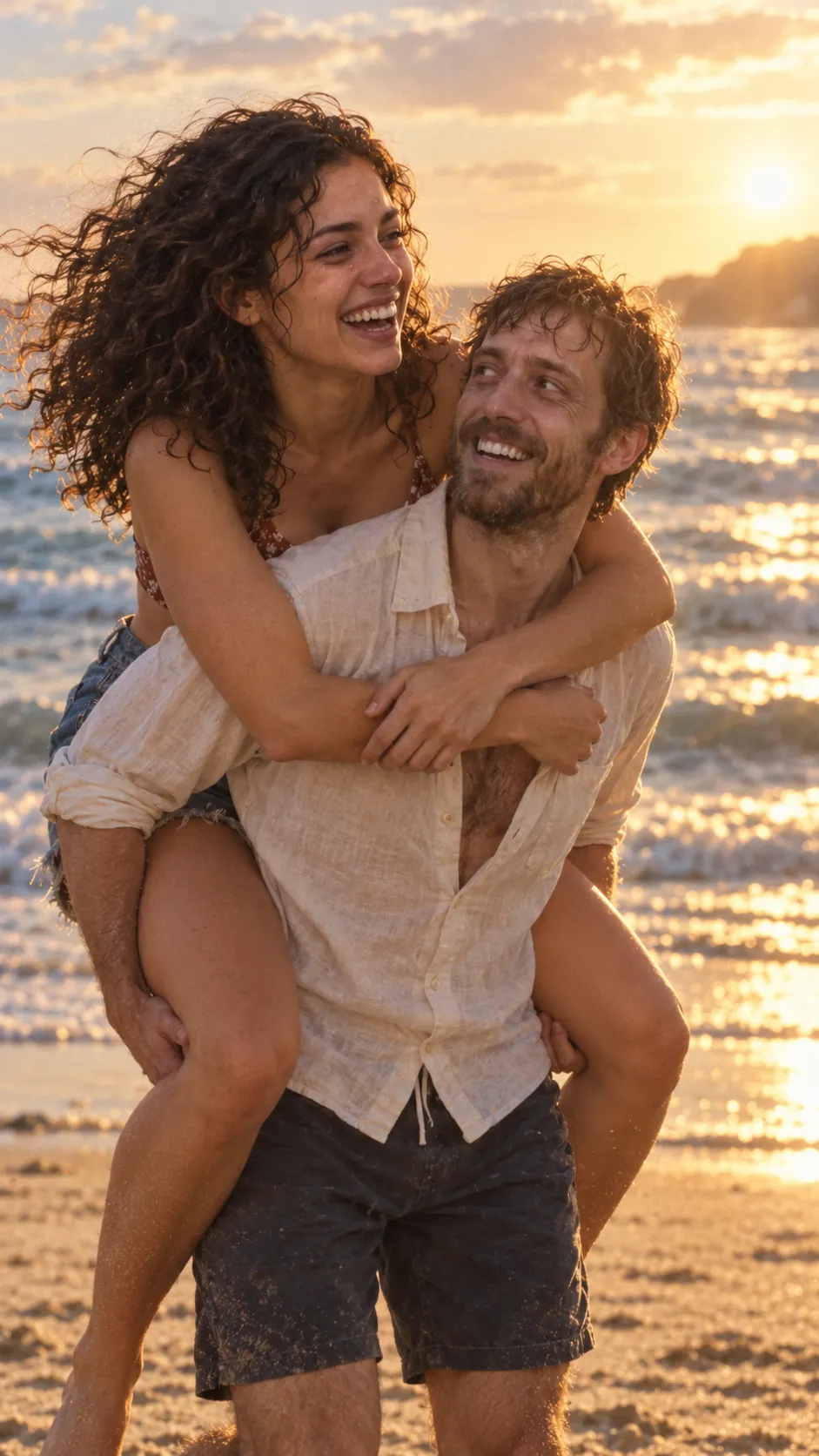
  1. Ash-covered city street at dusk, burnt-out cars, wind. Cuts to a beach at golden hour.
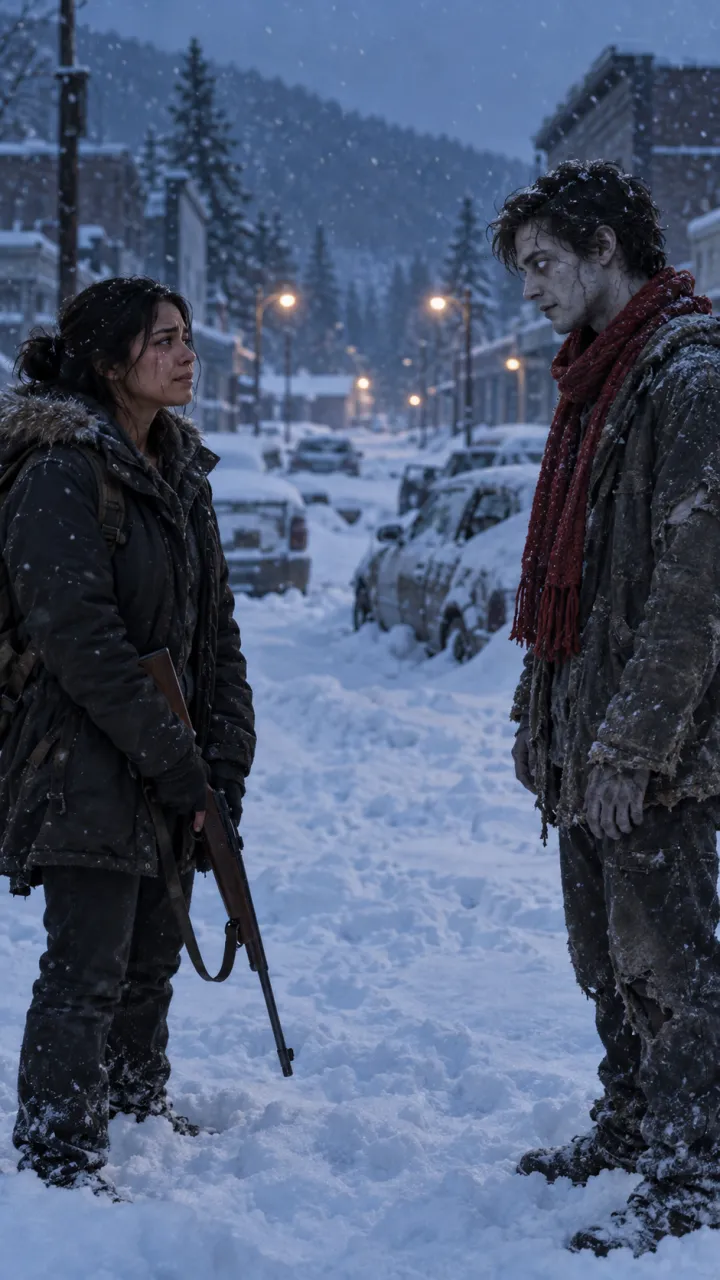
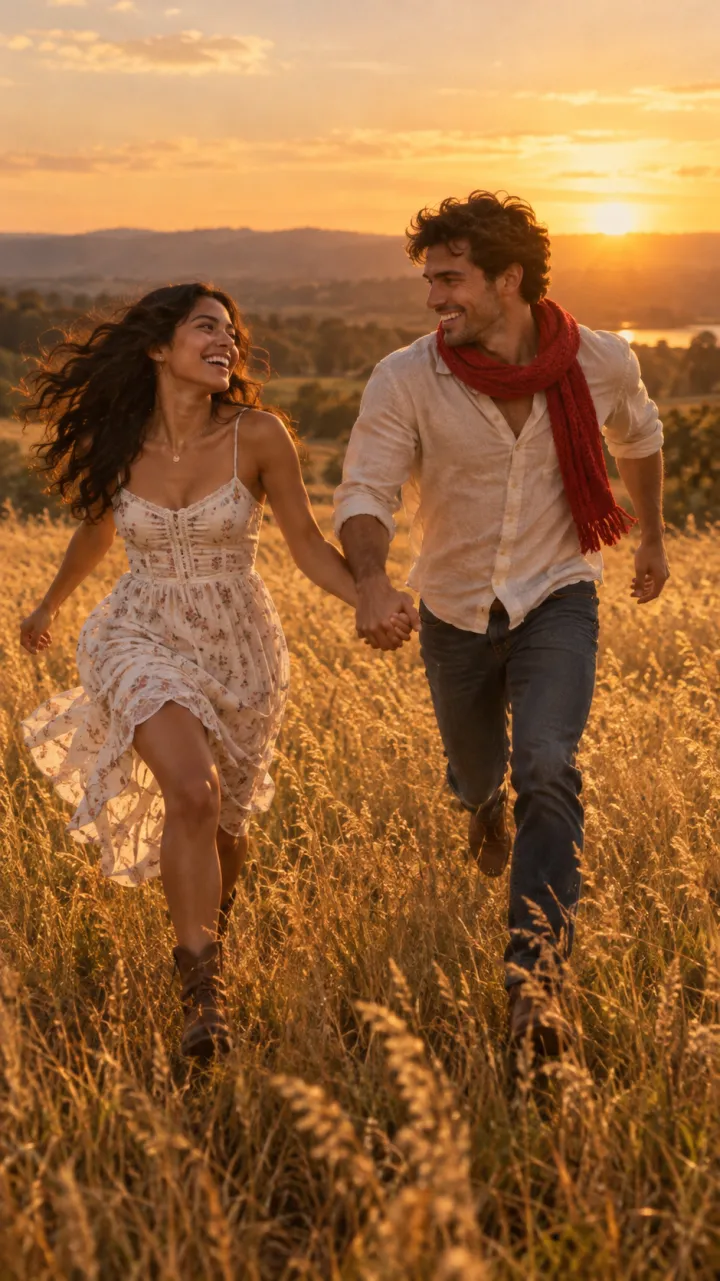
  2. Snowed-in town at night, one streetlight still on. Cuts to summer, running through tall grass.
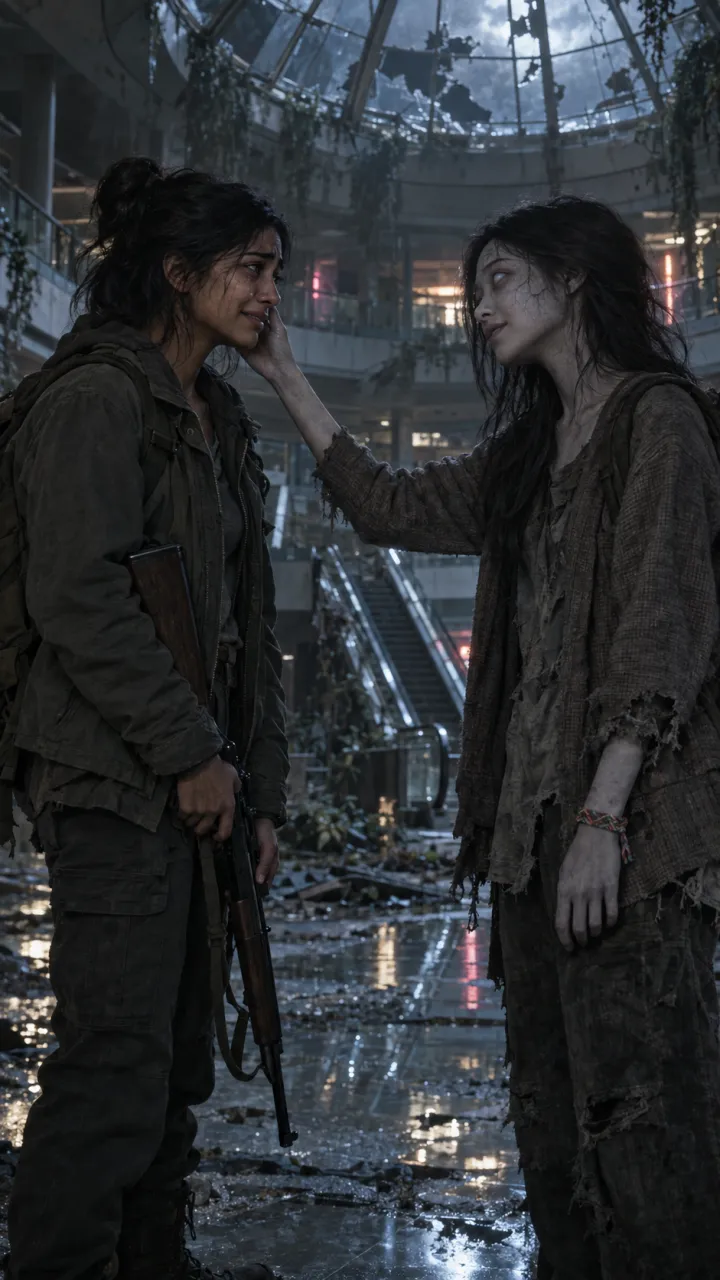
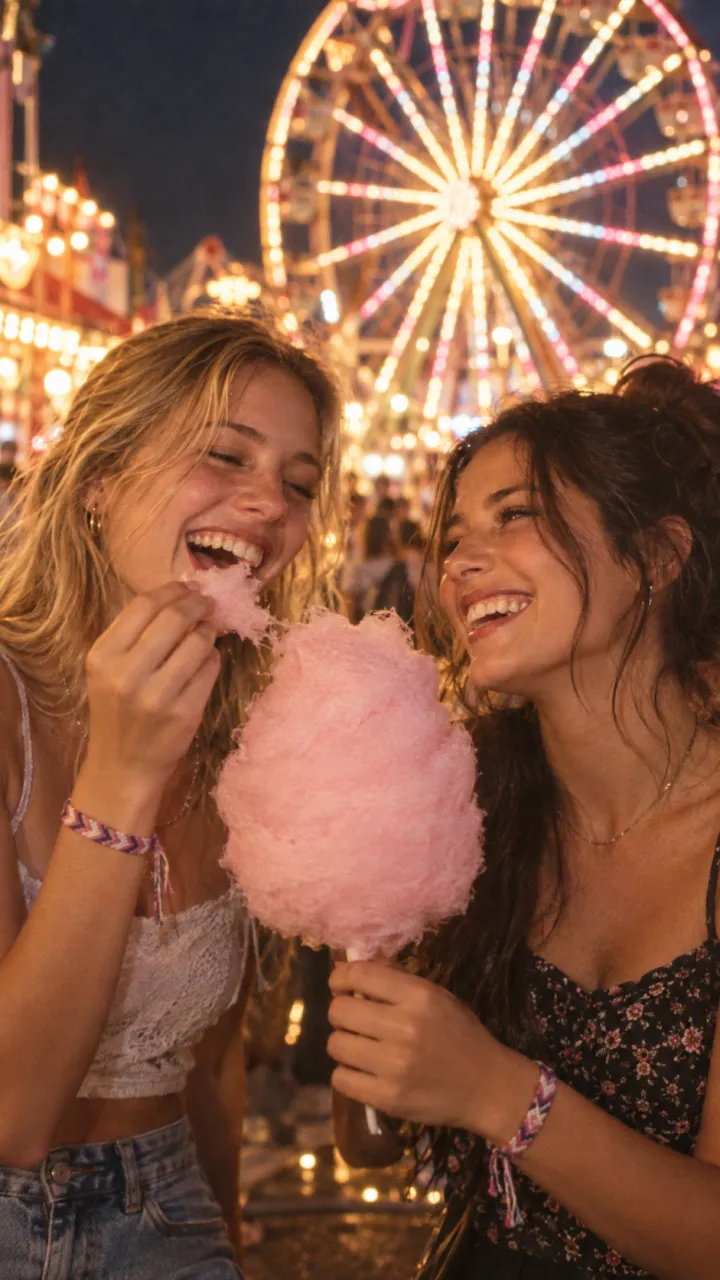
  3. Abandoned shopping mall, dead escalators, flickering neon. Cuts to a fair at night under a ferris wheel.
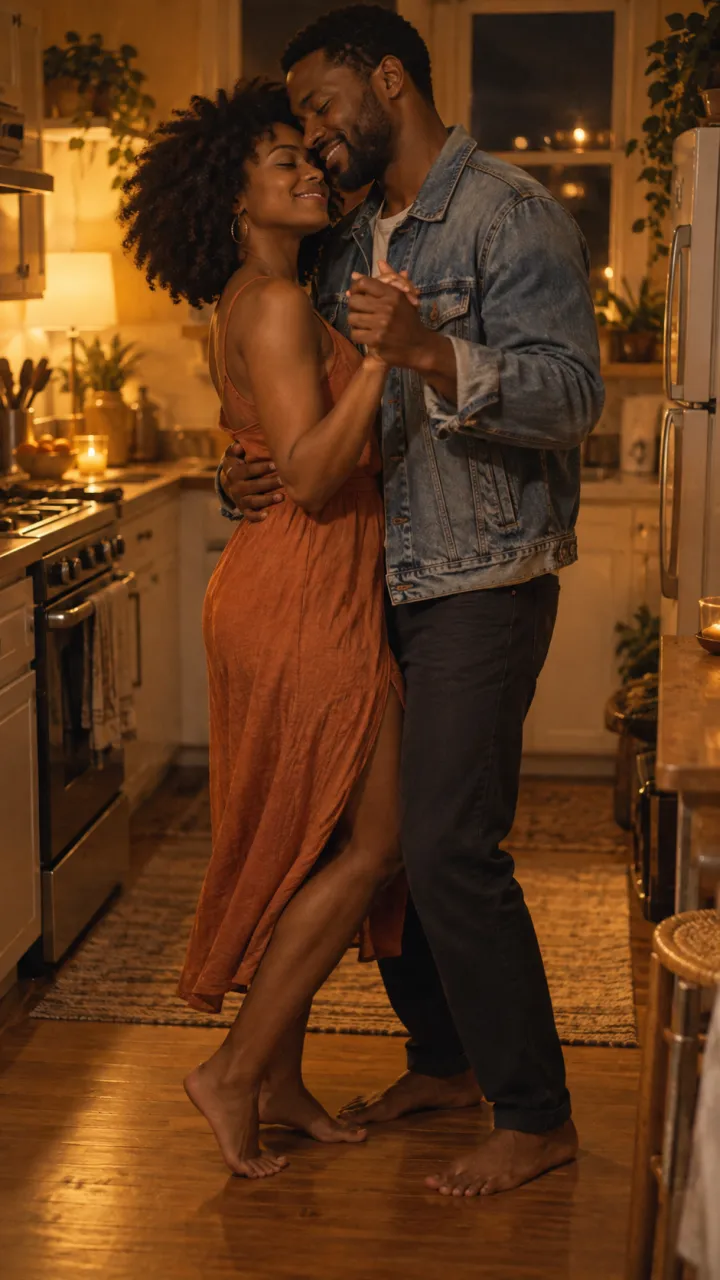
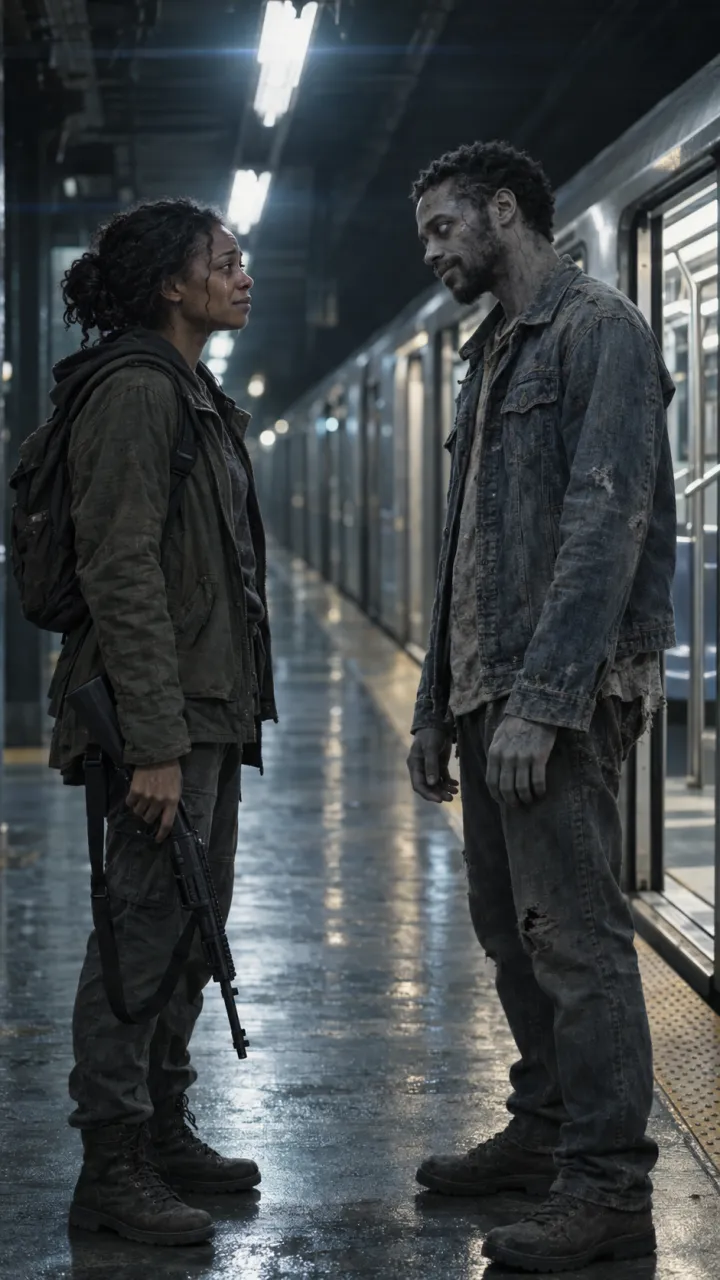
  4. Empty metro platform, a stopped train with its doors open. Cuts to a slow dance in the kitchen.
  5. Hospital corridor with emergency lights. Cuts to the day they came home together.
  6. Overgrown football stadium. Cuts to the two of them cheering in the stands.
  7. Flooded school gym. Cuts to a school dance.
  8. Highway jammed with abandoned cars at dawn. Cuts to singing in the car.
  9. Empty playground in fog. Cuts to a parent pushing a child on the swings.
  10. Rooftop over a dark city. Cuts to fireworks from the same roof.

A scene line to paste

Swap the setting into the cold shot of any zombie love story prompt. Keep the light and sound words: they carry the mood more than the props.

Scene line

[Setting], empty and silent, [one detail: a stopped train with its doors open], cold blue-grey light with one warm source in the background, dust or ash drifting, wide enough to see both people a few metres apart. Quiet wind and distant sound only.

Keep it tender, not gory

  • One turned person, not a horde. A crowd turns the video into an action clip.
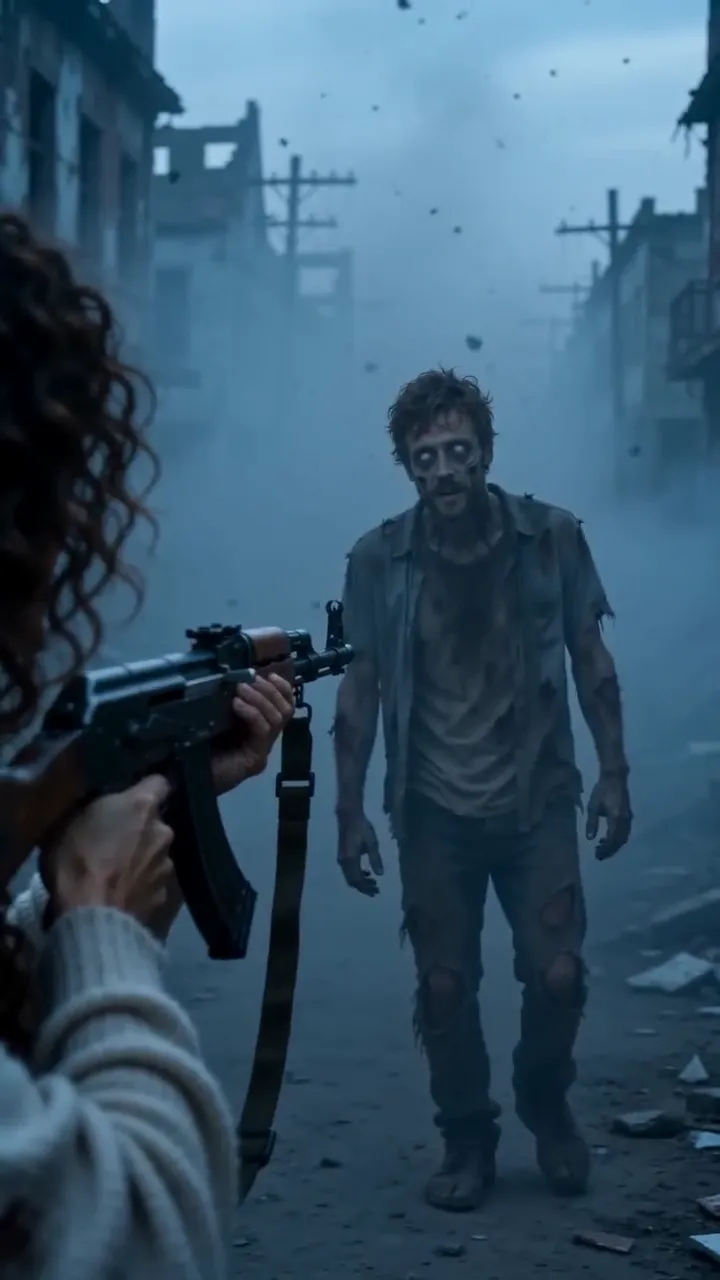
  • Pale grey skin and clouded eyes read as turned without blood.
  • Keep weapons pointed down. The moment is the person deciding not to use it.
  • Pets work in every scene. The dog and cat guide has the changes.

Four of these scenes are built into AI Zombie as worlds, each with its own memory. Pick one, add two photos, and the cut is made for you.

Questions

What makes a good zombie scene for the trend?

An empty place that used to be full of life, in cold light, with room for two people to stand a few metres apart. The emptiness does the work, so the scene needs no crowds of zombies and no gore.

Which memory should a zombie scene cut to?

One that rhymes with the scene: a train platform cuts to a road trip, a snowed-in town to a summer beach, a dark mall to a fair at night. The bigger the jump in colour and warmth, the harder the cut lands.
  • What is the AI zombie trend?

    The AI zombie trend explained: the four beats of the zombie love story, why the hard cut to a happy memory works, and the versions people make.

    4 min read · Updated

  • How to do the AI zombie trend

    The zombie hug trend in four beats, what photos you need, and how to make and post your own 15-second version.

    4 min read · Updated

  • Zombie love story prompts for AI video

    Copy-ready zombie love story prompts for any image-to-video model: two key stills, four shots, four settings, a pet version, and how to keep faces consistent.

    6 min read · Updated

  • Best photos for the zombie trend

    Which photos give the best result in the AI zombie trend, and the three mistakes that cause most failed renders.

    3 min read · Updated

  • Zombie trend video doesn’t look like you? How to fix it

    Why an AI zombie trend video can lose your likeness or turn the wrong person, and the photo fixes that solve most of it before you try again.

    3 min read · Updated

  • Zombie trend ideas for couples

    Four zombie love story ideas for couples, from an ash-filled street to a last train home, plus who should turn, when to post and lines to use.

    4 min read · Updated

  • How to do the zombie trend with your best friend

    The zombie trend for best friends, siblings and parents: what changes from the couple version, which photos work for two people, and lines to use.

    3 min read · Updated

  • How to do the zombie trend with your dog or cat

    The pet version of the zombie trend: which photos work for dogs and cats, and how the video ends for them.

    3 min read · Updated

  • The zombie match cut, explained

    What a match cut is, why the zombie trend uses one, and how to prompt and edit the three that work best: the hand, the run and the hold.

    4 min read · Updated

  • How to make the zombie trend in CapCut

    Edit the AI zombie trend in CapCut: put the shots in order, land the hard cut on the beat, add a line and the sound, and export for TikTok.

    4 min read · Updated

  • Zombie trend captions and sounds

    On-screen lines and post captions for the AI zombie trend, plus how to use the platform’s trending sound with your video.

    3 min read · Updated

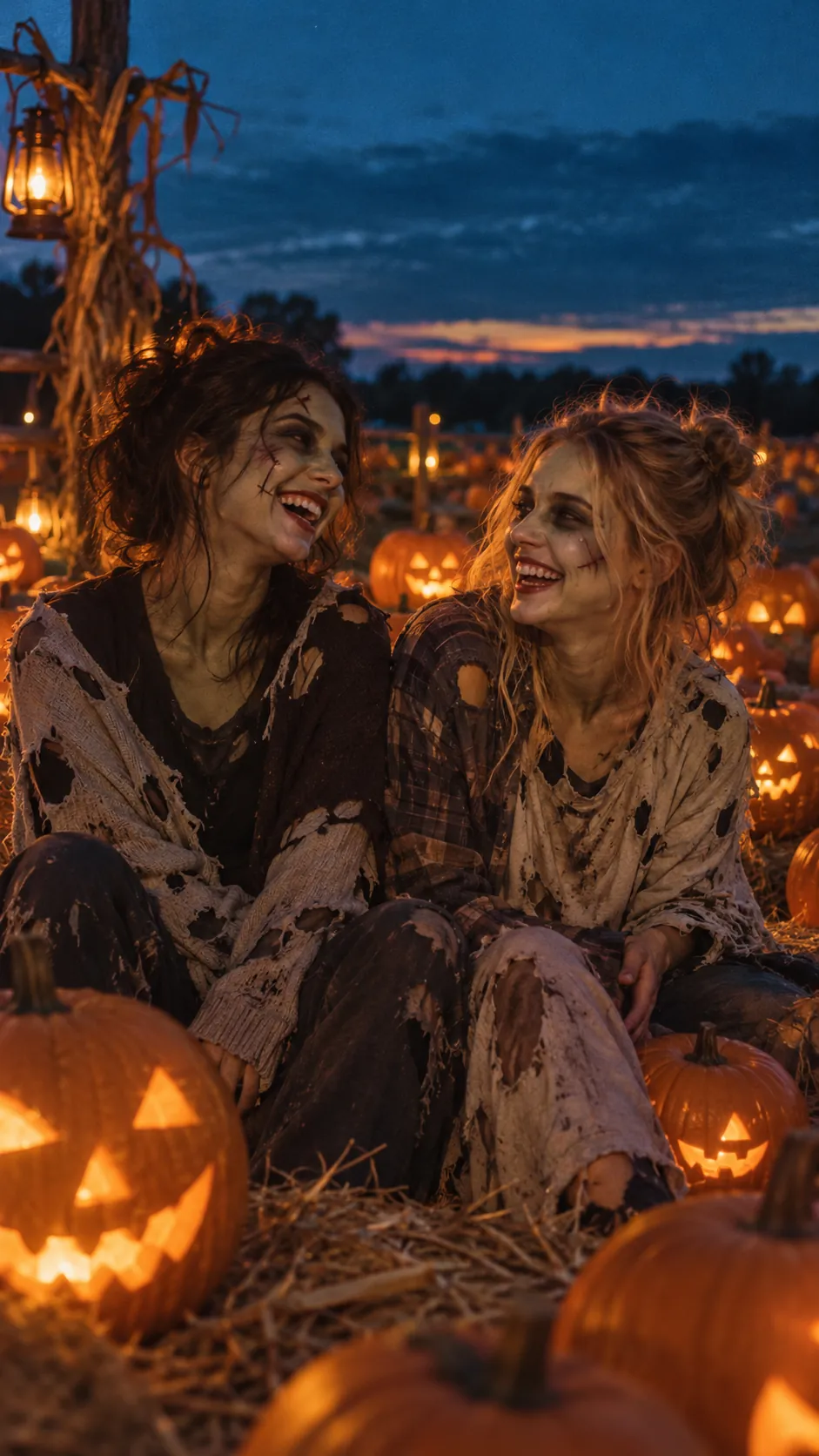
  • Halloween zombie video ideas

    Halloween zombie video ideas for couples, friends, families and pets, with lines and captions, plus what the Halloween version of the trend adds.

    3 min read · Updated

  • How to make the zombie trend with Gemini

    Make the AI zombie trend with Google Gemini: the two stills, the two 8-second Veo clips, the prompts to paste, and how to join them with a hard cut.

    5 min read · Updated

  • Zombie AI video generators: Seedance, Higgsfield and more

    Which AI video generators can make the zombie trend: general models like Seedance, Veo and Kling, platforms like Dreamina and Higgsfield, what Dola is, and one-step trend tools.

    5 min read · Updated

Stills are AI-generated samples.

Make your zombie trend video

Two photos in, 15 seconds with sound out. You see the cost before you press Generate, and failed videos are refunded.

Sample still: Lena and Theo laughing on a beach at golden hour

Welcome back

Your videos and credits are saved to your account.