What is the AI zombie trend?
The AI zombie trend explained: the four beats of the zombie love story, why the hard cut to a happy memory works, and the versions people make.
4 min read · Updated
The short answer
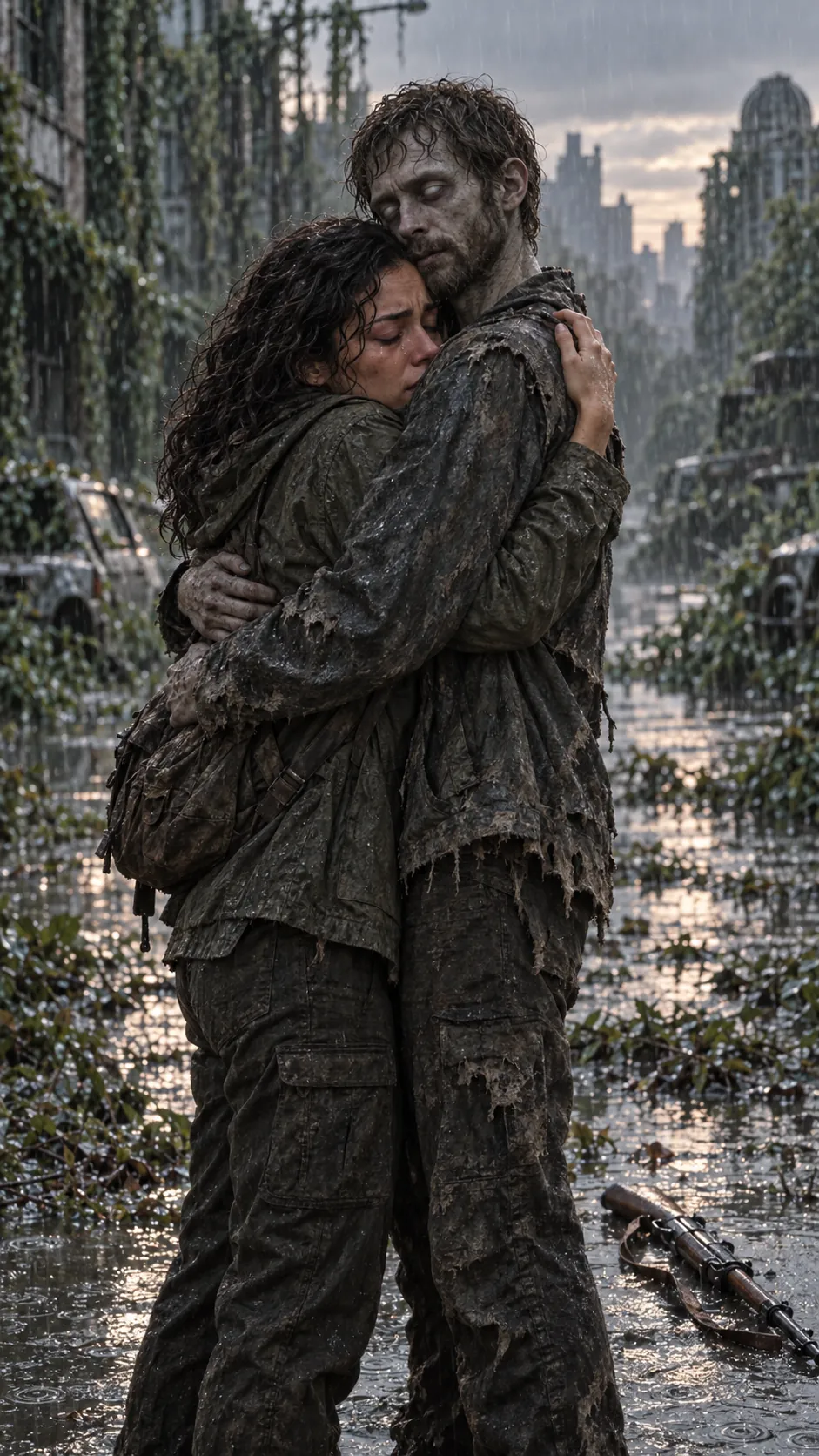
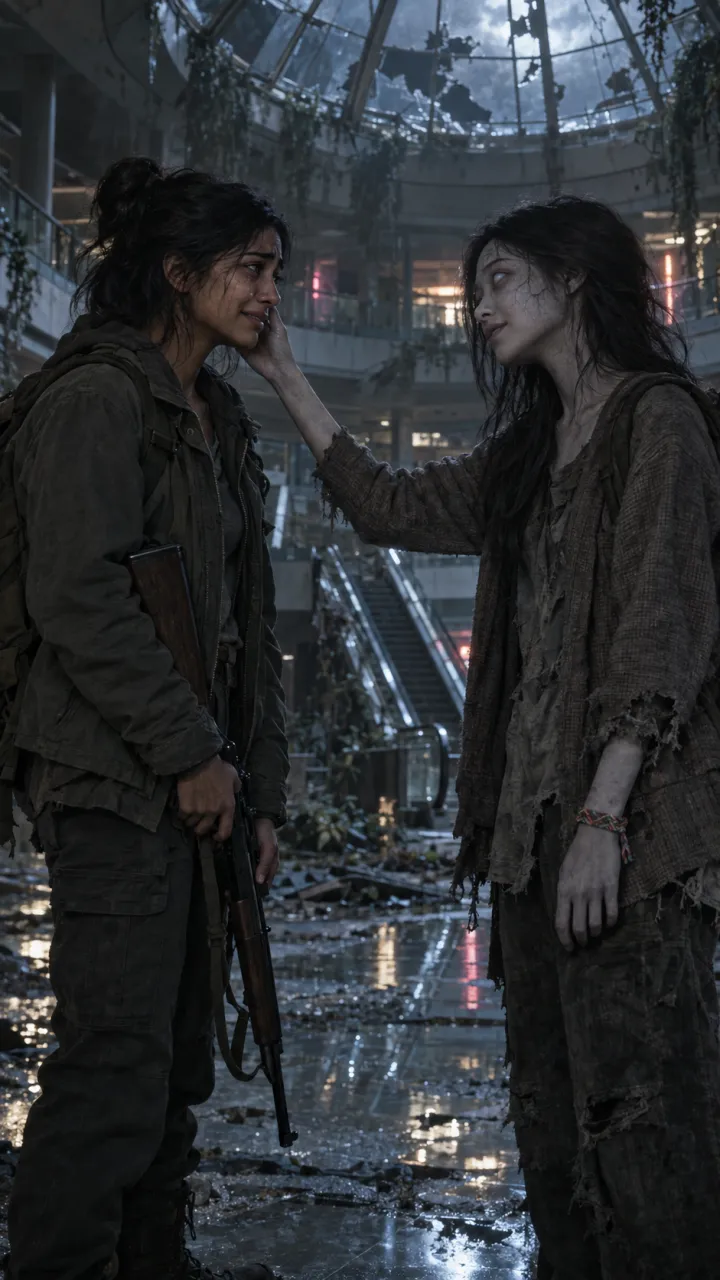
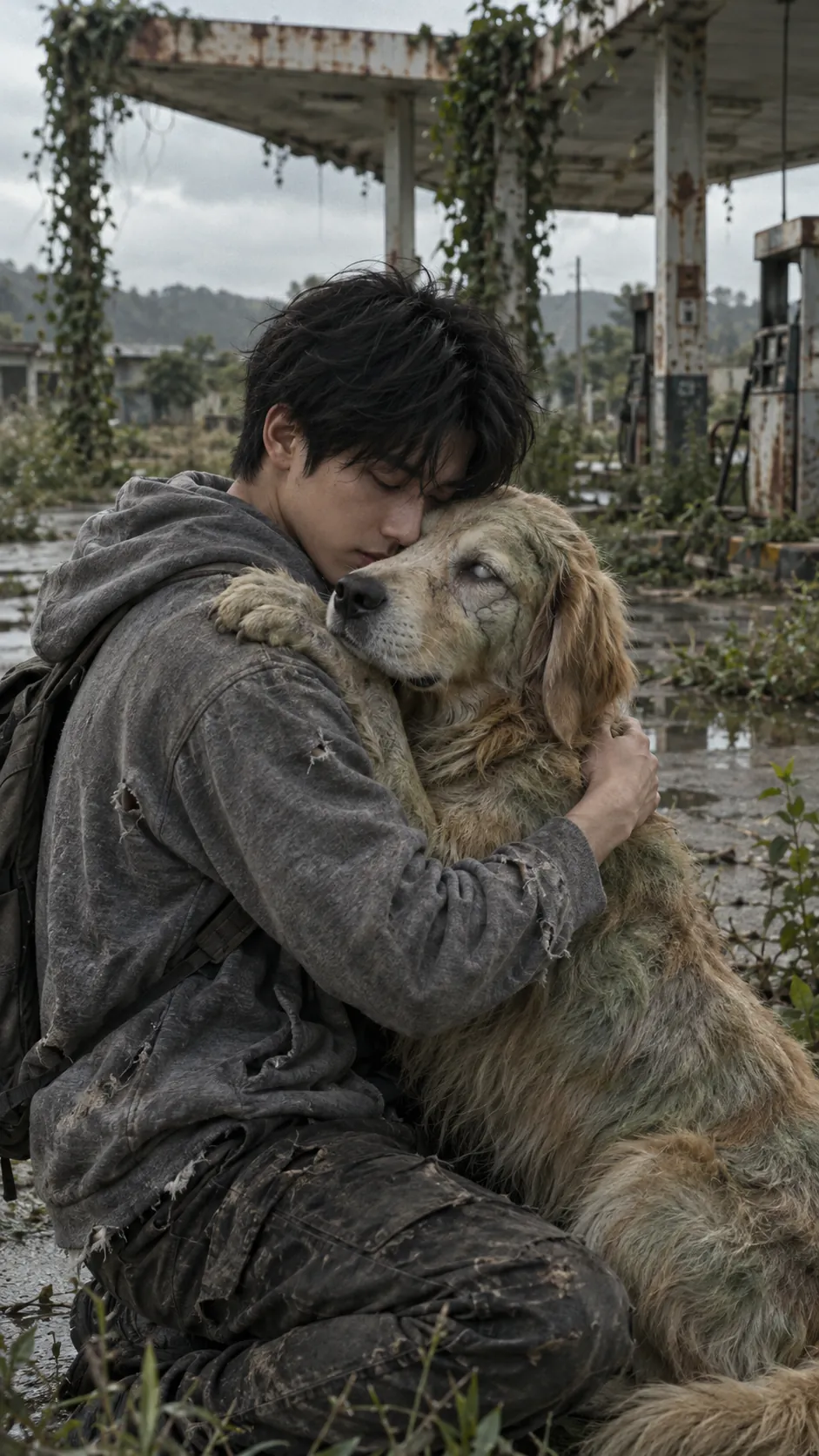
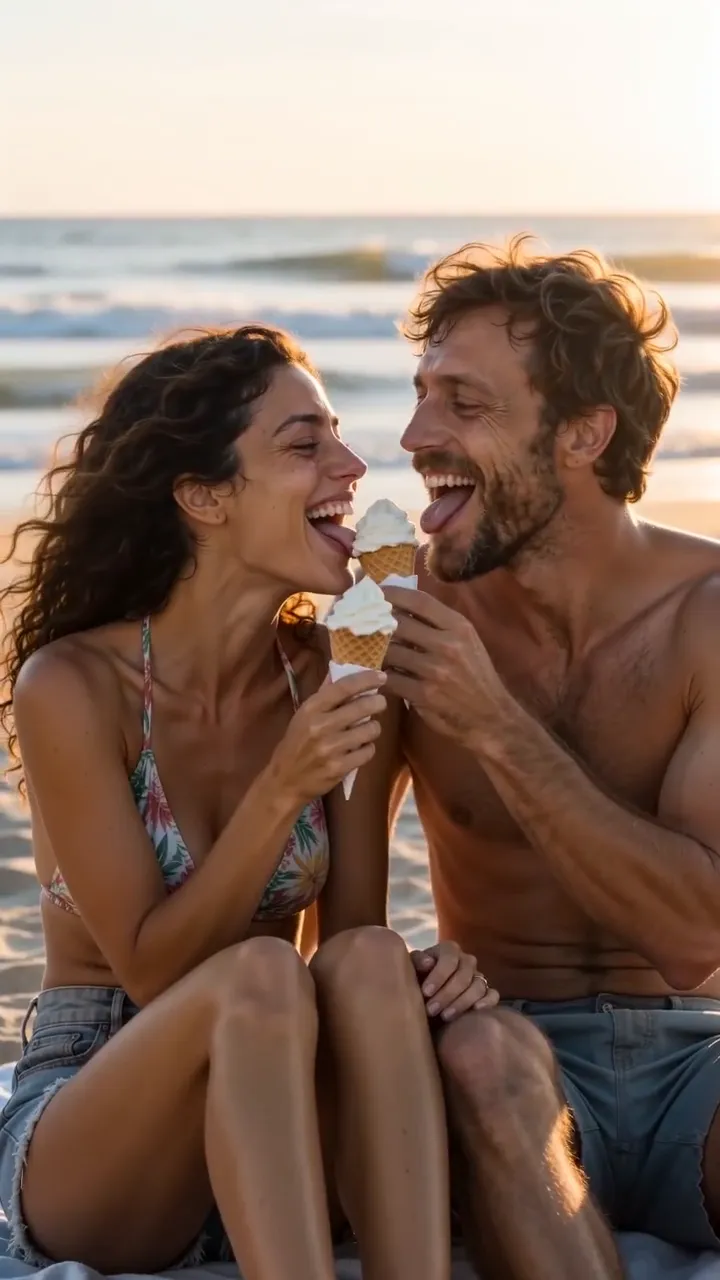
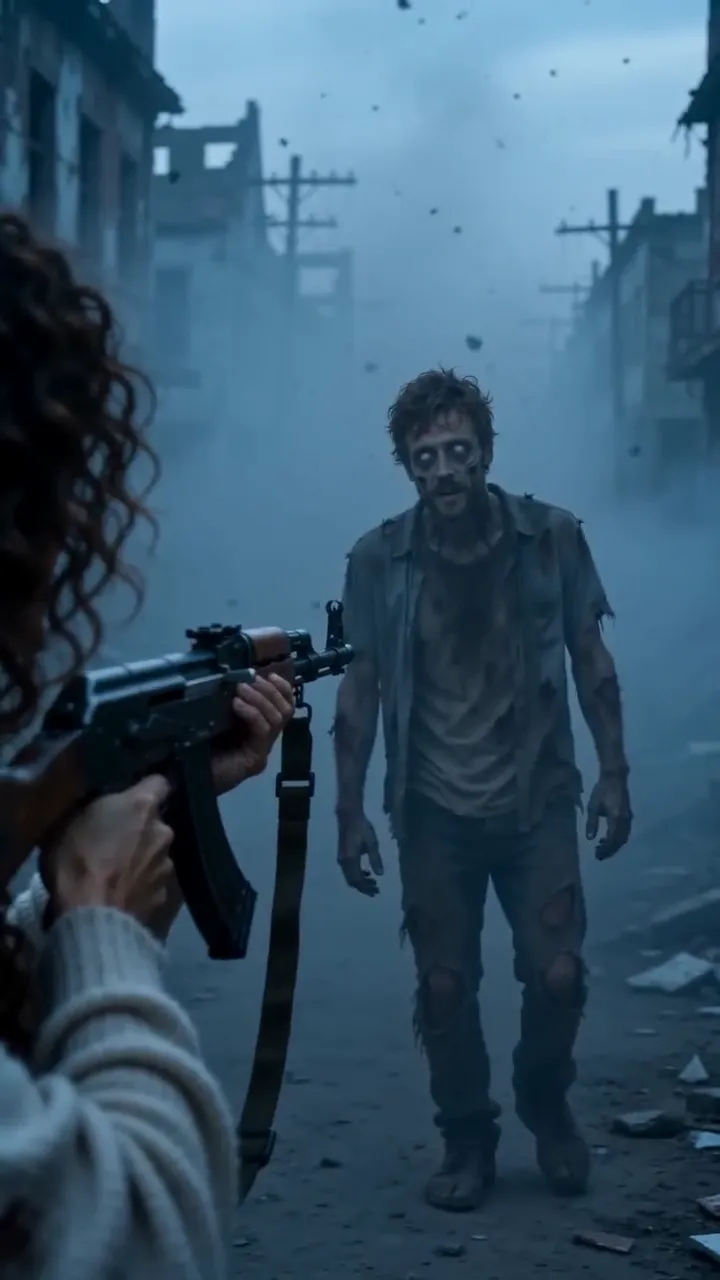
The AI zombie trend is a 15-second vertical video, also called the zombie love story or the zombie hug. Two people, or a person and their pet, meet again after the end of the world. One of them has turned. The other should run, or end it, and can’t. There is a flicker of recognition, an embrace, and then a hard cut to a bright memory of the two of them.
It is made with AI from ordinary photos, so the faces in it are real: you and your partner, your mum, your brother, your dog. That is what turns a horror clip into something people send to one specific person.
The four beats
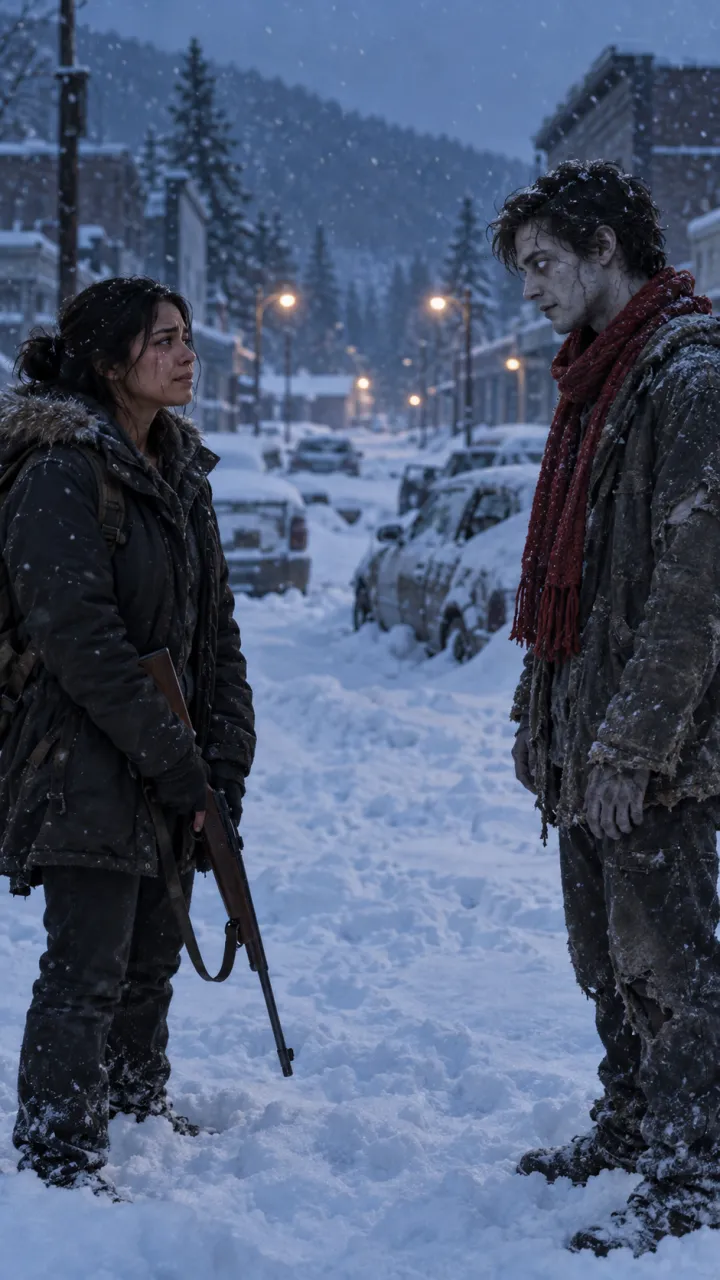
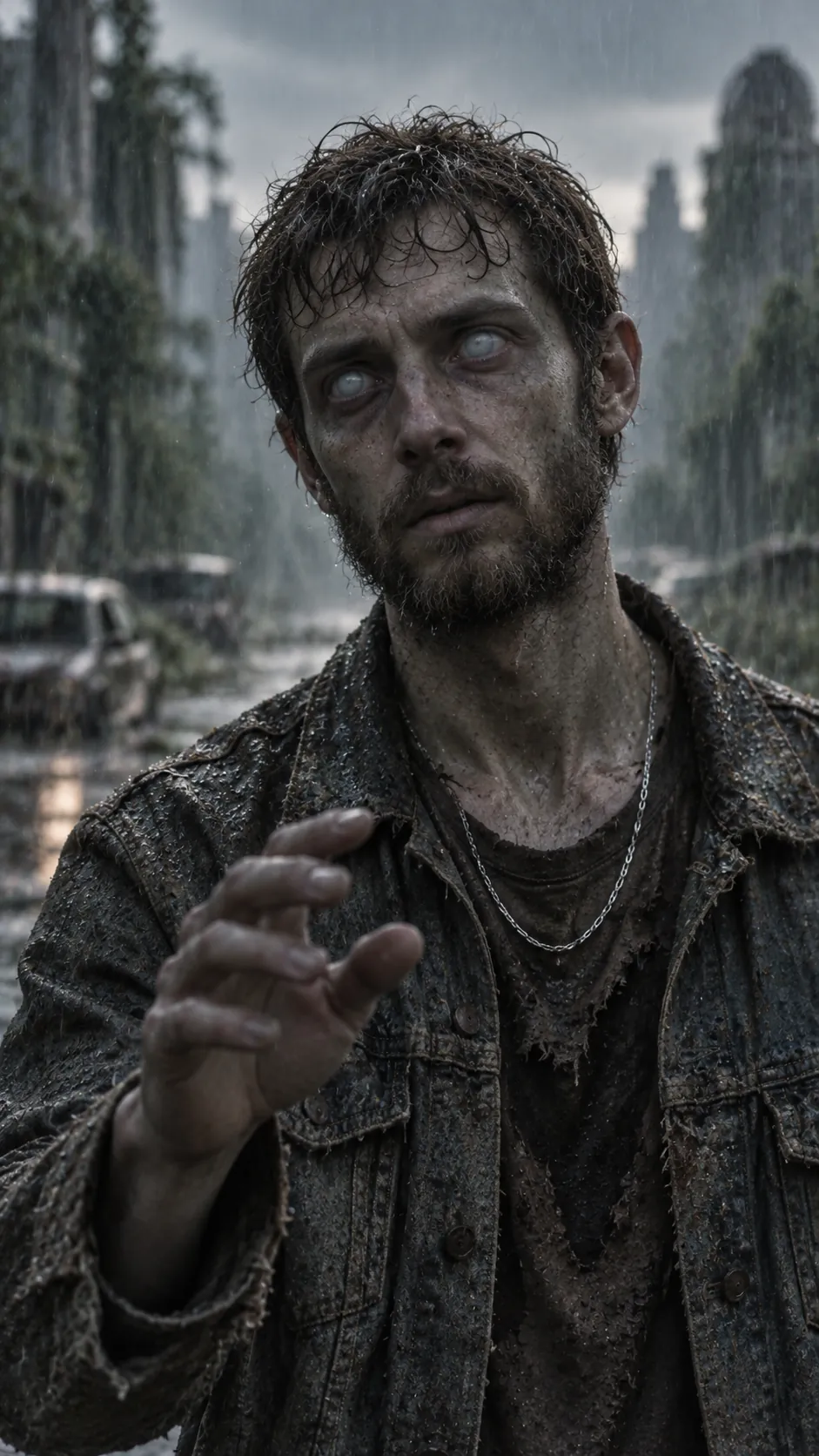
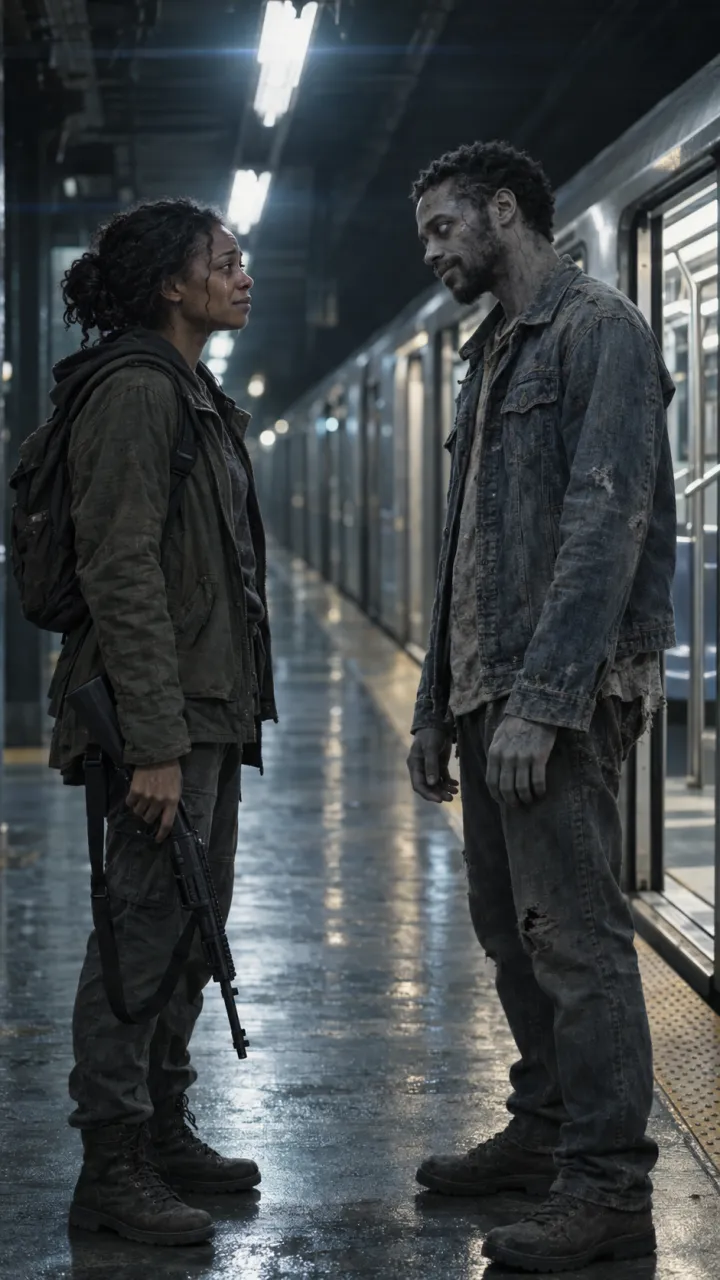
- The choice. The survivor faces the one who turned, in cold grey light. A weapon comes up, or a hand does, and stops.
- Recognition. A detail gives the turned one away: a ring, a red scarf, the name tag on a collar. Something behind the clouded eyes moves.
- The embrace. The survivor holds on when every rule of a zombie film says let go.
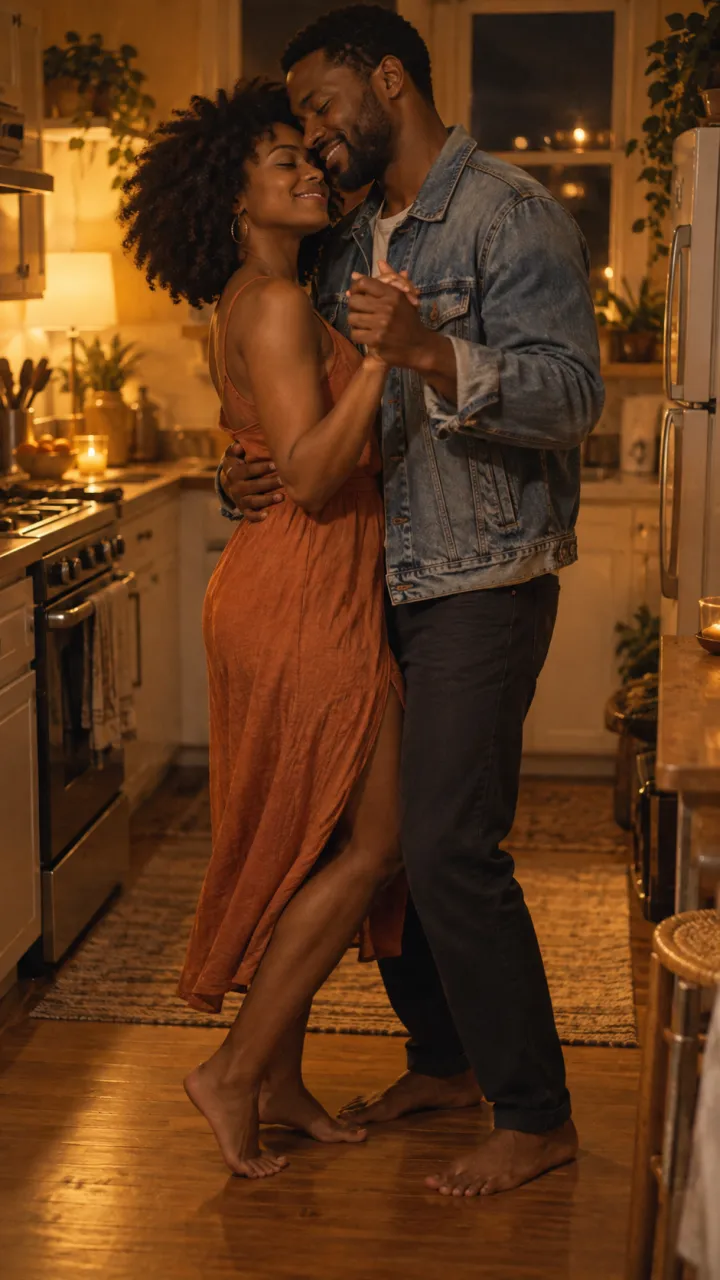
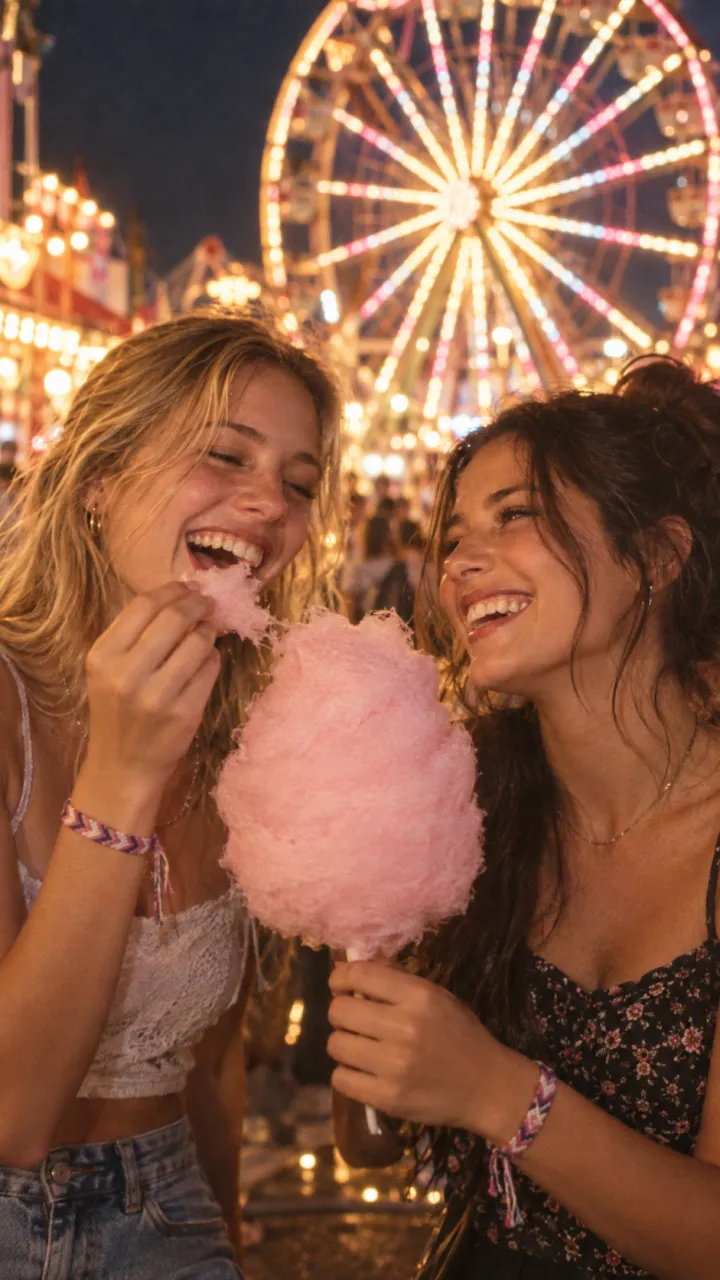
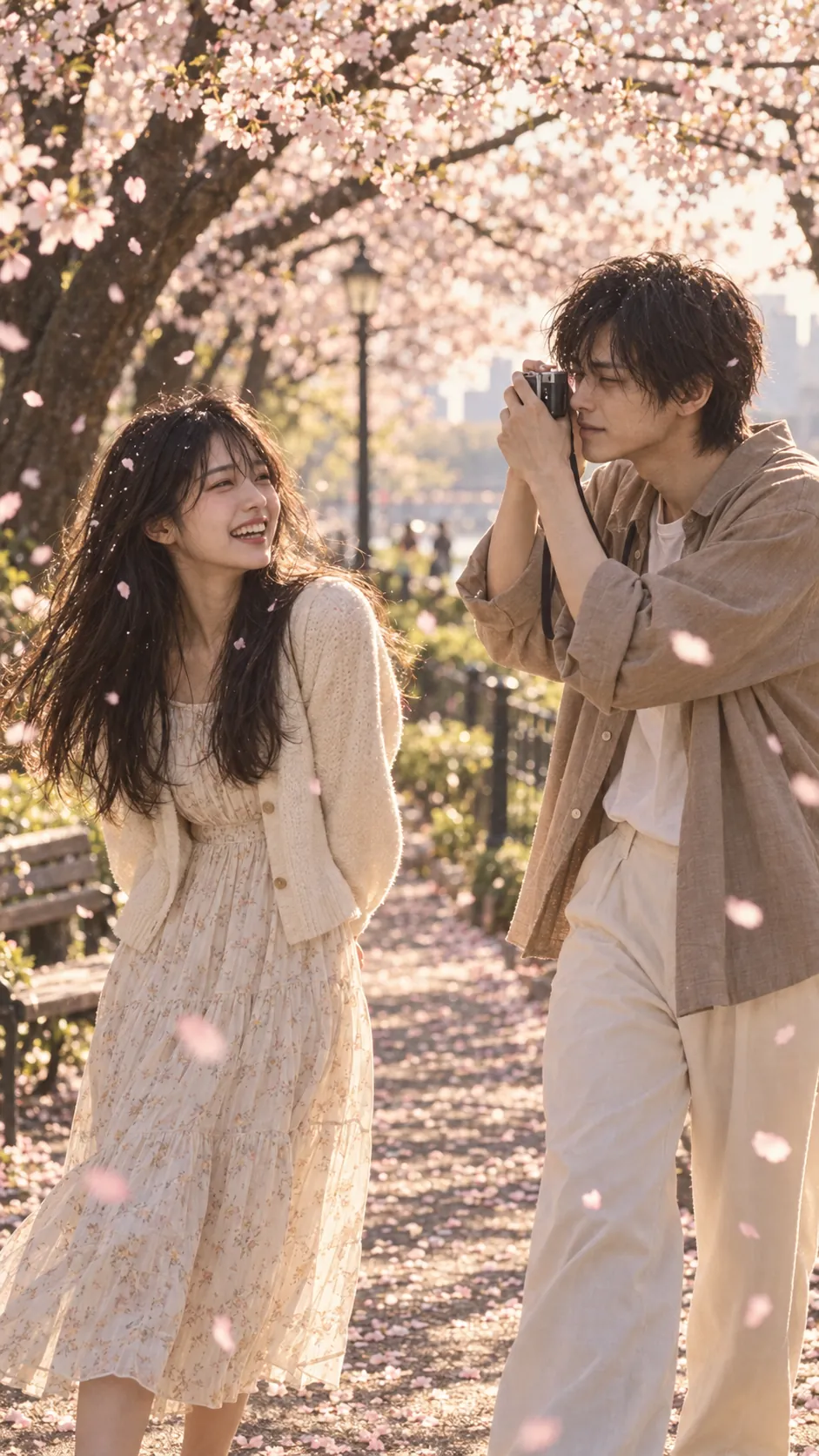
- The cut. A hard cut to colour: a beach at golden hour, a summer meadow, a kitchen slow dance. The last three to five seconds.
The order matters more than the effects. Without the last beat it is a horror clip. With it, the cold first half exists only to make the memory land, which is why the trend works for couples, pets, parents, siblings and best friends alike.
Why it caught on
- It flips a genre everyone knows. Zombie films teach you that love is a liability; this one says it isn’t.
- The payoff is personal. Most of these videos are made for one viewer first, and tagged.
- The format is fixed. Four beats and a cut are easy to recognise and easy to copy with different people.
- The cut is a natural beat drop. The switch from grey to gold lines up with the moment the trending sound turns.
The versions people make
- Couples, the original. Ideas for each setting are in zombie trend ideas for couples.
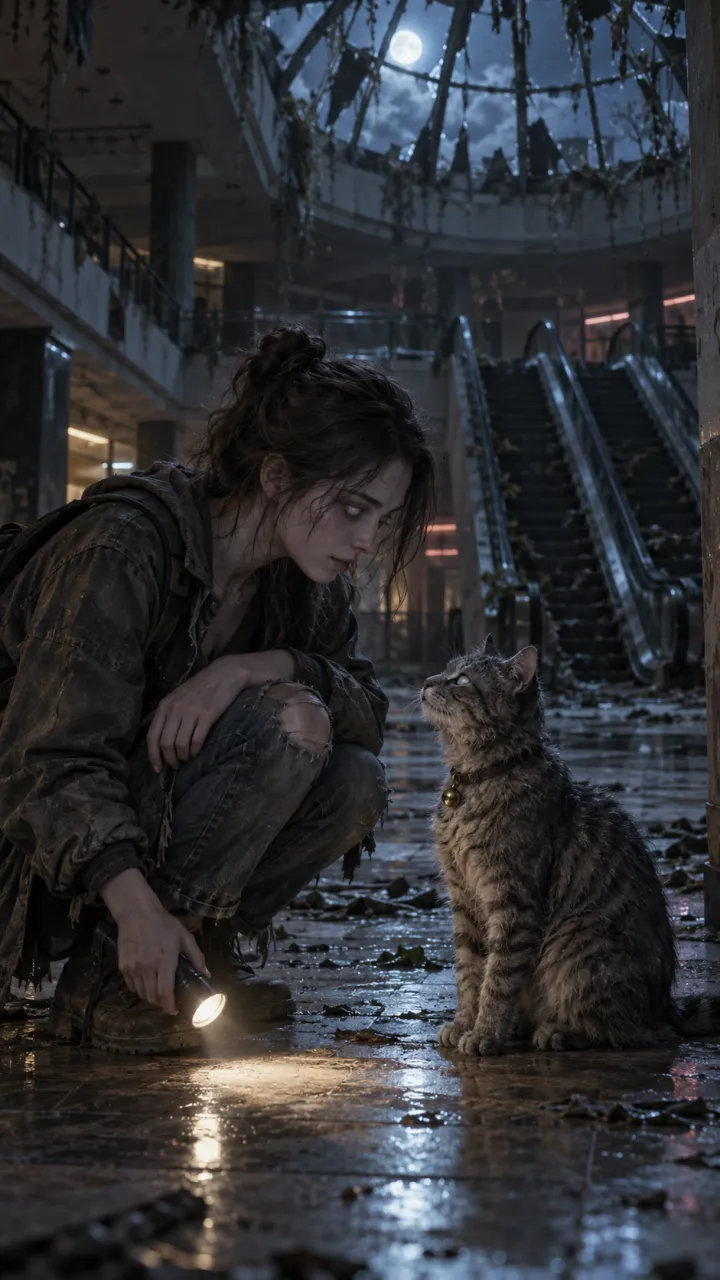
- Pets. The dog or cat turns and still knows you. See the dog and cat version.
- Best friends, siblings and parents, where the romance cues are swapped out. See the best friend version.
- The match cut, where the same hand or pose carries across the cut. See the zombie match cut.
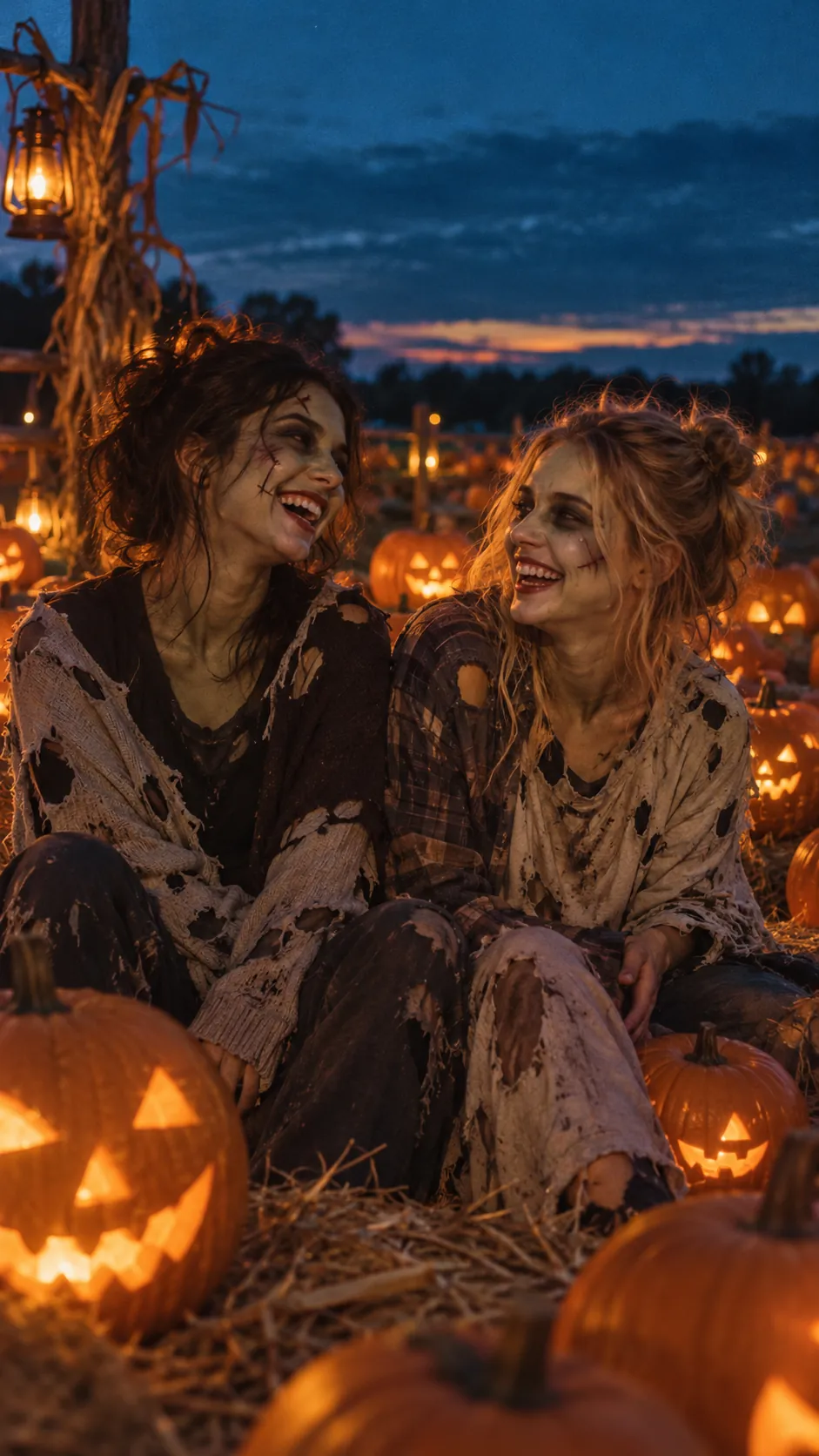
- Halloween versions with costumes and group casts. See Halloween zombie video ideas.
How people make it
There are two routes. The do-it-yourself route: make the key stills in an image model, animate each shot in an image-to-video model such as Kling, Veo, PixVerse or Seedance, and join the shots in an editor like CapCut. It takes an evening, and keeping both faces the same across four separate shots is the hard part. The zombie love story prompts and the CapCut guide cover it.
The one-step route: an all-in-one generator takes the two photos and returns the finished video. AI Zombie writes the shots, keeps both faces through the cut and renders 15 seconds with sound, usually in 5 to 10 minutes. The step-by-step guide walks through it.
Before you post
It is a video of real faces. Ask the people in it before you make it and before you post it, and never use photos of anyone under 18. TikTok, Instagram and YouTube each have a label for AI-generated content; turn it on when you upload.
Questions
Is the AI zombie trend the same as the zombie love story and the zombie hug?
Yes. The AI zombie trend, the zombie love story and the zombie hug are three names for the same 15-second vertical video: one person turns, the other can’t let go, they embrace, and the video hard-cuts to a happy memory of the two of them.
Why does the zombie trend video cut to a happy memory?
The cut is the point of the trend. The cold first half sets up a loss, and the hard cut to a bright memory of the same two people turns a horror clip into a love story. It lands in the last three to five seconds, usually on the beat drop of the sound.
Is the AI zombie trend only for couples?
No. It started with couples, but people make it with dogs, cats, best friends, siblings and parents. Only the details change: a ring becomes a collar tag or an old wristwatch, and the memory becomes fetch in the park or a summer fair.