Skip to content
ai-zombie.com

How to do the AI zombie trend

The zombie hug trend in four beats, what photos you need, and how to make and post your own 15-second version.

4 min read · Updated
What the zombie trend is

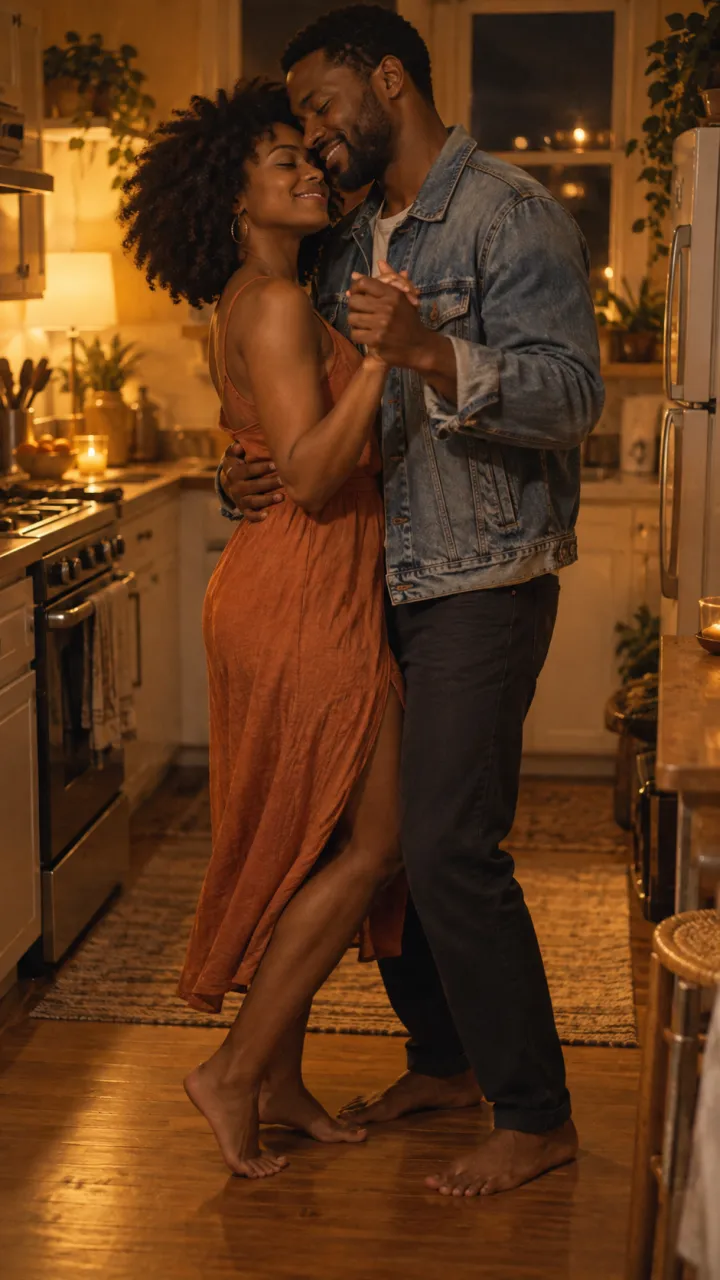
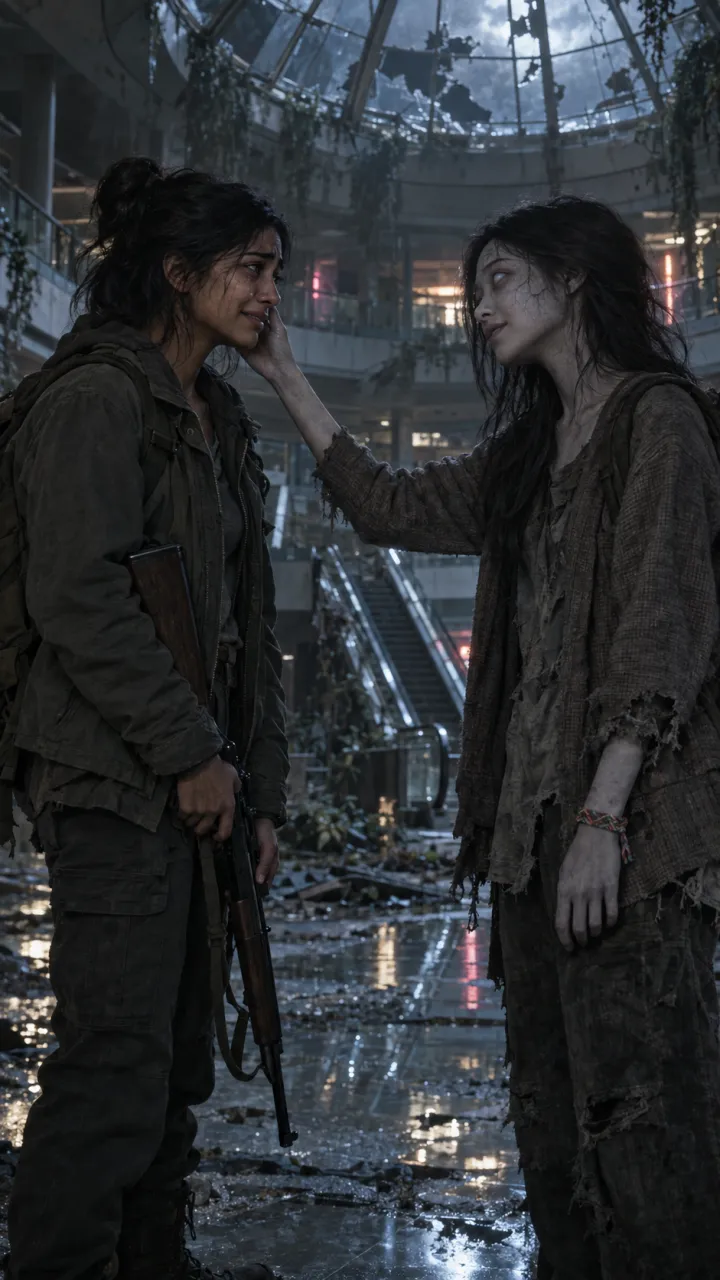
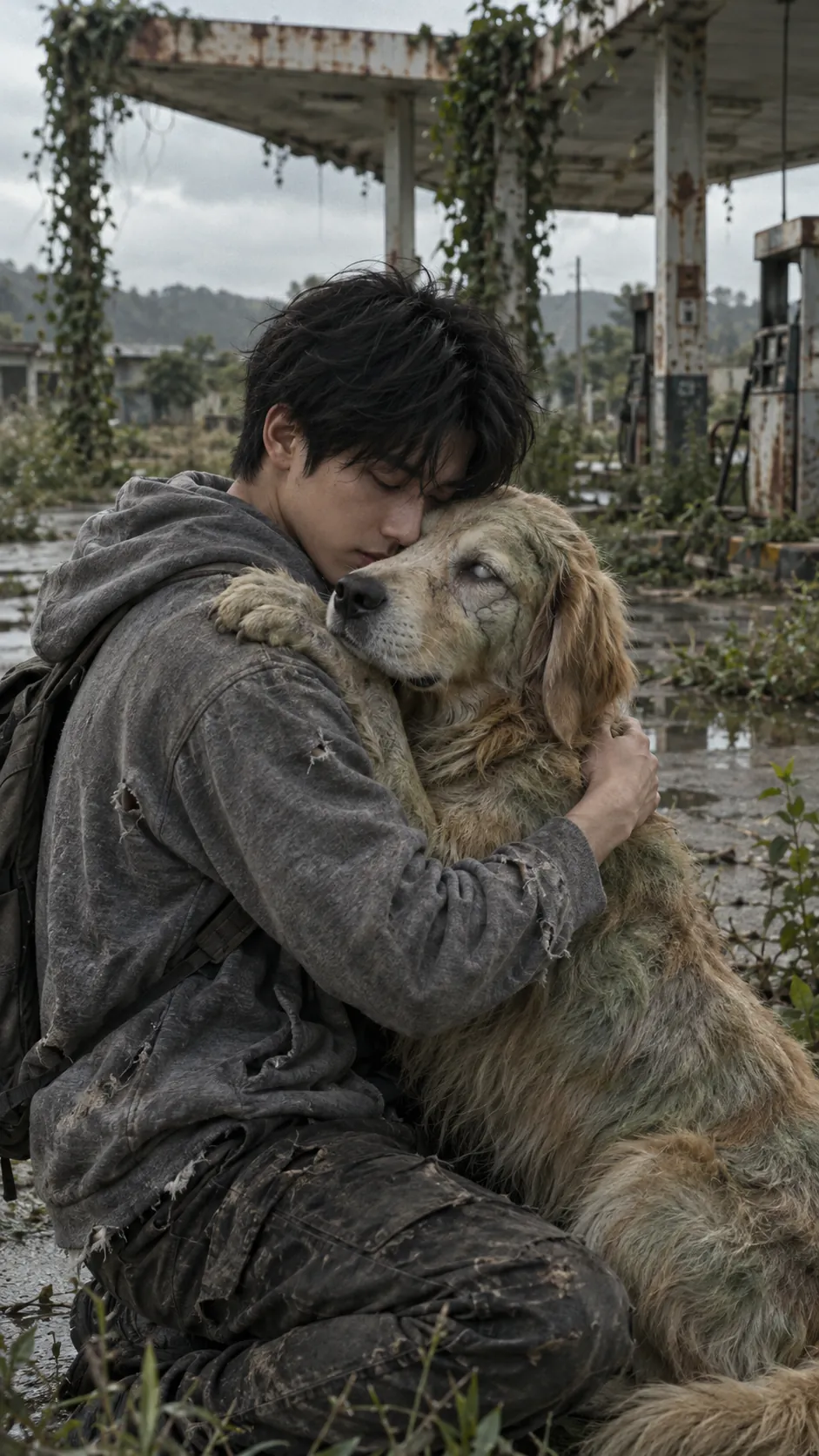
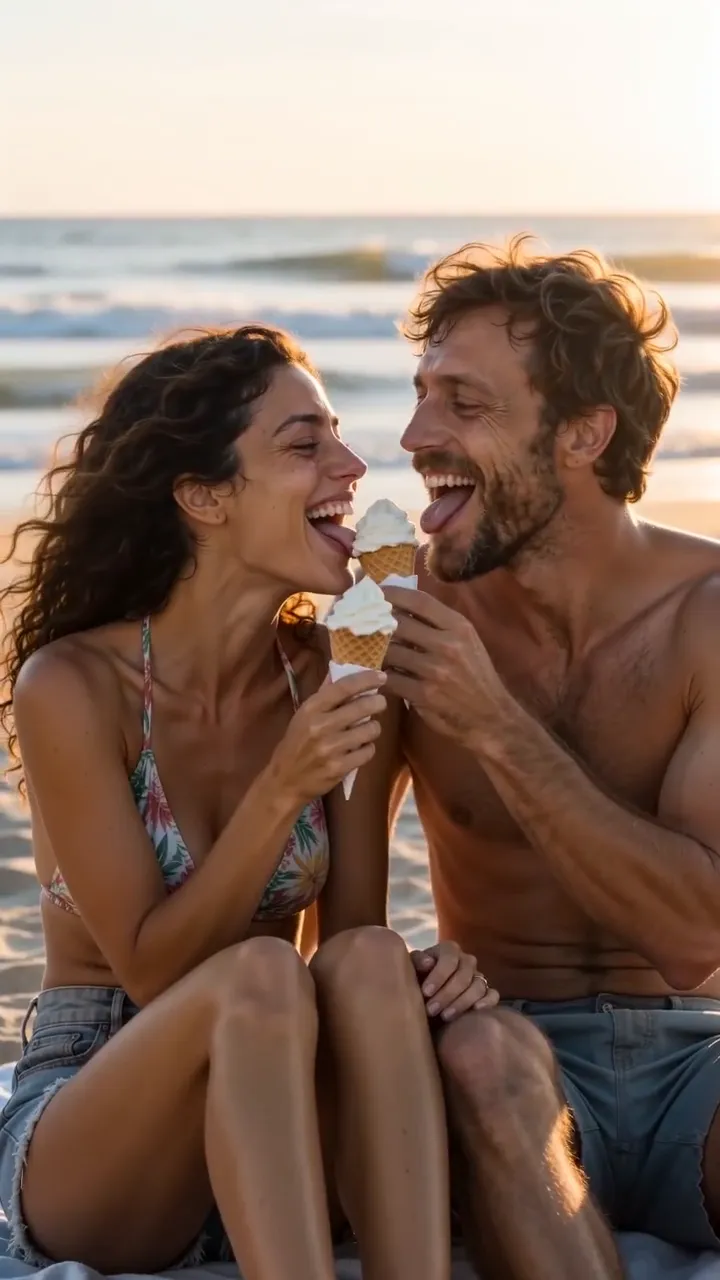
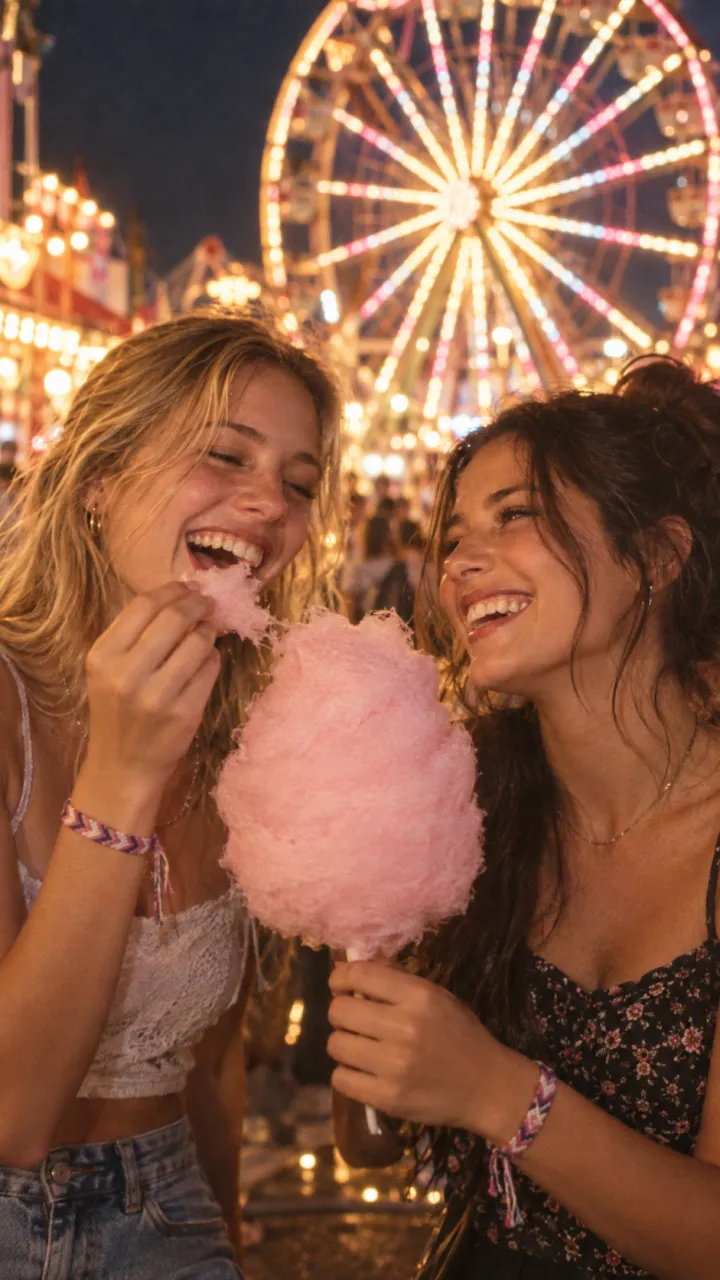
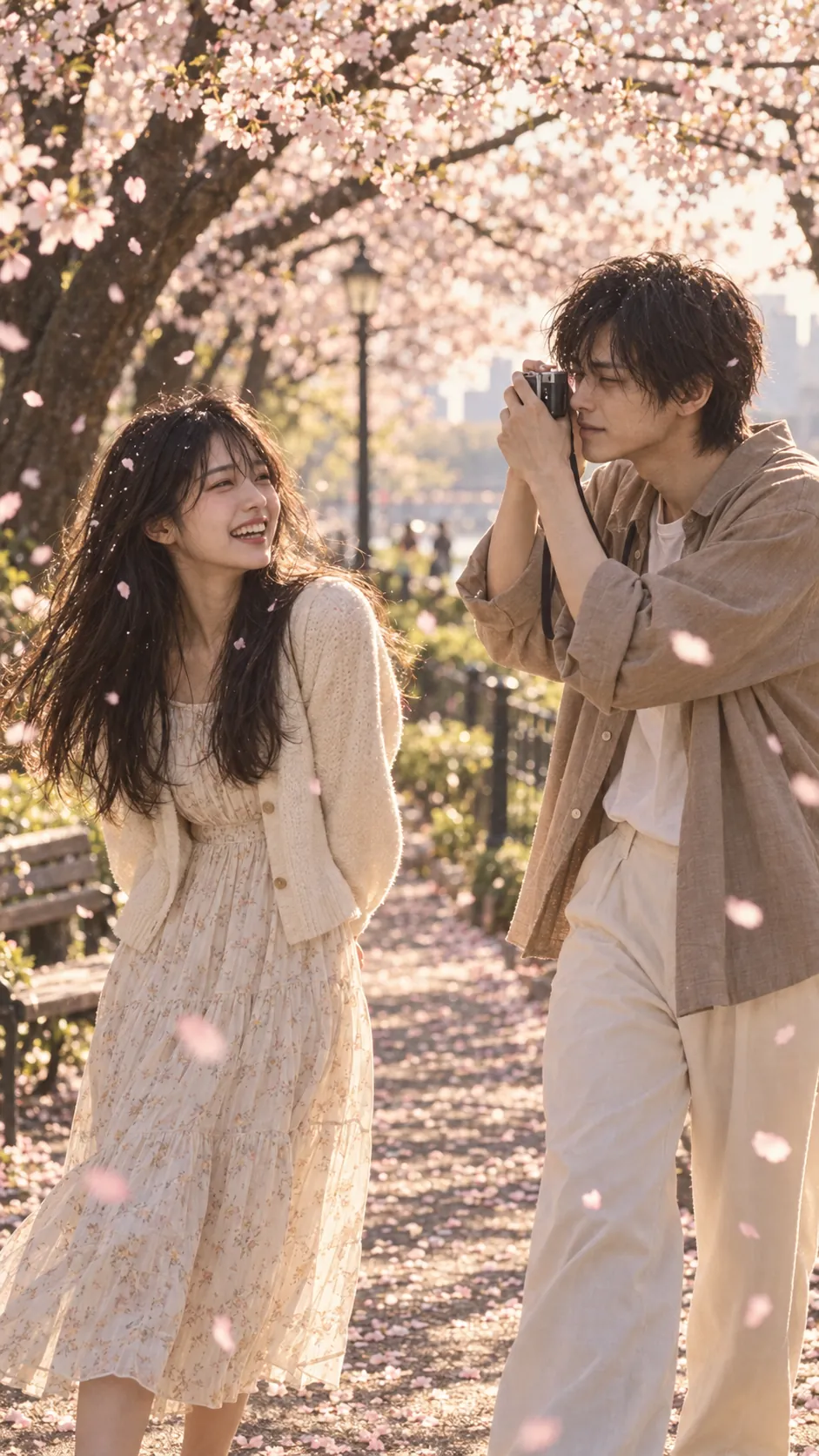
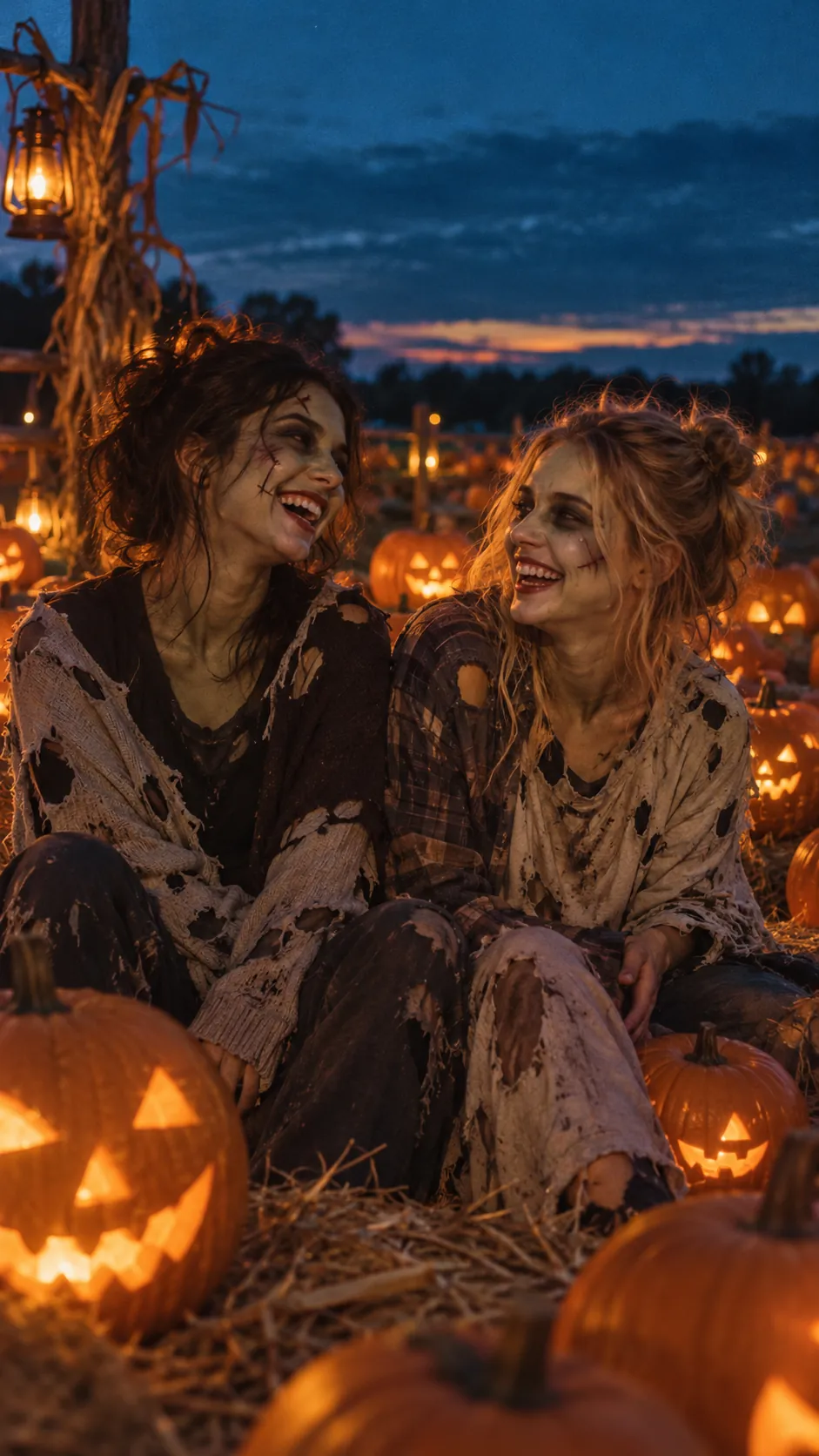
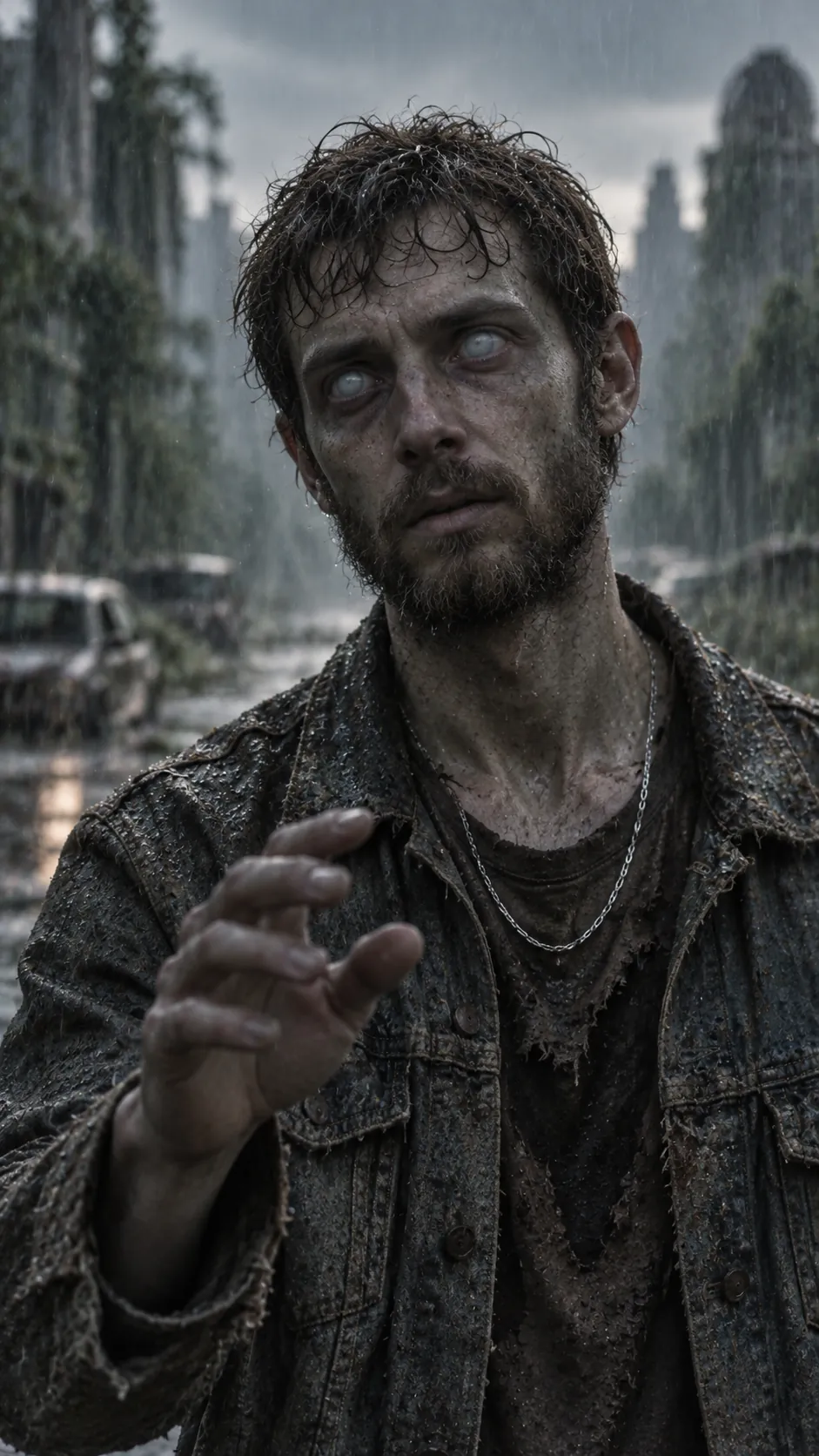
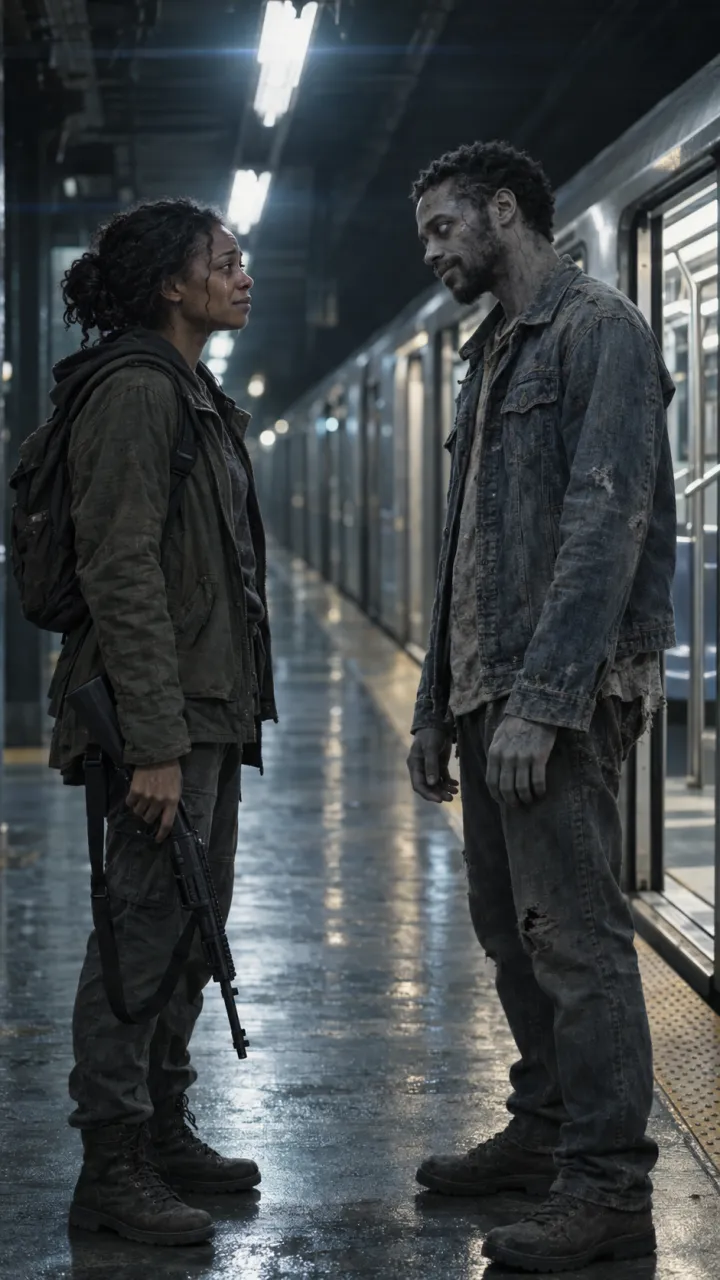
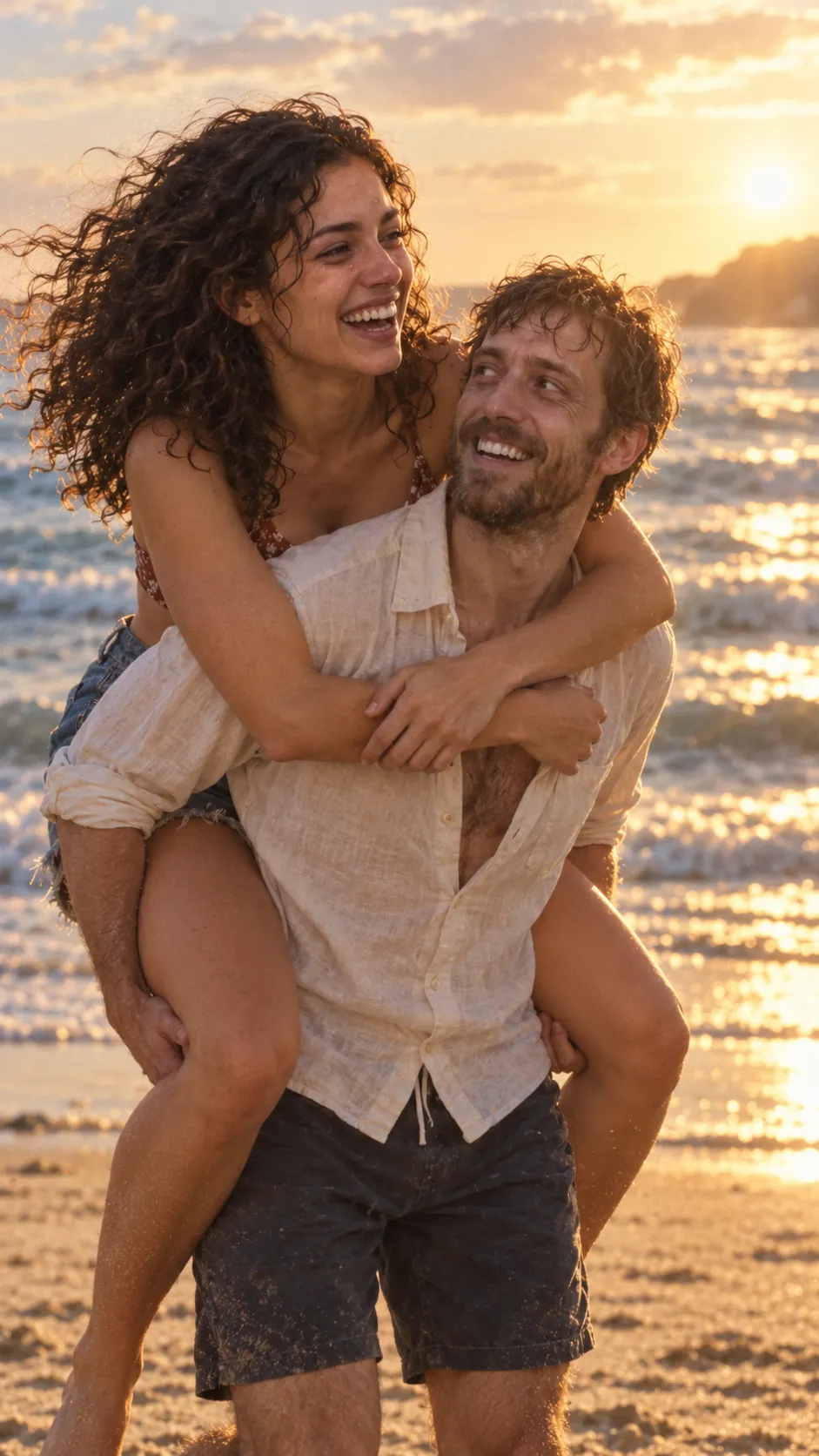
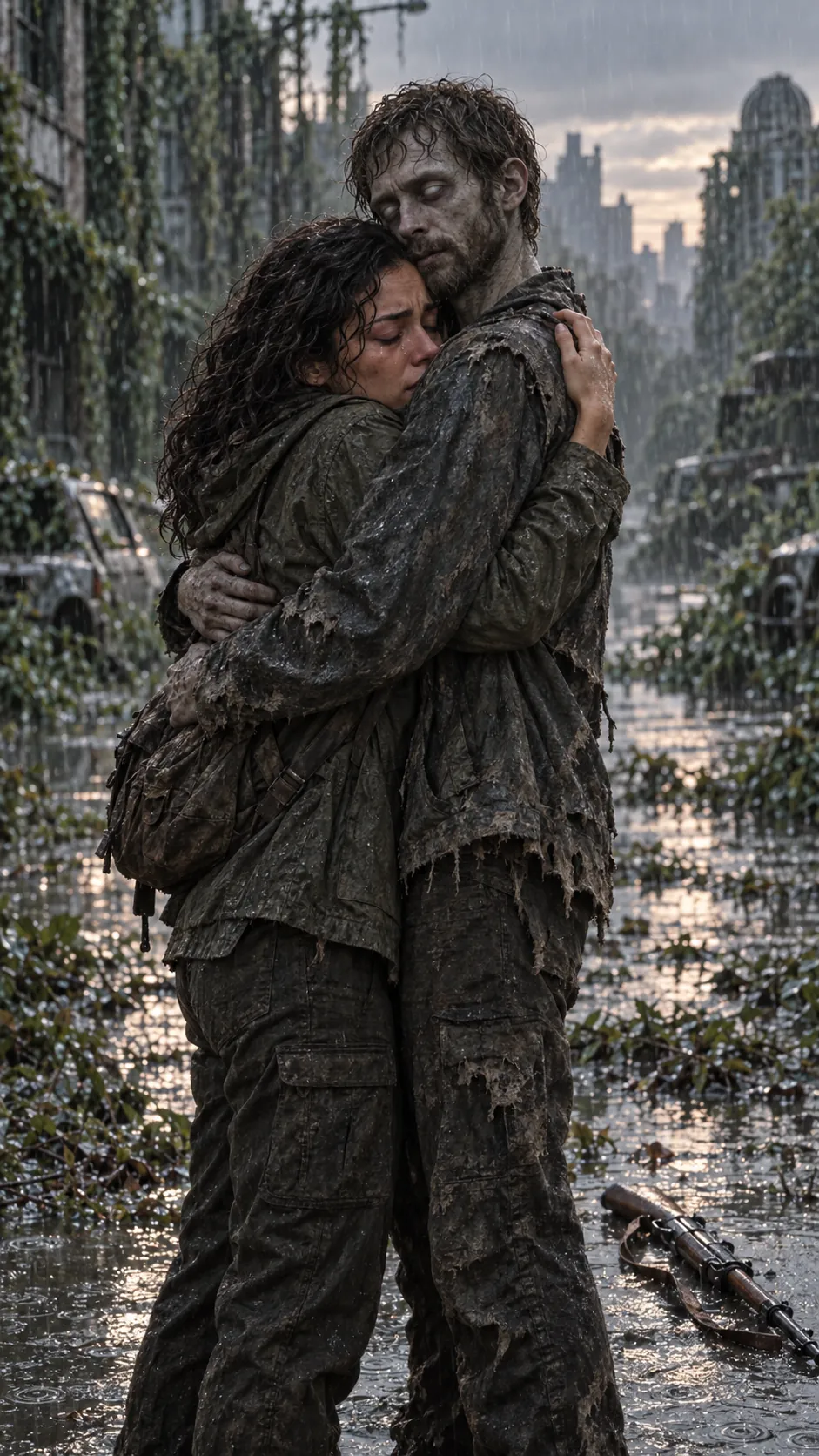
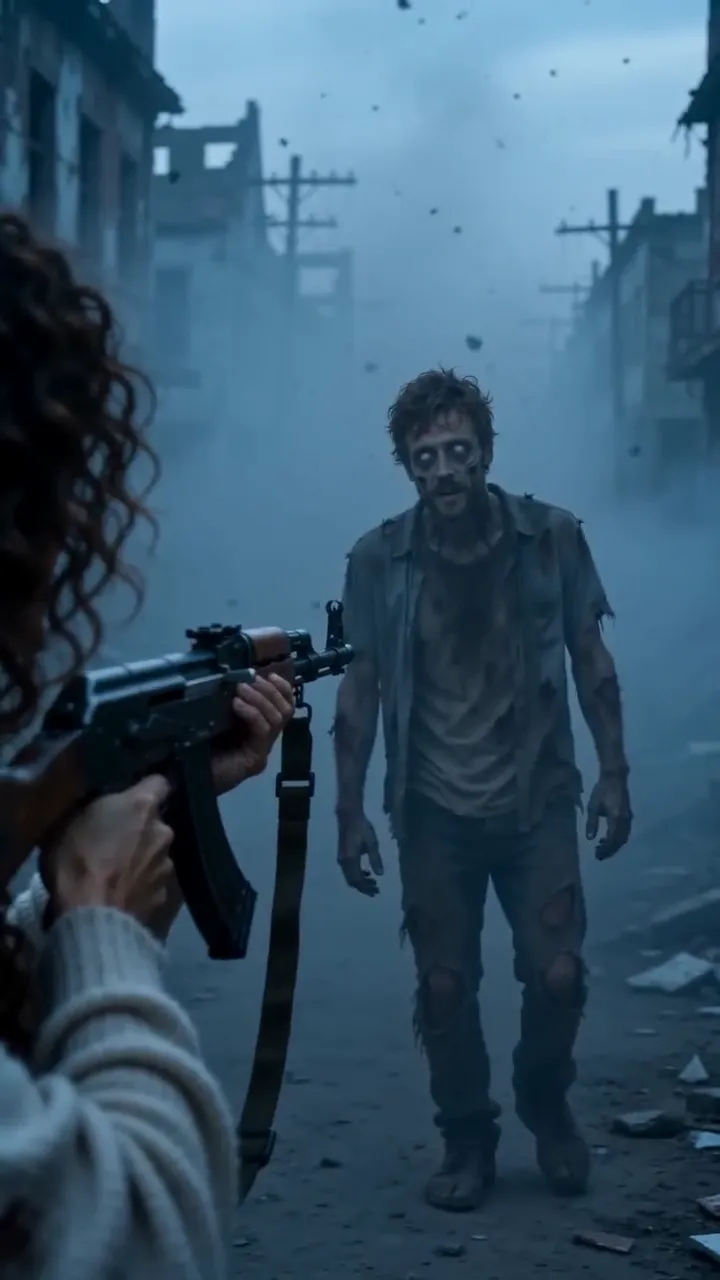
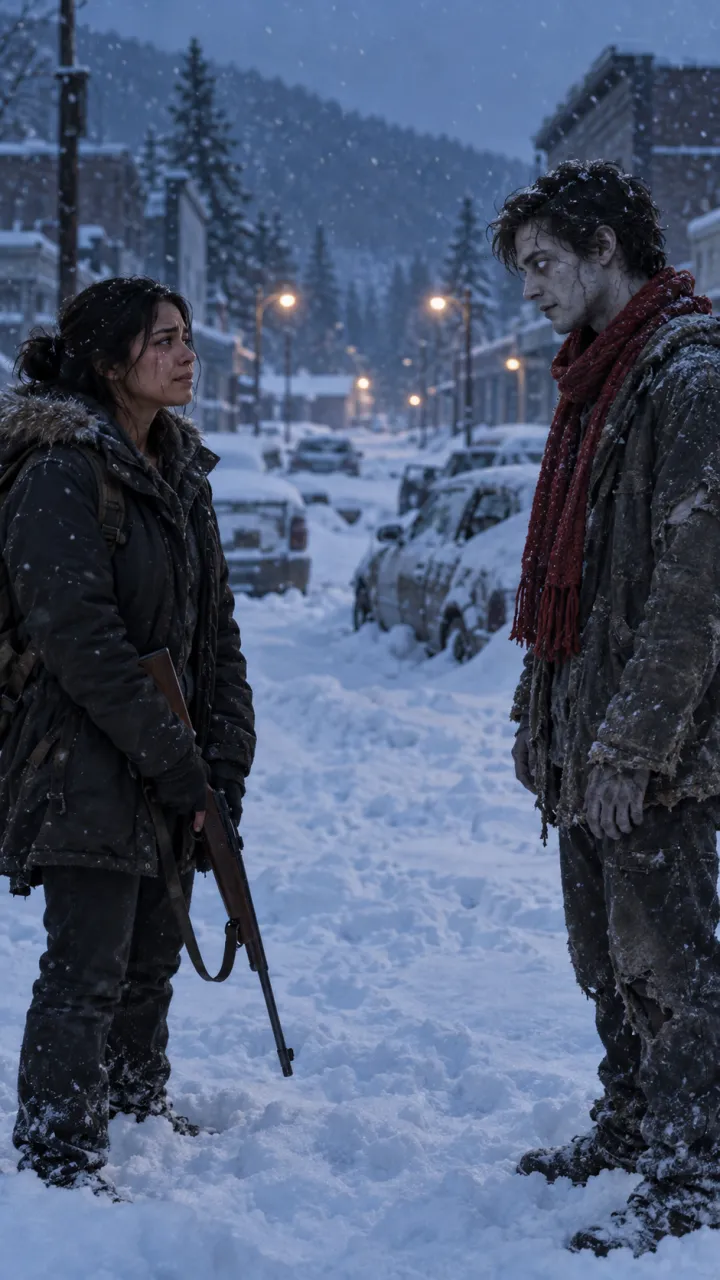
The AI zombie trend is a short vertical video in four beats. The world has ended and one of you has turned. The other one has every reason to end it and can’t. There is a flicker of recognition, a hug that shouldn’t happen, and then a hard cut to a bright, happy memory of the two of you.

The cut is the whole point. The cold, grey apocalypse makes the warm memory land, which is why the trend works for couples, pets, parents, siblings and best friends alike.

What you need

  • A clear photo of each of you, one person or pet per photo, face to the camera.
  • A few minutes to set it up. The video then renders in the background, usually in 5 to 10 minutes.

Make it step by step

  1. Open the generator and choose “Two people” or “Me & my pet”. The templates for couples, dogs, cats, parents, best friends and siblings are quick starting points.
  2. Add two photos: the one who stays human and holds on, and the one who turns. Swap them if you want the other one to turn.
  3. Pick the quality, Standard 480p or HD 720p, and the format: 9:16 for TikTok, Reels and Shorts, or 16:9.
  4. Confirm everyone in the photos has agreed, then press Generate. If you’re not signed in yet, you sign in with Google or email and password at this point.
  5. The video renders in the background, usually in 5 to 10 minutes. You can close the tab; it waits for you in My videos.
  6. Download the 15-second MP4, with sound, and post it.

Posting it

Post natively rather than as a link, so the platform treats it as a video. Keep the first frame as the cold shot: the hard cut to colour is what people stay for. Every video comes with sound. If you want the trend’s sound instead, add it in the app and turn the original sound down there.

Tag the person in it. Most of these videos are made for one viewer first.

Questions

How long does it take to make the zombie trend video?

With AI Zombie it takes a few minutes to set up, and the video usually renders in 5 to 10 minutes. Made by hand, with an image model, a video model and an editor, it usually takes an evening.

Do I need an app to do the zombie trend?

No. AI Zombie runs in the browser on a phone or a computer. You add two photos, and download a 15-second MP4 with sound to post on TikTok, Instagram Reels or YouTube Shorts.

How much does it cost to make the zombie trend video?

On AI Zombie, an HD 720p video costs 150 credits and a Standard 480p video costs 100. The smallest pack is $6.90 for 150 credits, enough for one HD video. Packs are one-time payments, with no subscription.
  • What is the AI zombie trend?

    The AI zombie trend explained: the four beats of the zombie love story, why the hard cut to a happy memory works, and the versions people make.

    4 min read · Updated

  • Zombie love story prompts for AI video

    Copy-ready zombie love story prompts for any image-to-video model: two key stills, four shots, four settings, a pet version, and how to keep faces consistent.

    6 min read · Updated

  • Best photos for the zombie trend

    Which photos give the best result in the AI zombie trend, and the three mistakes that cause most failed renders.

    3 min read · Updated

  • Zombie trend video doesn’t look like you? How to fix it

    Why an AI zombie trend video can lose your likeness or turn the wrong person, and the photo fixes that solve most of it before you try again.

    3 min read · Updated

  • Zombie trend ideas for couples

    Four zombie love story ideas for couples, from an ash-filled street to a last train home, plus who should turn, when to post and lines to use.

    4 min read · Updated

  • How to do the zombie trend with your best friend

    The zombie trend for best friends, siblings and parents: what changes from the couple version, which photos work for two people, and lines to use.

    3 min read · Updated

  • How to do the zombie trend with your dog or cat

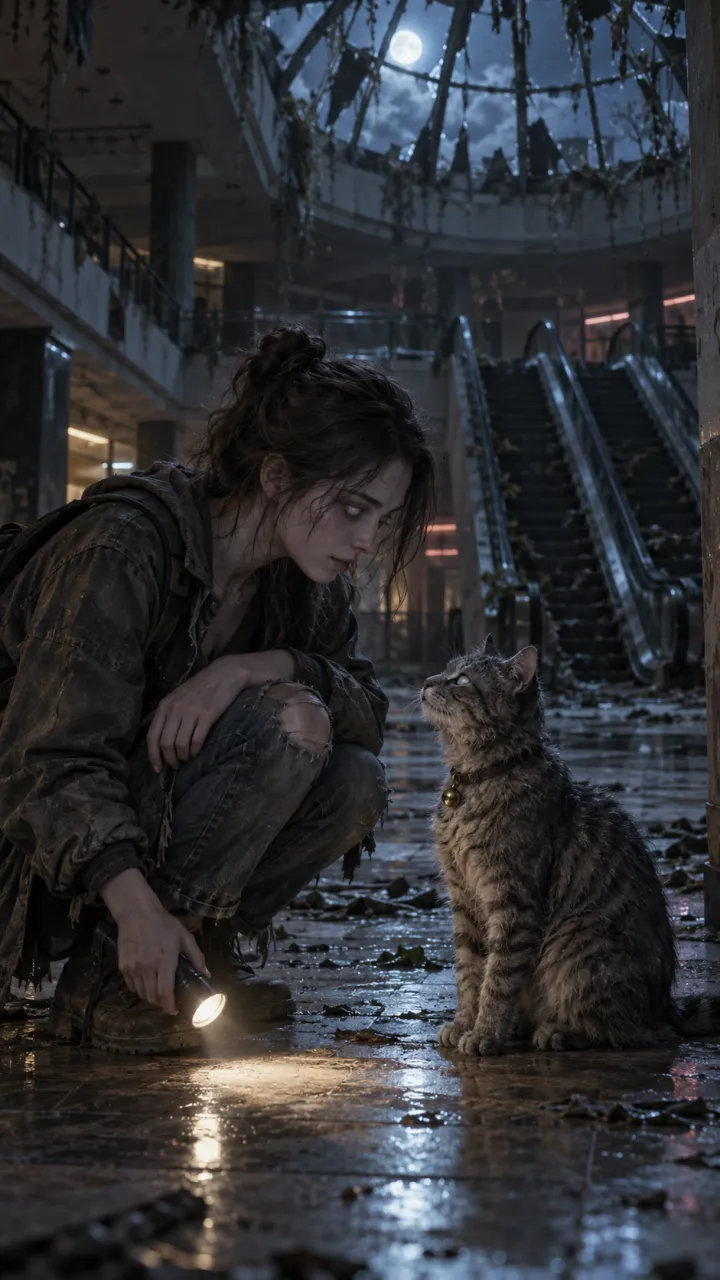
    The pet version of the zombie trend: which photos work for dogs and cats, and how the video ends for them.

    3 min read · Updated

  • The zombie match cut, explained

    What a match cut is, why the zombie trend uses one, and how to prompt and edit the three that work best: the hand, the run and the hold.

    4 min read · Updated

  • How to make the zombie trend in CapCut

    Edit the AI zombie trend in CapCut: put the shots in order, land the hard cut on the beat, add a line and the sound, and export for TikTok.

    4 min read · Updated

  • Zombie trend captions and sounds

    On-screen lines and post captions for the AI zombie trend, plus how to use the platform’s trending sound with your video.

    3 min read · Updated

  • Halloween zombie video ideas

    Halloween zombie video ideas for couples, friends, families and pets, with lines and captions, plus what the Halloween version of the trend adds.

    3 min read · Updated

  • How to make the zombie trend with Gemini

    Make the AI zombie trend with Google Gemini: the two stills, the two 8-second Veo clips, the prompts to paste, and how to join them with a hard cut.

    5 min read · Updated

  • Zombie AI video generators: Seedance, Higgsfield and more

    Which AI video generators can make the zombie trend: general models like Seedance, Veo and Kling, platforms like Dreamina and Higgsfield, what Dola is, and one-step trend tools.

    5 min read · Updated

  • Zombie apocalypse scene ideas for AI video

    Ten zombie apocalypse scene ideas for AI video, each with its light, sound and the memory it cuts to, plus a scene line to paste into your prompt.

    4 min read · Updated

Stills are AI-generated samples.

Make your zombie trend video

Two photos in, 15 seconds with sound out. You see the cost before you press Generate, and failed videos are refunded.

Sample still: Lena and Theo laughing on a beach at golden hour

Welcome back

Your videos and credits are saved to your account.