Zombie love story prompts for AI video
Copy-ready zombie love story prompts for any image-to-video model: two key stills, four shots, four settings, a pet version, and how to keep faces consistent.
6 min read · Updated
How the prompts fit together
Most AI video models make one shot of five to ten seconds at a time, and drift when you ask for a whole story in one prompt. So the zombie love story is built as four shots, each from its own prompt, then joined with hard cuts. Start every shot from a still of the same two people, so the faces hold.
Replace the bracketed parts. Describe people by what is in the photo, such as hair, clothes and build, because models don’t know names. Person A stays human; person B turns.
Step 1: the two key stills
Make these in an image model that accepts reference photos, with one photo of each person attached. They become the start frames for the shots.
Cold still
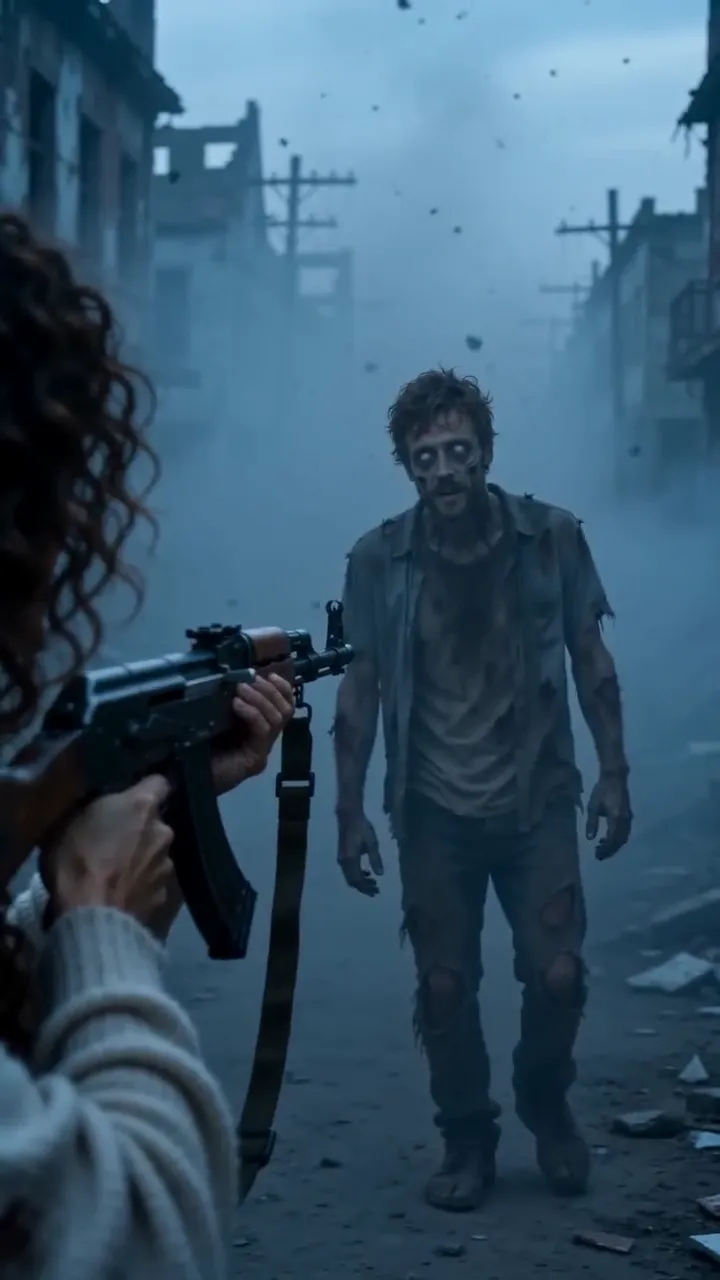
Vertical 9:16 film still. [Person A: short dark hair, green jacket] stands in an abandoned city street at dusk, burnt-out cars, ash drifting in cold blue-grey light. A few metres away stands [person B: long red hair, white shirt], turned into a zombie: pale grey skin, clouded white eyes, torn clothes, calm and still. Same faces as the reference photos. Cinematic, 35mm, shallow depth of field, PG-13, no blood, no text.
Warm still
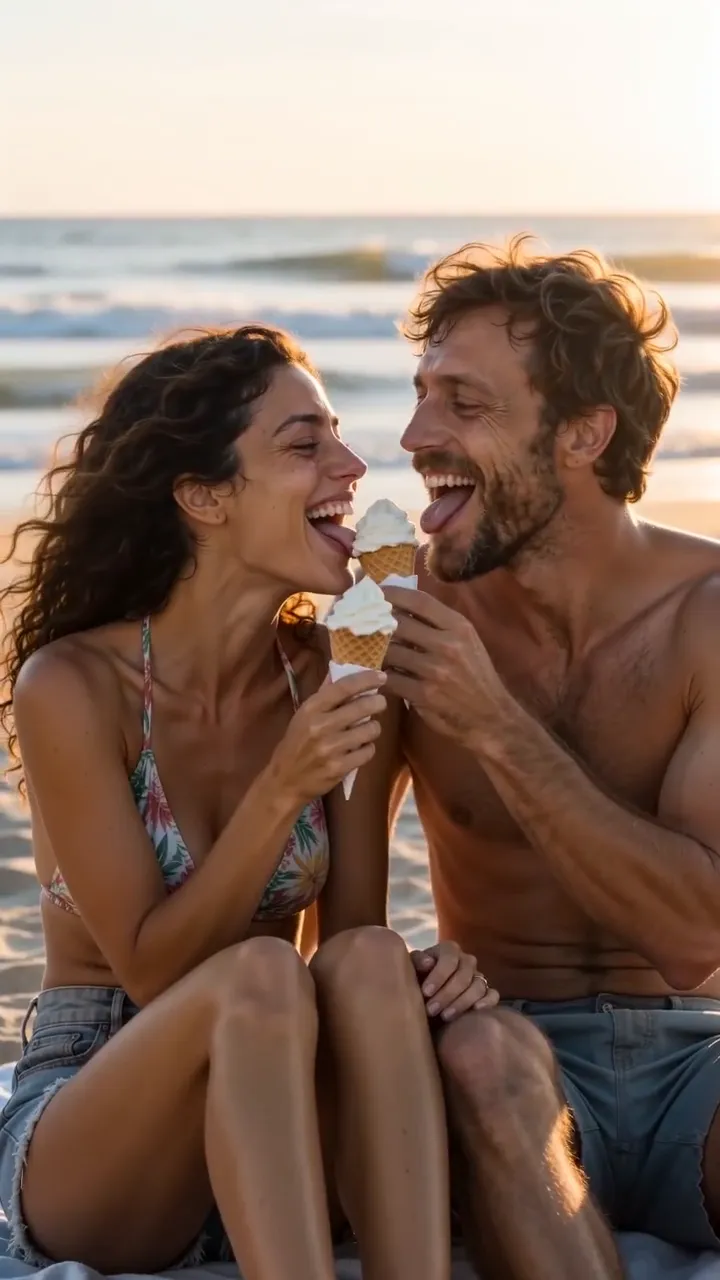
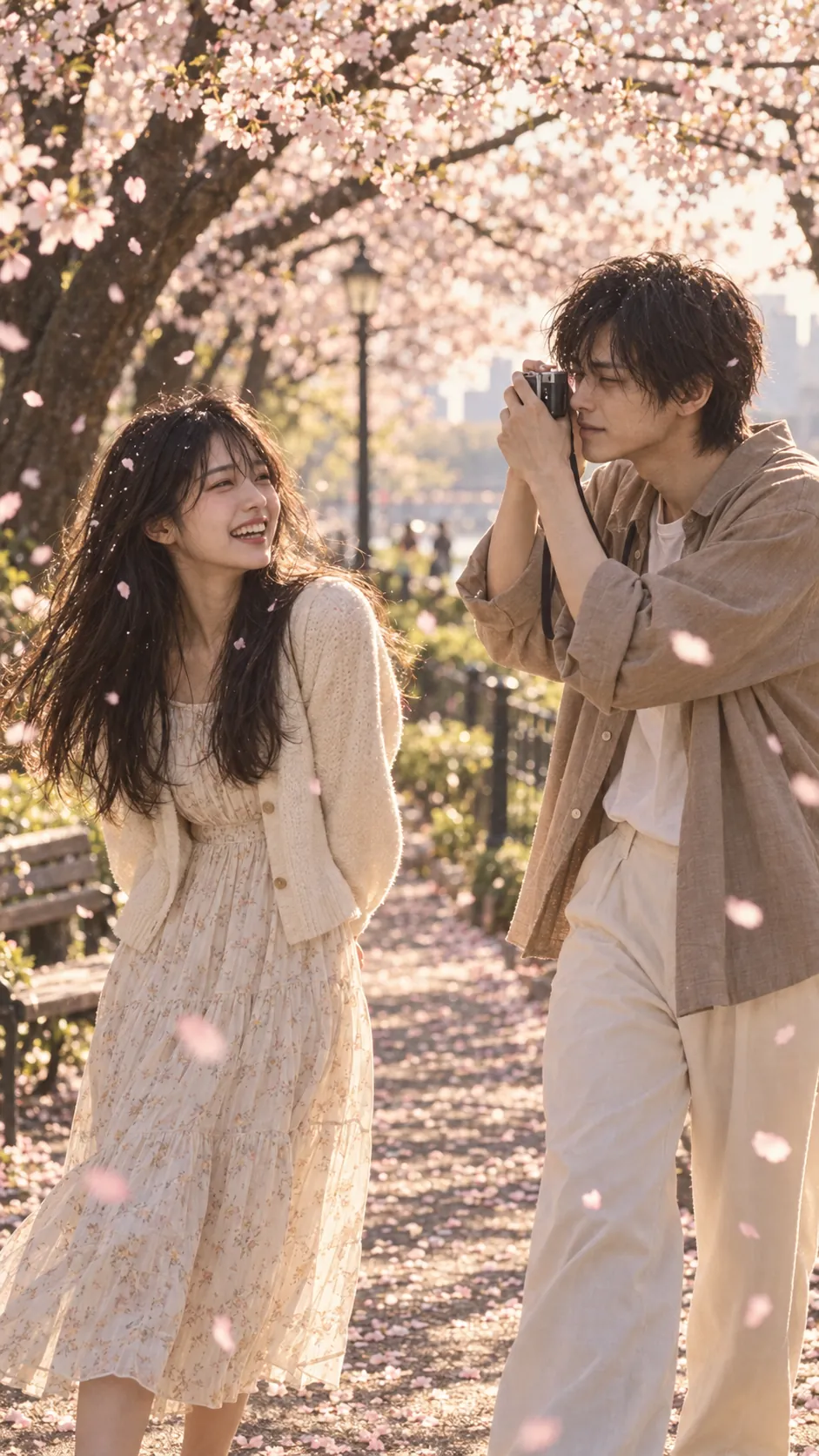
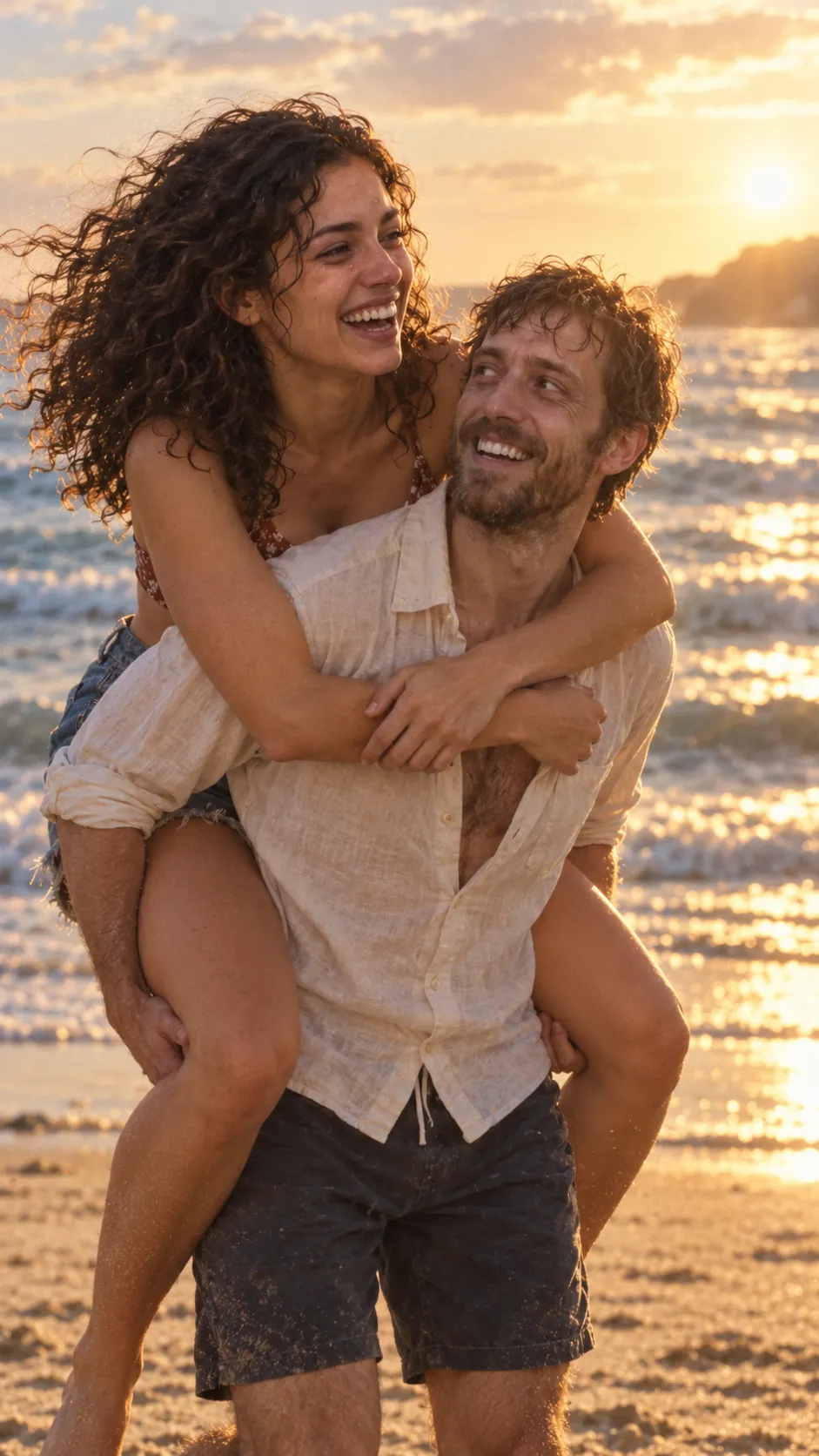
Vertical 9:16 film still. [Person A] and [person B], both alive and healthy, laughing together on [a beach at golden hour], warm amber light, candid and close, wind in their hair. Same faces, hair and clothes as the reference photos. Cinematic, 35mm film grain, no text.
Step 2: one prompt per shot
Use the cold still as the start frame for shots 1 to 3, and the warm still for shot 4.
Shot 1 · The choice
Slow push-in on [person A] in the ash-filled street. They raise a rifle toward [person B], hands shaking, then slowly lower it, breathing hard. Ash falls. Steady camera, 4 seconds.
Shot 2 · Recognition
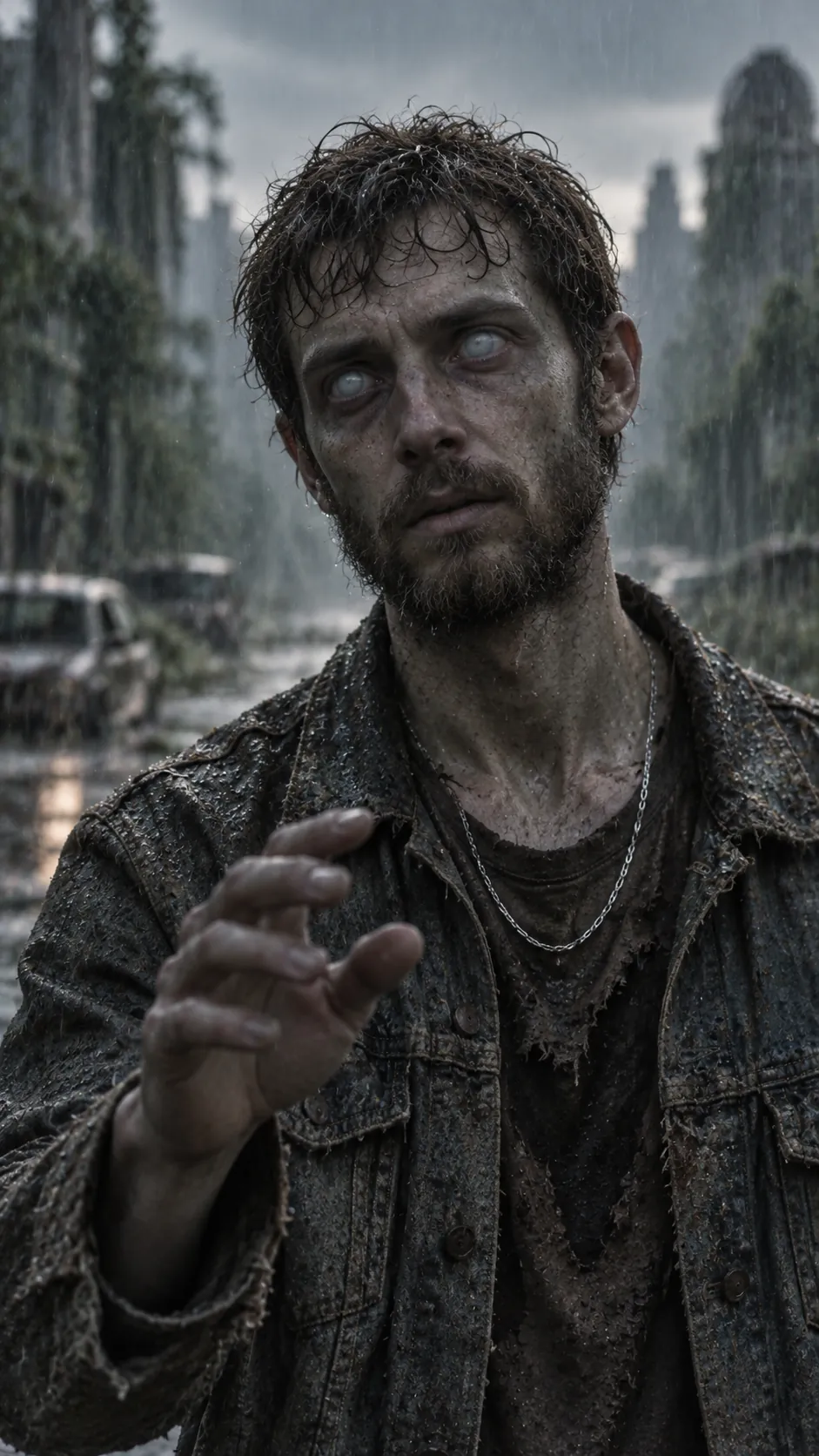
Close-up of [person B], turned, clouded eyes, grey skin. The head tilts slightly; a ring glints on the half-raised grey hand. A faint flicker of recognition crosses the face. Very subtle movement, 4 seconds.
Shot 3 · The embrace
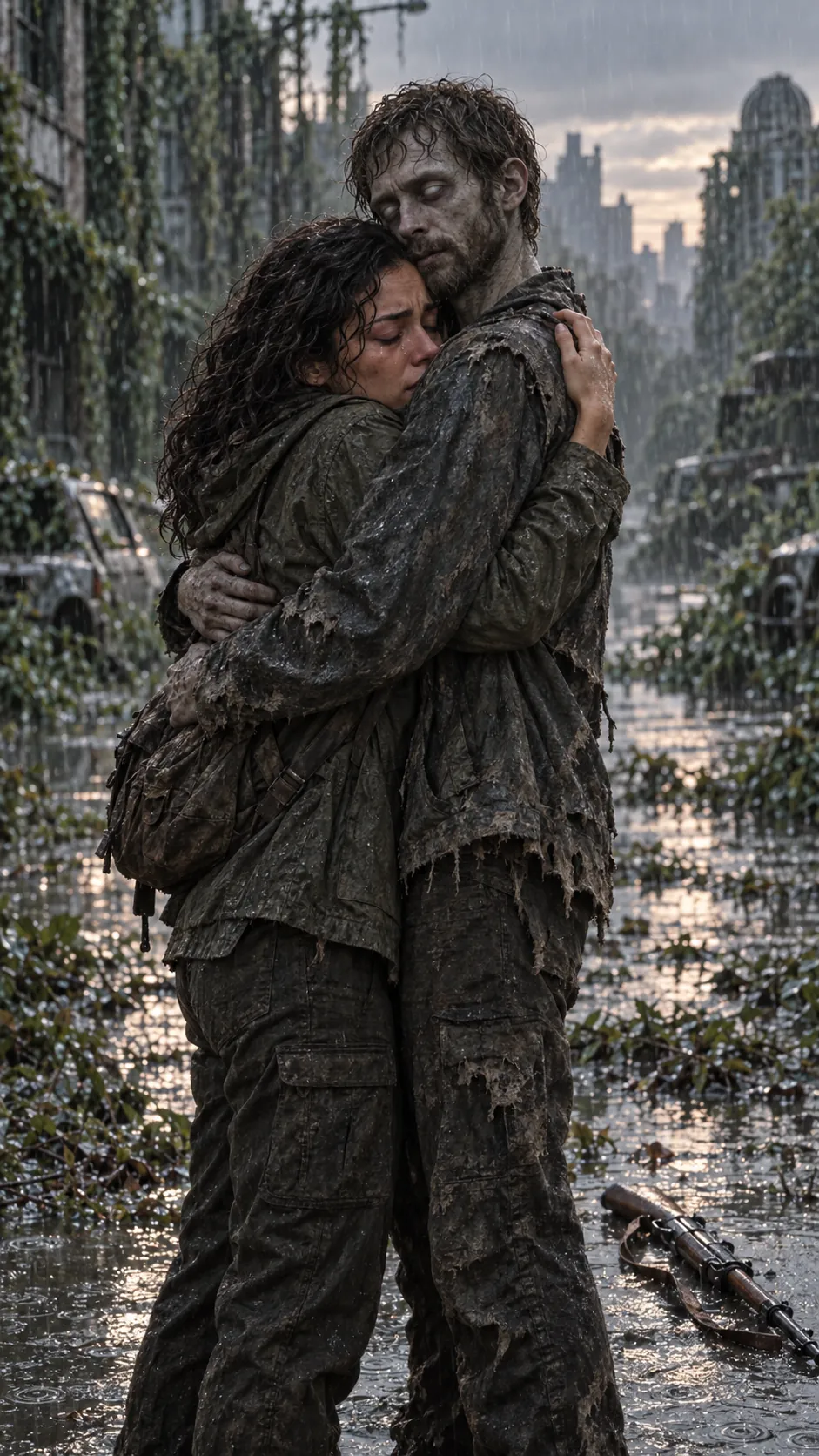
[Person A] drops the rifle, walks forward and holds [person B] tightly. [Person B] stays still, then rests their head on [person A]’s shoulder. Camera circles slowly a few degrees, ash falling, 3 seconds.
Shot 4 · The cut
Warm golden-hour light on [a beach]. [Person A] and [person B], alive and laughing, run toward the camera hand in hand, then stop and lean their heads together. Slow motion, 4 seconds.
Swap the setting
Each setting pairs a cold place with a detail that gives the turned one away and a memory to cut to. Swap these lines into the prompts above.
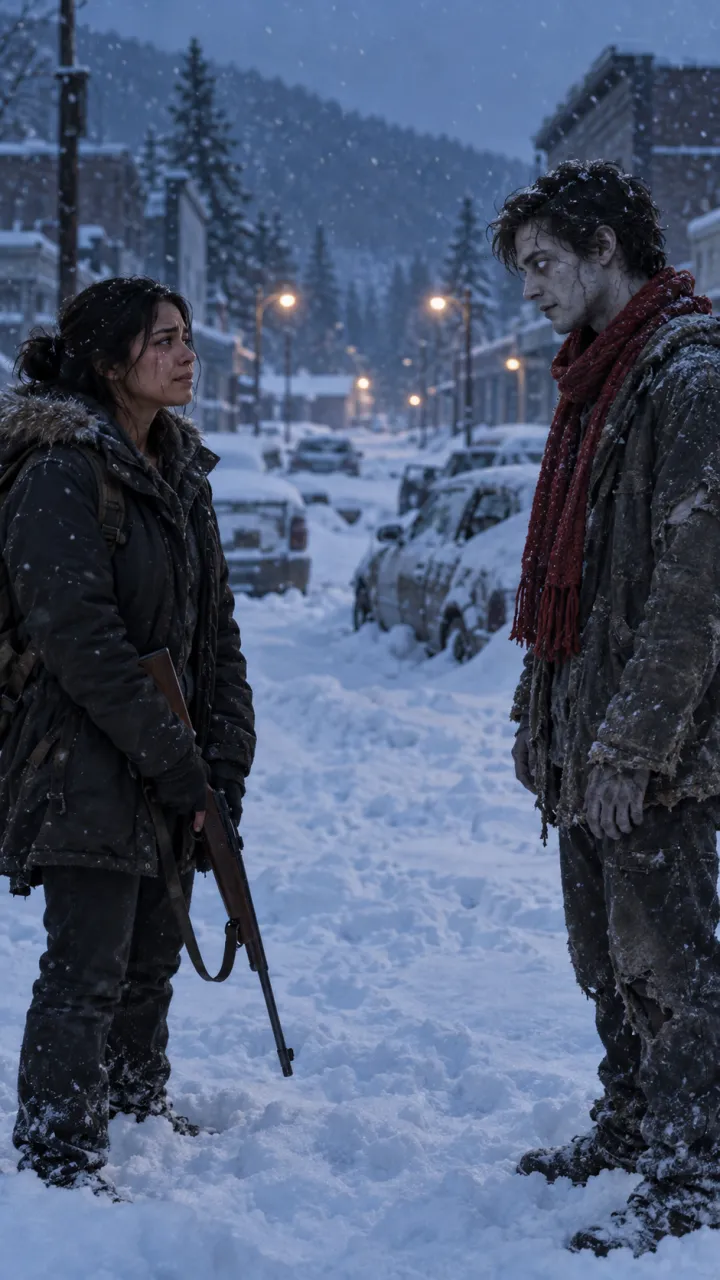
Snow-buried town
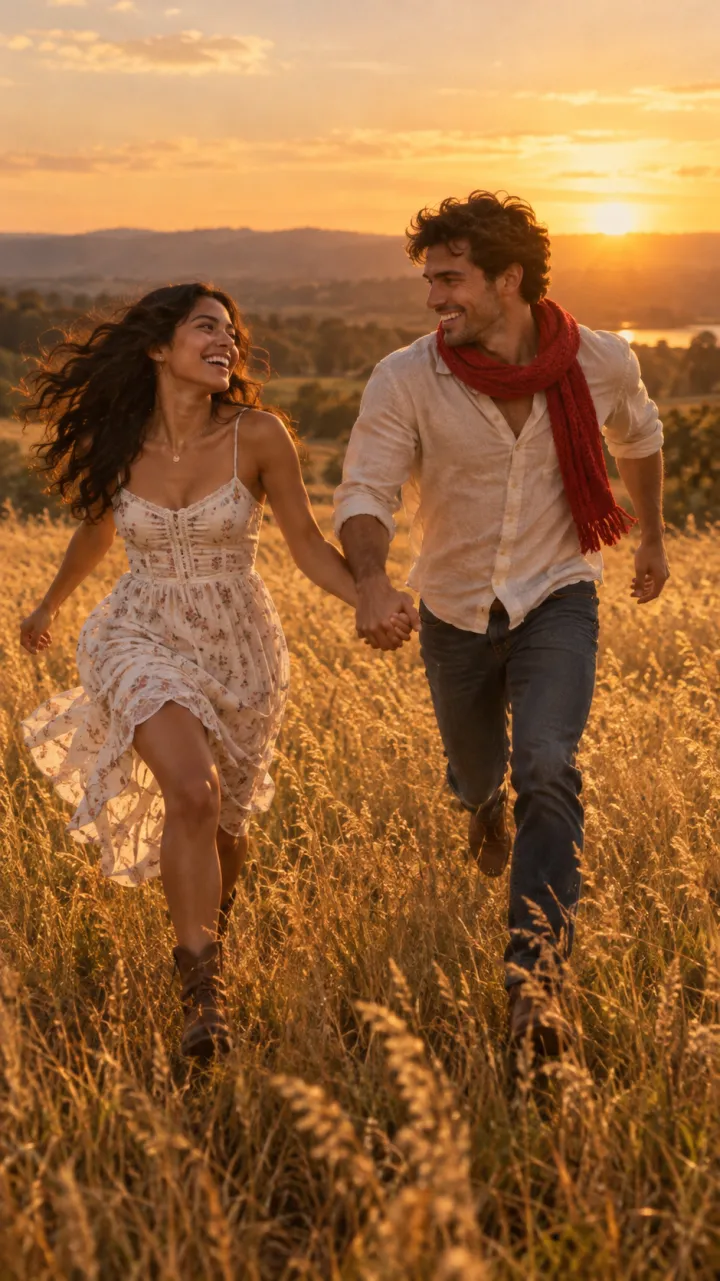
Cold: a snow-buried small town at blue hour, cars under deep snow, breath fogging, snow falling. Detail: a red knitted scarf still around the zombie’s neck. Memory: running through tall golden grass in a summer meadow at sunset.
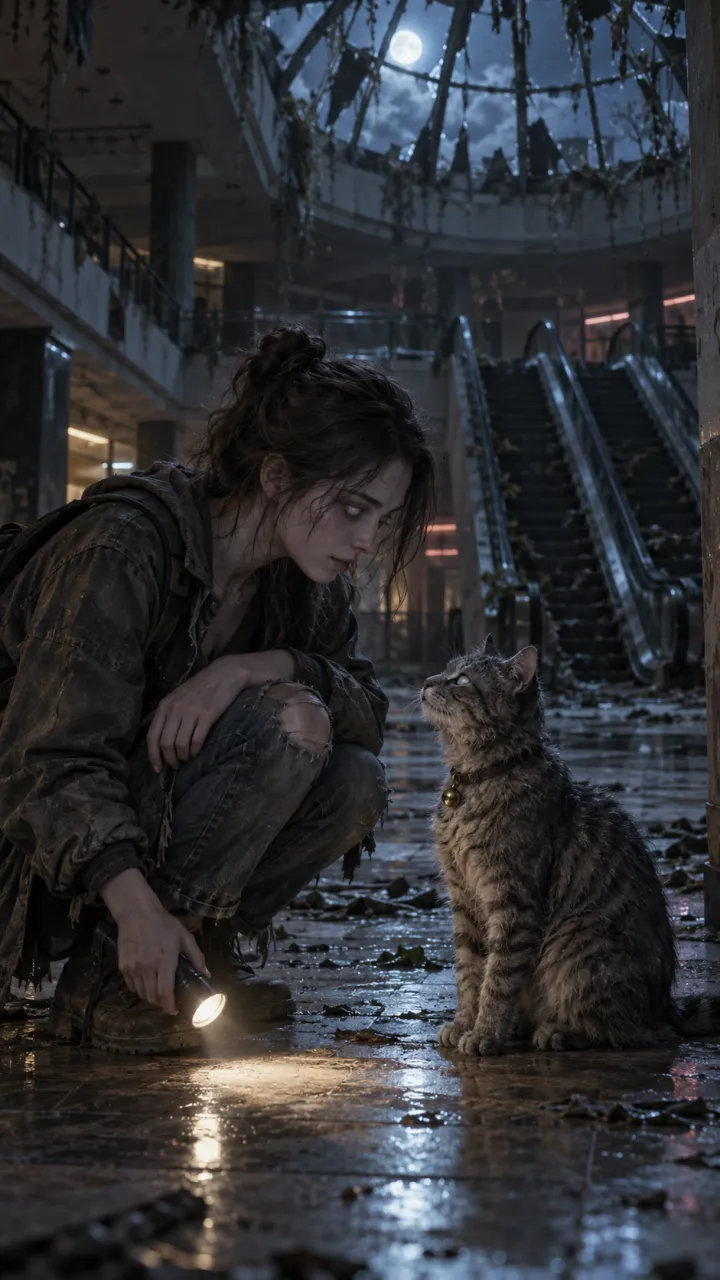
Abandoned mall
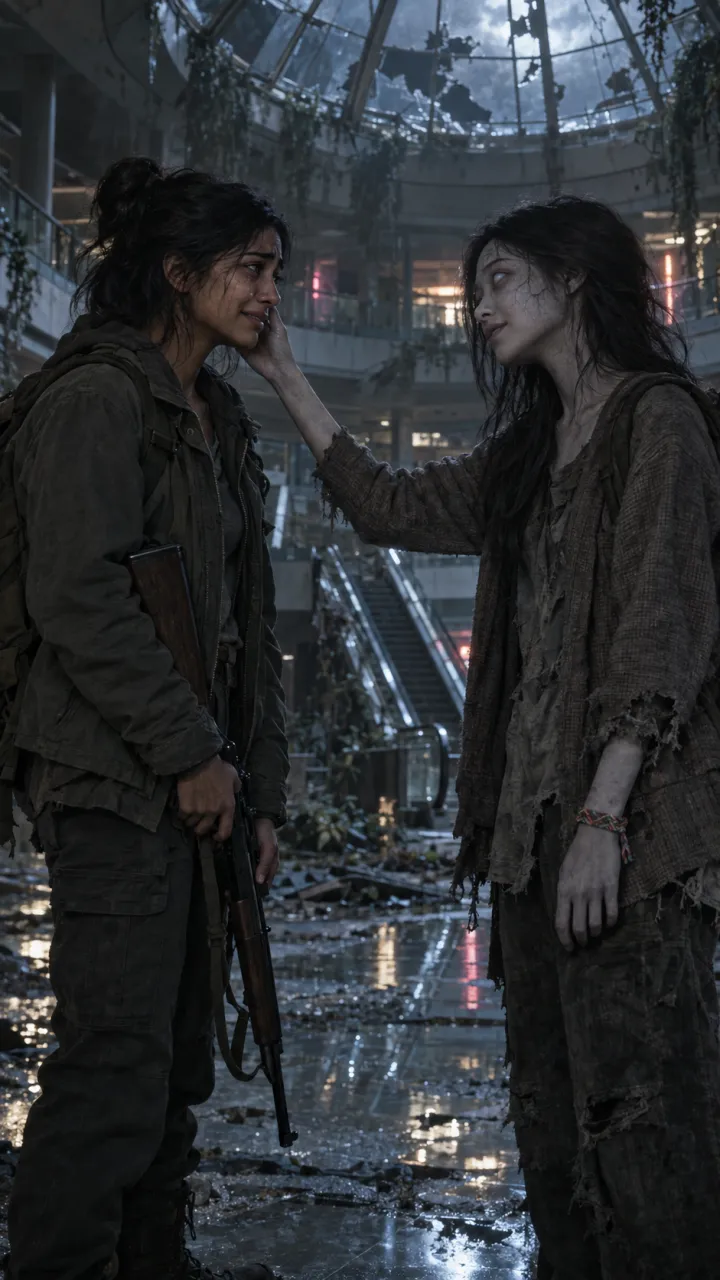
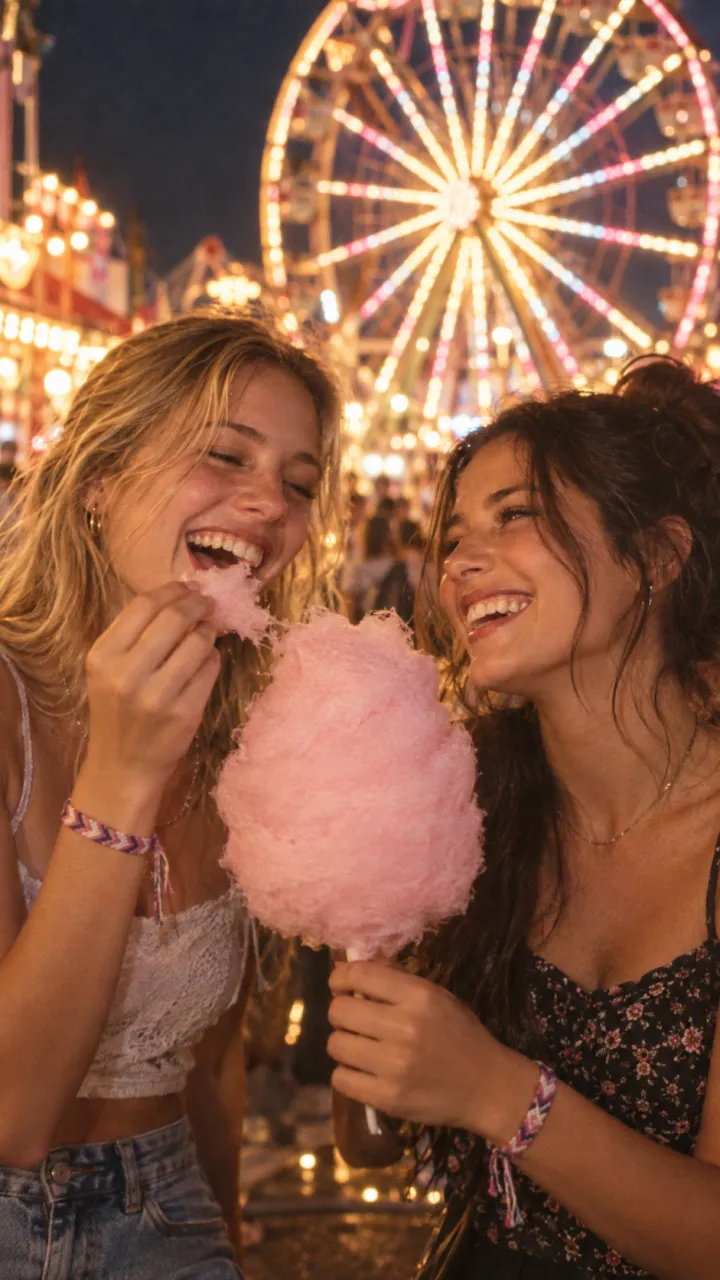
Cold: an abandoned shopping mall at night, dead escalators, moonlight through a broken skylight, a flickering neon sign. Detail: a woven friendship bracelet still on the zombie’s wrist. Memory: laughing over cotton candy under a ferris wheel at a summer night fair.
Empty metro platform
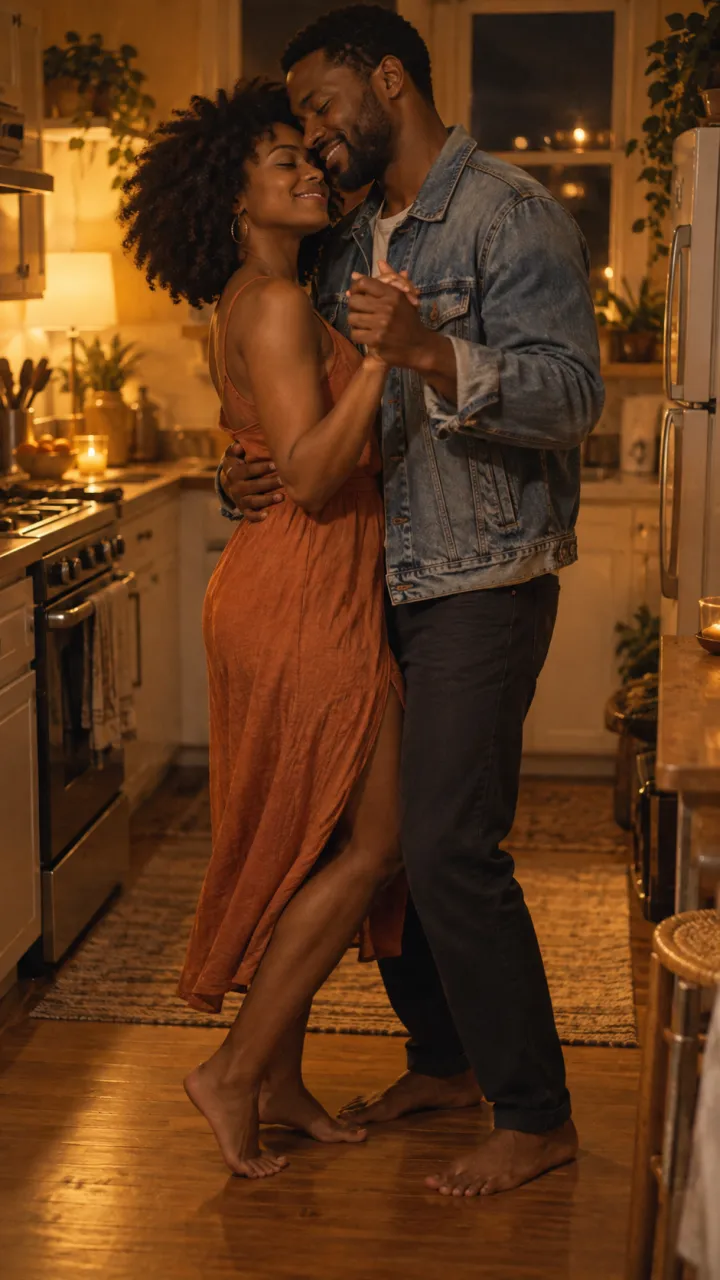
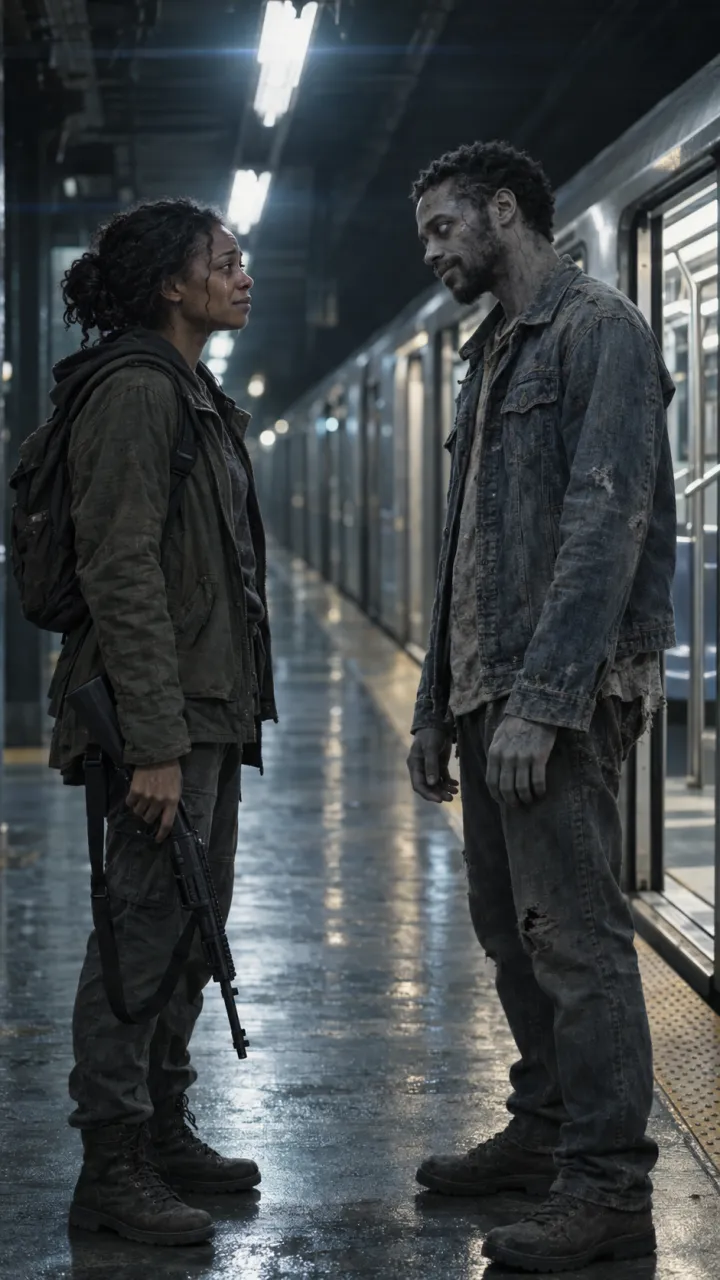
Cold: an empty metro platform at night, a stopped last train with its doors left open, flickering fluorescent light. Detail: the worn denim jacket the zombie is still wearing. Memory: slow dancing in a sunlit kitchen in the morning.
For a dog or cat
Pet version
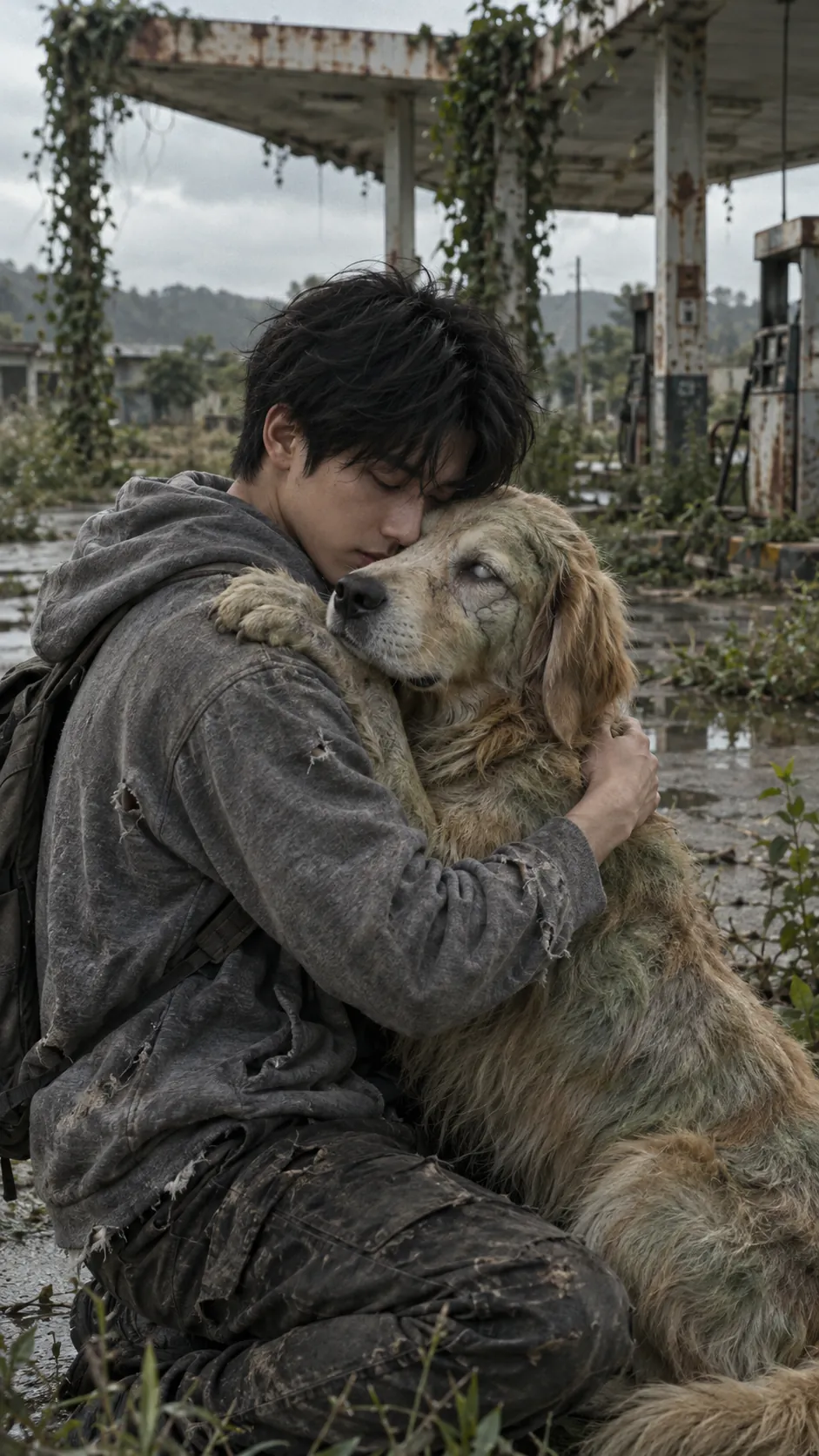
Vertical 9:16. [Owner] kneels in an abandoned street and hugs their [breed and colour] dog, which has turned: clouded white eyes, matted greyed fur, gentle and calm, its name tag still on the collar. The dog leans into the hug. Cold grey light, 4 seconds, PG-13, no gore.
Cut to the dog chasing a ball in a sunny park, or for a cat, asleep in a sunbeam on the sofa. More on pet photos in the dog and cat guide.
Keeping it looking like you
- Start every shot from a still, not from text alone. Text-only shots invent new faces.
- Repeat the same description of each person, word for word, in every prompt.
- Keep the clothes the same across all four shots. Changing outfits is when faces drift most.
- Leave out gore words. Many models refuse blood and wounds; “pale grey skin, clouded eyes” reads as turned without them.
- Generate two or three takes of each shot and keep the best one.
If the faces still drift, the photos are usually the cause. See why a zombie trend video stops looking like you.
Joining the shots
Put the four shots in order in any editor, trim them to about 4, 4, 3 and 4 seconds, and use hard cuts with no transitions. The CapCut guide covers timing the cut to the sound. Or skip the prompts: AI Zombie writes the shots from two photos and renders them as one 15-second video with sound.
Questions
Can I make the zombie love story with one prompt?
Usually not well. Most image-to-video models make one shot of 5 to 10 seconds and drift when asked for a whole story. Write four prompts, one per beat, start each from a still of the same two people, and join the shots with hard cuts.
Which AI video models work for the zombie love story?
Any image-to-video model that can start from a still, such as Kling, Veo, PixVerse or Seedance. The prompts describe the shot, the light and the movement rather than model-specific settings, so they work in all of them.
How do I keep the faces the same in every shot?
Start every shot from a still made with your reference photos, repeat the same description of each person word for word in every prompt, keep the clothes the same in all four shots, and generate two or three takes of each shot.