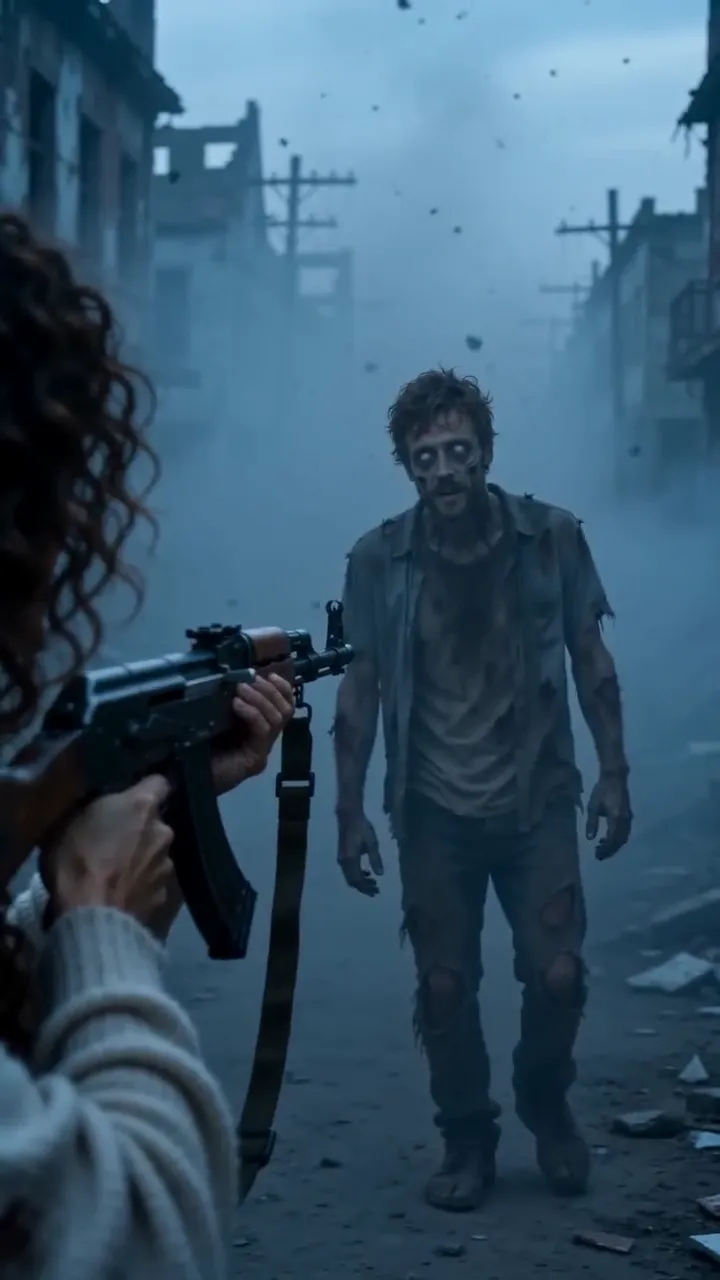
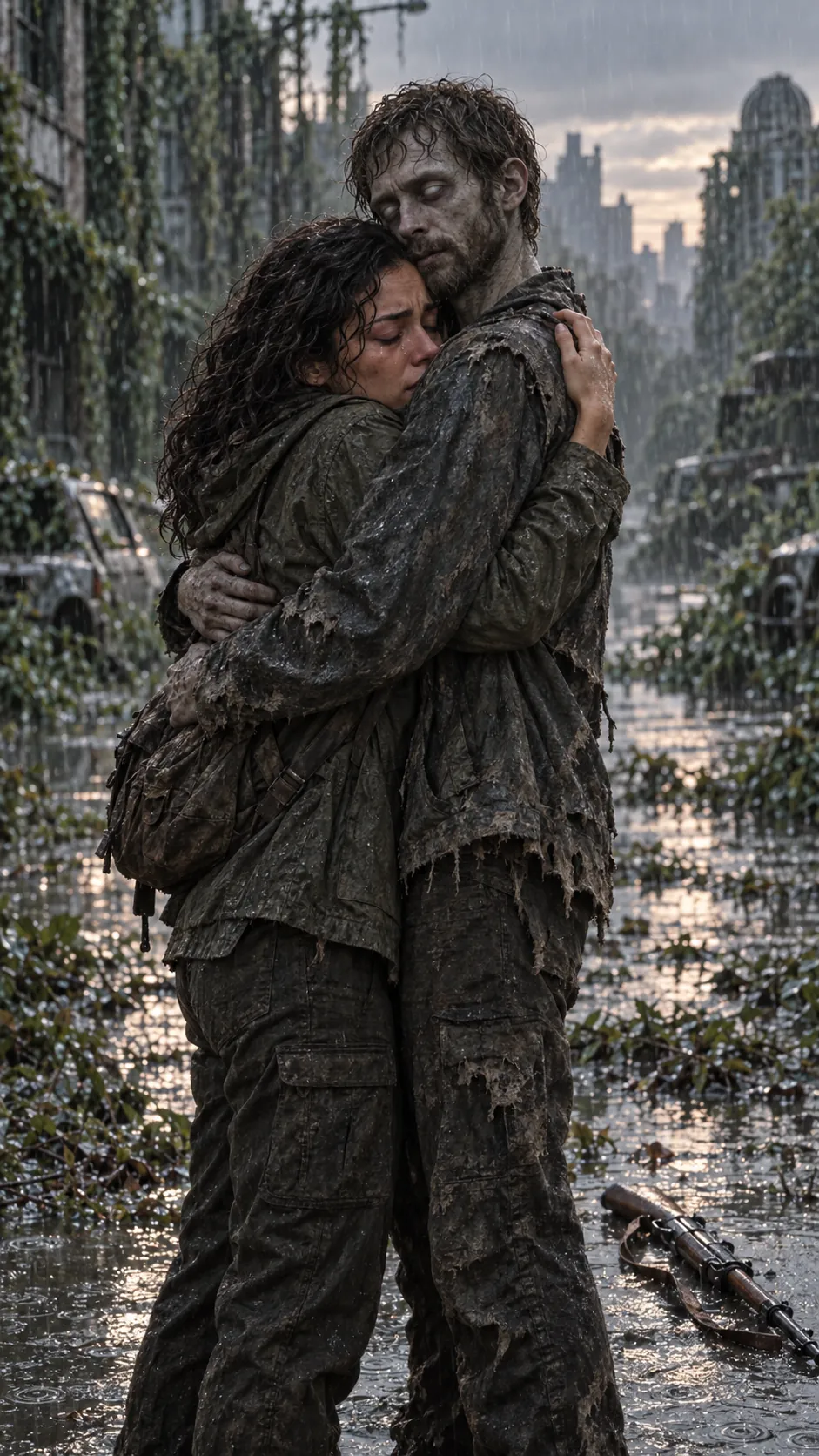
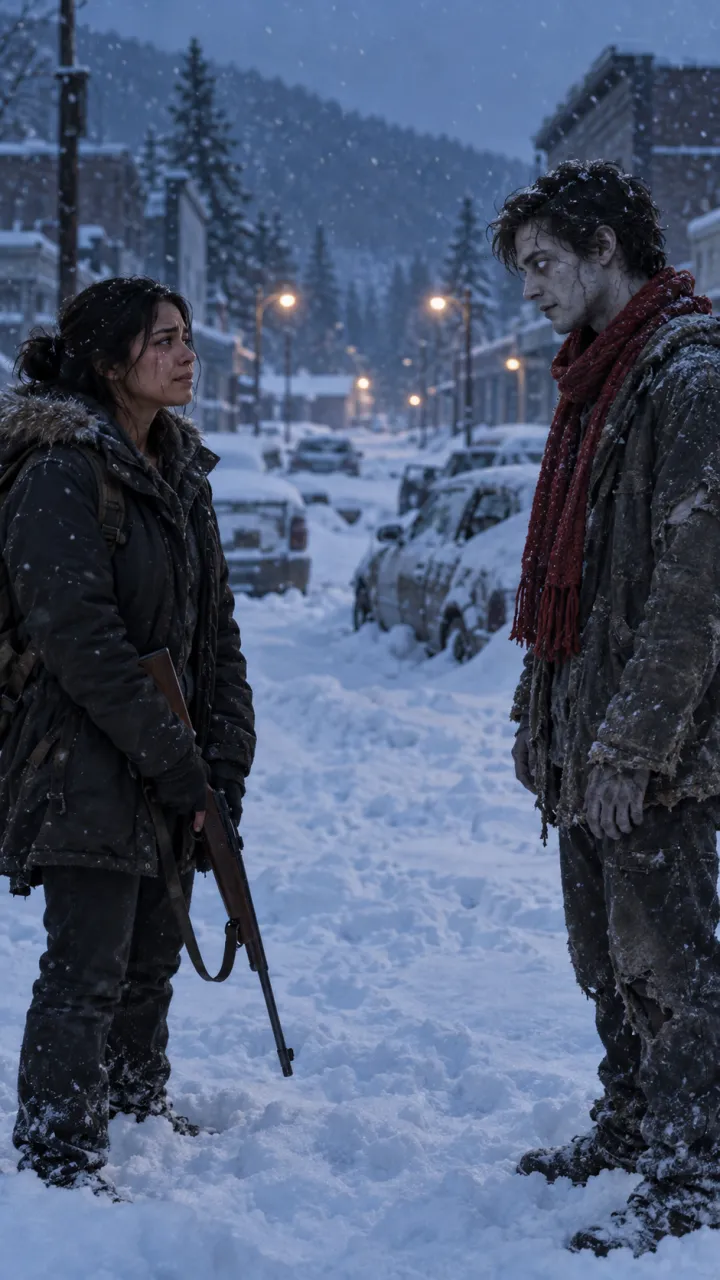
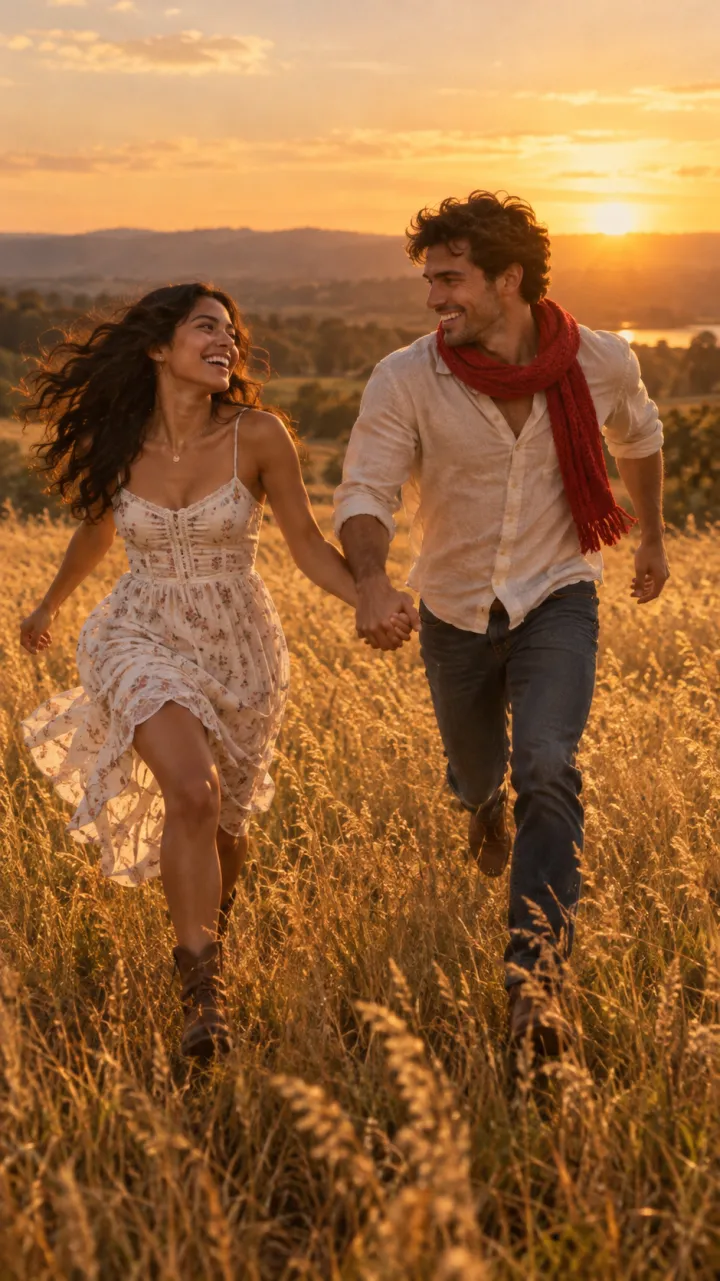
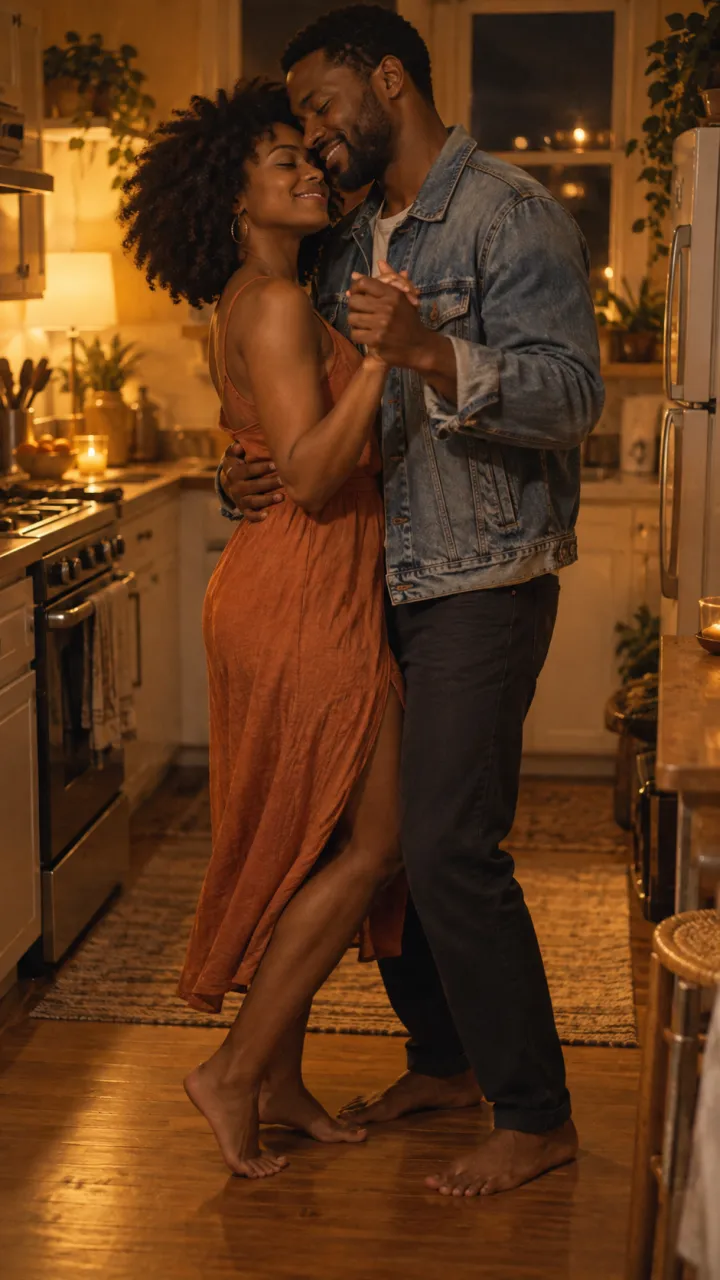
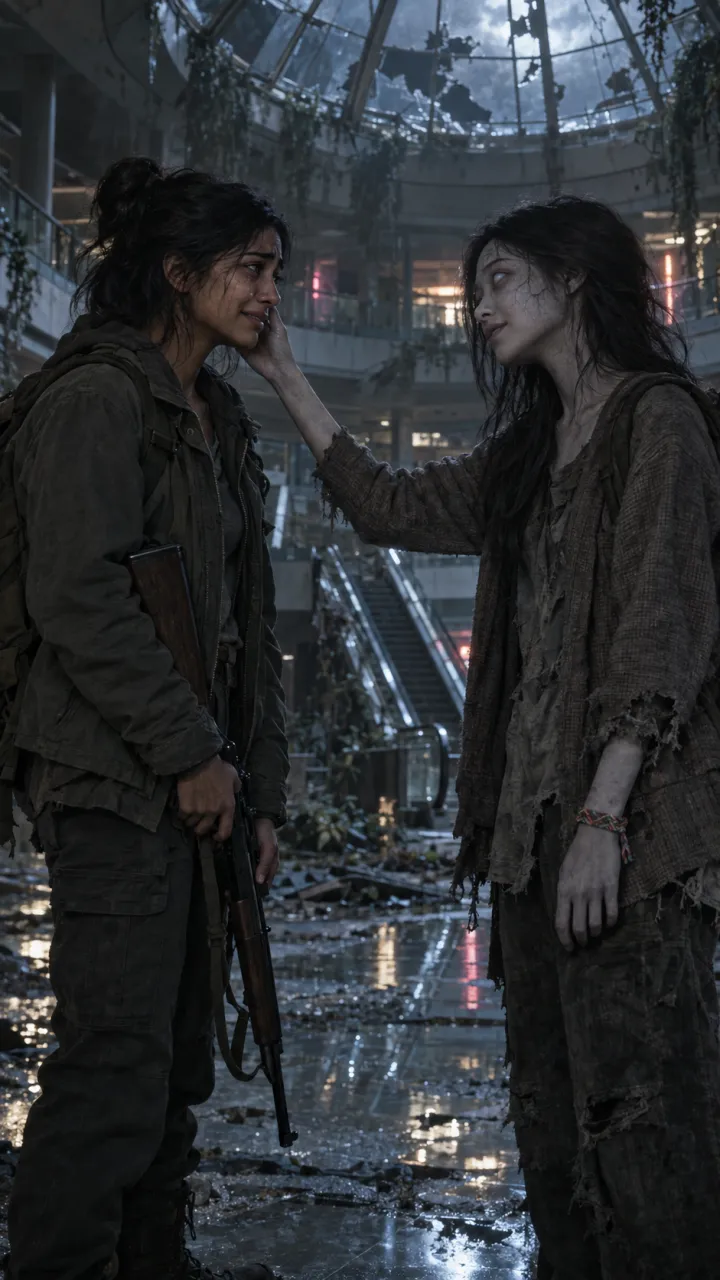
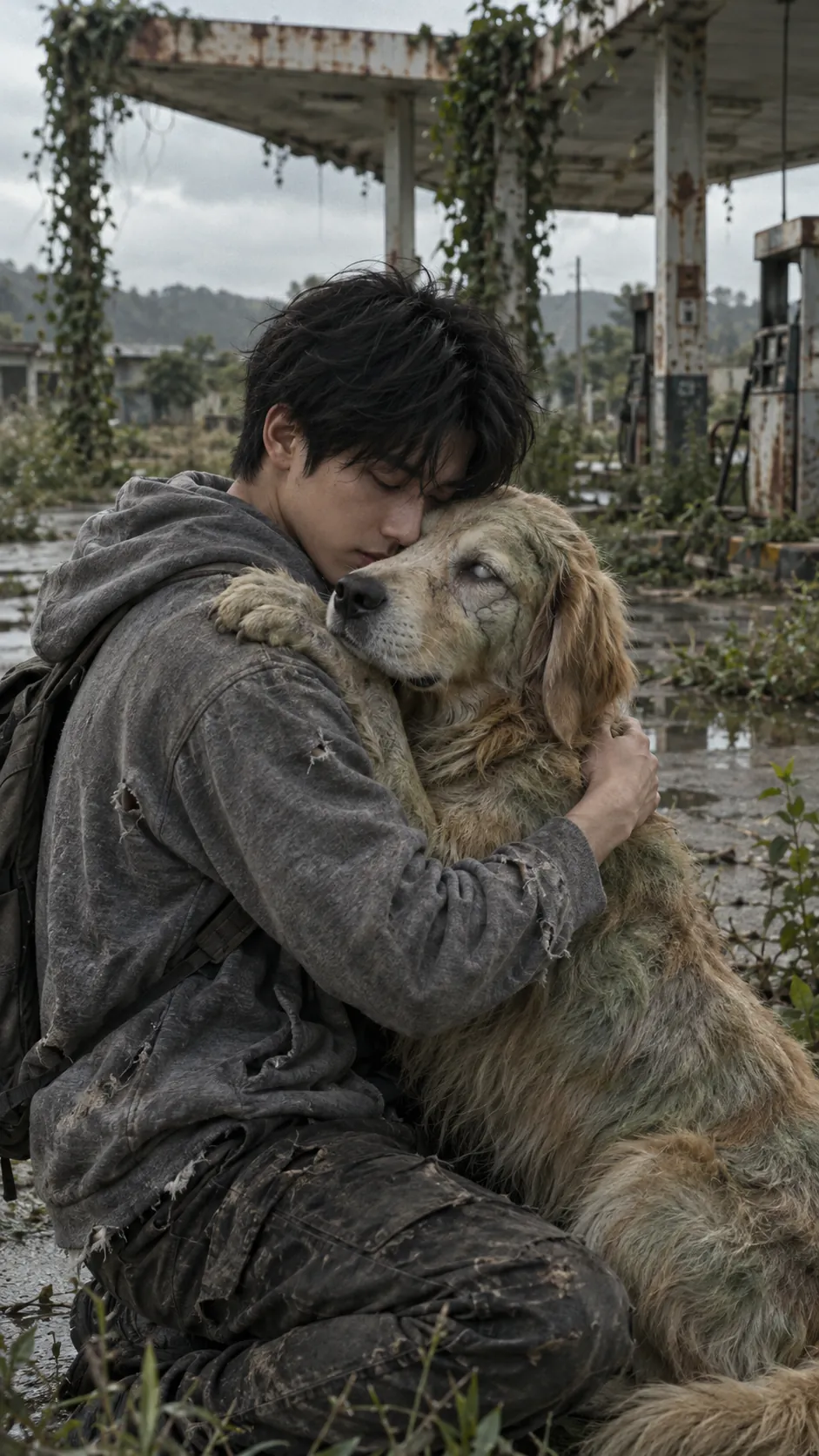
Zombie AI video generators: Seedance, Higgsfield and more
Which AI video generators can make the zombie trend: general models like Seedance, Veo and Kling, platforms like Dreamina and Higgsfield, what Dola is, and one-step trend tools.
5 min read · Updated
Two kinds of tool
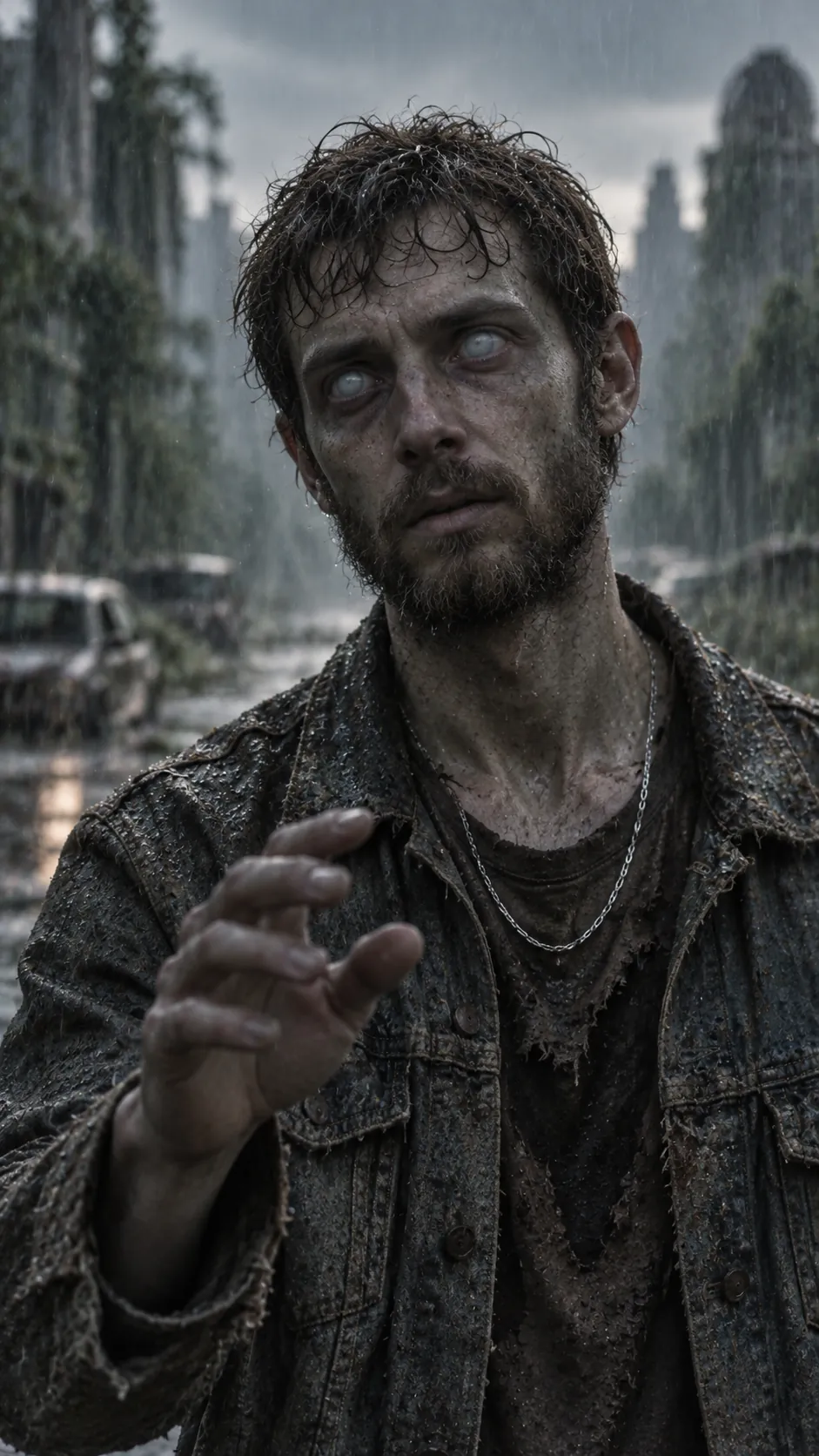
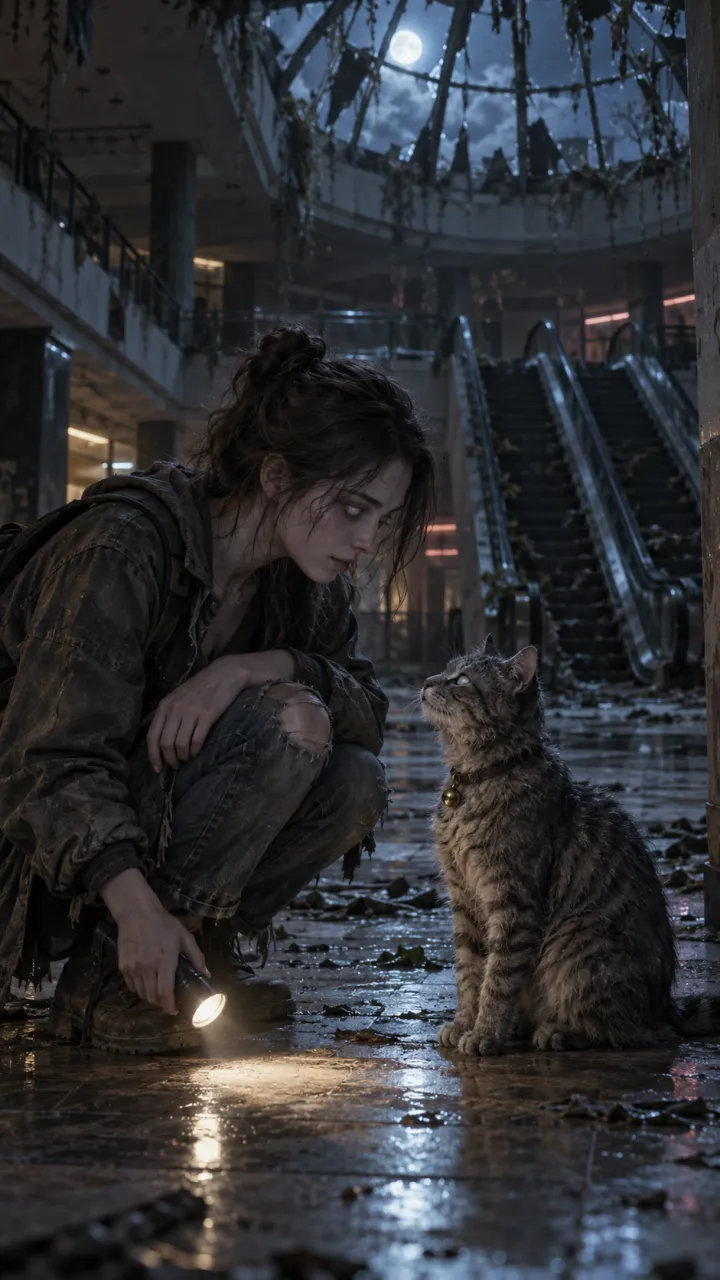
Searches for a zombie AI video generator turn up two different things. General video models make any shot you describe, one clip at a time; you write the prompts, generate the shots and edit them together. Trend tools are built for one format; you upload photos and get the finished video. Both can make the zombie trend. The difference is how much of the work is yours.
General video models
Seedance
ByteDance’s video model, and the one many zombie trend videos were made with. It is good at keeping a face from a start image and at slow, emotional movement, which is most of what the trend needs. You use it through an app or platform rather than on its own.
Veo, in Gemini
Google’s model. In the Gemini app it makes 8-second clips with sound on a paid plan, so the trend takes two clips and an edit. The Gemini guide walks through it.
Kling, PixVerse and others
Any image-to-video model that starts from a still can make the shots. The zombie love story prompts describe the shot, light and movement rather than model settings, so they work across them.
Platforms that host the models
Dreamina
CapCut’s AI creative app, where you can pick Seedance, set the aspect ratio and give it a first frame. Its sister app CapCut is where most people finish the edit, and CapCut also has zombie templates. See the zombie trend in CapCut.
Higgsfield
A platform that offers several image and video models, Seedance among them, in one place, with camera-move presets. Useful if you want to try the same shot on different models.
Dola
ByteDance’s AI assistant app, renamed from Cici. Its own listing describes chat, search, voice and image generation, not video. Websites calling themselves a “Dola AI video generator” aren’t the official app, so read who runs them before you upload a photo.
What each route takes
- General model, your own edit: two stills, two to four clips, several takes each, then an edit with a hard cut. Most control, most time.
- CapCut template: swap your clips into someone else’s edit. Quick, but you still need the clips, and templates change weekly.
- One-step trend tool: two photos in, one finished video out. Least control over each shot, least time.
Whichever you use, check these
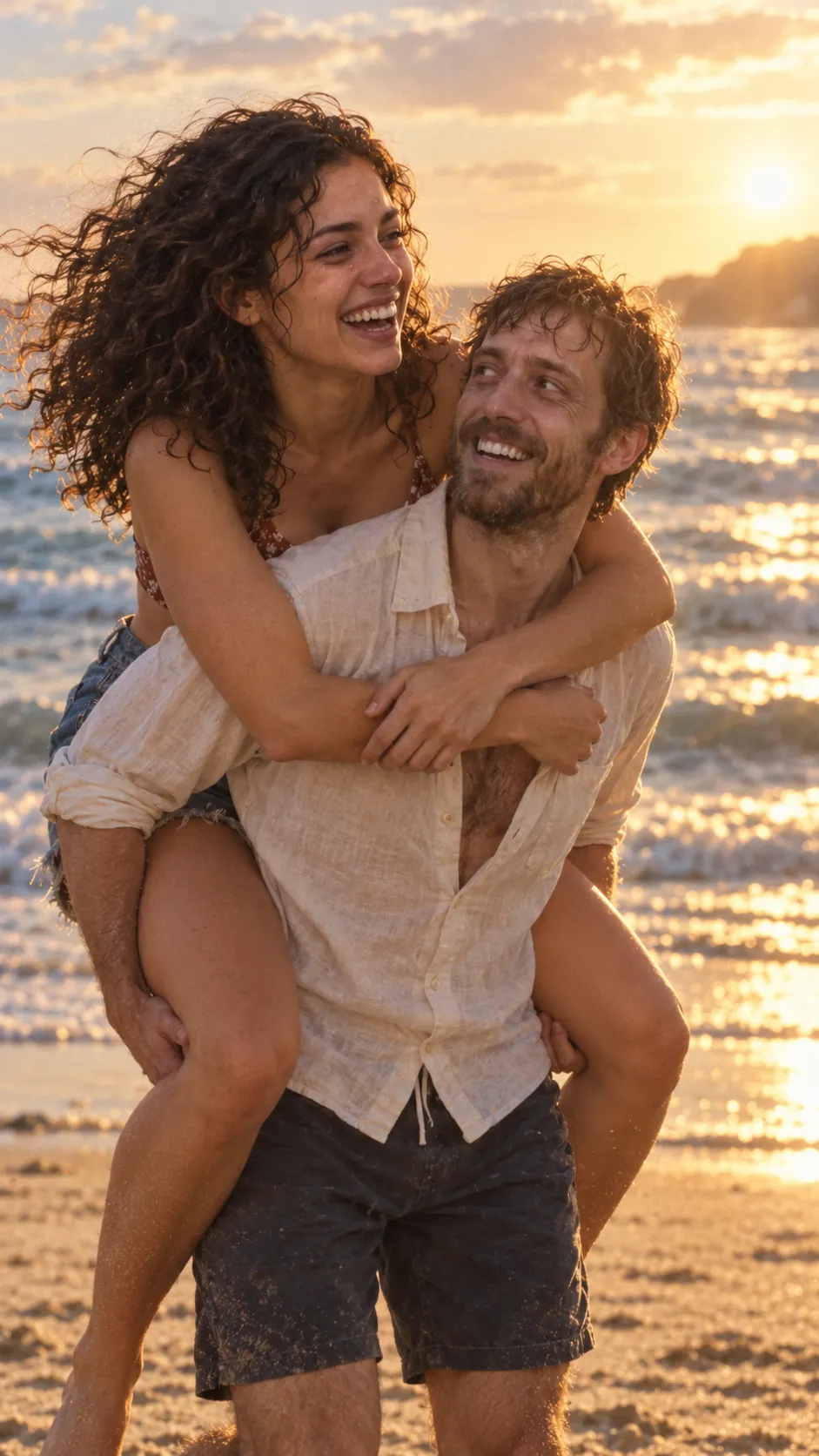
- Both faces stay recognisable in the warm ending, where the likeness matters most.
- The cut into the memory is hard, not a crossfade.
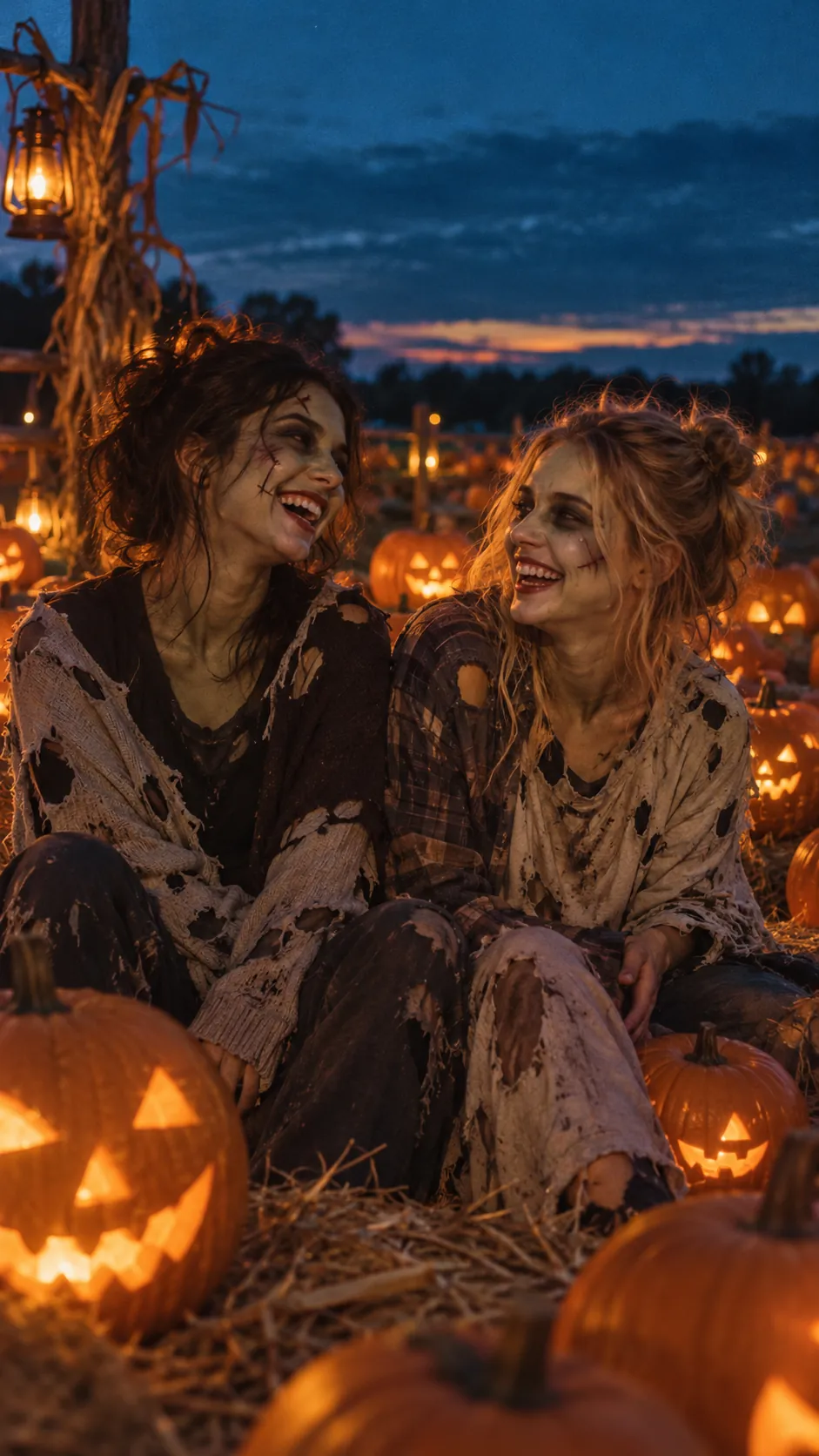
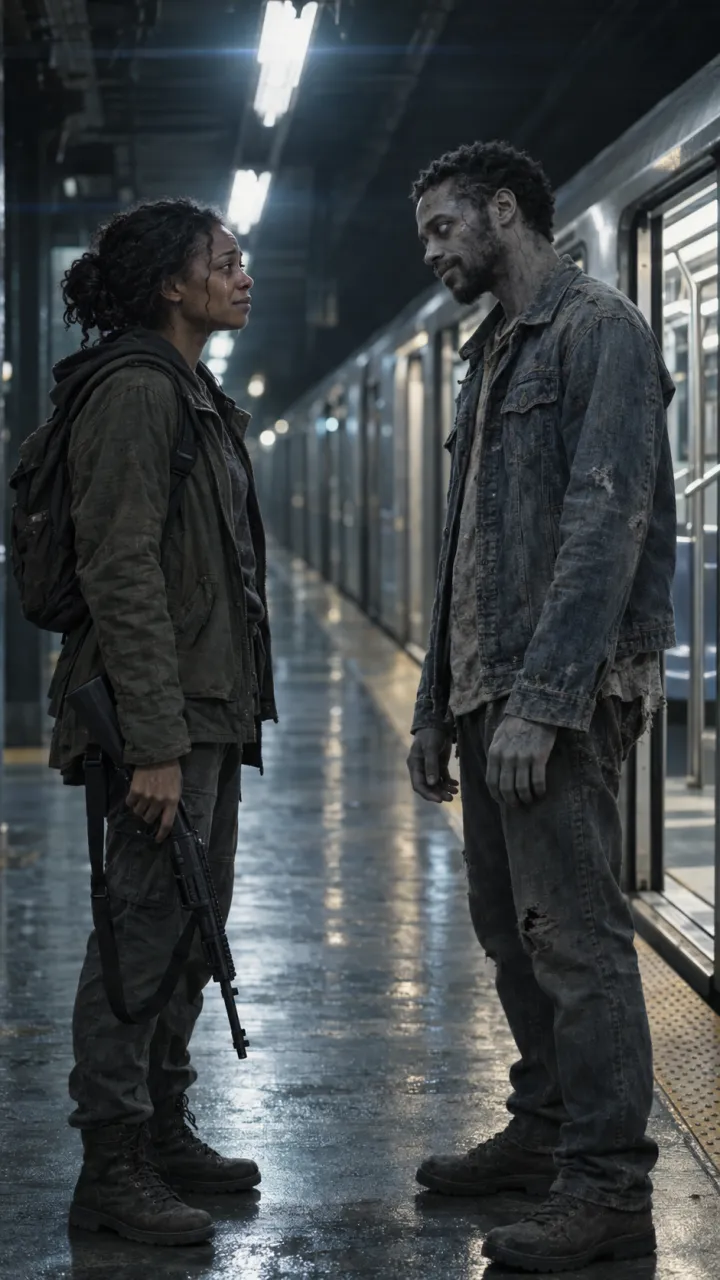
- The turned look is pale and calm rather than gory, so the video can be shown to everyone.
- Where your photos go and how long they are kept. Ours are deleted after 7 days and never used for training; see the privacy policy.
AI Zombie is the one-step route: two photos, you pick who turns and the setting, and you get a 15-second video with sound and no watermark.
Questions
What is the best AI video generator for the zombie trend?
It depends on how much you want to do yourself. General models such as Seedance, Veo and Kling give full control but need prompts, several clips and an edit. A one-step trend tool takes two photos and returns the finished video with the cut in place.
Can Dola AI make the zombie trend video?
Dola is ByteDance’s AI assistant app, formerly called Cici. Its app listing covers chat, search, voice and image generation rather than video. Sites calling themselves a Dola AI video generator are separate services, so check who runs one before uploading photos.
Is Seedance the same as Dreamina?
No. Seedance is ByteDance’s video model. Dreamina is the creative app from CapCut where you can use it, and other platforms, Higgsfield among them, offer it alongside other models.