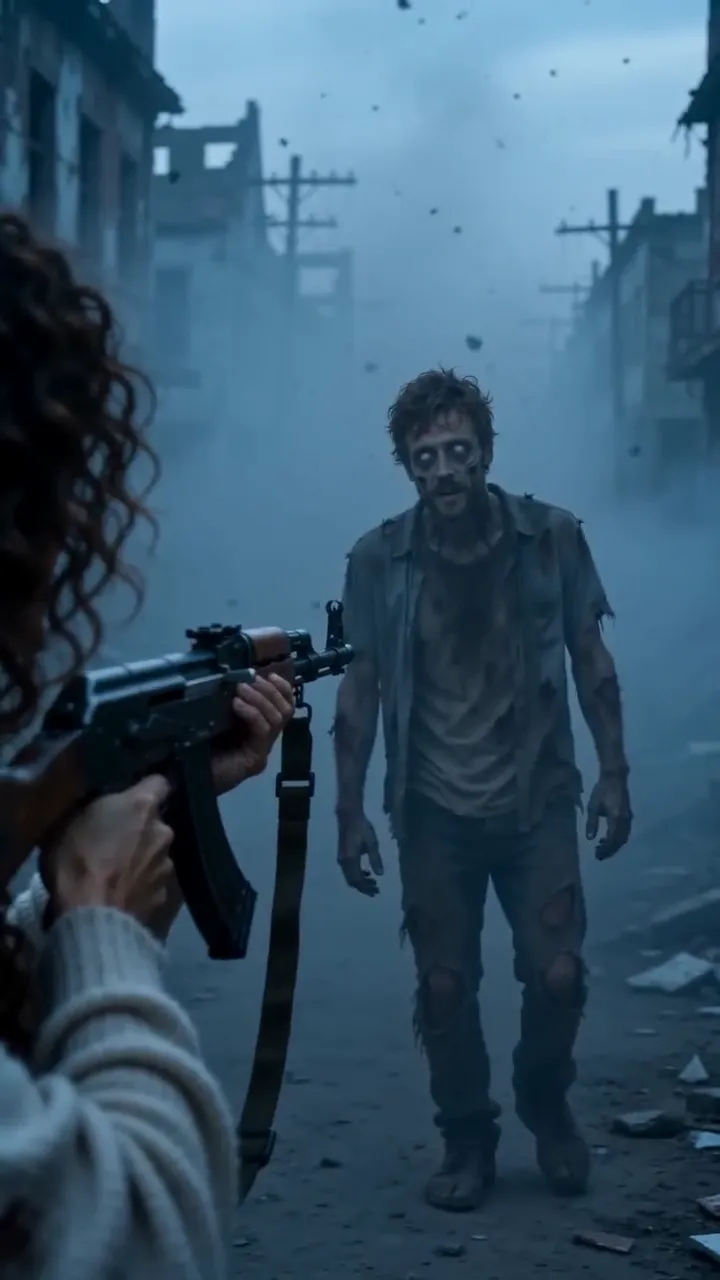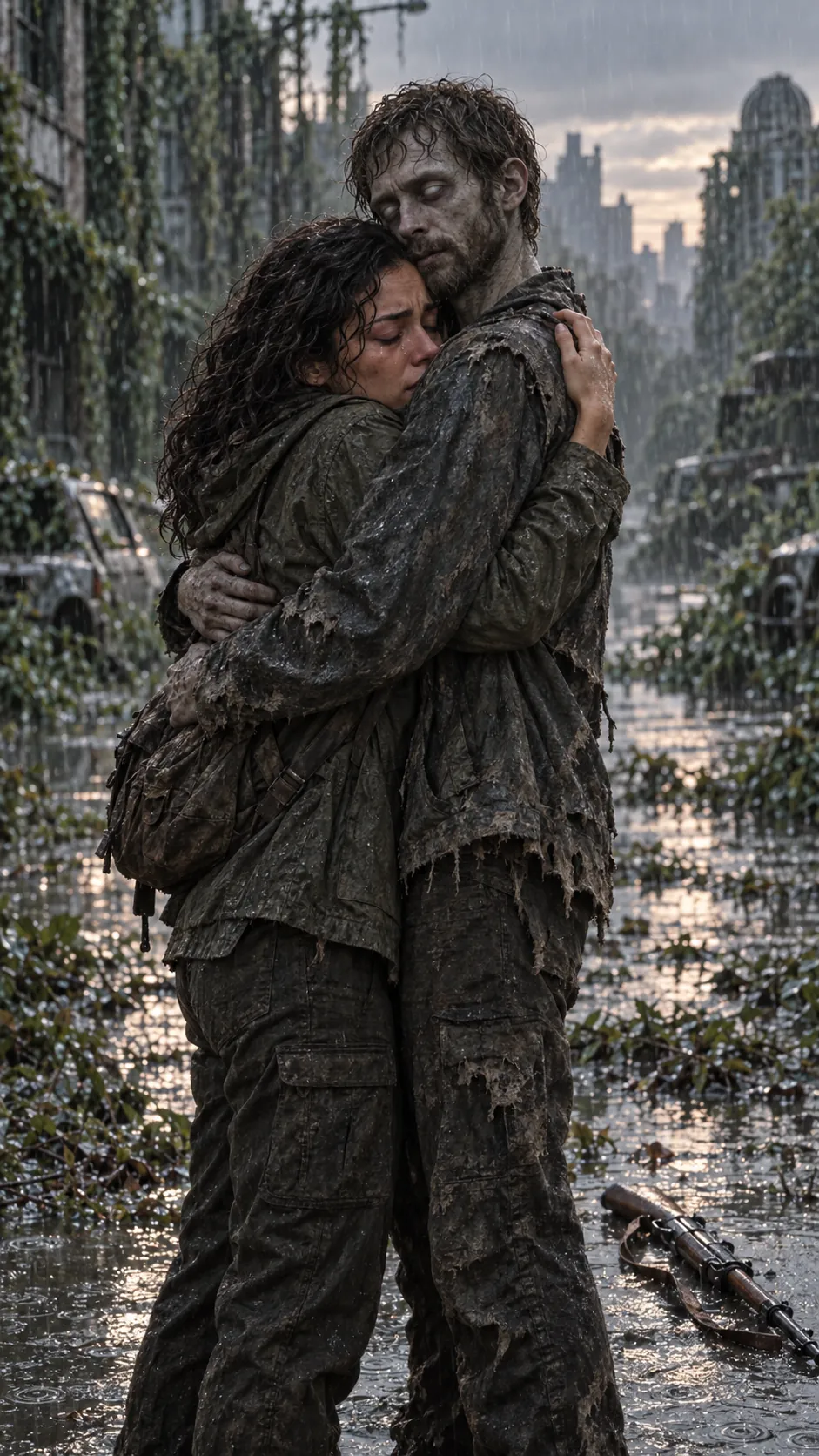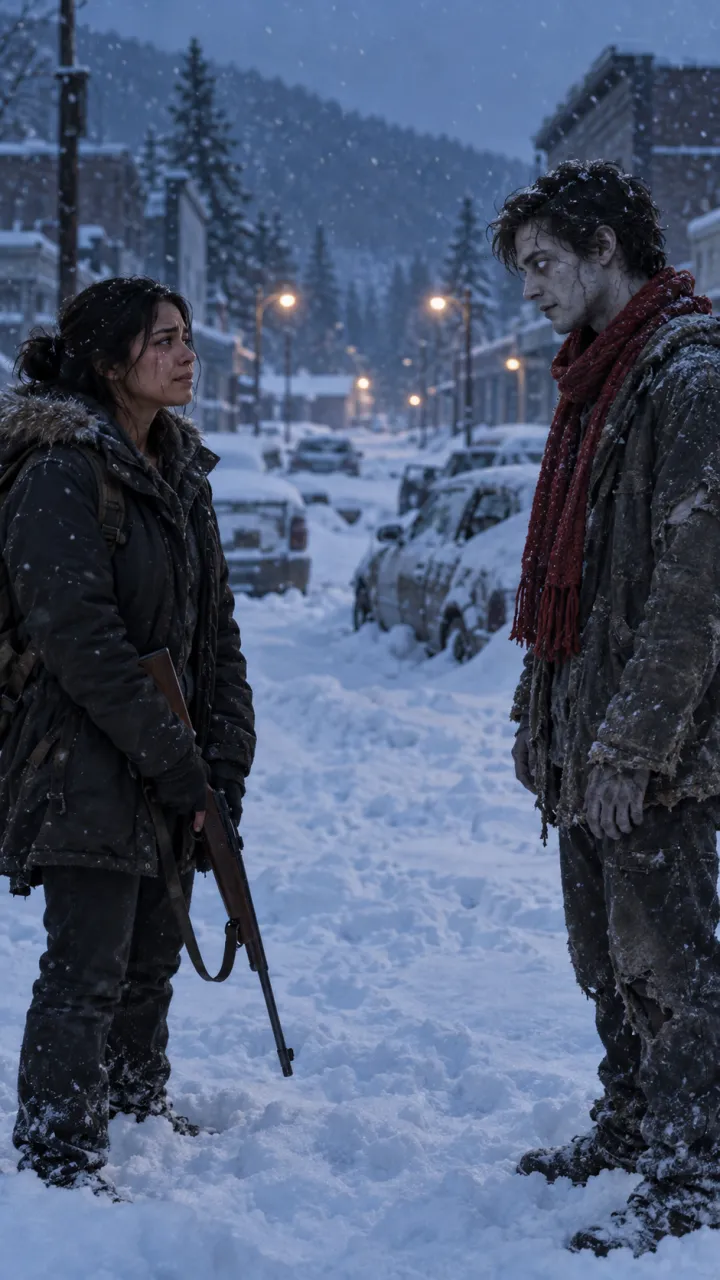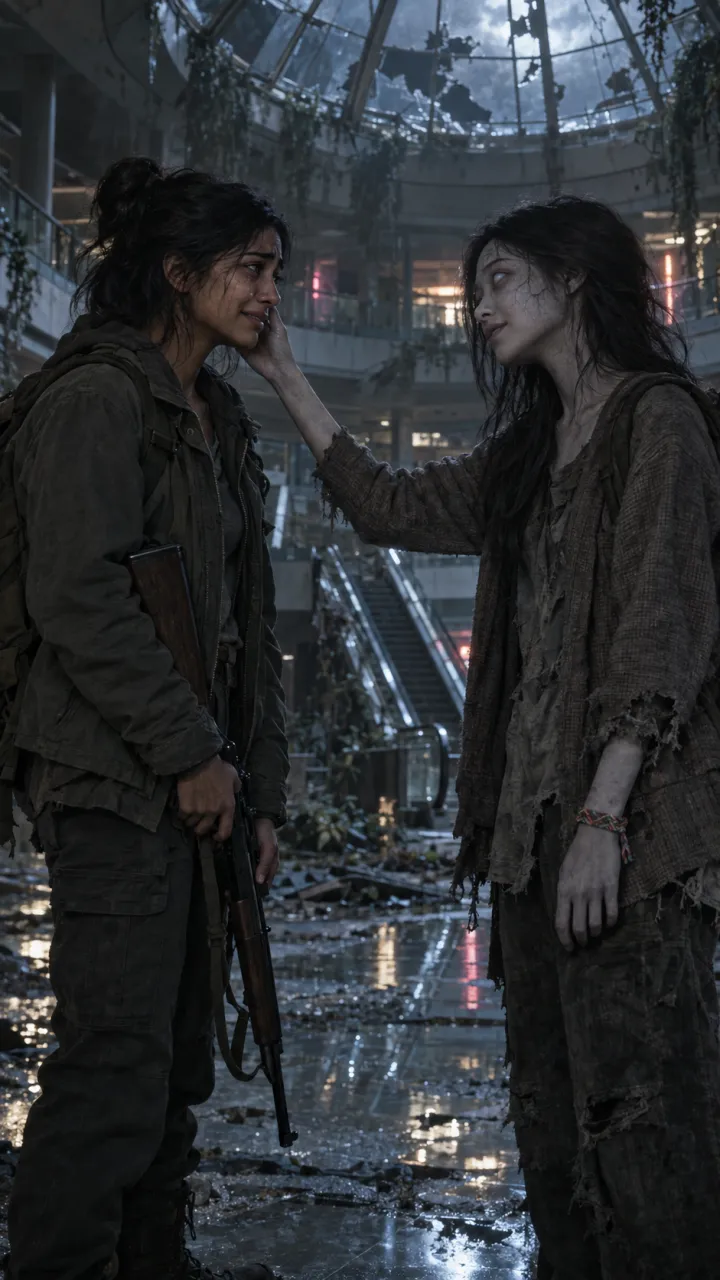
How to do the zombie trend for free
The free ways to make the AI zombie trend: CapCut templates, free daily credits on Dreamina and Kling, free image tools for the stills, and what each costs.
5 min read · Updated

The short answer
You can make the zombie trend without paying, as long as you do the work yourself. There are two free routes: drop your photos into a CapCut template, or make the stills and clips with free credits and join them in CapCut. The first is quick but every result looks like the template. The second gives you your own version and takes an evening. Free plans change often, so check each tool’s current limits before you start. Facts below were checked on 9 October 2026.
Route 1: a CapCut template
Search “zombie” or “couple zombie” in CapCut’s Templates tab. Some are plain edits you swap clips into; others, such as Couple Zombie AI, are AI templates that start from your photos. Tap one, add your photos, and export.
- Time: about five minutes.
- Watermark: CapCut says templates often include a small CapCut watermark at the end of the video.
- Limits: CapCut’s AI features have free usage caps, and templates come and go from week to week.
- Result: short, around 11 seconds for Couple Zombie AI, with the template’s own setting and music rather than a memory of the two of you.
Route 2: make the shots with free credits
This is the same do-it-yourself route as the zombie love story prompts, using free tiers at each step.
The stills: ChatGPT or Gemini
Both make images on their free plans, with daily limits, and both can work from a photo you upload. Make two stills, one cold and one warm, from one clear photo of each person. The Gemini guide has prompts for both.
The clips: Dreamina or Kling
Dreamina, CapCut’s AI creative app, gives eligible free web accounts daily credits, 120 a day for US accounts as of October 2026, and runs ByteDance’s Seedance models. Kling also has a free tier, but its free videos carry a watermark, and a 5-second 720p clip without audio costs 30 credits on its Video 3.0 model. Give each tool a still as the first frame and describe only the movement.
Gemini Omni in YouTube
Google says Gemini Omni, the video model in the Gemini app, is also free to use in YouTube Shorts and the YouTube Create app. Whether it is on for your account, and how well it keeps your faces, varies, so treat it as worth a try rather than a sure thing.
Then join the cold clip and the warm clip in CapCut, which is free, with a hard cut and a sound. The CapCut guide has the timing.
What each route costs you
- CapCut template: five minutes, possibly a watermark, and the same video as everyone else who used it.
- Free credits: an evening of prompts, retakes and editing. Faces drift between clips, so expect to generate each one two or three times, which uses up a day’s credits fast.
- Both: no control over the sound unless you add it yourself, and free plans can change without notice.
Before you upload anyone’s photo
Ask the other person first, whichever route you take. Google asks you to only upload photos you have the right to use, OpenAI’s rules bar using someone’s likeness without their consent, and a free tool still keeps your photos under its own terms, so read them before you upload.
If you’d rather skip the work
AI Zombie is the paid shortcut: two photos, you choose who turns and the setting, and you get one 15-second video with sound, the hard cut in place and no watermark. It uses one-time credit packs, from $6.90 for one HD video, with no subscription. There is no free tier, which is why this guide exists.
Questions
Can you do the zombie trend for free?
Yes, if you make it yourself. Free tiers of image and video tools can make the shots and CapCut can join them, but you trade money for time: free credits run out, some free videos carry a watermark, and keeping both faces the same across clips takes several tries.
Is there a free zombie trend template?
CapCut has zombie templates, including AI ones such as Couple Zombie AI. They are free to try, but they are short, every result follows the template’s version, CapCut says templates often add a small watermark at the end, and its AI features have free usage limits.
Is AI Zombie free?
No. AI Zombie is paid with one-time credit packs, from $6.90 for one HD video, with no subscription and no watermark. This guide covers the free routes for anyone who would rather spend time than money.