How to turn your photo into a zombie for Halloween
Three ways to turn your photo into a zombie for Halloween: a copy-ready AI prompt for a zombie portrait, a 15-second zombie video from two photos, and make-up for the party.
4 min read · Updated
Three ways to do it
- A zombie portrait: one photo and an AI image tool. Good for a profile picture or a before-and-after post.
- A zombie video: two photos and the Halloween zombie video maker. Good for TikTok, Reels and Shorts.
- Make-up: grey face paint, dark shadow under the eyes and pale lips. Good for the party itself.
A zombie portrait from one photo
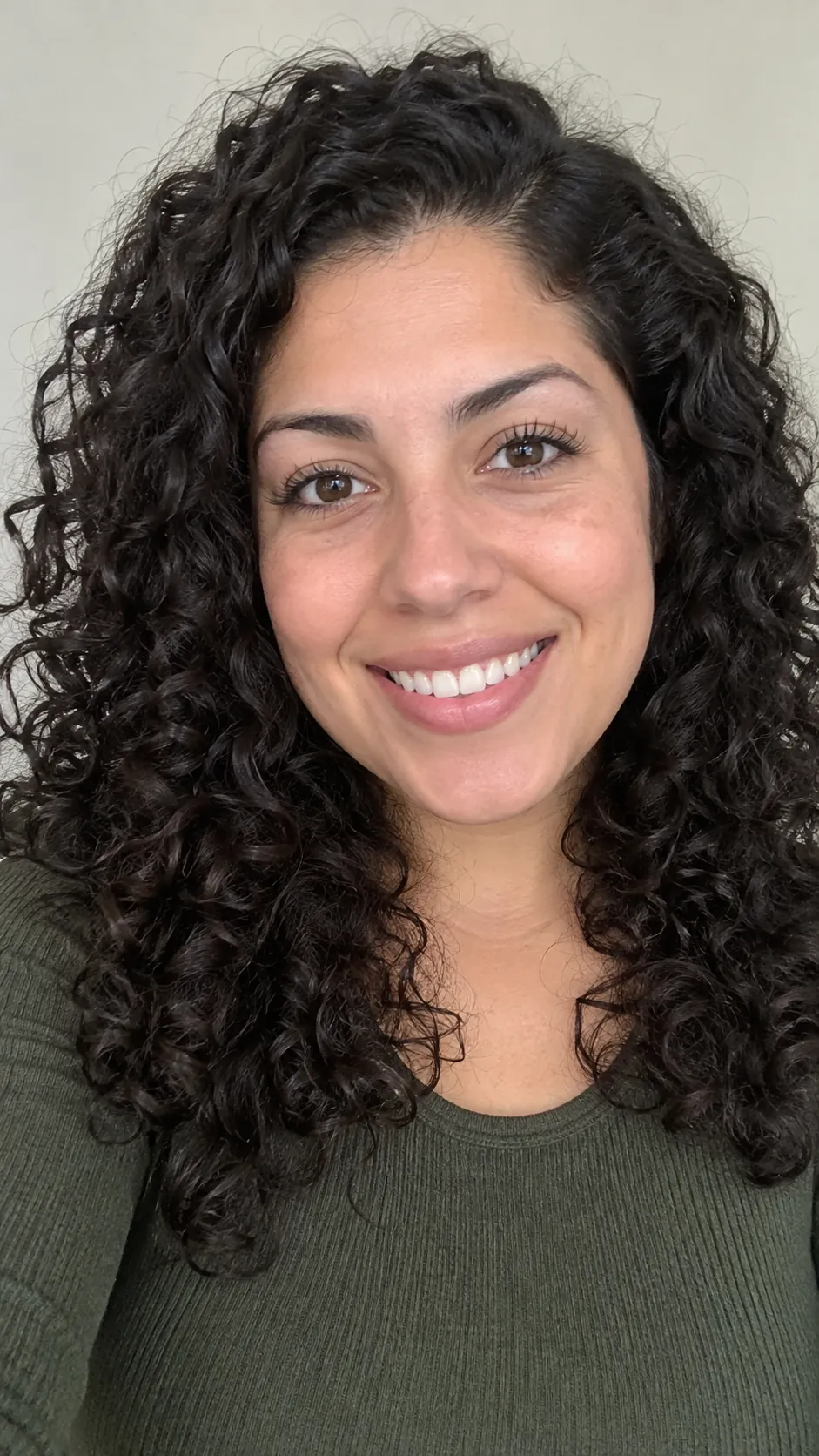
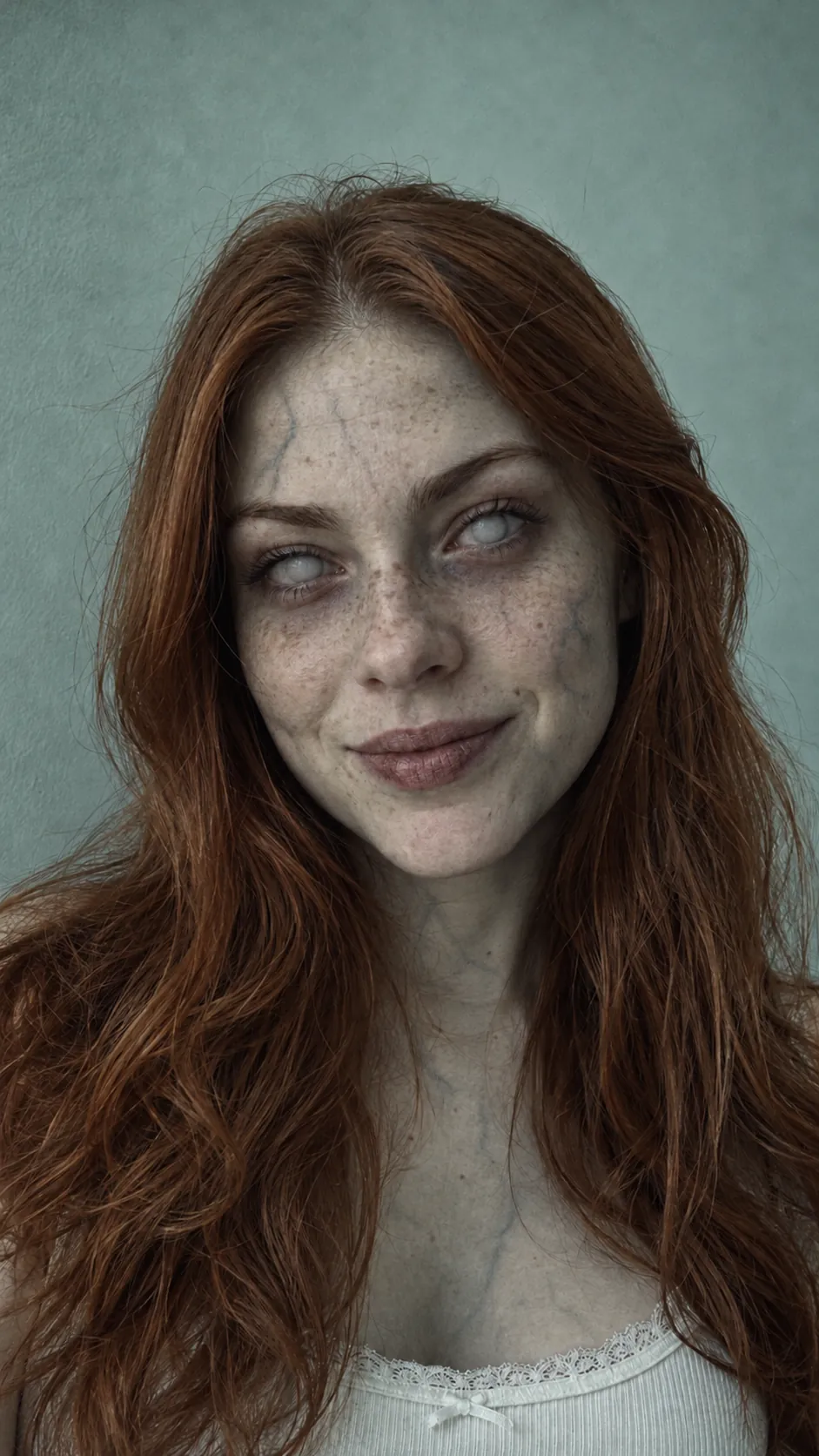
AI tools that edit your own photo, such as ChatGPT and Gemini, can turn you into a zombie in a minute. Upload a sharp, front-facing photo and paste this prompt:
Zombie portrait prompt
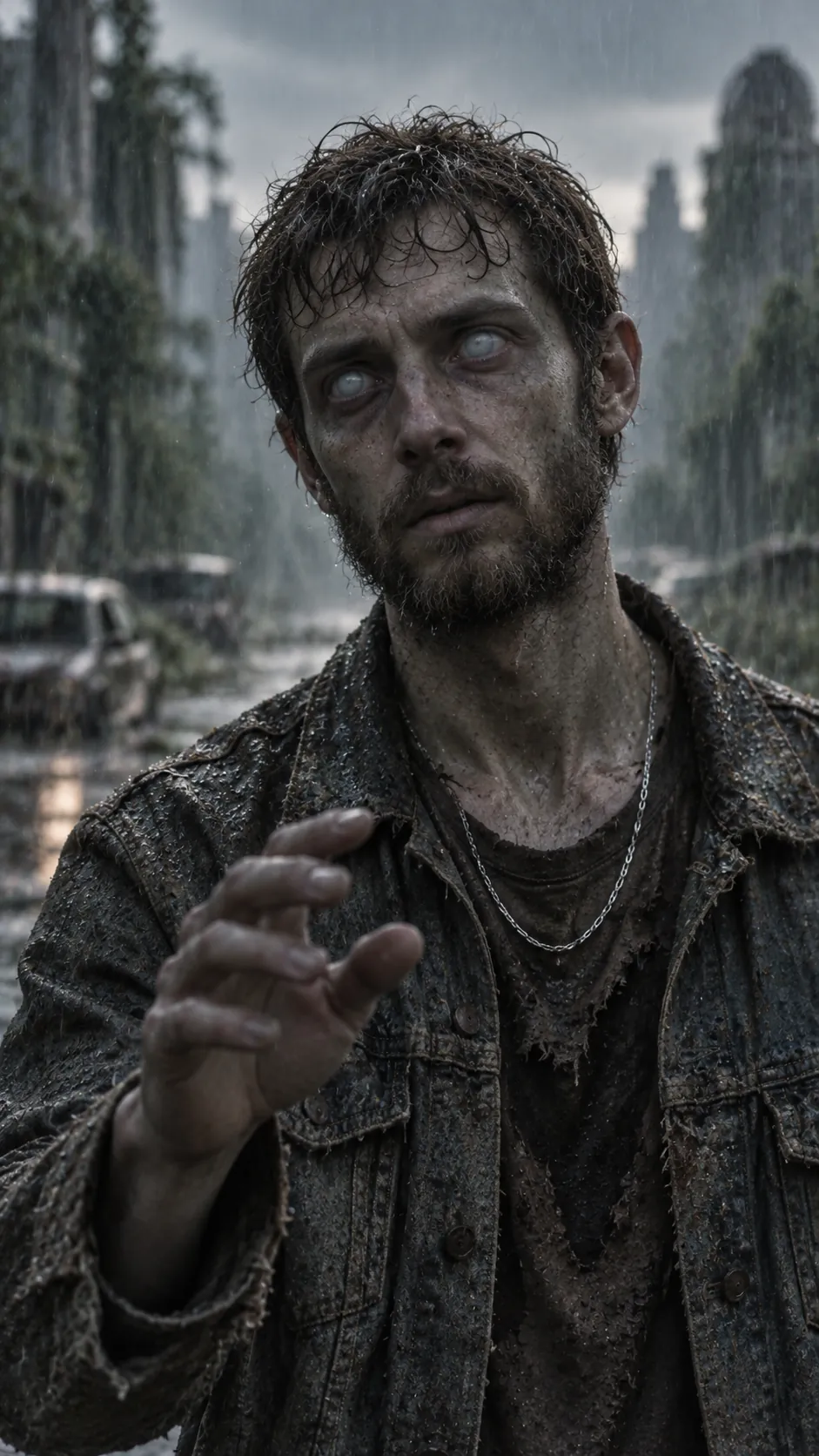
Turn the person in this photo into a gentle movie zombie for Halloween. Keep their face shape, features, hairstyle, clothes, pose and the background the same. Pale grey skin, faint dark veins at the temples, clouded milky eyes, messy hair, dusty torn clothes. PG-13: no blood, no wounds, no gore. Photorealistic, cinematic lighting.
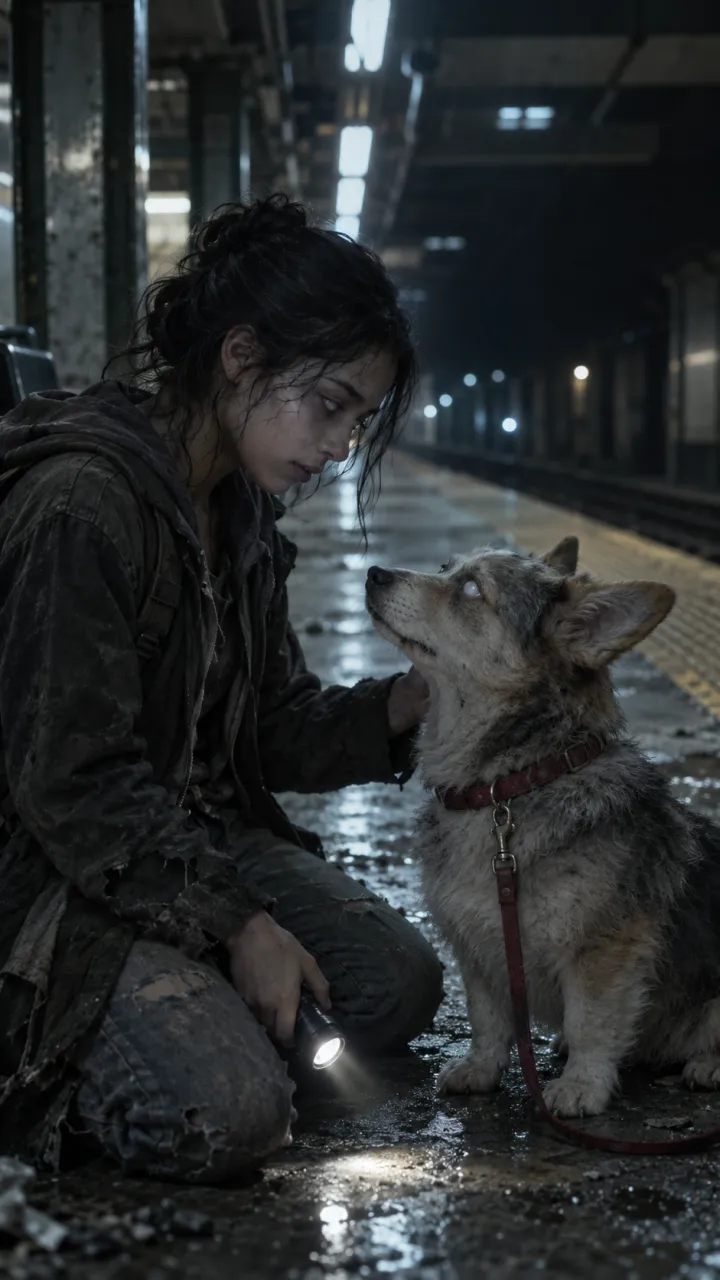
For a pet, start with “Turn the dog in this photo into a gentle zombie dog” and keep the rest. If the face drifts, ask again with “keep the face exactly the same” and use a closer photo.
A zombie video from two photos
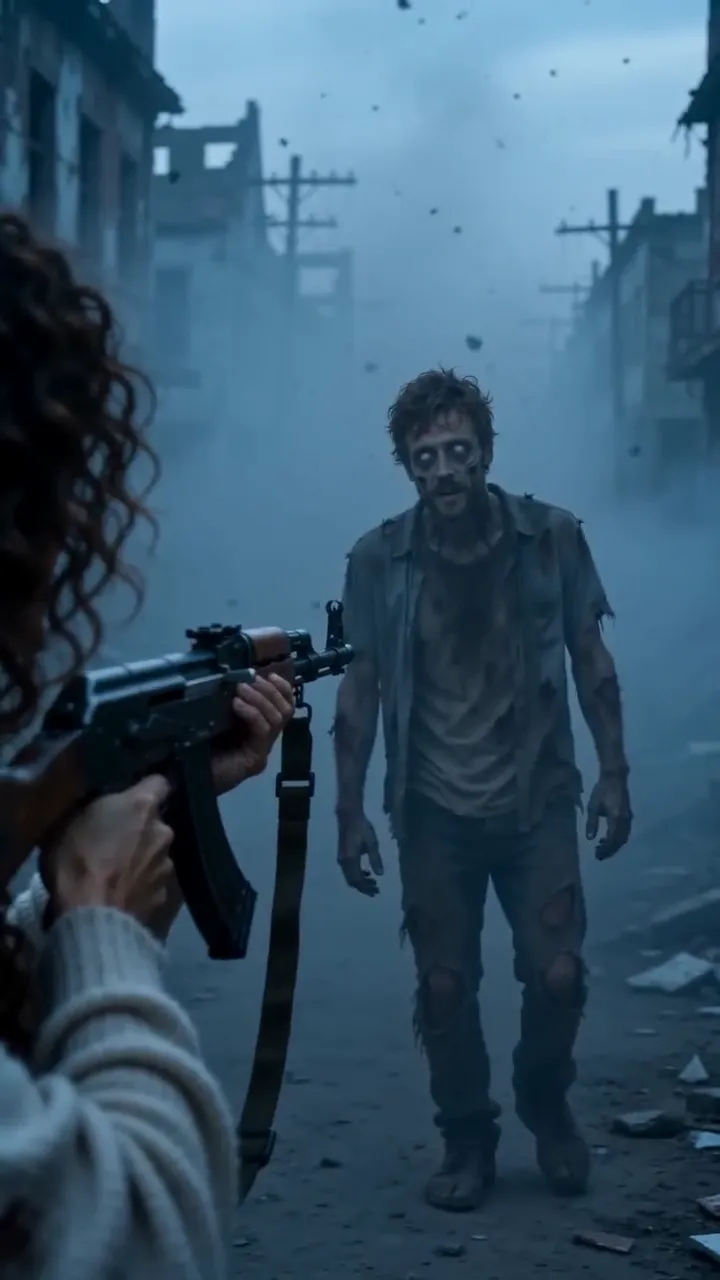
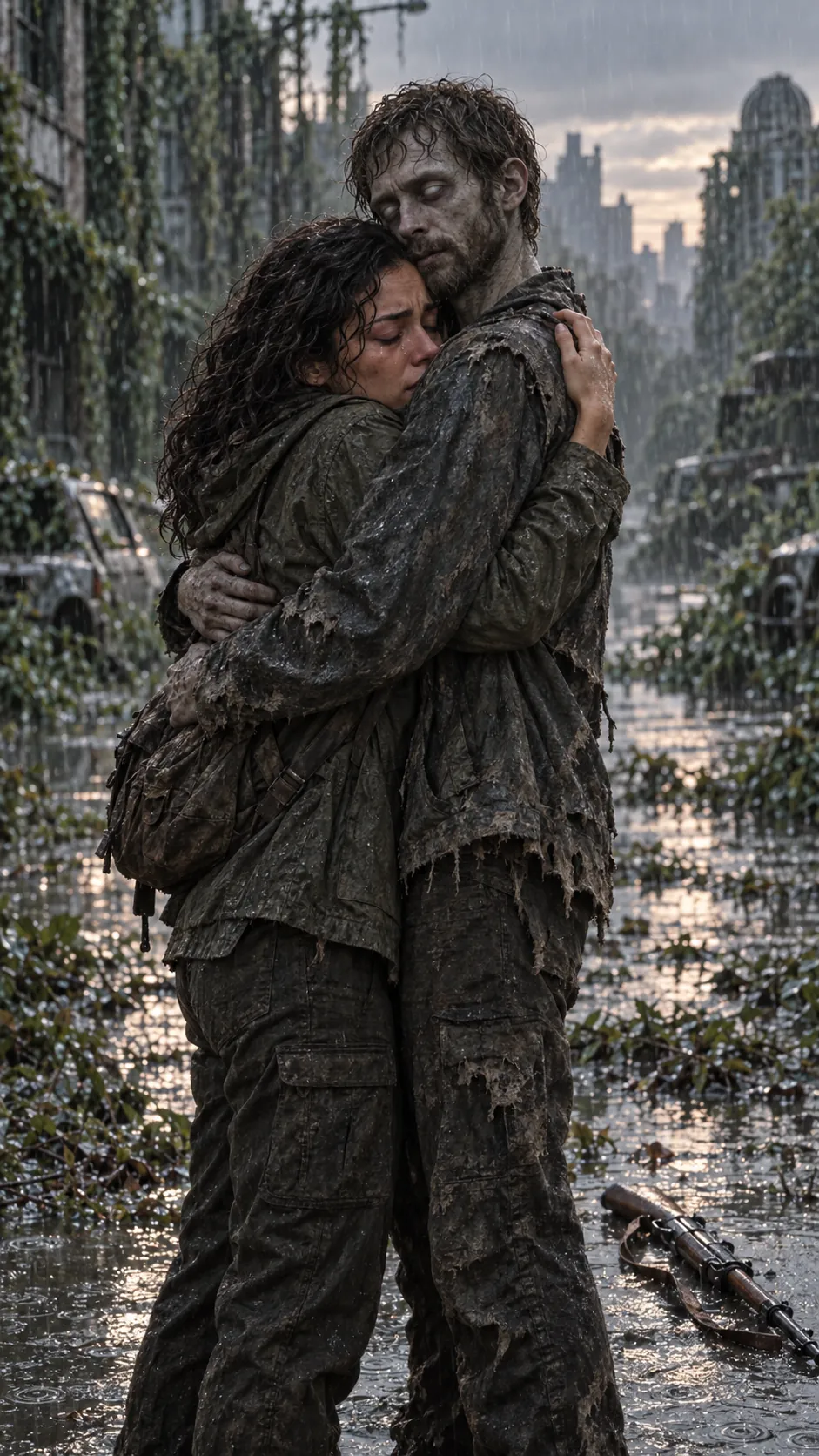
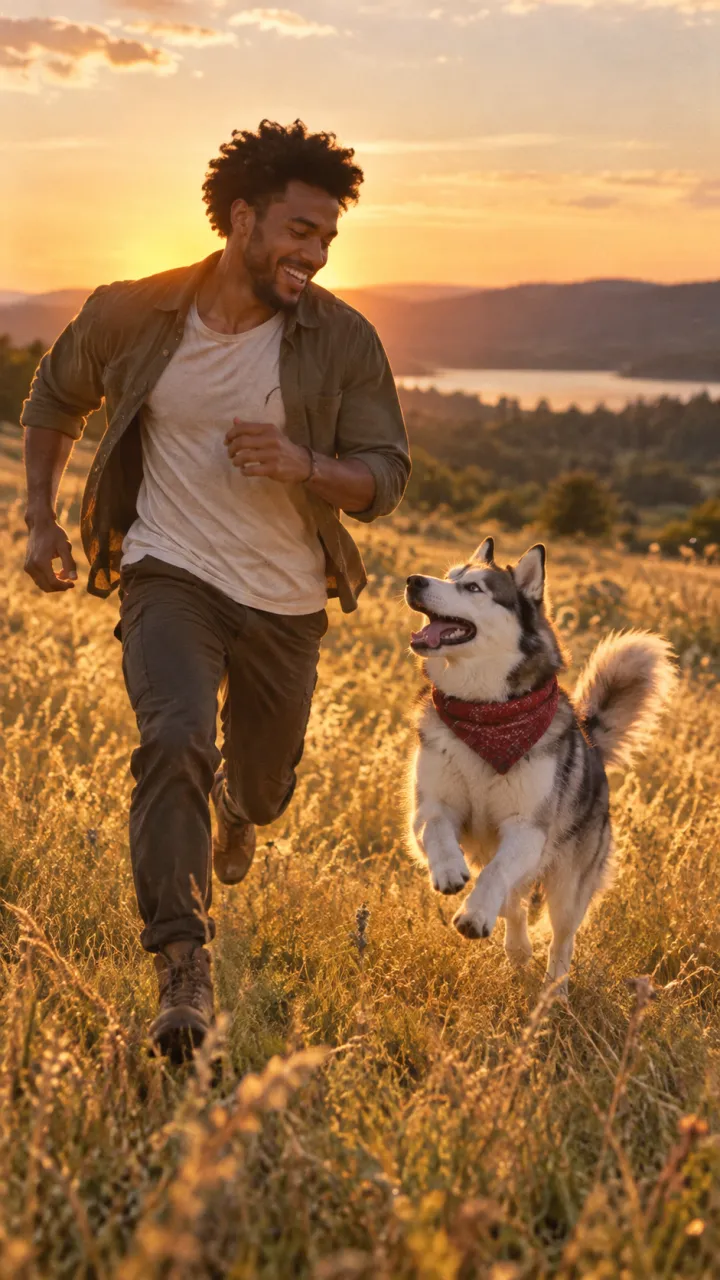
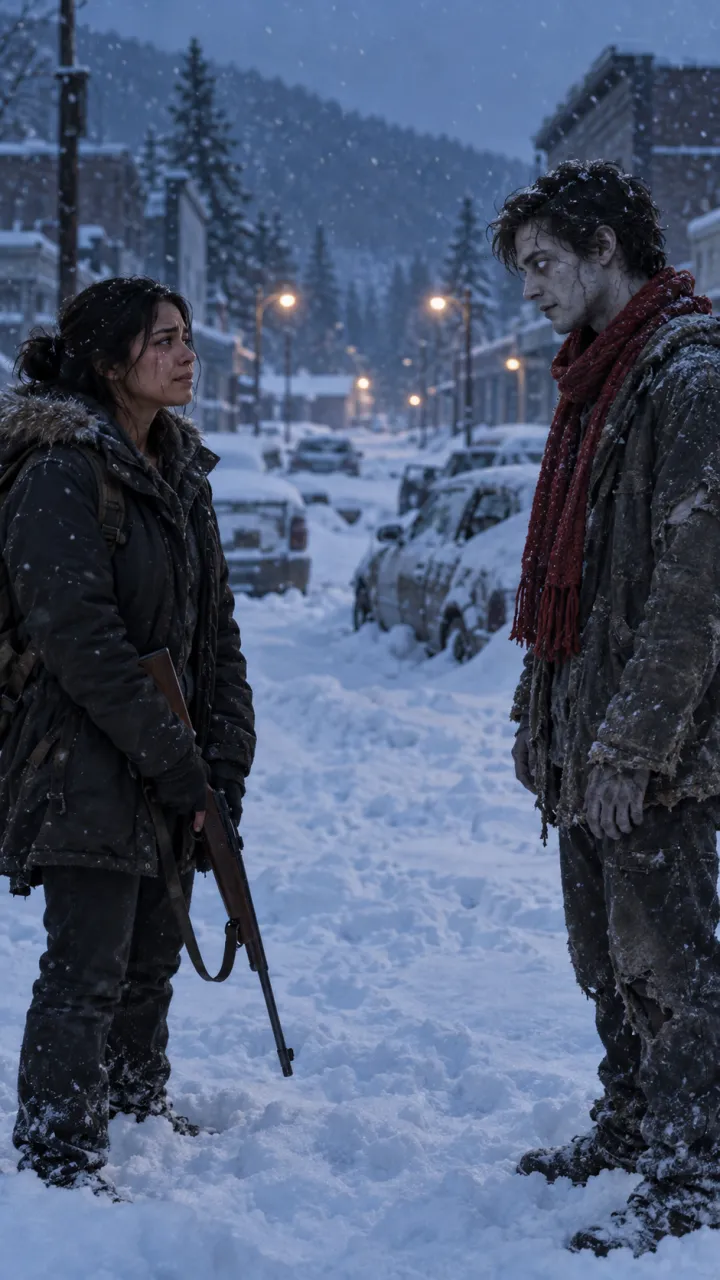
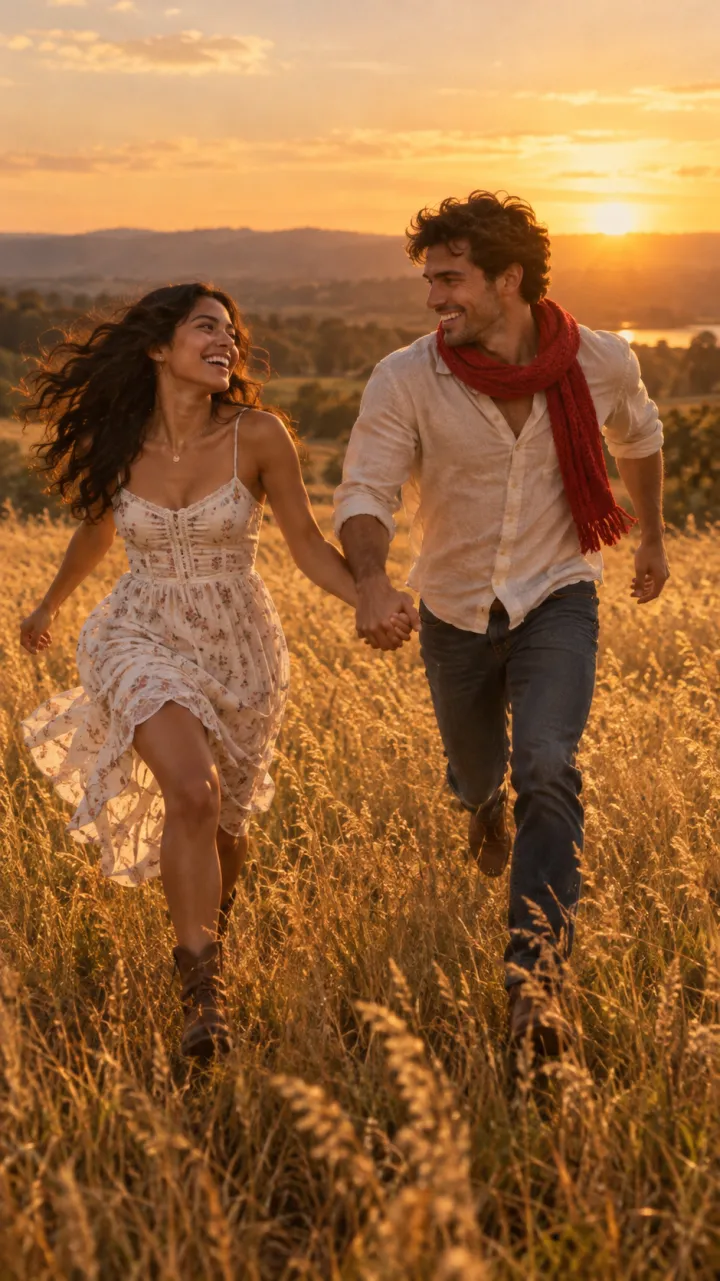
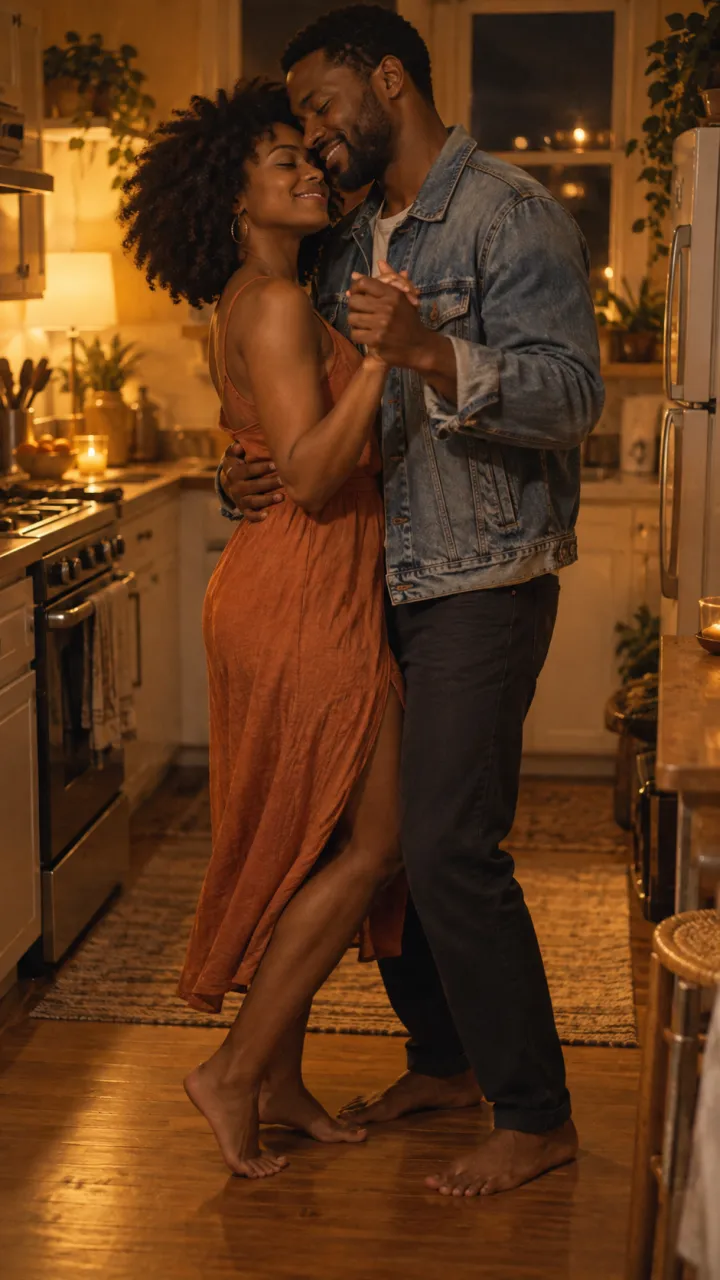
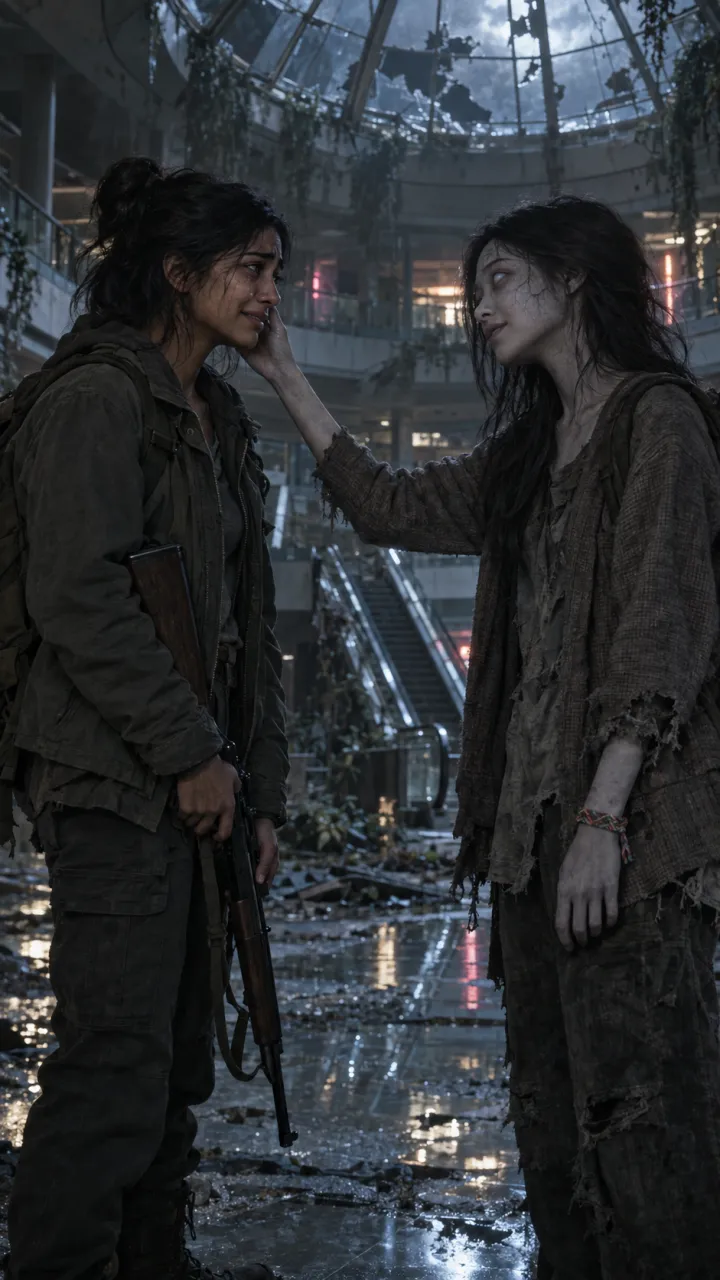
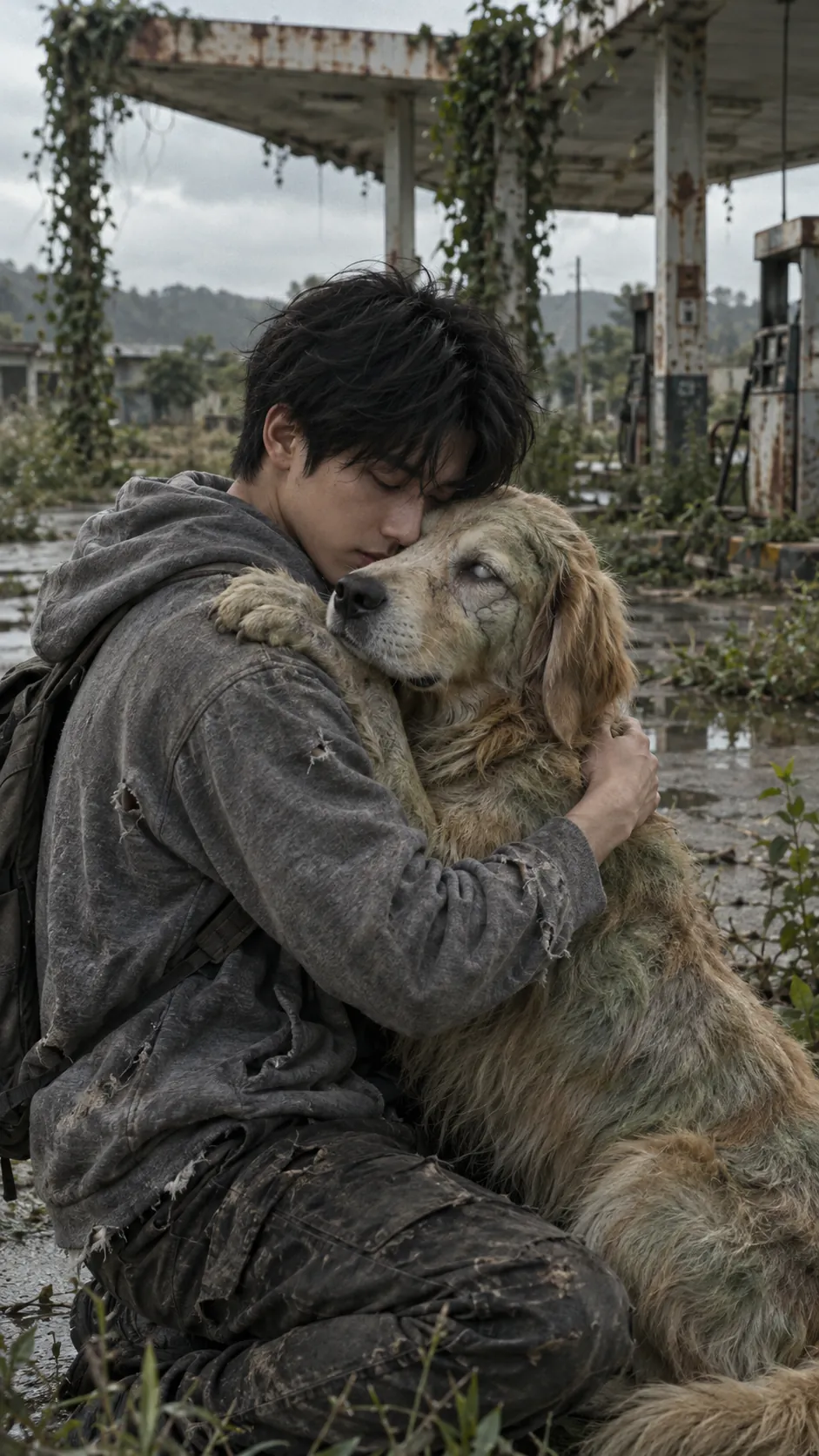
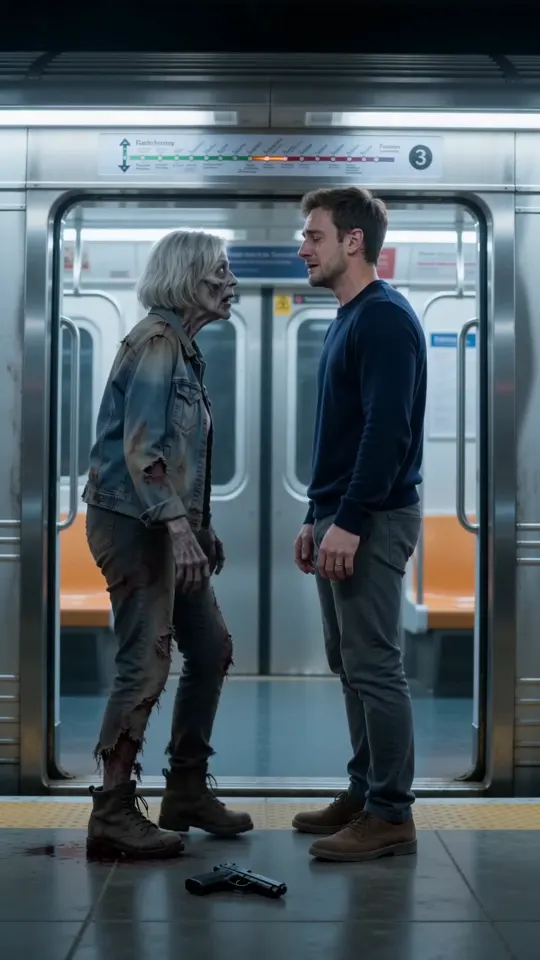
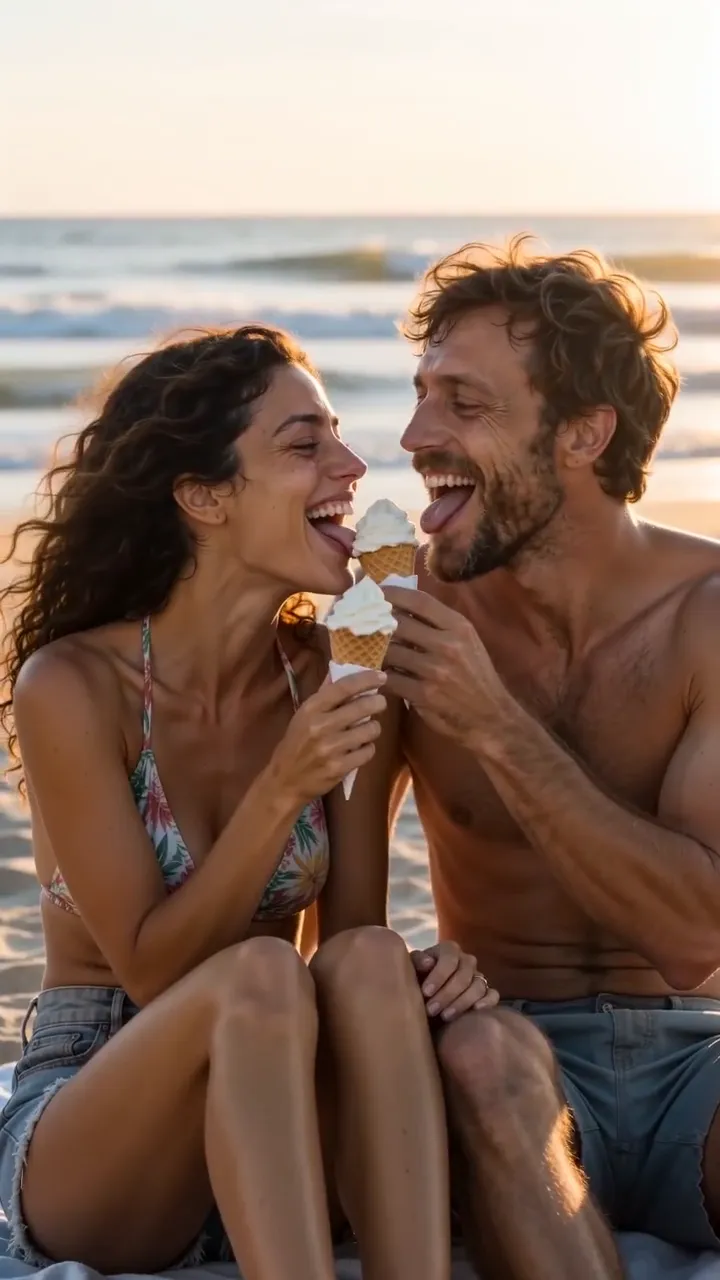
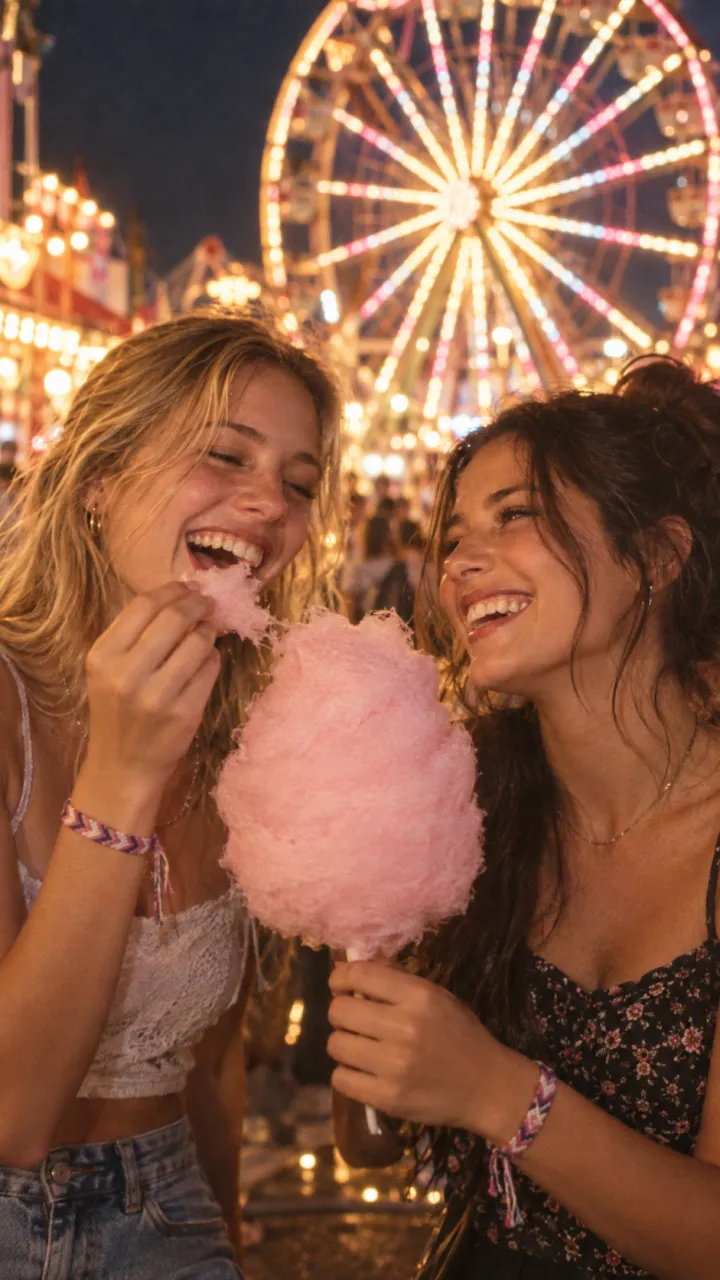
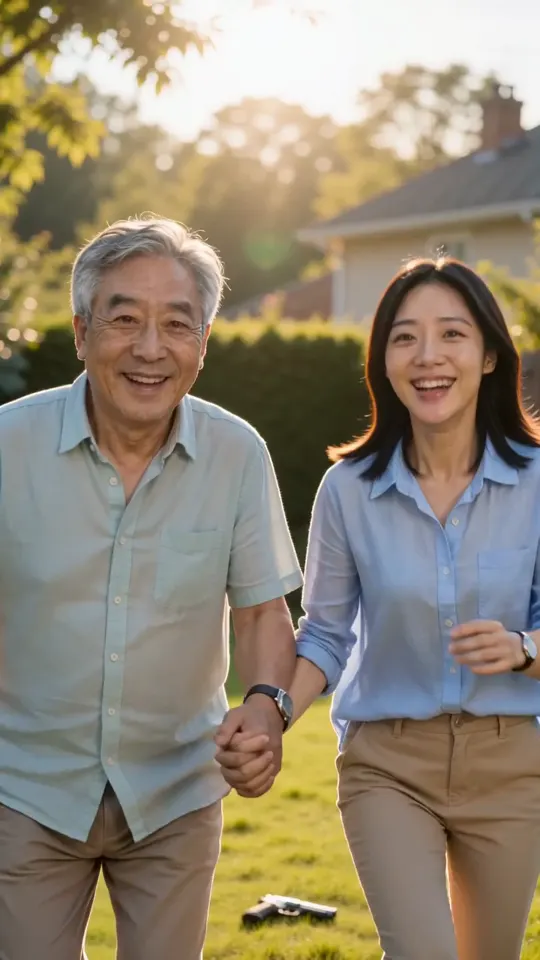
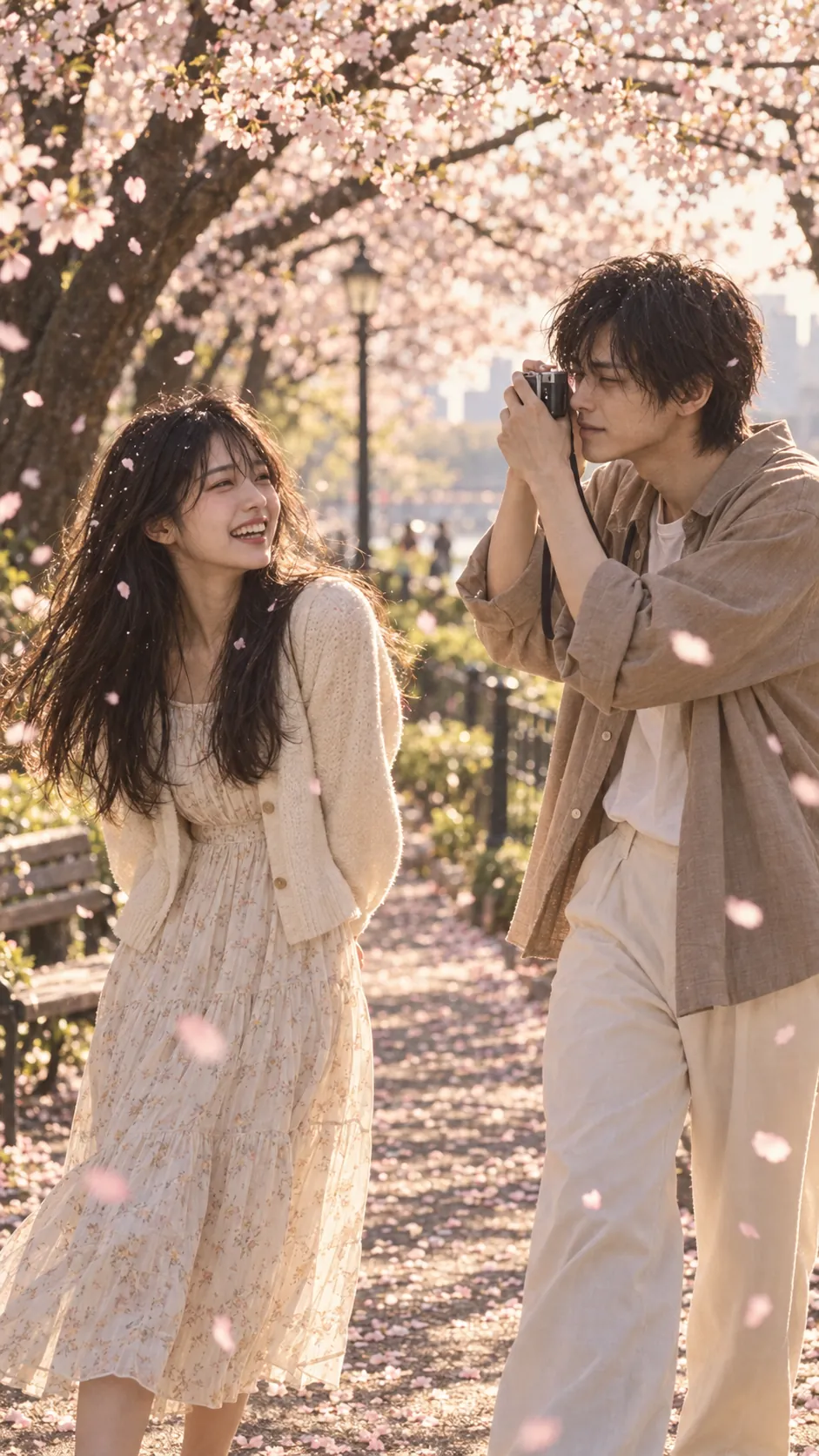
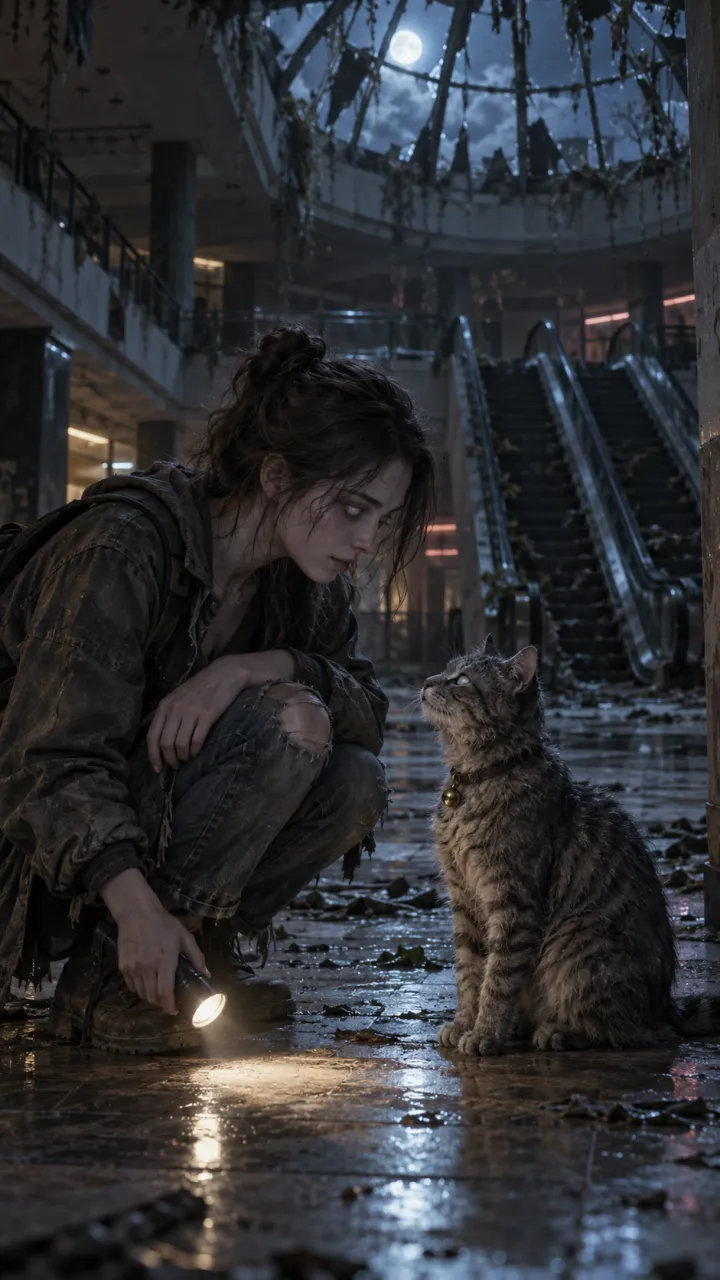
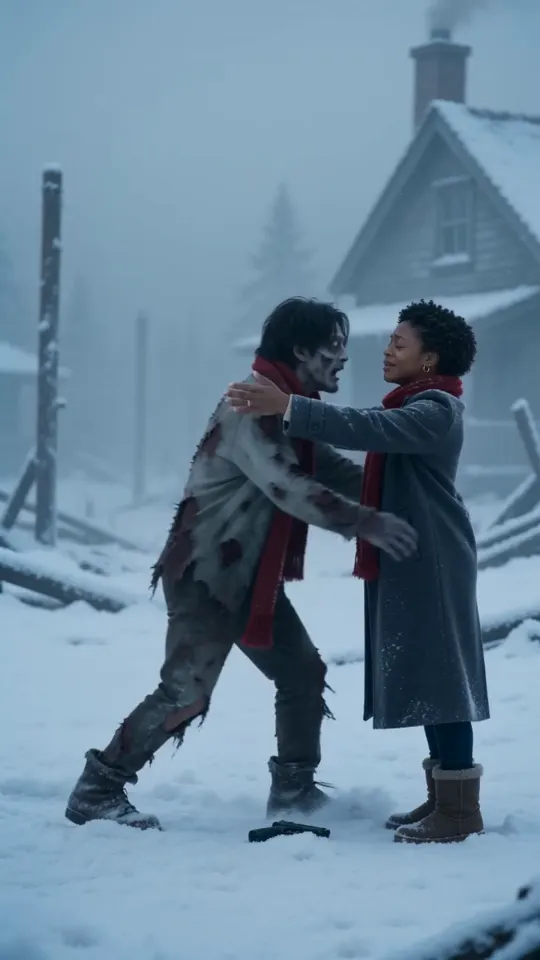
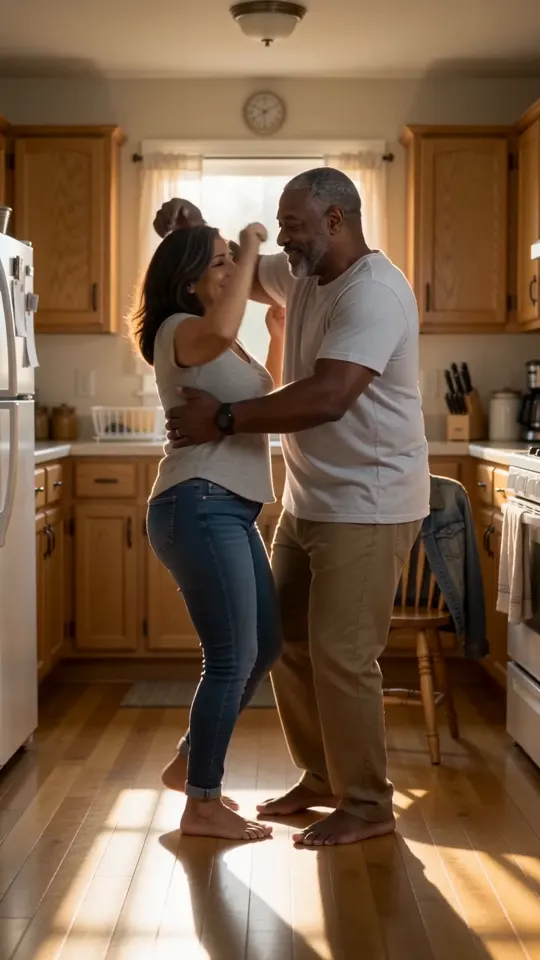
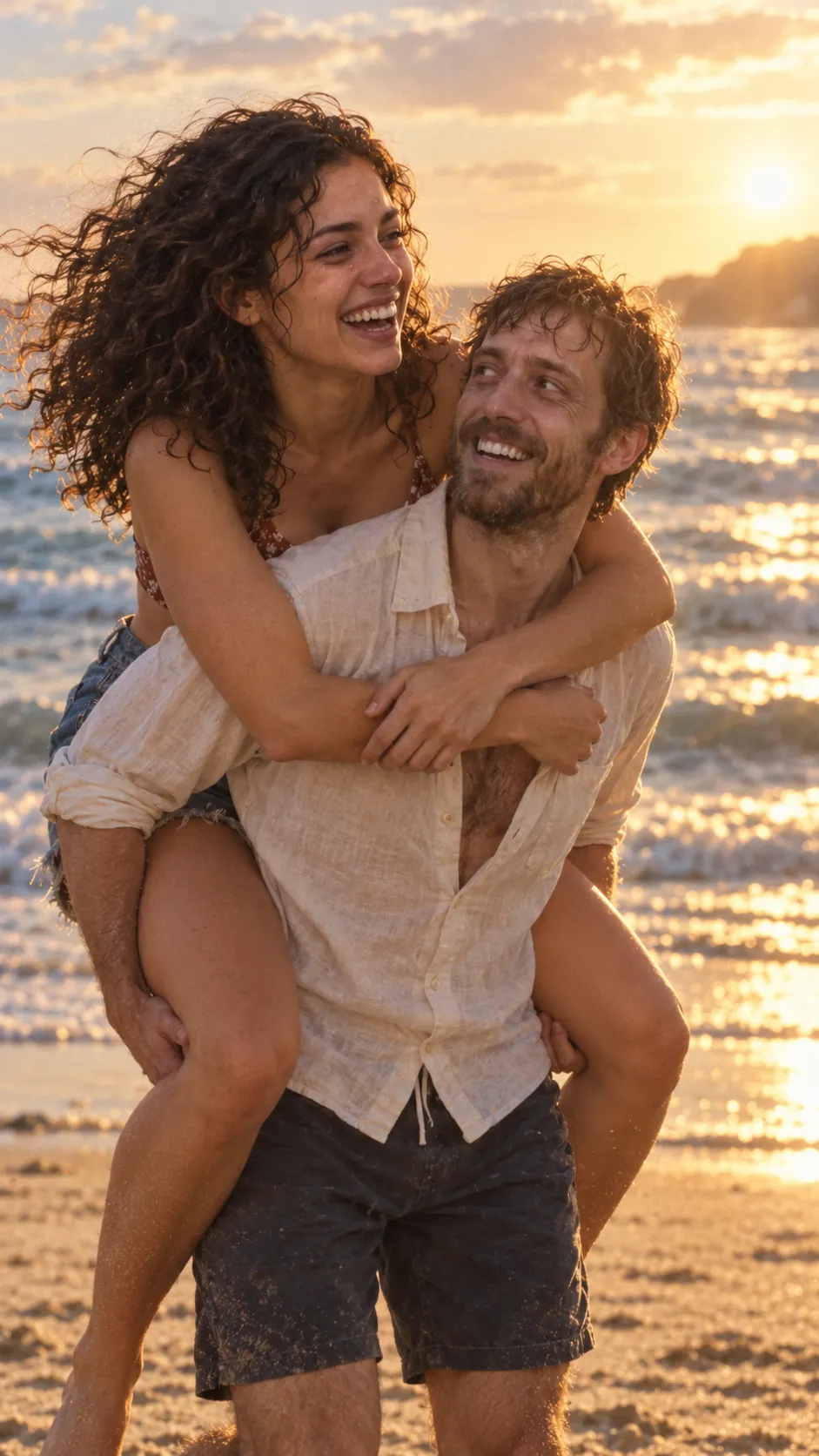
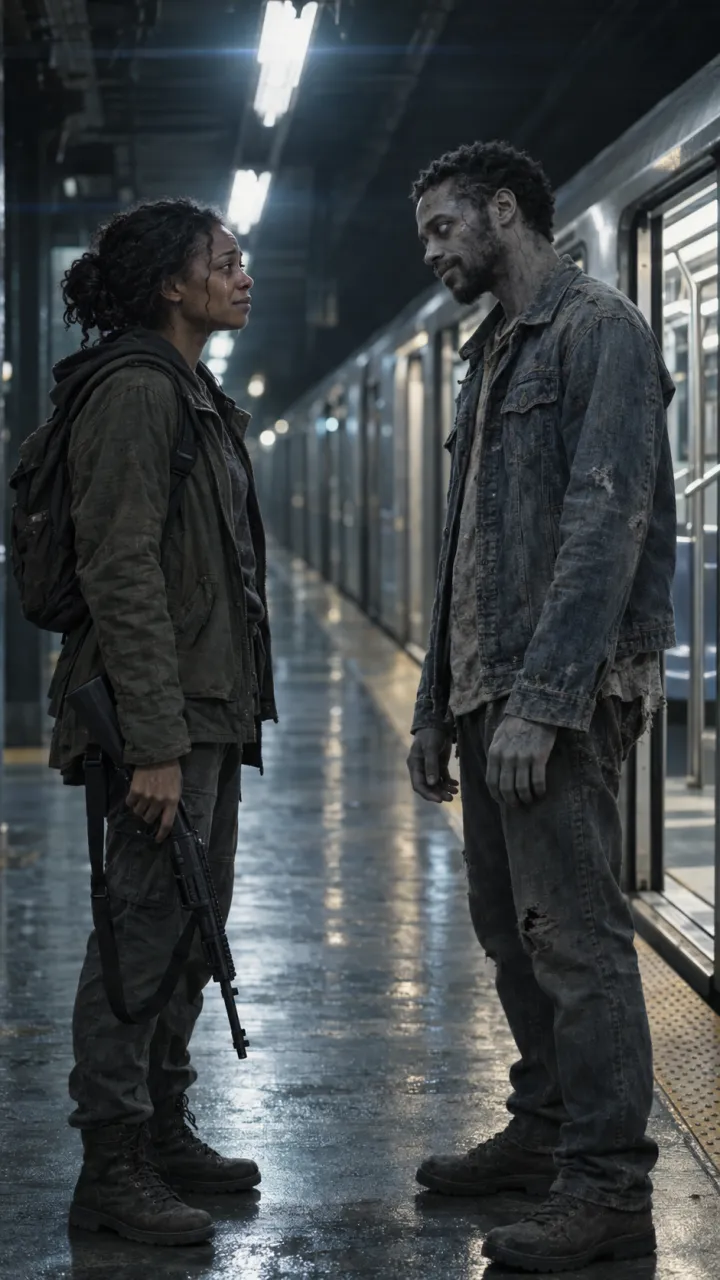
A portrait gets a like; a video gets shared. The AI zombie trend is the version people post: 15 seconds in which one of you has turned, the other can’t let go, and it hard-cuts to a warm memory of you both.
On the Halloween zombie video maker you add a photo of you and one of your partner, friend or pet, pick who turns, and get the finished video with sound in about 5 to 10 minutes. How to make it, step by step.
Photos that work
- One person or pet per photo, facing the camera.
- Even light: no hard shadow across the face, no sunglasses.
- Sharp and recent, from the chest up.
- Nobody under 18 in either photo.
More in the best photos for the zombie trend.
Keep it PG-13
Pale skin and clouded eyes read as zombie without blood. Gory images are more likely to be age-restricted or shown to fewer people, and a gentle zombie is the one friends send on.
Questions
How do I turn a photo of myself into a zombie for free?
Upload the photo to an AI tool that edits photos, such as ChatGPT or Gemini, and ask it to turn the person into a movie zombie while keeping the face, pose and background the same. The prompt in this guide does that and keeps it PG-13. Free tiers have daily limits.
Can I turn my photo into a zombie video?
Yes. AI Zombie makes a 15-second zombie video with sound from two photos: one of you turns, the other holds on, and it hard-cuts to a warm memory of you both. It takes about 5 to 10 minutes.
Will the zombie still look like me?
Mostly, if the photo is sharp, front-facing and evenly lit, and the prompt asks to keep the face and features. Hard shadows, sunglasses and group shots make the likeness drift.