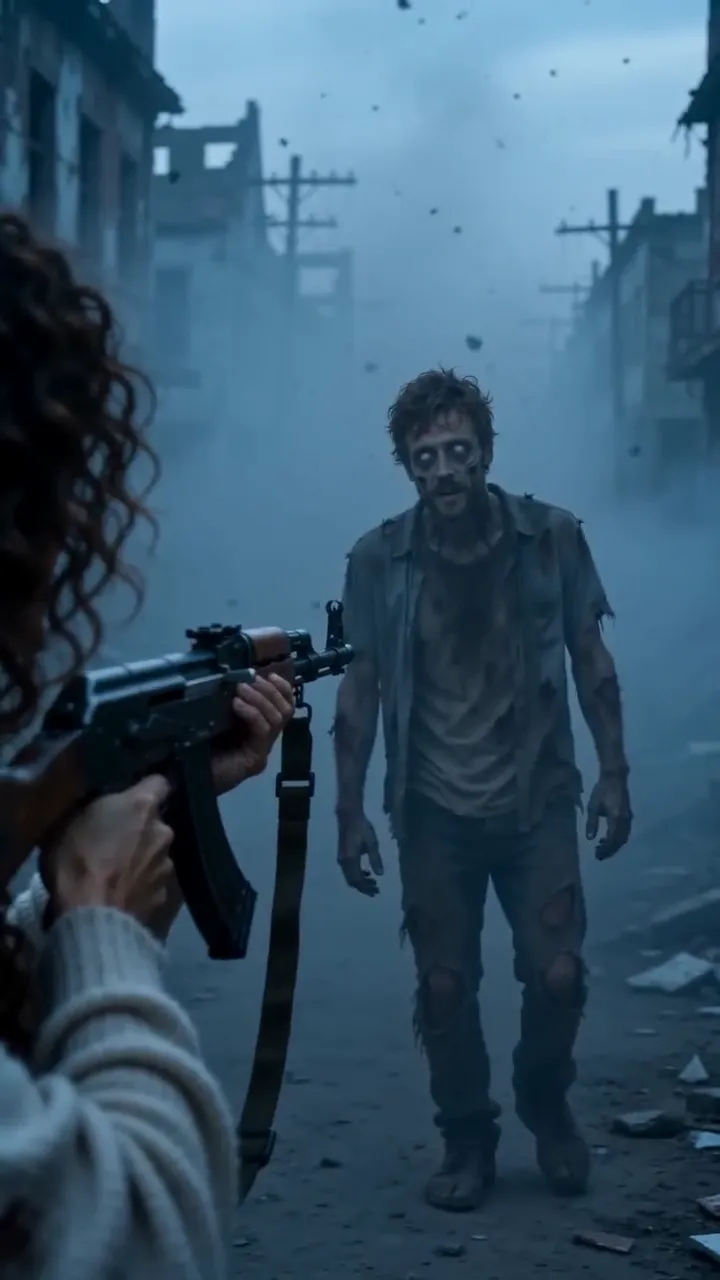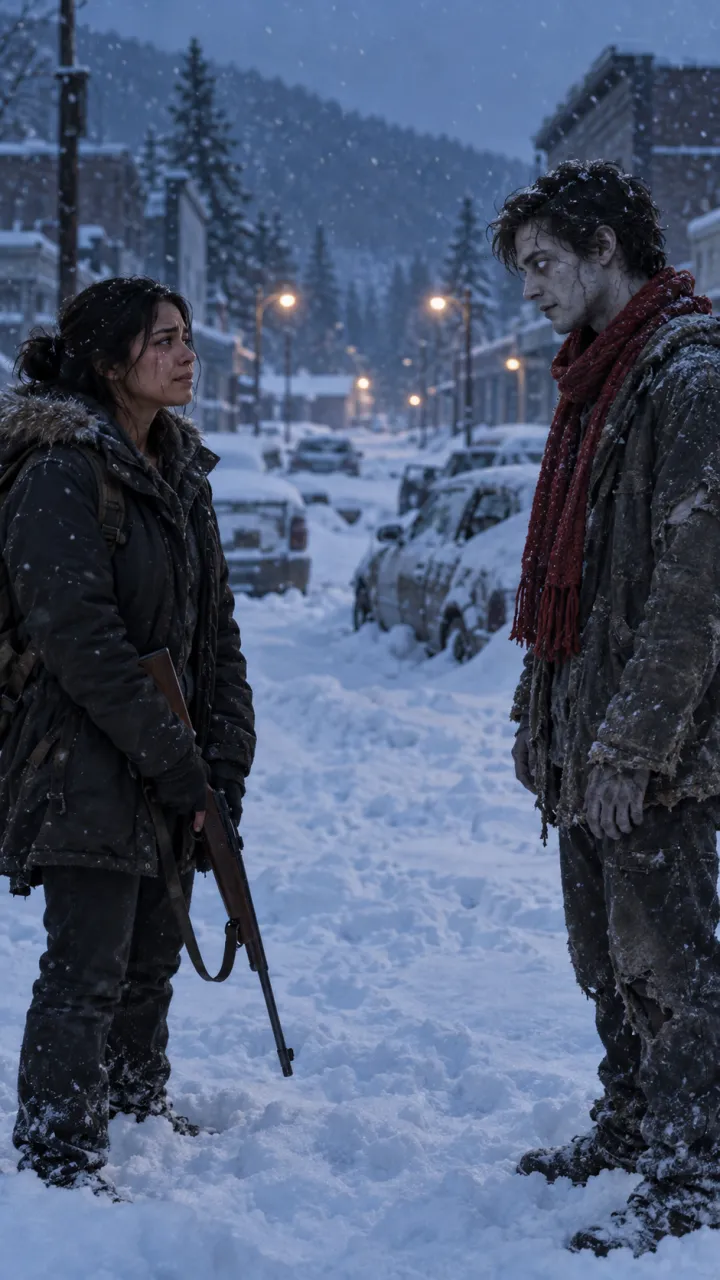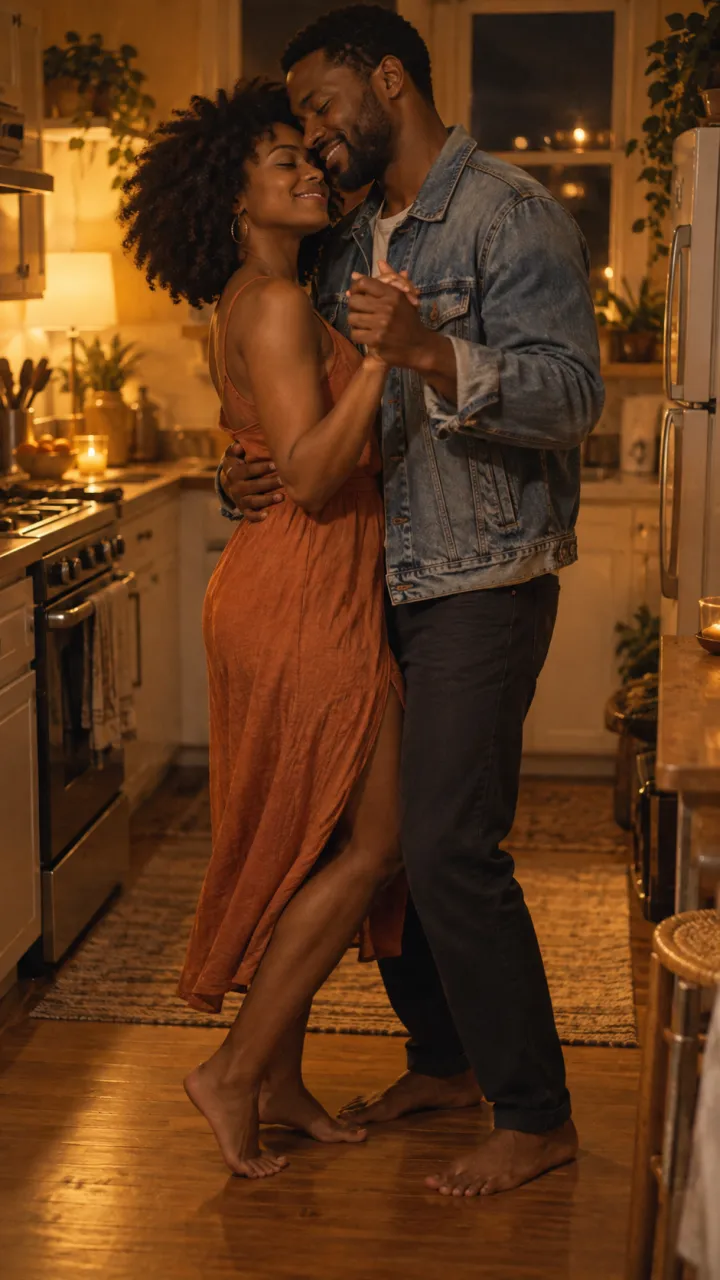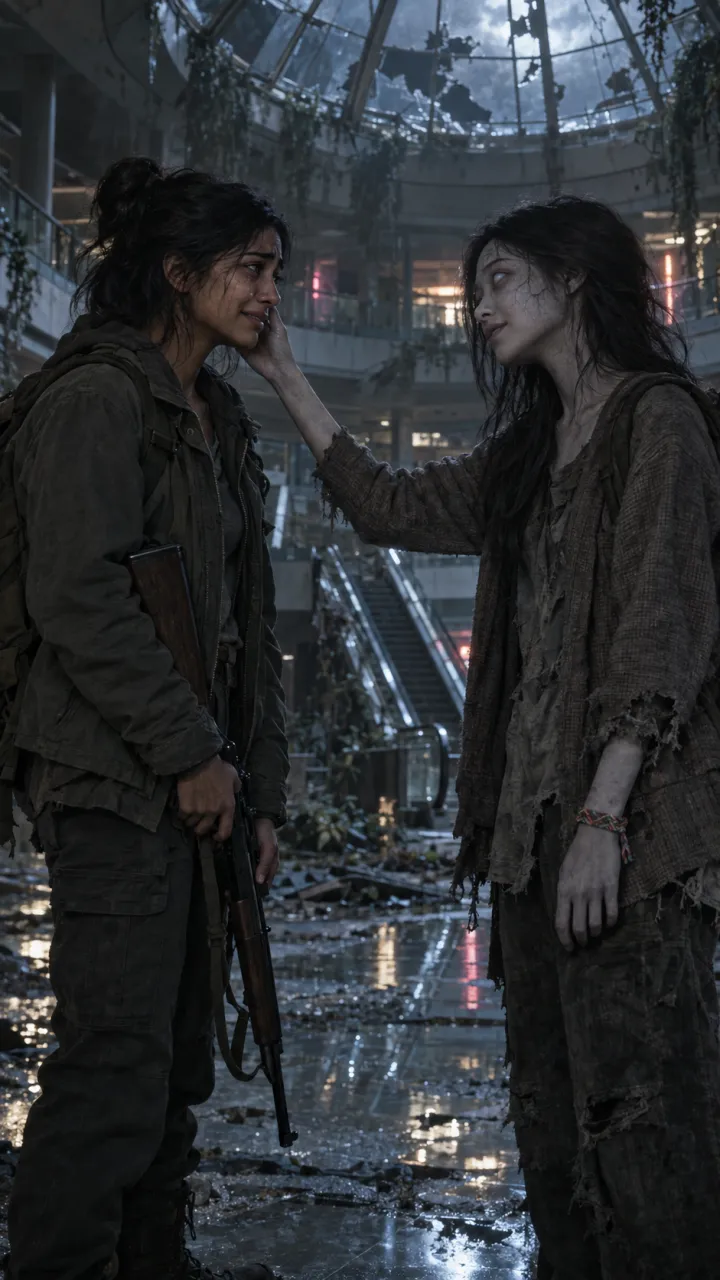
How to make the zombie trend with Kling AI
Make the AI zombie trend with Kling 3.0: an Element for each face, start and end frames for the cold clip, the prompts to paste, free credits, and the hard cut.
5 min read · Updated
What Kling gives you
Kling is Kuaishou’s video model, now at kling.ai. According to Kling, VIDEO 3.0 and 3.0 Omni make clips of up to 15 seconds in 9:16, with sound, and can put several shots in one video. Two features suit the zombie trend: start and end frames, which pin where the cold clip begins and lands, and Elements, which keep each face the same across clips. The hard cut to the warm memory is still easiest to place in an editor, so make two clips. This page was checked against Kling’s own guides on 11 October 2026.
Step 1: make an Element for each person
In the Element Library, create one Element per person from up to four clear photos taken from different angles: straight on, three-quarter, in good light. Kling’s user policy says you need the rights or permission for what you upload and must not use someone’s likeness without it, so ask the other person first. The best photos guide covers which photos work.
Step 2: make the frames
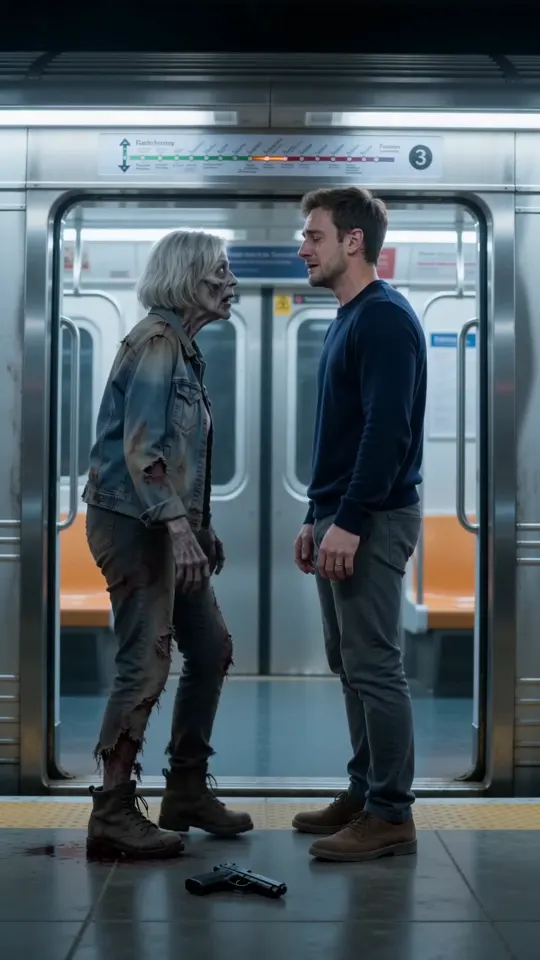
Make a cold still of the stand-off and a warm still of the memory in any image tool that takes reference photos. If you want to pin the end of the cold clip too, make a third still of the embrace.
Cold still
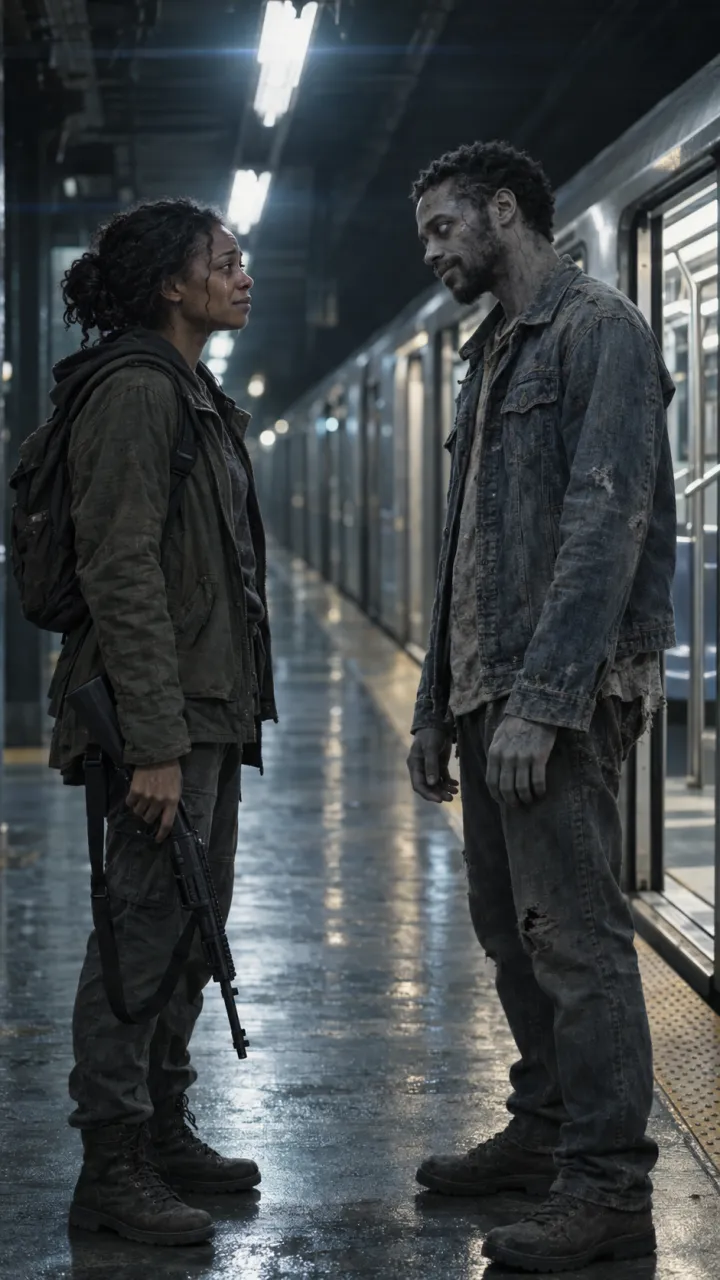
Using the two attached photos, make a vertical 9:16 film still. An empty hospital corridor lit by red emergency lights, papers on the floor. The person from the first photo stands holding a fire axe pointed at the floor. At the far end stands the person from the second photo, turned into a zombie: pale grey skin, clouded white eyes, a torn hospital gown, calm and still. Keep both faces exactly as in the photos. Cinematic, PG-13, no blood, no text.
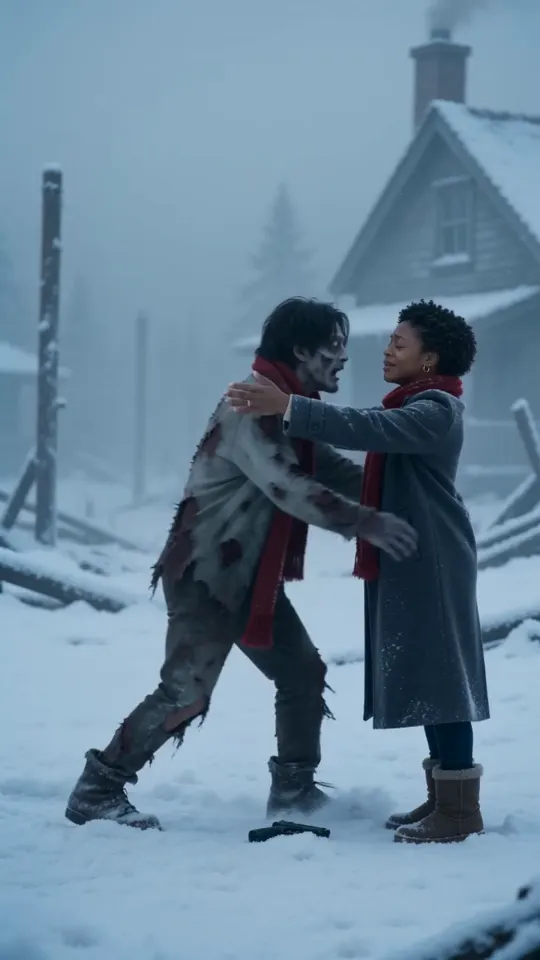
Embrace still (optional end frame)
Same corridor, same two people, same light. The survivor holds the turned person in a tight hug, eyes closed, the axe on the floor beside them. Vertical 9:16, cinematic, no blood, no text.
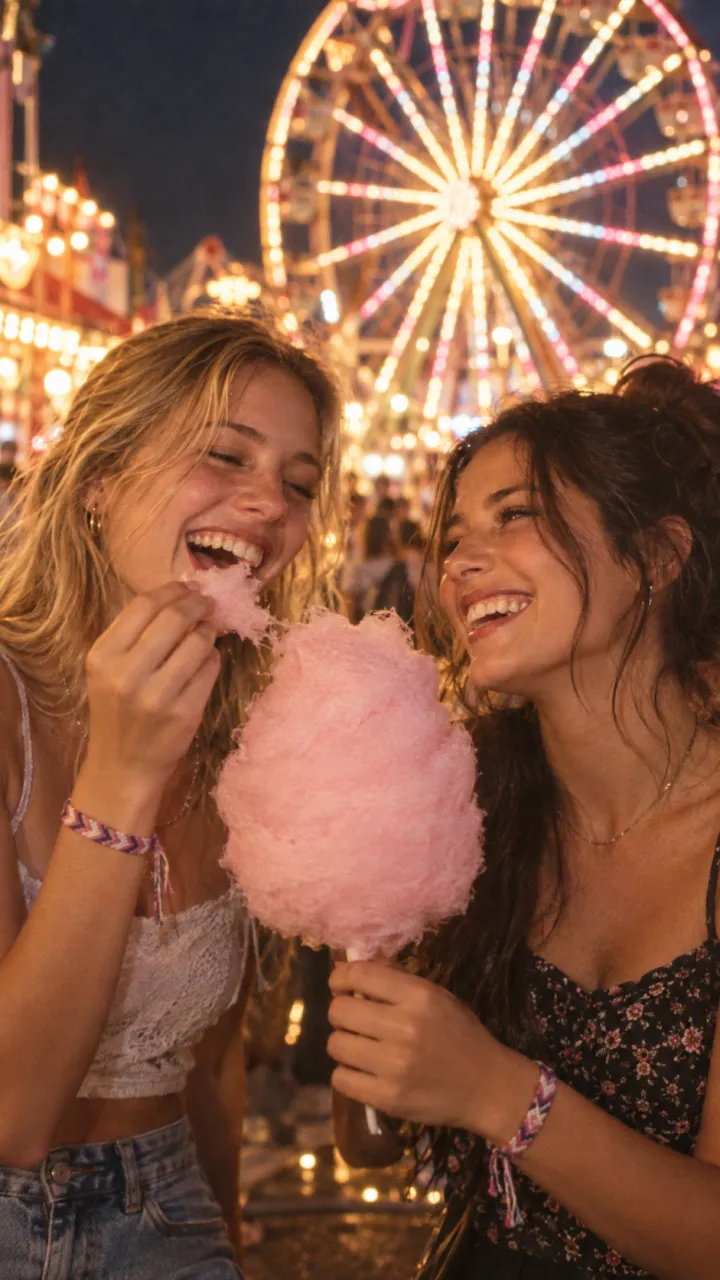
Warm still
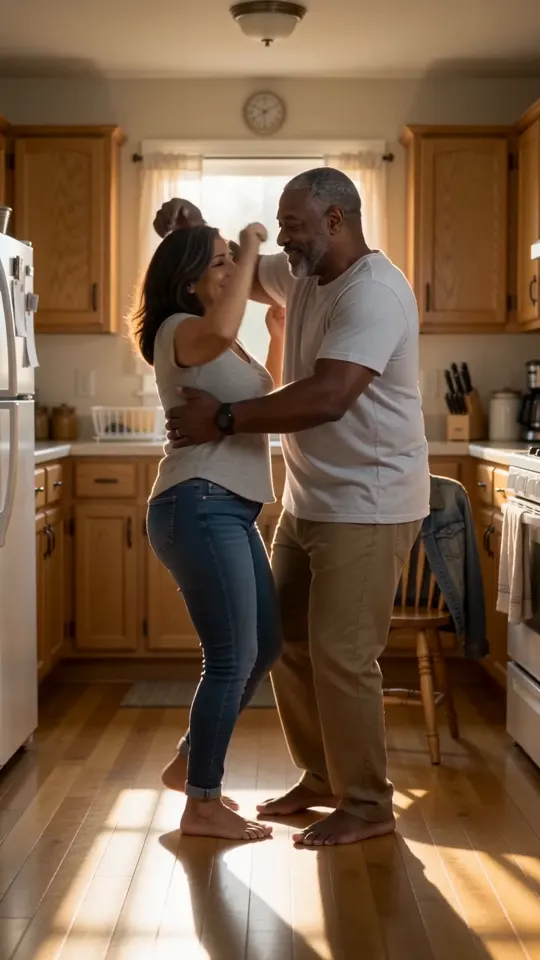
Using the same two photos, make a vertical 9:16 film still of both people, alive and happy, dancing barefoot in a sunlit kitchen in the morning, warm light through the window, candid and close. Same faces and hair as the photos. Cinematic, 35mm film grain, no text.
Step 3: generate the two clips
- Start an image-to-video in Kling 3.0 and put the cold still as the start frame, and the embrace still as the end frame if you made one.
- Bind both Elements, set 9:16 and 10 seconds, paste the cold prompt and generate.
- Start a second video from the warm still, bind both Elements again, set 5 seconds and paste the warm prompt.
Cold clip
Slow push-in down the corridor. The emergency lights flicker. The turned person walks slowly closer. The survivor raises the axe, recognises them, and lets it fall. They pull each other into a tight hug. Red and blue light, a distant alarm, a low heartbeat. No dialogue, no blood.
Warm clip
Handheld, morning sun. The two of them dance barefoot around the kitchen, laughing, then one spins the other and they hug. Music from a small radio, laughter. Natural, joyful, no dialogue.
Make two or three takes of each and keep the ones where the faces hold. Download them without the watermark if your plan allows.
Step 4: join the clips with a hard cut
Put both clips in a 9:16 project, cold first, trim the cold clip to end on the embrace and cut straight into the memory with no transition. The CapCut guide has the timing, the line and the sound.
The one-step route
Elements, three stills and two clips is a lot for a 15-second video. AI Zombie takes two photos and returns the finished video with sound and the cut in place, no watermark. For other models, see the Dreamina and PixVerse guides.
Questions
Does Kling have a zombie trend effect?
Not as of 11 October 2026. Kling has a library of creative effects, but none for the zombie trend, so you make it from your own stills and prompts. That takes longer, but you choose the scene and the memory.
Can I make the zombie trend with Kling for free?
Kling gives free daily credits, though its page doesn’t say how many, and free videos carry a watermark. Getting a video without the watermark needs a paid plan.
How do I keep both faces the same in Kling?
Use Elements. Build one Element for each person from up to four photos at different angles and bind both to every clip. Kling says version 3.0 lets you bind up to three Elements to a start-frame or start-and-end-frame video.