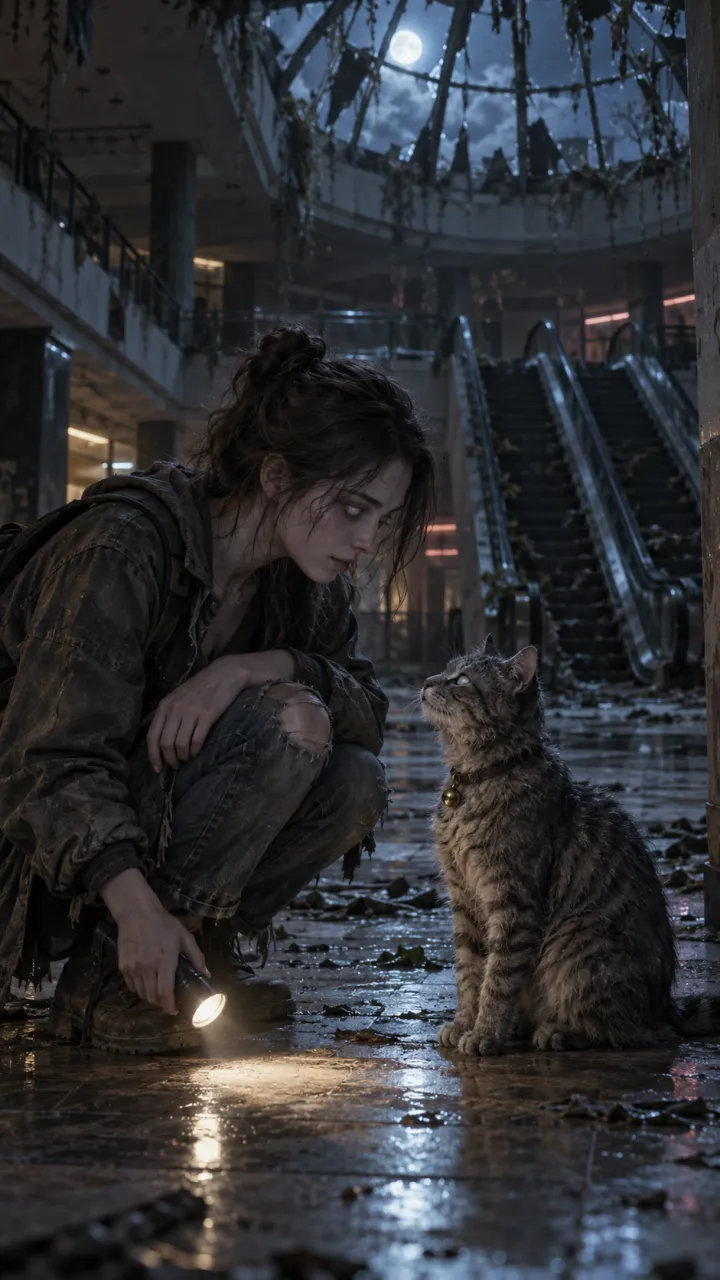
How to make the zombie trend with PixVerse
Make the AI zombie trend with PixVerse V6: what the free plan gets you, the two start frames, the clip prompts, the official app versus look-alikes, and the hard cut.
5 min read · Updated
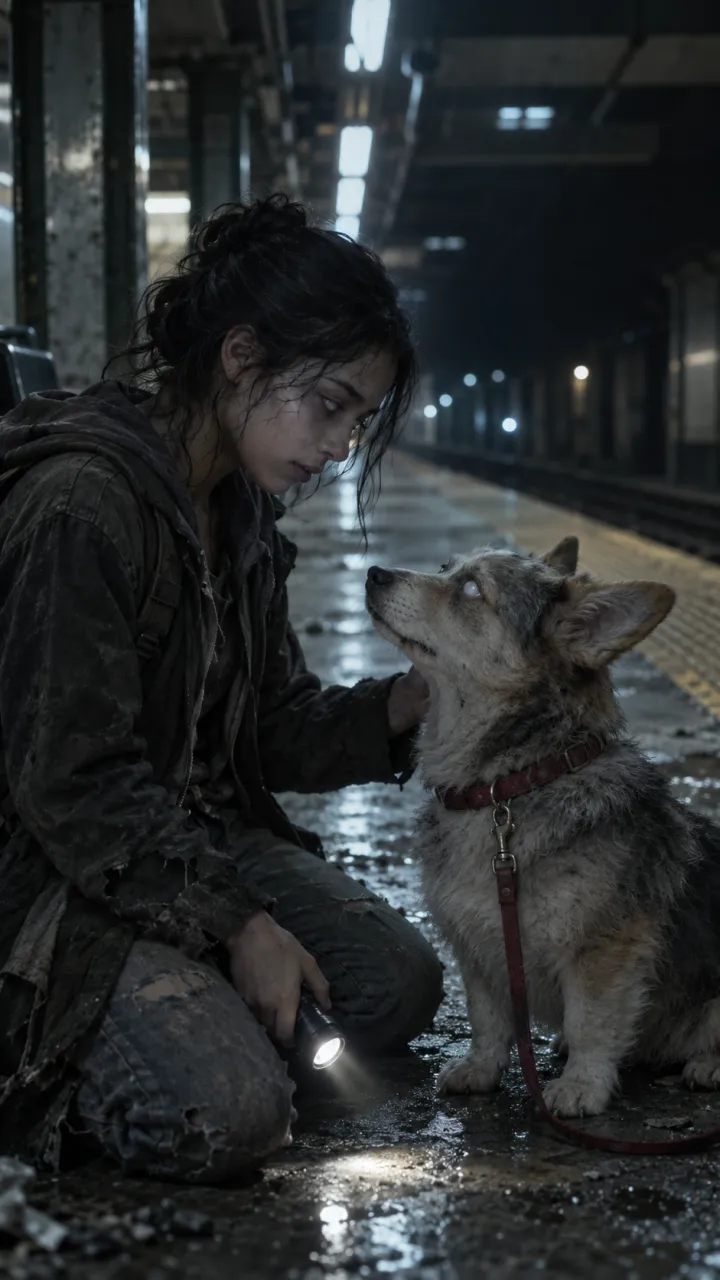
What PixVerse gives you
PixVerse is a video generator many free zombie trend tutorials use. According to PixVerse, its V6 model makes clips of 1 to 15 seconds, from 360p to 1080p, with sound, and supports 9:16. You can start from a single image, from a first and last frame (Transition), or blend several reference images (Fusion). The zombie trend turns on a hard cut from a cold scene to a warm memory, which is easiest to place yourself, so make two clips and join them. PixVerse’s terms set a minimum age of 16. This page was checked against PixVerse’s own pages on 11 October 2026.
Step 1: make two start frames
Make a cold still and a warm still from a clear photo of each person in any image tool that takes reference photos. PixVerse’s terms ask for the necessary permissions before you share videos of recognisable real people, so ask the other person first. It works the same with a pet; the dog and cat guide has the changes.
Cold still
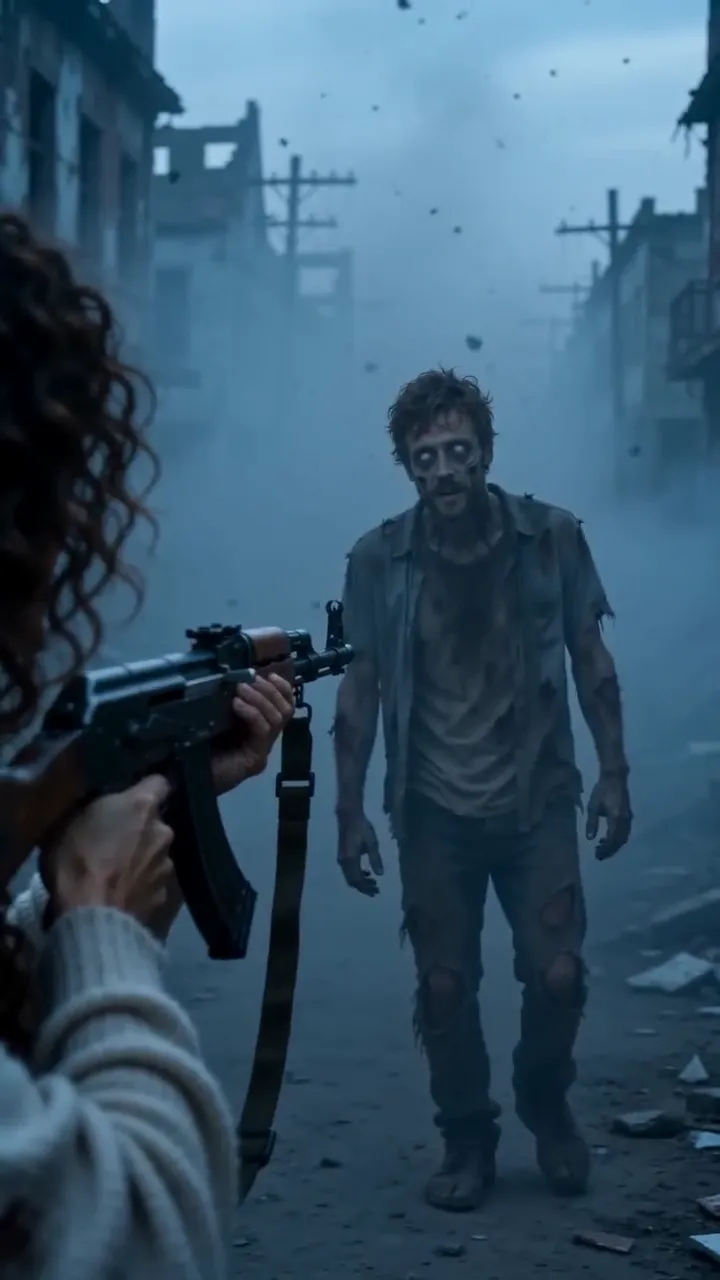
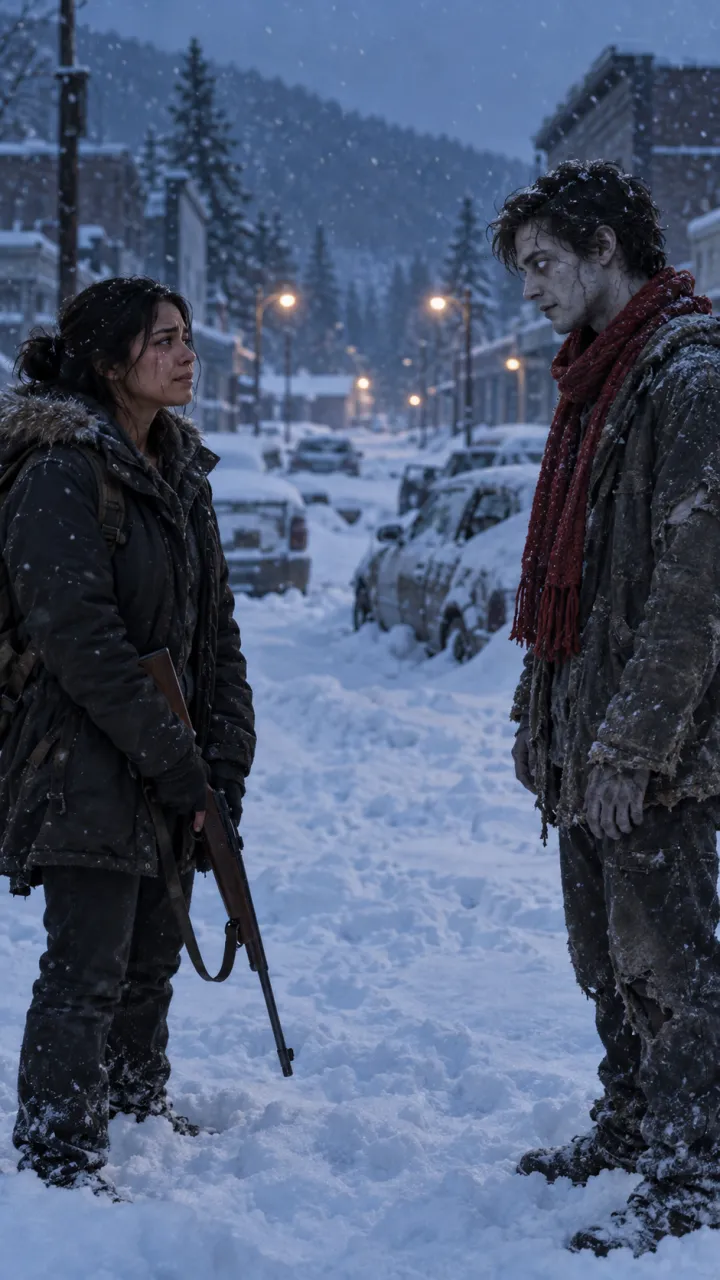
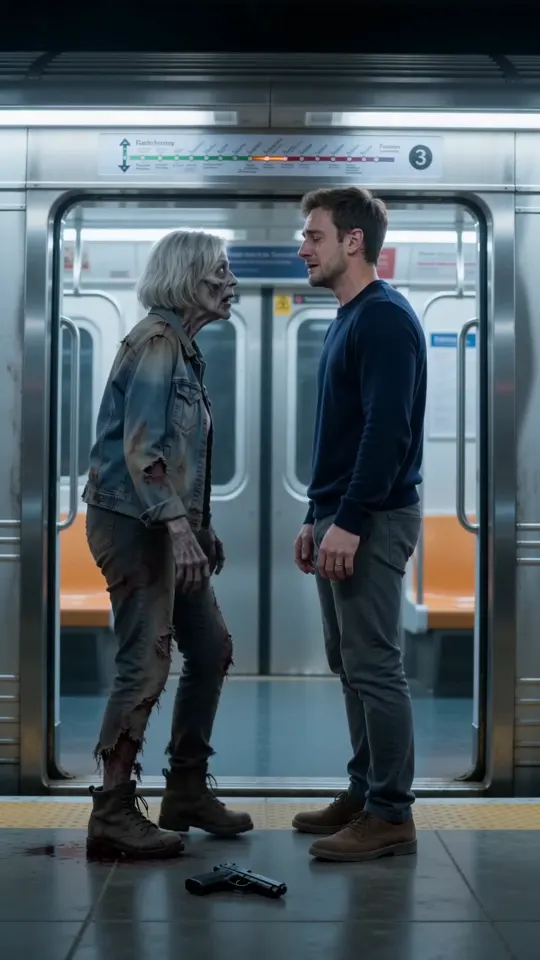
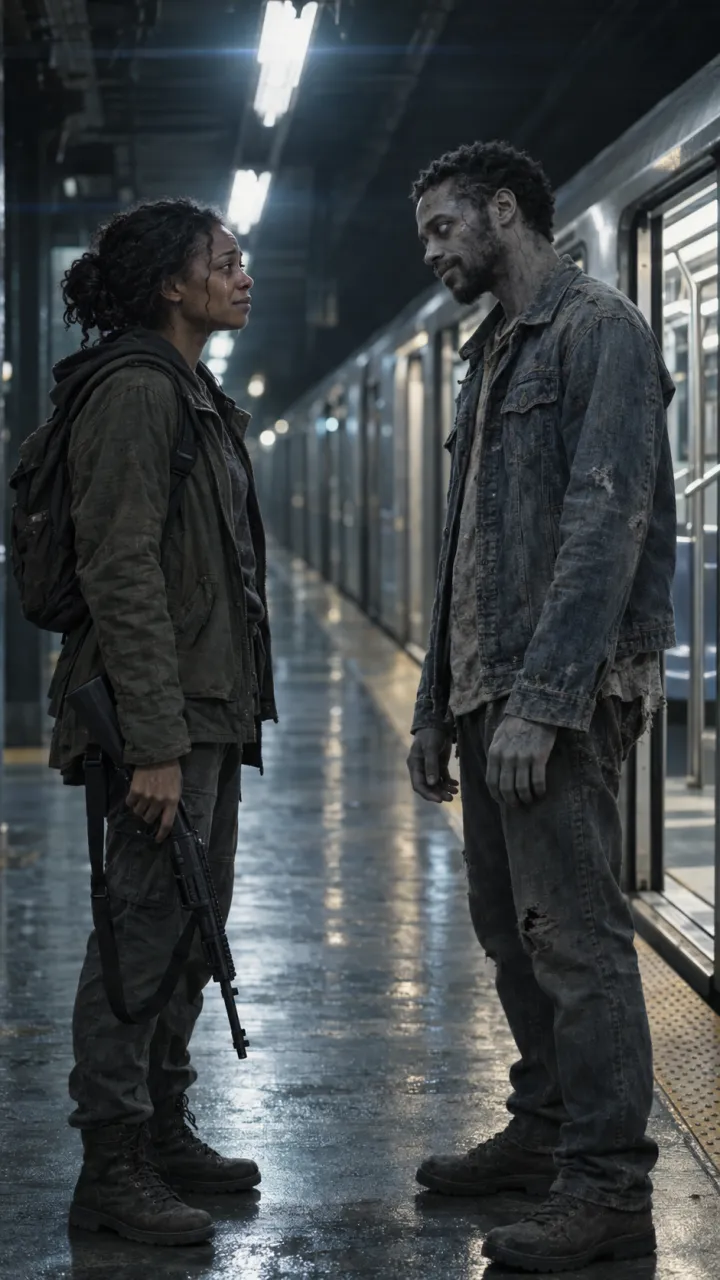
Using the two attached photos, make a vertical 9:16 film still. An empty metro platform at night, a stopped train with its doors open, cold blue-grey light. The person from the first photo stands holding a pipe pointed at the floor. A few metres away stands the person from the second photo, turned into a zombie: pale grey skin, clouded white eyes, torn jacket, calm and still. Keep both faces exactly as in the photos. Cinematic, PG-13, no blood, no text.
Warm still
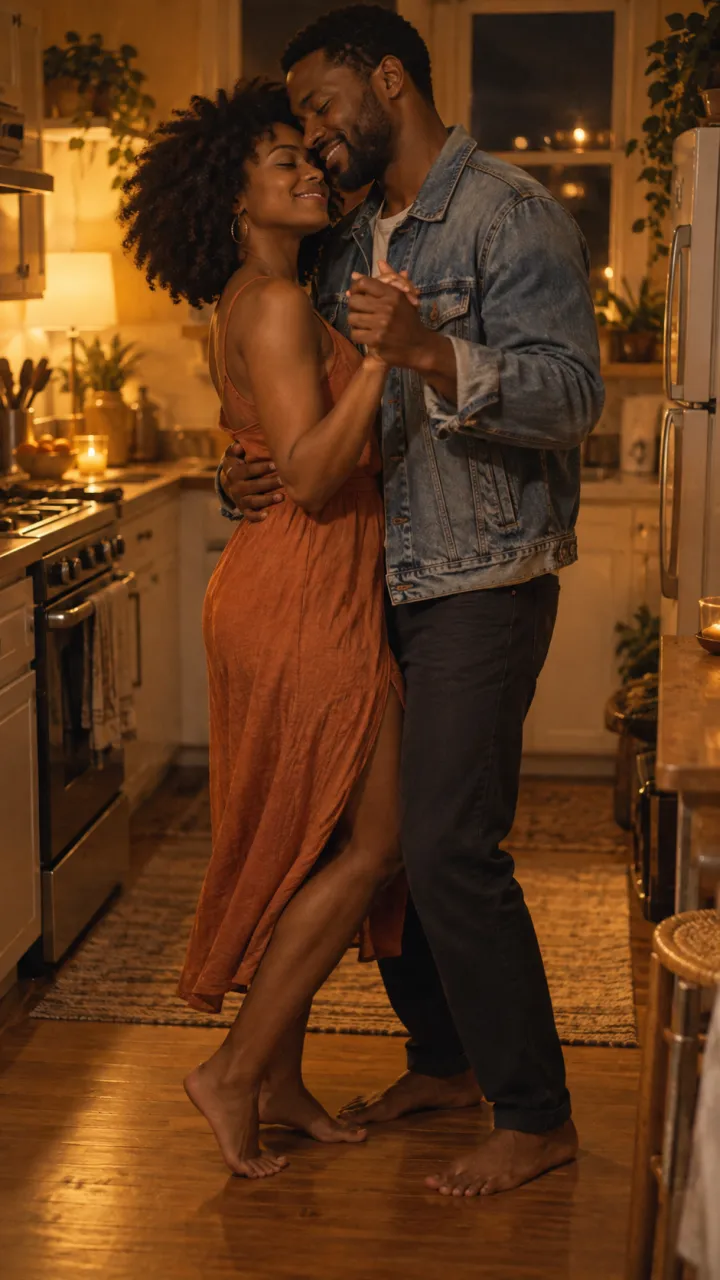
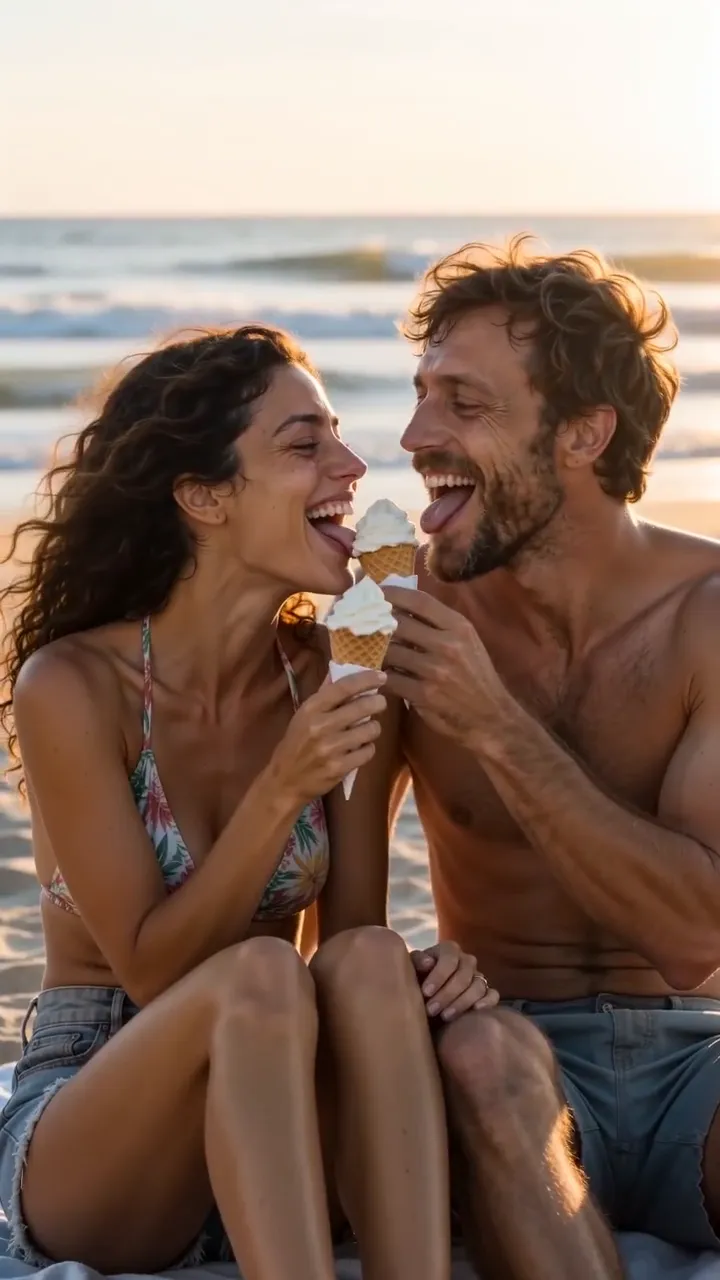
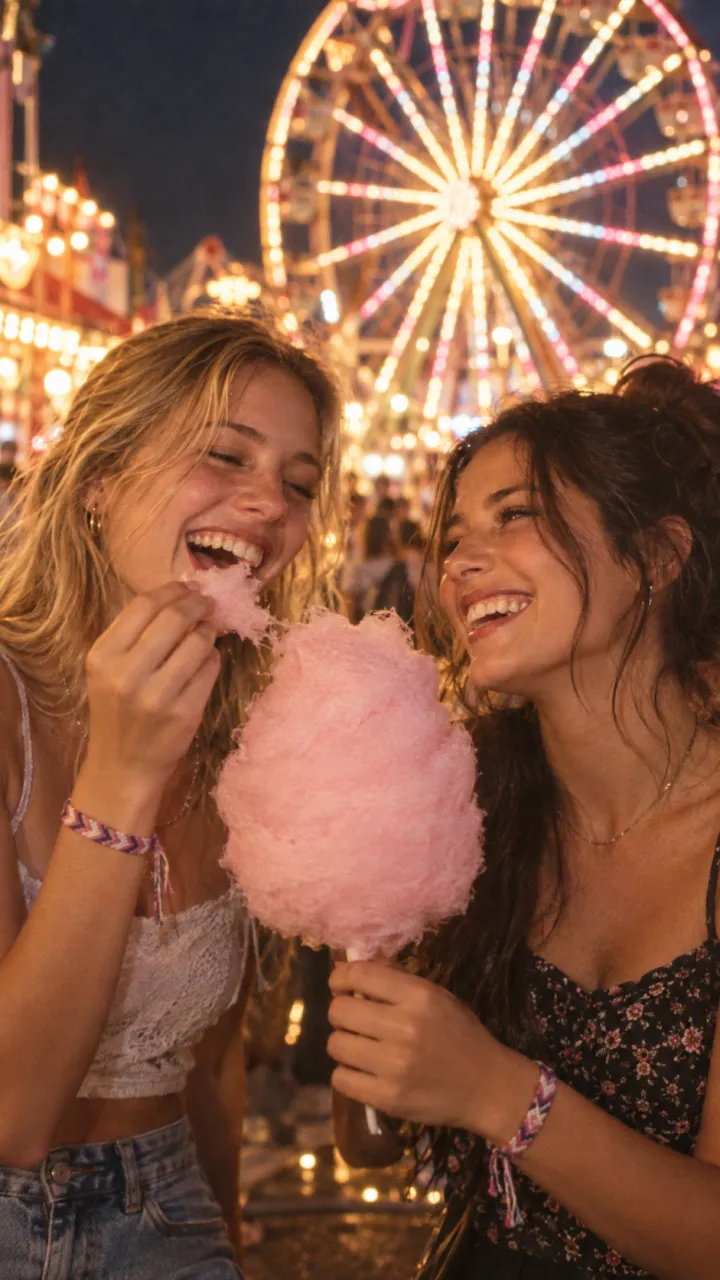
Using the same two photos, make a vertical 9:16 film still of both people, alive and happy, singing along in a car on a summer road trip, windows down, warm late-afternoon light, candid and close. Same faces and hair as the photos. Cinematic, 35mm film grain, no text.
Step 2: animate each still
- Choose image-to-video with the V6 model and upload the cold still.
- Set 9:16 and 10 seconds, turn sound on, paste the cold prompt and generate.
- Do the same with the warm still and the warm prompt, at 5 seconds.
Cold clip
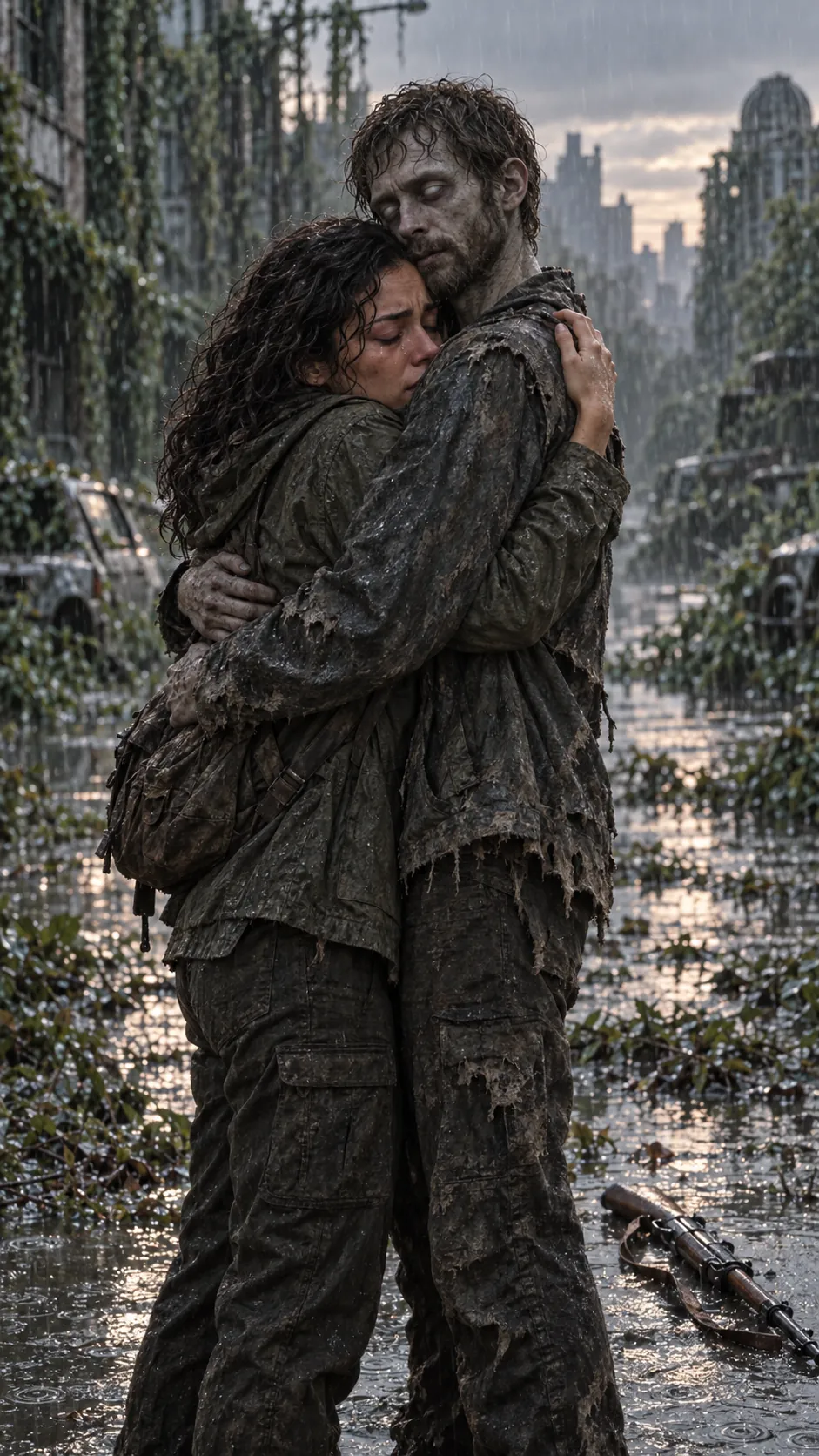
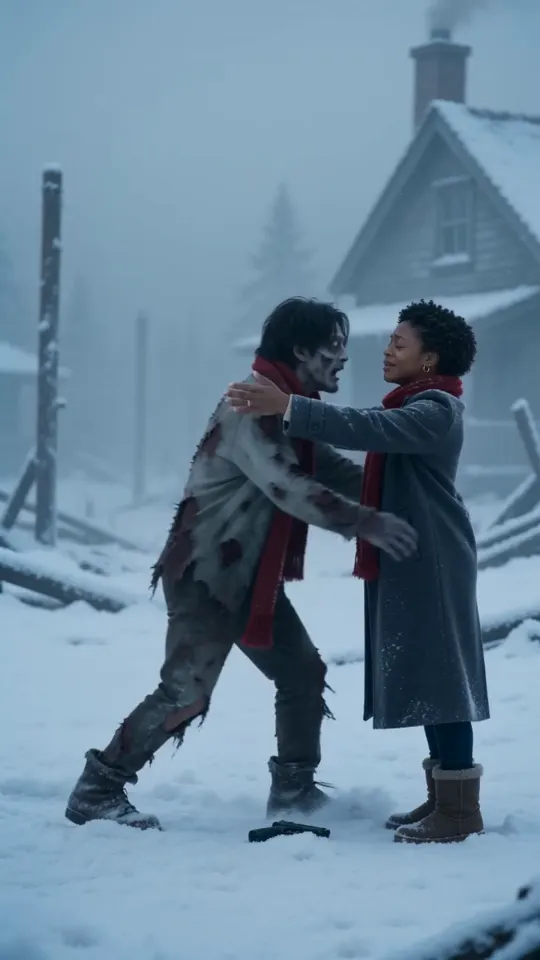
Slow push-in along the platform. The lights buzz and flicker. The turned person takes two slow steps closer. The survivor raises the pipe, recognises them, and lets it drop with a clang. They hold each other tightly, eyes closed. Cold blue light, distant dripping water, a low heartbeat. No dialogue, no blood.
Warm clip
Handheld inside the car, warm late sun. The two of them sing along loudly, laughing, hair blowing in the wind, then one leans over and hugs the other. Road noise, music, laughter. Natural, joyful, no dialogue.
On the free plan, make your takes at a lower resolution until the faces hold, then make the keeper at full quality. Download both.
Step 3: join the clips with a hard cut
Put both clips in a 9:16 project, cold first, end the cold clip on the embrace and cut straight into the memory with no transition. The CapCut guide has the timing, the line and the sound.
The one-step route
If the credits run out or the faces keep drifting, AI Zombie takes two photos and returns one 15-second video with sound and the cut in place, no watermark. For other models, see the Dreamina and Kling guides.
Questions
Does PixVerse have a zombie trend template?
Not as of 11 October 2026. PixVerse has hundreds of effects, among them AI Hug and a Venom transformation, but none for the zombie trend. You make it from two stills and two prompts.
Can I do the zombie trend on PixVerse for free?
You can make test takes. At the time of writing, PixVerse’s pricing page lists a free plan with 60 starting credits and 30 a day, at up to 540p, with the watermark removed only on paid plans. PixVerse’s own blog puts V6 at 18 credits a second at 1080p, so a full-quality 15-second video is well past the free allowance.
Is the PixVerse app I found the official one?
Check before you upload photos. Look-alike apps use the PixVerse name. Look at the publisher in the app store, or use the website at app.pixverse.ai.